Get Circle Bounds
Demonstrates how to use Phaser.Geom.Circle.GetBounds to calculate and update the axis-aligned bounding box of a moving and resizing circle.
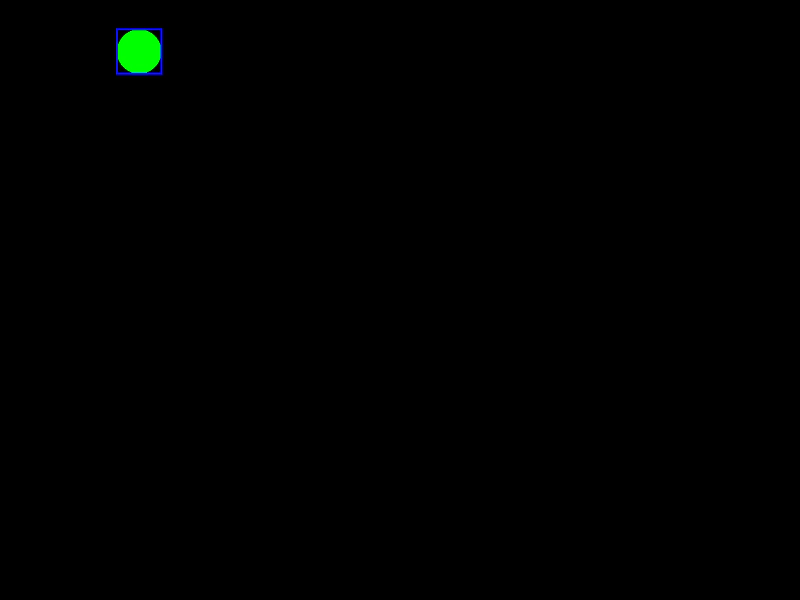
800 × 600
class Example extends Phaser.Scene
{
    a = 0;
    graphics;
    bounds;
    circle;

    create ()
    {
        this.graphics = this.add.graphics({ lineStyle: { width: 2, color: 0x0000ff }, fillStyle: { color: 0x00ff00 }});

        this.circle = new Phaser.Geom.Circle(400, 300, 50);

        // if we omit the out parameter, we get a new Rectangle instance
        this.bounds = Phaser.Geom.Circle.GetBounds(this.circle);
    }

    update ()
    {
        this.a += 0.01;

        if (this.a > Math.PI * 2)
        {
            this.a -= Math.PI * 2;
        }

        this.circle.x = 400 - Math.cos(this.a) * 350;
        this.circle.y = 300 - Math.sin(this.a * 2) * 250;
        this.circle.radius = Math.sin(this.a) * Math.sin(this.a) * 50;

        // or we can supply a Rectangle instance to modify
        Phaser.Geom.Circle.GetBounds(this.circle, this.bounds);

        this.graphics.clear();

        this.graphics.fillCircleShape(this.circle);

        this.graphics.strokeRectShape(this.bounds);
    }
}

const config = {
    scale: { mode: Phaser.Scale.FIT },
    width: 800,
    height: 600,
    type: Phaser.AUTO,
    parent: 'game-container',
    scene: Example
};

const game = new Phaser.Game(config);
More in Circle22 examples
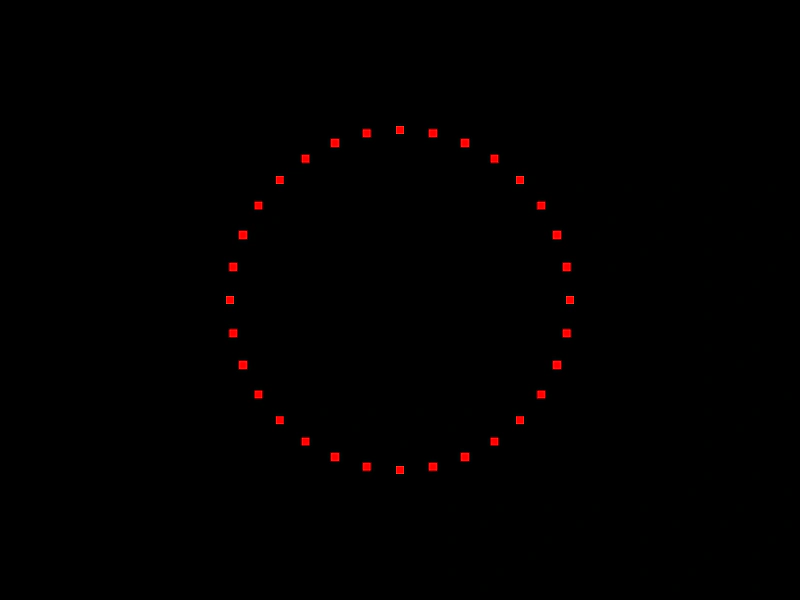 Get Points on a CircleDemonstrates how to distribute a specific number of points evenly around the circumference of a Circle geometry object using the getPoints method.
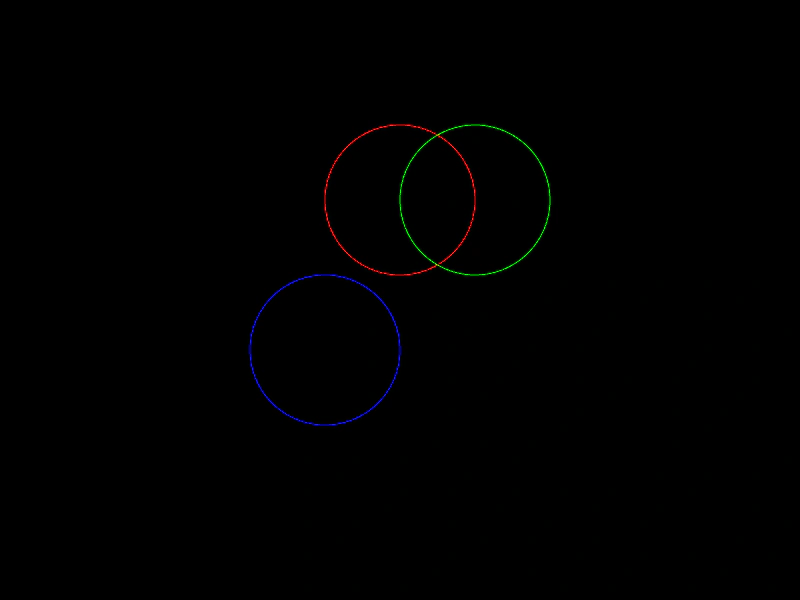 Set Circle PositionDemonstrates various ways to position a Circle geometry object using setPosition, direct property updates, and edge-alignment properties like top, bottom, left, and right.
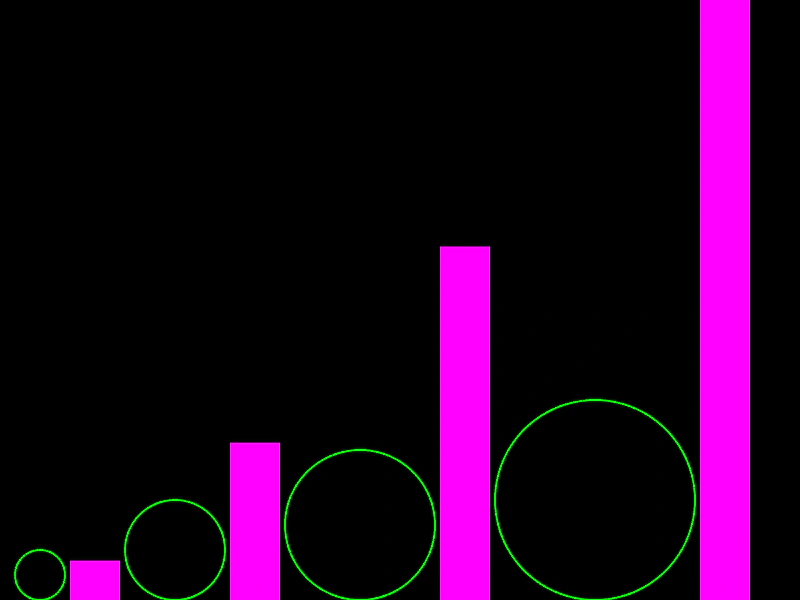 Circle AreaDemonstrates how to calculate and use the area of a Circle geometry object.
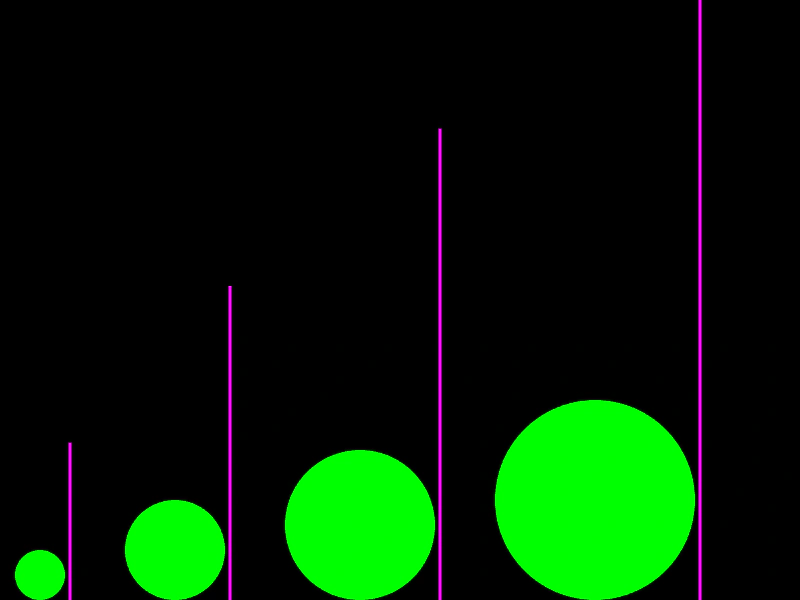 Circle CircumferenceCalculate the circumference of a circle geometry object and visualize it as a vertical line.