Circle isEmpty
Demonstrates how to use the isEmpty method to check if a Circle geometry object has a radius of zero or less.
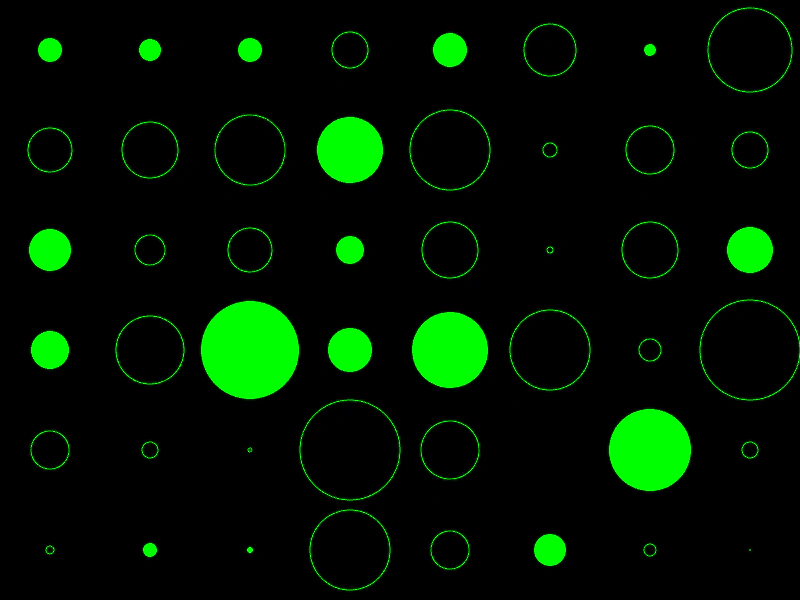
800 × 600
class Example extends Phaser.Scene
{
    circles;
    graphics;

    create ()
    {
        this.graphics = this.add.graphics({ lineStyle: { color: 0x00ff00 }, fillStyle: { color: 0x00ff00 }});

        this.circles = [];

        for (let y = 0; y < 6; y++)
        {
            for (let x = 0; x < 8; x++)
            {
                this.circles.push(new Phaser.Geom.Circle(50 + x * 100, 50 + y * 100, Phaser.Math.Between(-50, 50)));
            }
        }
    }

    update ()
    {
        this.graphics.clear();

        for (let i = 0; i < this.circles.length; i++)
        {
            const circle = this.circles[i];

            circle.radius += 0.5;
            if (circle.radius >= 50)
            {
                circle.radius -= 100;
            }

            if (!circle.isEmpty())
            {
                this.graphics.fillCircleShape(circle);
            }
            else
            {
                this.graphics.strokeCircleShape(circle);
            }
        }
    }
}

const config = {
    scale: { mode: Phaser.Scale.FIT },
    width: 800,
    height: 600,
    type: Phaser.AUTO,
    parent: 'game-container',
    scene: Example
};

const game = new Phaser.Game(config);
More in Circle22 examples
 Circle OffsetDemonstrates how to translate a Circle geometry object by adding x and y offsets to its position.
 Circle Offset PointDemonstrates how to shift a circle's position by the coordinates of a point or vector using the OffsetPoint method.
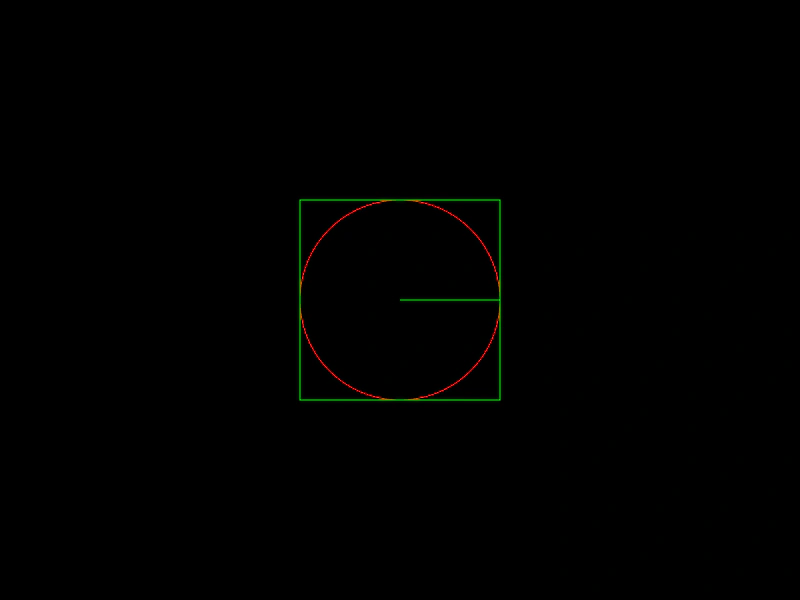 Circle PropertiesDemonstrates how to access and use the basic properties of a Circle geometry object, including its radius, diameter, and bounding box coordinates.
 Circle Radius and DiameterDemonstrates how to change the size of a geometry Circle by modifying its radius and diameter properties.