Phaser 4 examples
Render Texture
- 45 examples
Examples 45
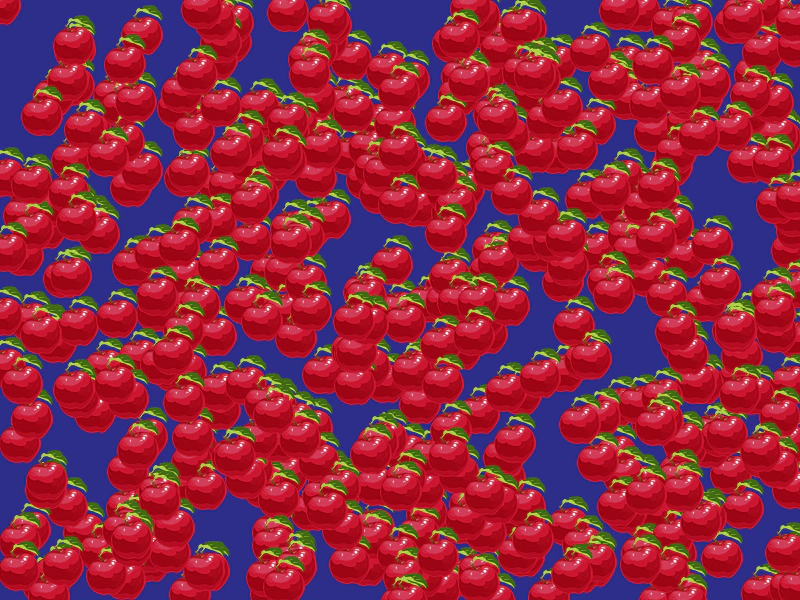 Batch Drawing to a Render TextureDemonstrates how to draw multiple instances of a sprite onto a Render Texture in a single pass using a loop.
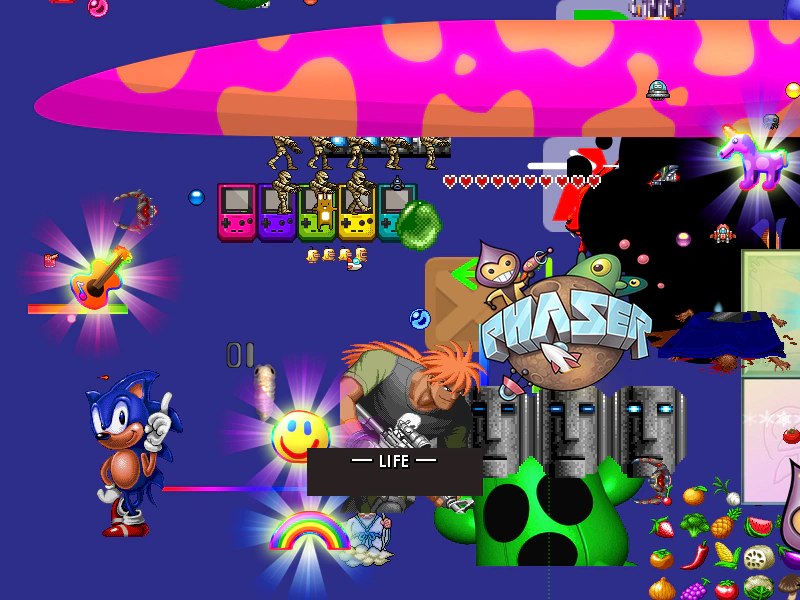 Batch Stamp Atlas Frames to Render TextureDemonstrates how to iterate through all frames in a texture atlas and draw them to a Render Texture using the stamp method.
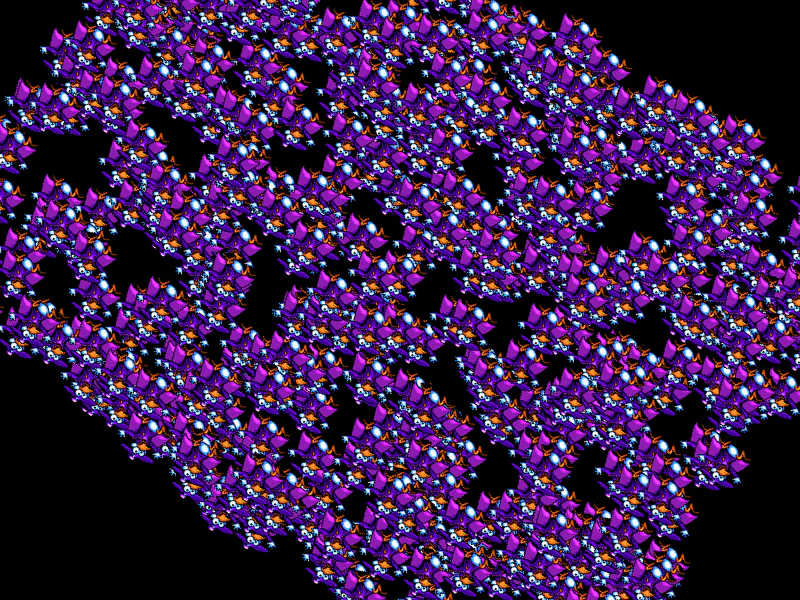 Blitter to Render TextureDemonstrates how to draw a Blitter object onto a Render Texture and apply transformations like rotation using the Render Texture's internal camera.
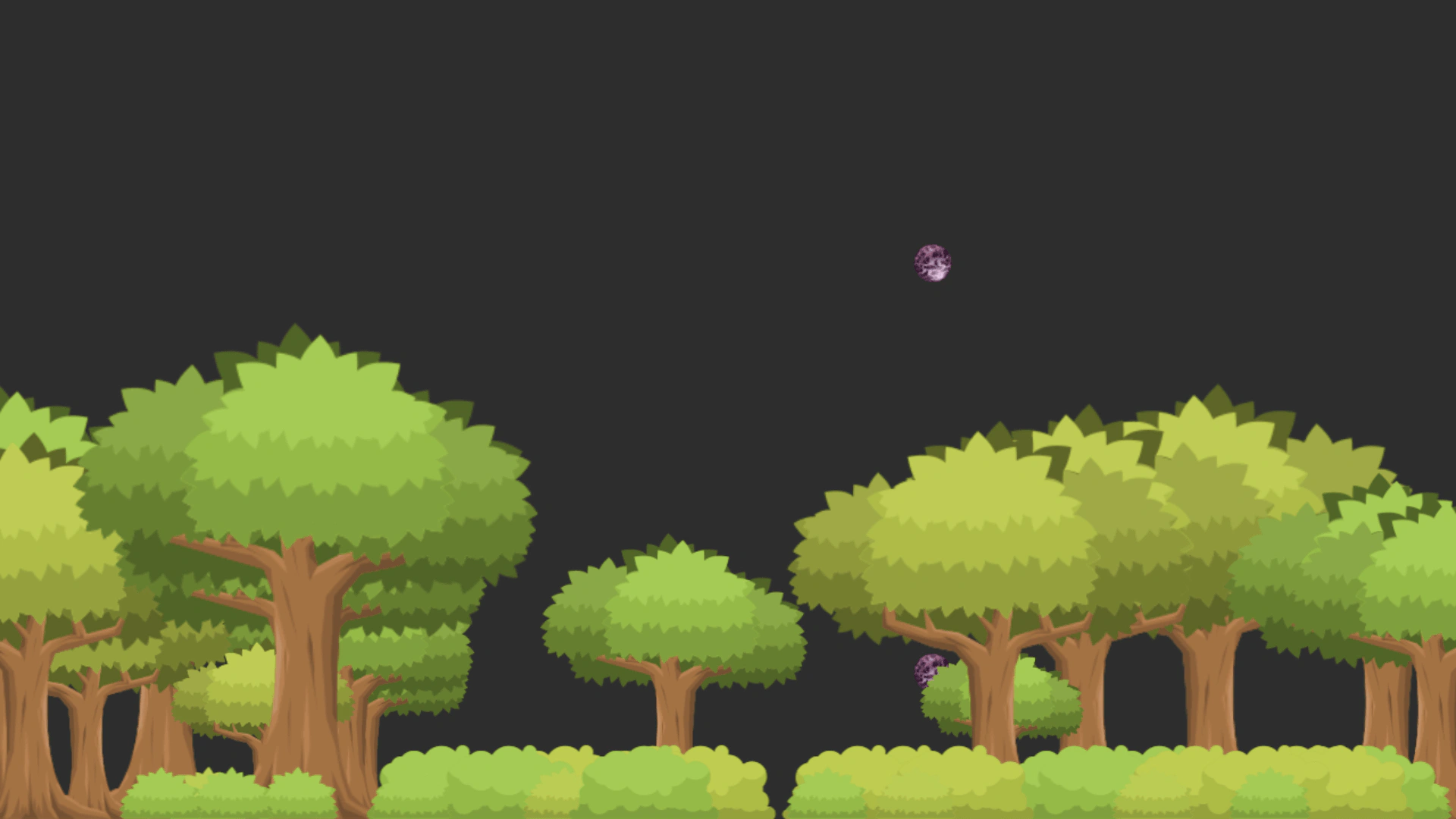 Capture Game Object In WorldDemonstrates how to capture a specific Game Object into a Render Texture using its global world transformations, preserving its position, rotation, and scale as it appears in the scene.
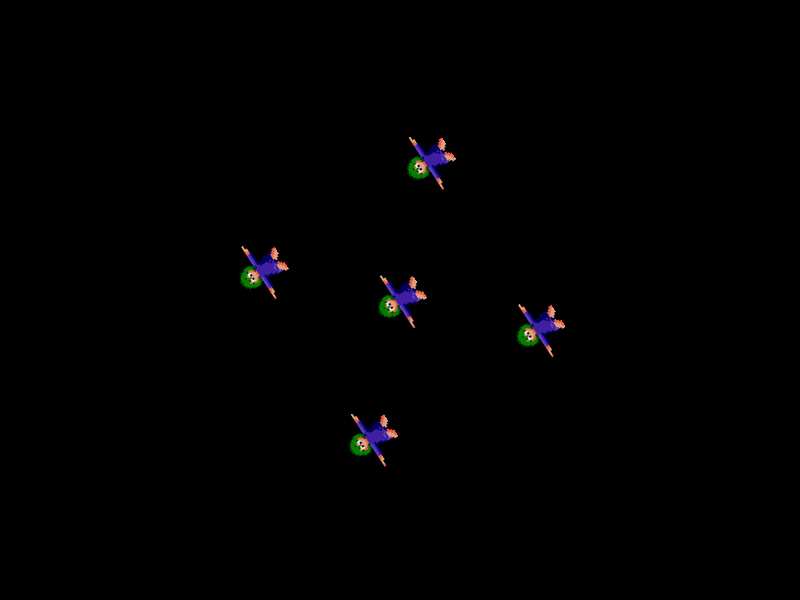 Container to Render TextureDemonstrates how to draw a hidden Container and its children onto a Render Texture, including how to manipulate the Render Texture's internal camera for rotation effects.
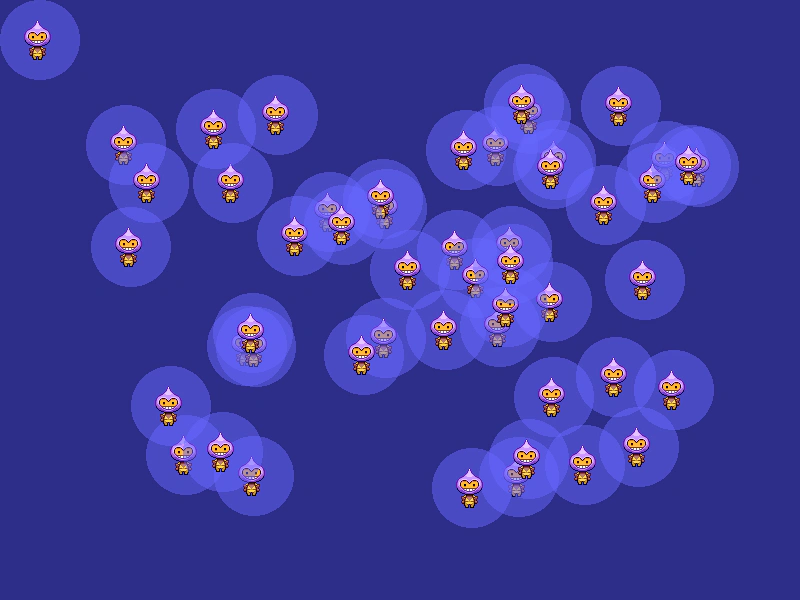 Destroy Game with Render TextureDemonstrates creating a custom texture using a Render Texture, populating the scene with images based on that texture, and then properly destroying the game instance.
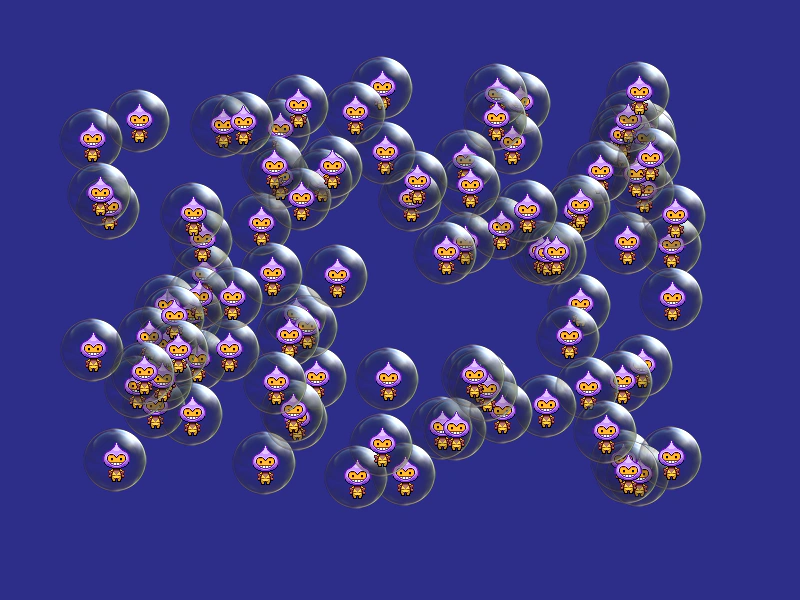 Destroy Render TextureDemonstrates how to properly destroy a Render Texture and its associated texture cache entry, including cleaning up Game Objects that are referencing the texture.
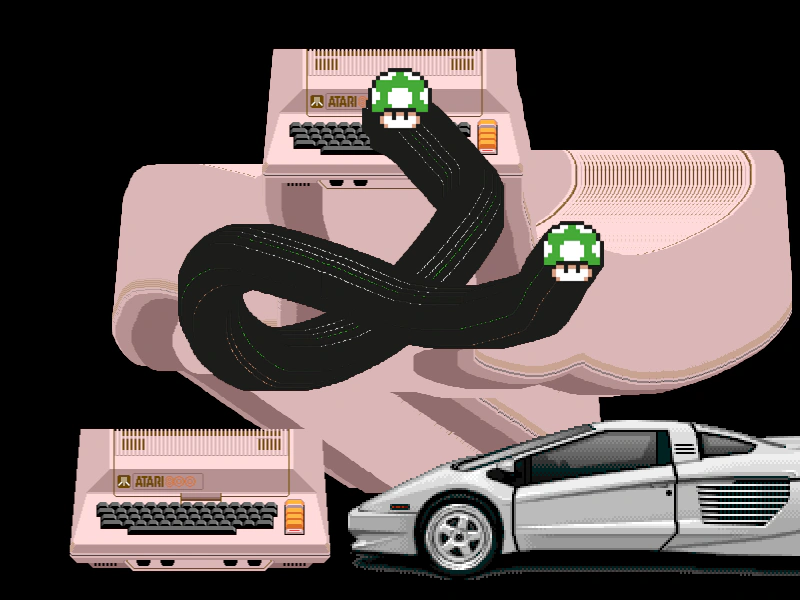 Draw Atlas Frames to a Render TextureDemonstrates how to draw specific texture atlas frames onto a Render Texture. Click different sprites to change which frame is drawn at the cursor's position.
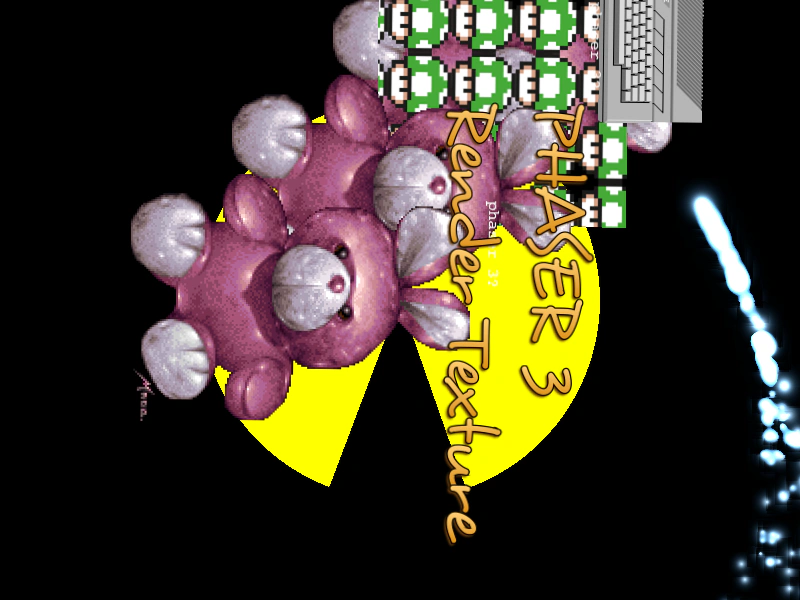 Draw Game Objects To Render TextureDemonstrates drawing multiple hidden Game Object types (Graphics, Text, Particles, TileSprites, and Blitters) onto a single Render Texture and rotating its internal camera.
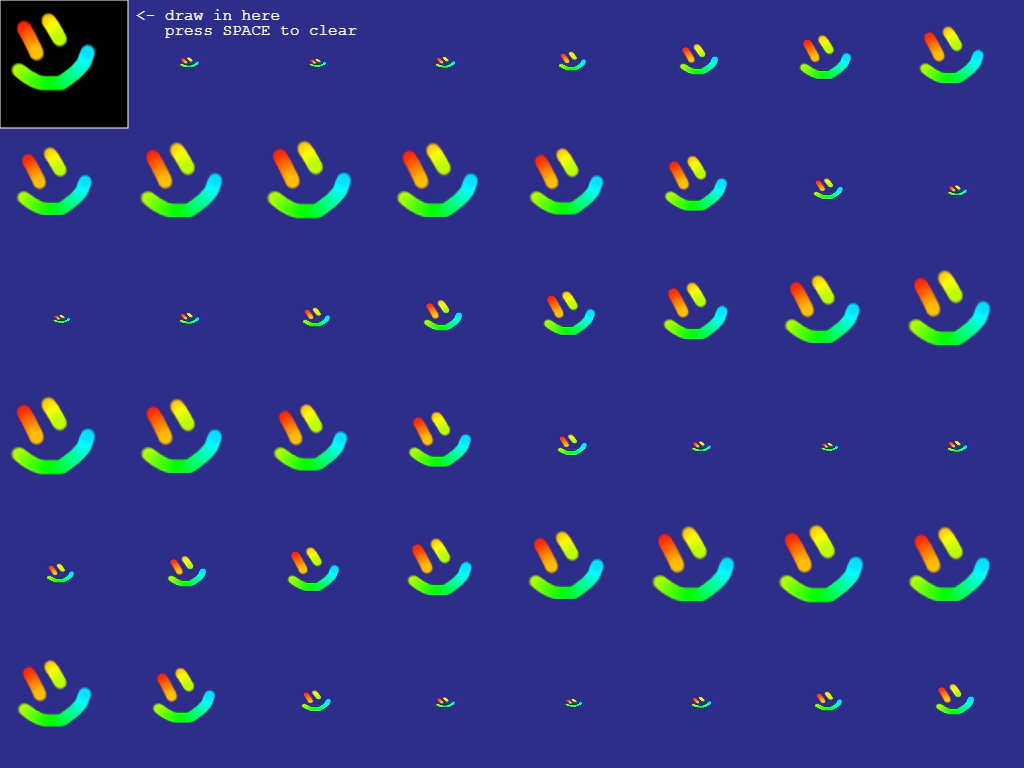 Draw on Render TextureDemonstrates interactive drawing onto a Render Texture using pointer events. The resulting drawing is saved as a dynamic texture and applied to a grid of animated sprites in real-time.
 Draw Textures to Render Texture by KeyLearn how to draw multiple images onto a Render Texture using their loaded asset keys and specific coordinates.
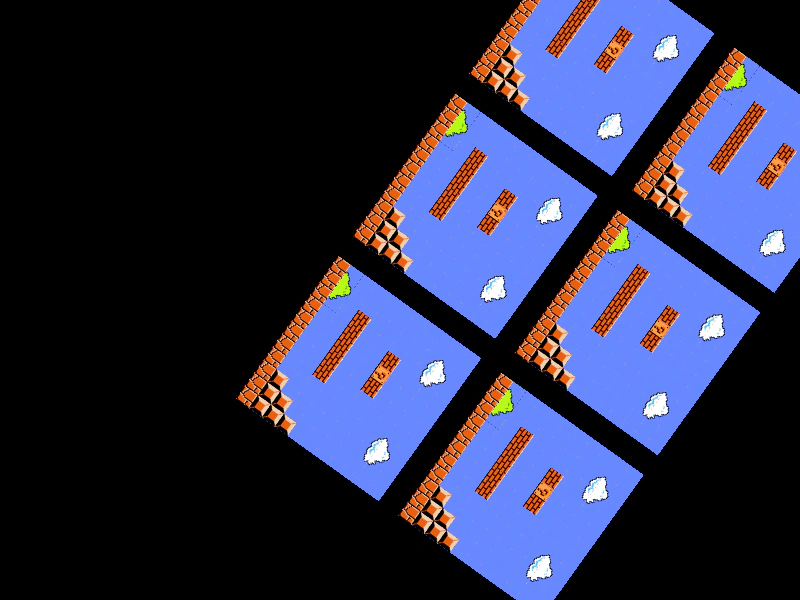 Drawing a Tilemap Layer to a Render TextureDemonstrates how to draw a hidden Tilemap Layer multiple times into a Render Texture while applying transformations like rotation through the Render Texture's internal camera.
 Drawing Bitmap Text to a Render TextureLearn how to draw a hidden BitmapText object onto a Render Texture and apply rotations using the Render Texture's internal camera.
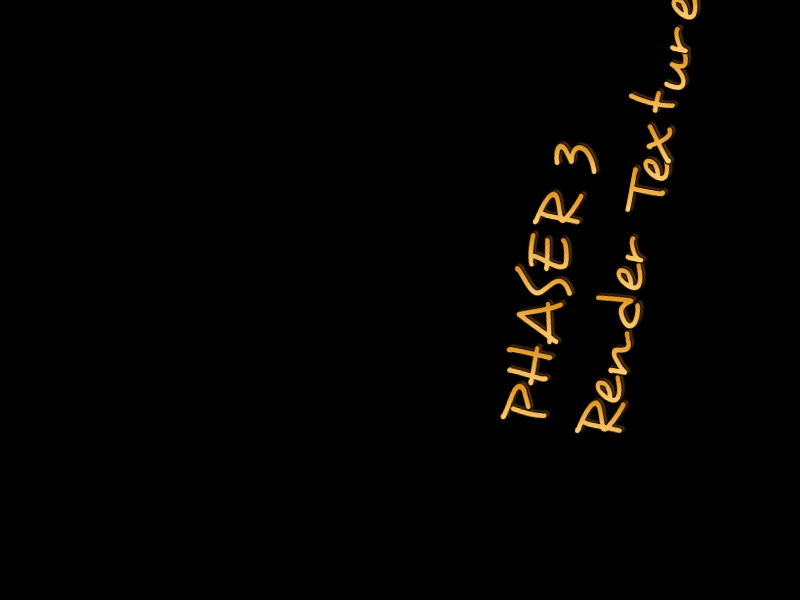 Drawing Dynamic Bitmap Text to a Render TextureLearn how to draw a Dynamic Bitmap Text object onto a Render Texture. This example includes a character jitter effect using a display callback and demonstrates rotating the Render Texture's internal camera.
 Drawing Graphics to a Render TextureDemonstrates how to draw a hidden Graphics object onto a Render Texture and manipulate the output using the RenderTexture's internal camera rotation.
 Drawing Sprites to a Render TextureDemonstrates how to draw multiple Game Objects into a Render Texture at specific coordinates and render the result.
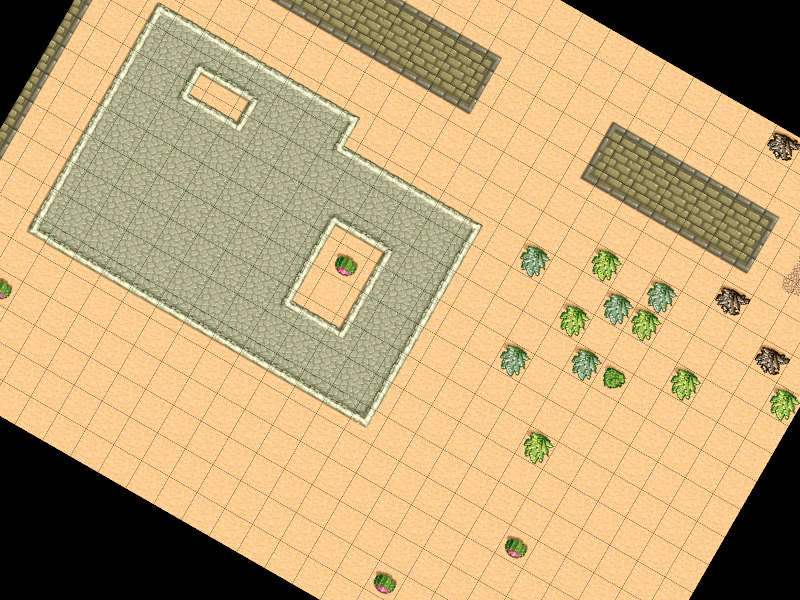 Dynamic Tilemap to Render TextureDemonstrates how to draw a hidden Tilemap Layer to a Render Texture and manipulate it using the Render Texture's internal camera rotation.
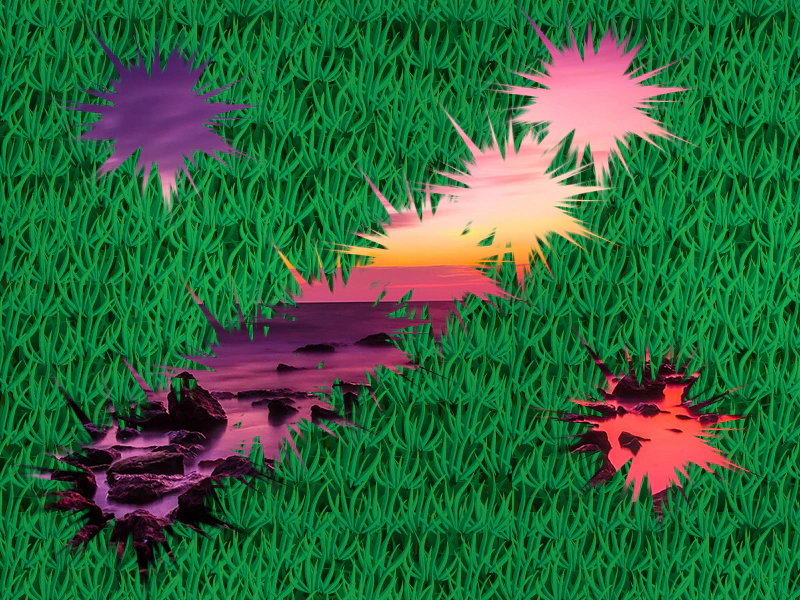 Erase Part of a Render TextureDemonstrates how to use a brush image to erase content from a Render Texture, revealing the objects behind it.
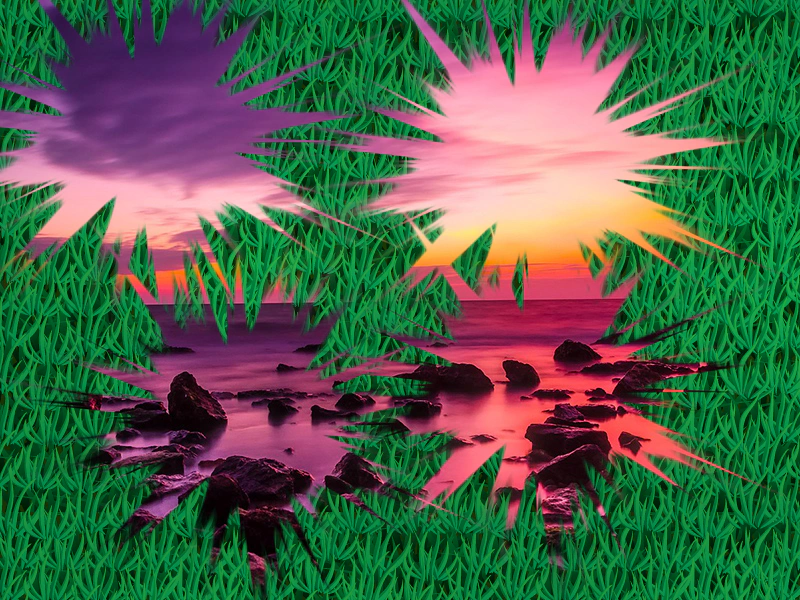 Erase Part of Render Texture (Canvas)Demonstrates how to use an image as a brush to erase portions of a Render Texture in Canvas mode, creating a scratch-off effect.
 Group To Render TextureDemonstrates how to draw entire Groups of Game Objects directly onto a Render Texture in a single operation.
 Paint InterpolatedDemonstrates how to draw smooth, continuous strokes on a Render Texture by using pointer position interpolation to fill in gaps between mouse movement updates.
 Paint Interpolated ShadowDemonstrates smooth painting onto a Render Texture using interpolated pointer positions to prevent gaps in fast brush strokes, while applying color cycling and a black shadow effect.
 Paint with Render TextureDemonstrates how to create a simple drawing effect by drawing a brush sprite onto a Render Texture as the pointer moves.
 Paint with Tinted BrushDemonstrates how to draw onto a Render Texture using a brush sprite that cycles through a color wheel tint as the pointer moves.
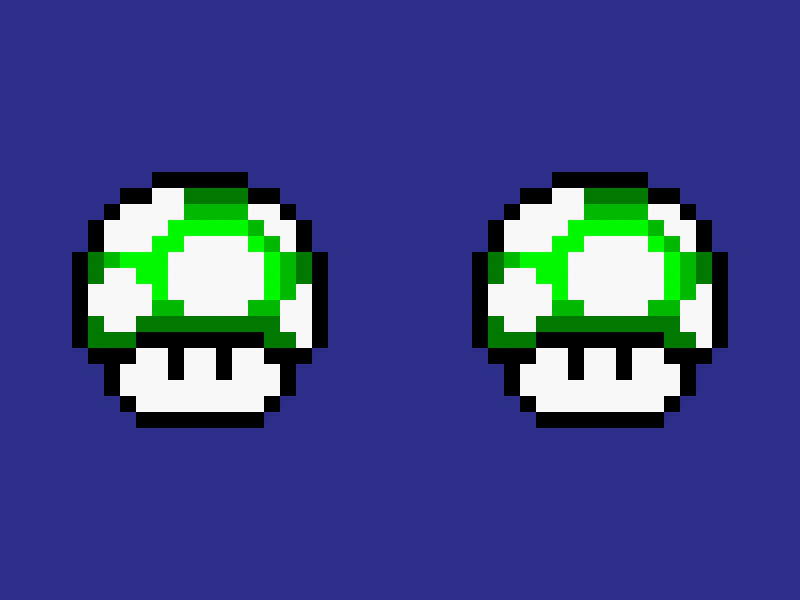 Pixel Art Render TextureDemonstrates how the pixelArt game configuration affects the rendering of scaled sprites when drawn to a RenderTexture, ensuring sharp edges without blurring.
 Render Particle Emitter to Render TextureLearn how to draw a hidden particle emitter into a Render Texture and manipulate the output using the Render Texture camera's rotation.
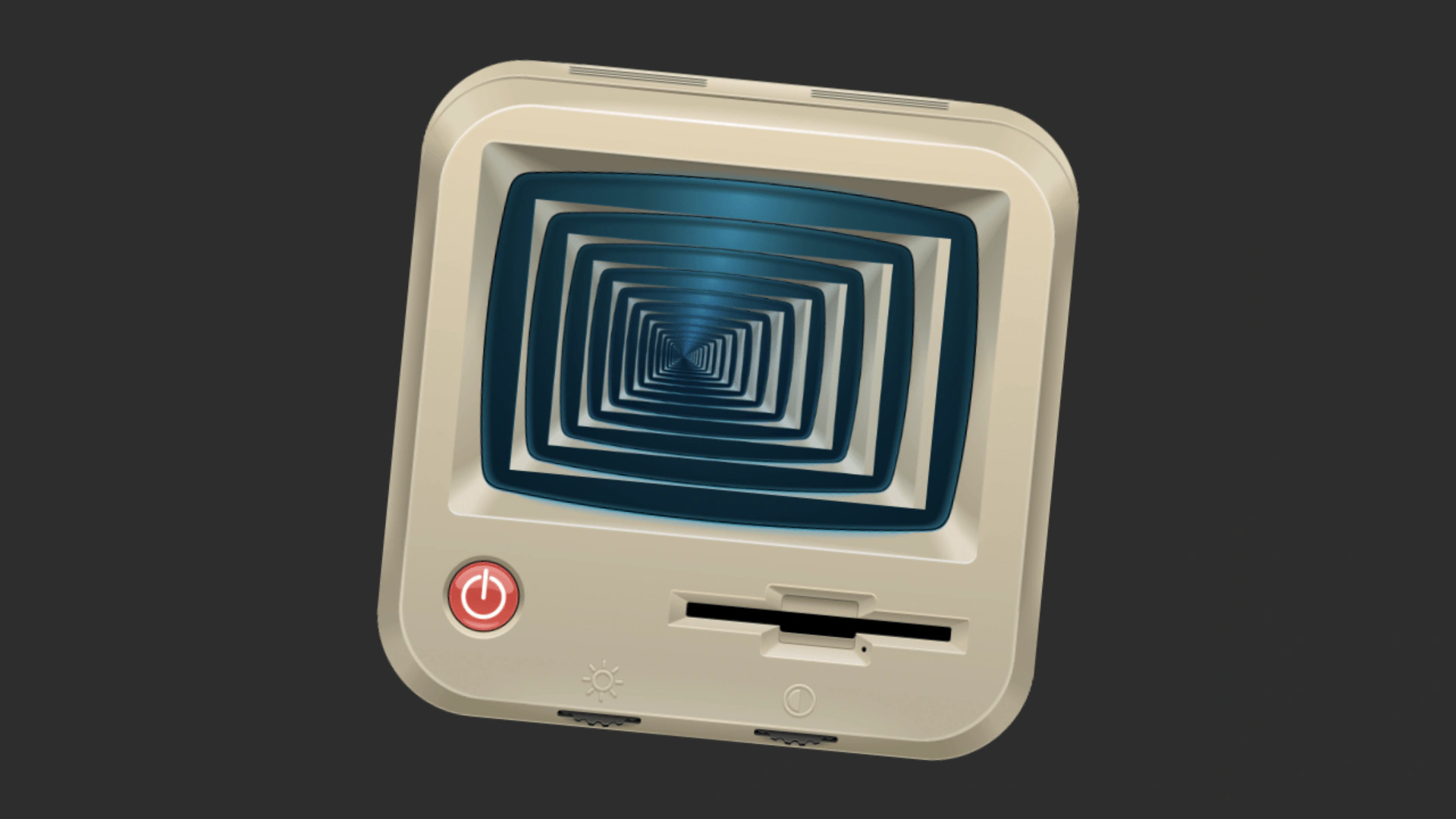 Render Scene to TextureCaptures a Container and its contents into a RenderTexture, saves it as a named texture, and displays it back on screen to create a recursive visual effect.
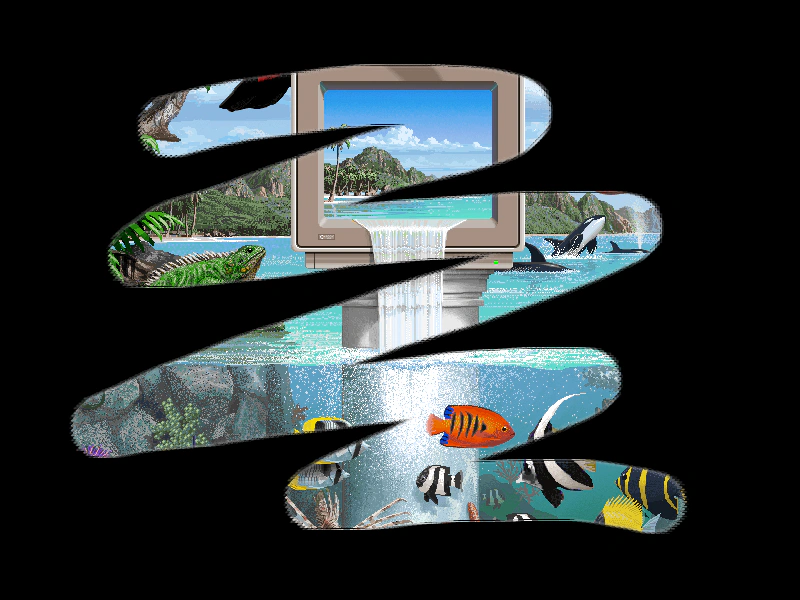 Render Texture As A MaskLearn how to use a Render Texture as a dynamic mask for a Game Object. This example demonstrates drawing onto a Render Texture with the mouse to reveal an underlying image.
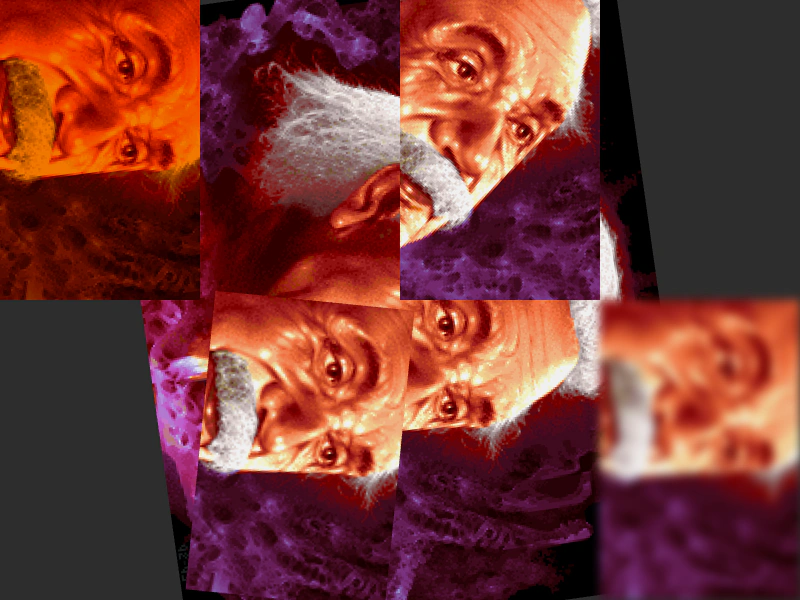 Render Texture as ViewportUse RenderTextures as secondary cameras to display scene content with unique transformations, tints, rotations, and post-processing filters applied to each view.
 Render Texture Brute ForceDemonstrates high-volume drawing by stamping numerous sprite frames onto a single Render Texture every frame.
 Render Texture Camera TransformationsDemonstrates how to use the internal camera property of a Render Texture to apply rotation, zoom, and positioning when stamping textures.
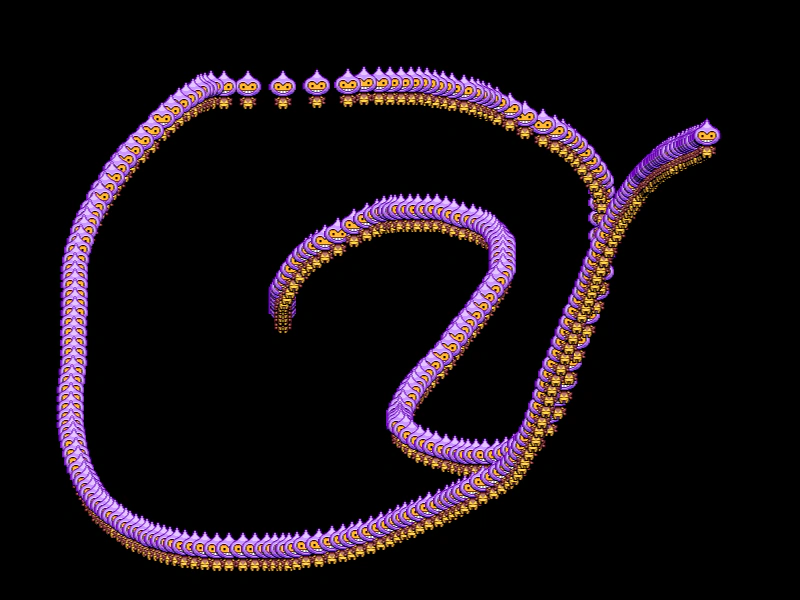 Render Texture Drawing TrailDemonstrates how to create a persistent motion trail by drawing a sprite to a Render Texture every frame without clearing it.
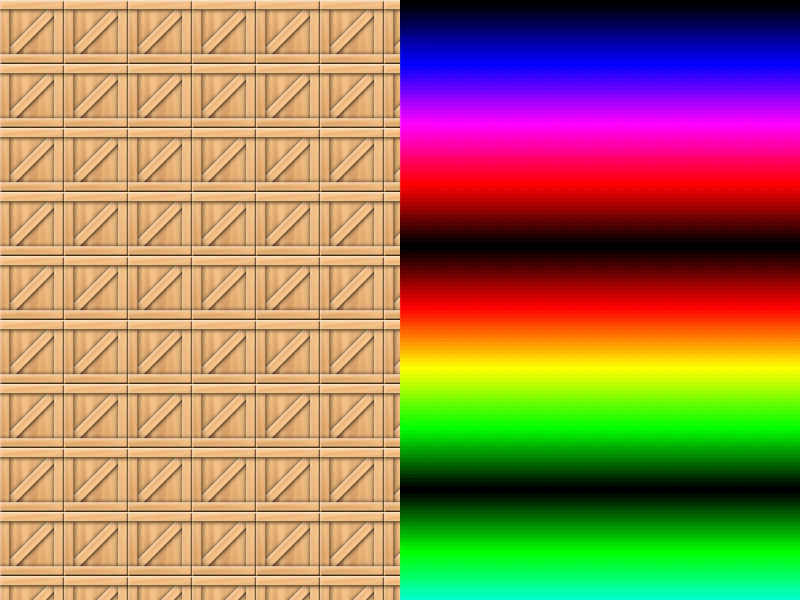 Render Texture Frame FillDemonstrates how to fill a Render Texture with a repeating texture pattern using the repeat method.
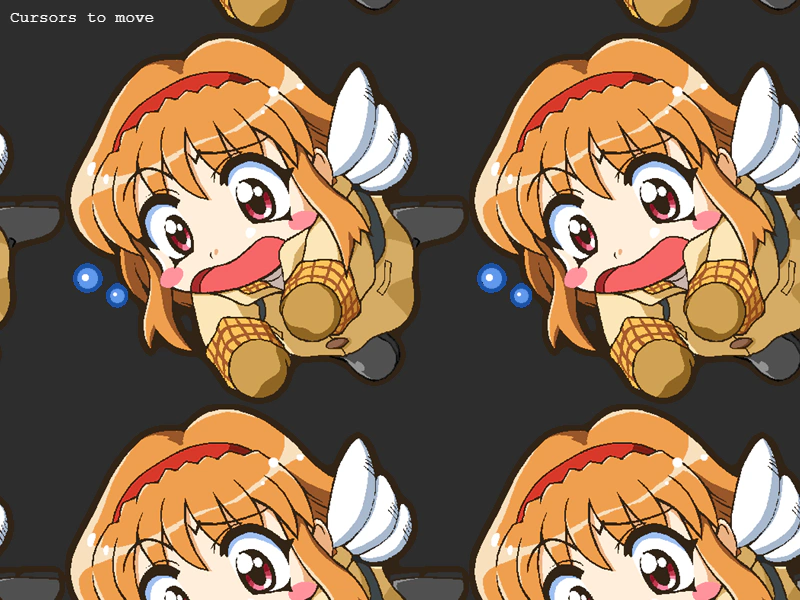 Render Texture Larger Than CameraCreate a large Render Texture that exceeds the game's dimensions and navigate it using camera controls.
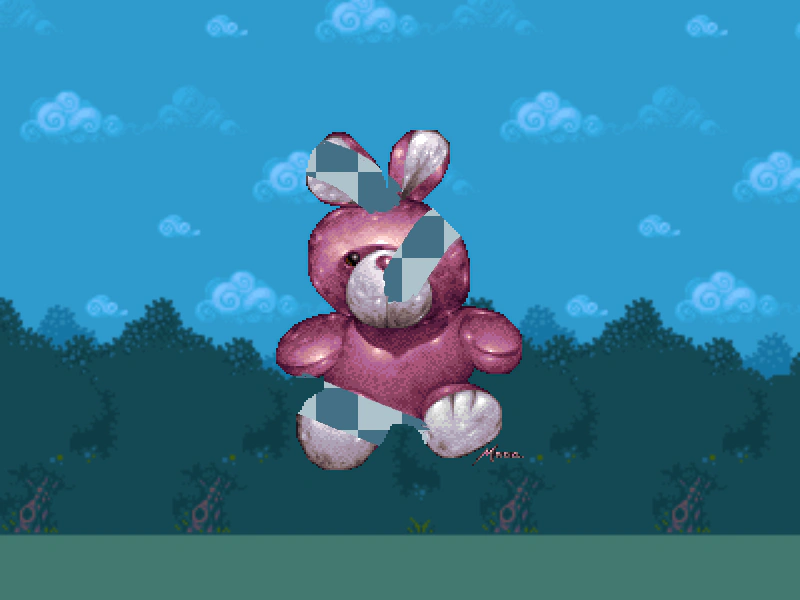 Render Texture Scratch-off MaskDemonstrates how to use a RenderTexture as an inverted alpha mask to create a scratch-off reveal effect by drawing onto the texture with the pointer.
 Render Texture to Render TextureDemonstrates how to draw the contents of one Render Texture into another Render Texture.
 Render Texture Trail EffectDemonstrates how to create a persistent visual trail behind a moving object by drawing sprites into a Render Texture with dynamic tween updates.
 Rendering a Scene to a Render TextureDemonstrates how to capture the entire display list of one scene and draw it into a tinted Render Texture in a separate scene.
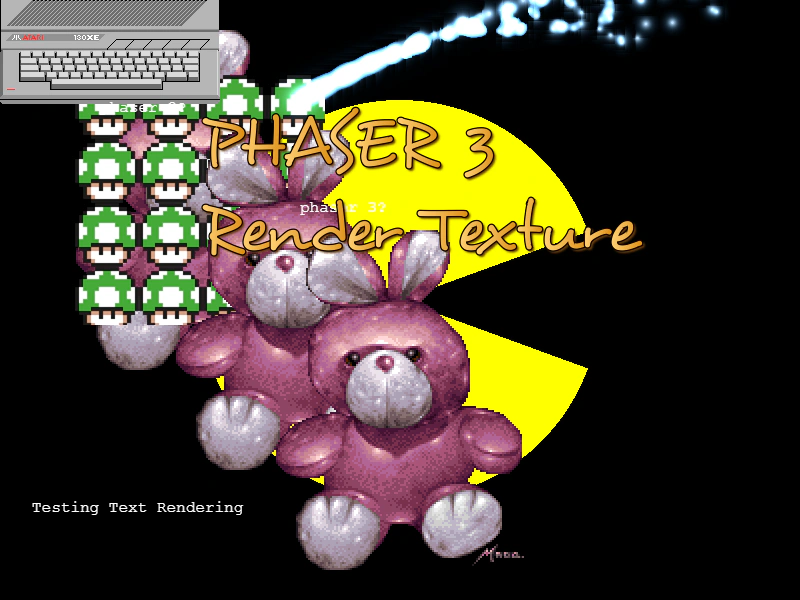 Resize a RenderTextureDemonstrates how to dynamically change the dimensions of a RenderTexture and redraw Game Objects including Text, Particles, and Graphics onto it after a resize.
 Resize Render TextureLearn how to dynamically change the dimensions of a Render Texture at runtime using setSize.
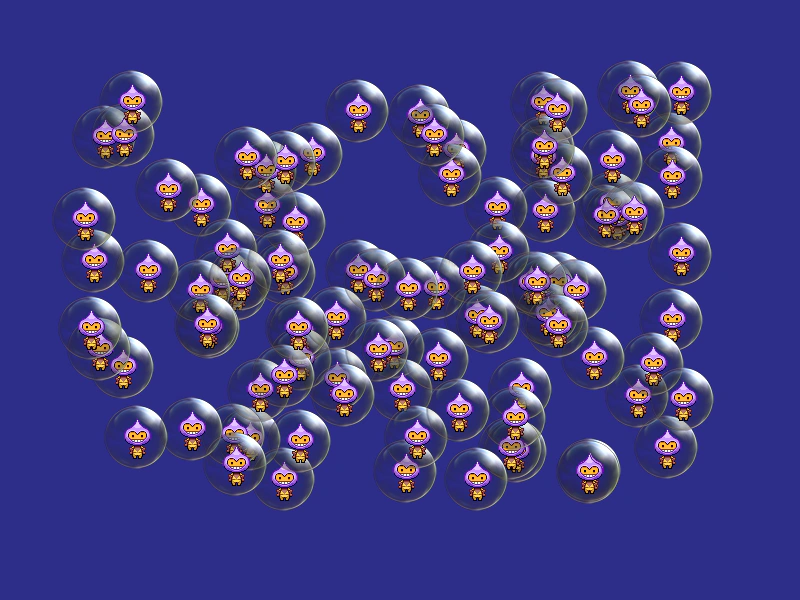 Save Render TextureDemonstrates how to save a Render Texture into the global Texture Manager, allowing it to be used as a static source texture for other Game Objects.
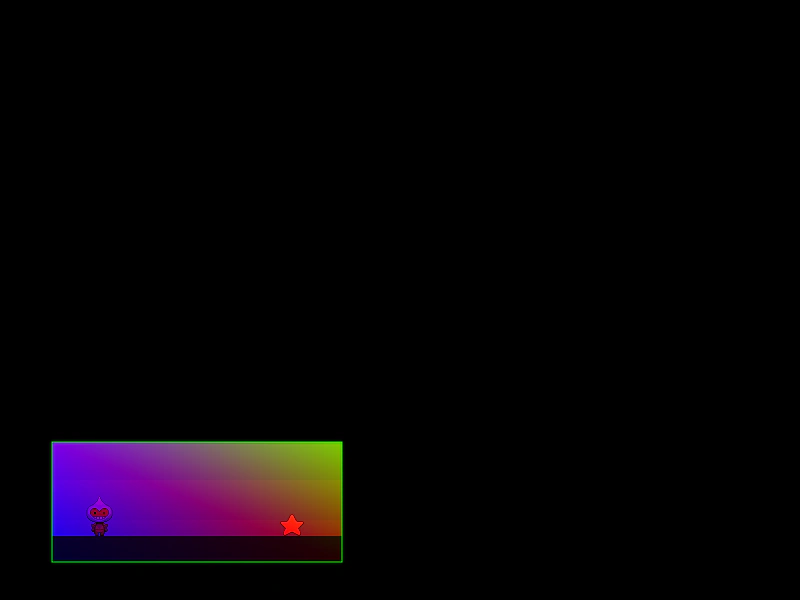 Scene to Render Texture with Dynamic CropRender the contents of an entire Scene into a Render Texture, applying a color tint and a dynamic crop area that follows the pointer.
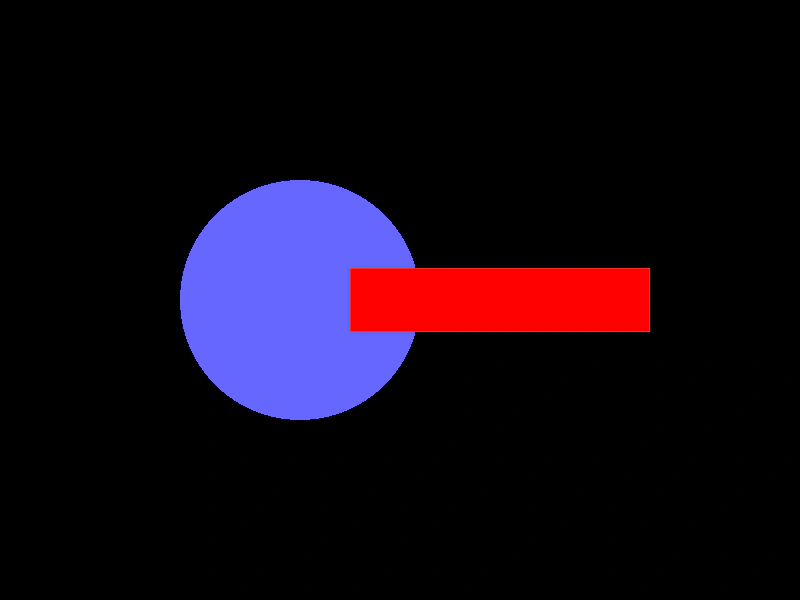 Shape to Render TextureDemonstrates how to draw Shape Game Objects, such as circles and rectangles, onto a Render Texture.
 Stamping Atlas Frames to a Render TextureDemonstrates how to draw individual frames from a loaded texture atlas onto a Render Texture using the stamp method.
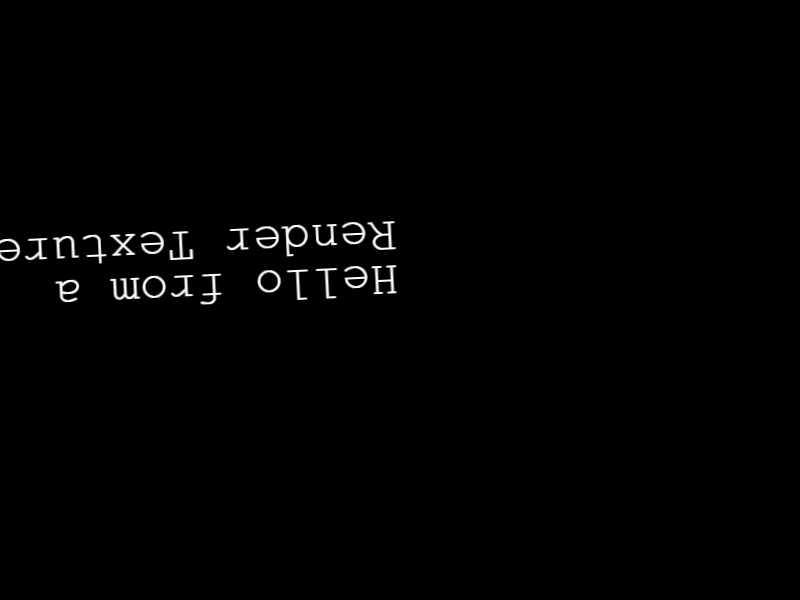 Text to Render TextureDemonstrates how to draw an invisible Text object onto a Render Texture and apply transformations using the Render Texture's internal camera rotation.