Capture Game Object In World
Demonstrates how to capture a specific Game Object into a Render Texture using its global world transformations, preserving its position, rotation, and scale as it appears in the scene.
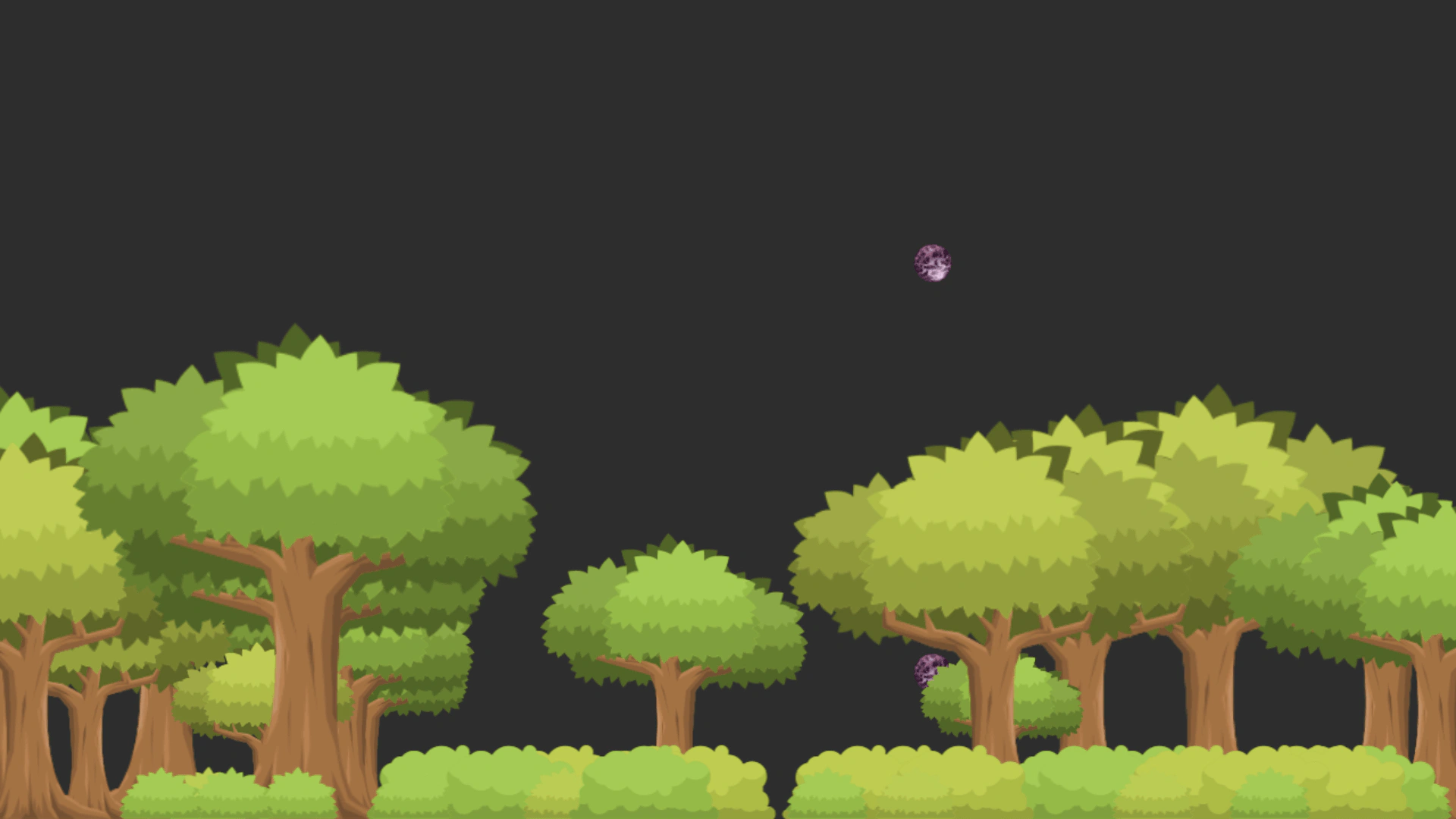
1280 × 720
// Capture a game object in the world to a render texture.
class Example extends Phaser.Scene
{
    shinyball;
    container;

    preload()
    {
        this.load.setBaseURL('https://cdn.phaserfiles.com/v410');
        this.load.image('bush1', 'assets/sets/objects/bush1.png');
        this.load.image('bush2', 'assets/sets/objects/bush2.png');
        this.load.image('bush3', 'assets/sets/objects/bush3.png');
        this.load.image('bush4', 'assets/sets/objects/bush4.png');
        this.load.image('tree1', 'assets/sets/objects/tree1.png');
        this.load.image('tree2', 'assets/sets/objects/tree2.png');

        this.load.image('shinyball', 'assets/sprites/shinyball.png');
    }

    create ()
    {
        const width = this.renderer.width;
        const height = this.renderer.height;

        this.shinyball = this.add.image(0, 0, 'shinyball');
        this.container = this.add.container(width / 2, height * 0.85, [ this.shinyball ]);

        for (let i = 0; i < 16; i++)
        {
            this.add.image(
                Phaser.Math.Between(0, width), height,
                'tree' + Phaser.Math.Between(1, 2)
            )
                .setOrigin(0.5, 1)
                .setScale(0.5 + Math.random());
        }

        for (let i = 0; i < 32; i++)
        {
            this.add.image(Phaser.Math.Between(0, width), height, 'bush' + Phaser.Math.Between(1, 4)).setOrigin(0.5, 1);
        }

        const rt = this.add.renderTexture(width / 2, 0, width, height);
        rt
            .clear()
            .capture(this.shinyball, { transform: 'world' })
            .preserve(true)
            .setRenderMode('all');

    }

    update (time, delta)
    {
        // Update the container.
        this.container.x = Math.sin(time / 1000) * 400 + this.renderer.width / 2;
        this.container.y = Math.cos(time / 987) * 50 + this.renderer.height * 0.85;
        this.container.rotation = Math.sin(time / 876) * 0.5;

        // Update the shinyball.
        this.shinyball.x = Math.sin(time / 123) * 32;
        this.shinyball.y = Math.cos(time / 99) * 32;
        this.shinyball.rotation += 0.01;
        this.shinyball.setScale(1 + Math.sin(time / 567) * 0.1);
    }
}

const config = {
    scale: { mode: Phaser.Scale.FIT },
    type: Phaser.AUTO,
    parent: 'game-container',
    backgroundColor: '#2d2d2d',
    width: 1280,
    height: 720,
    scene: Example
};

const game = new Phaser.Game(config);
More in Render Texture45 examples
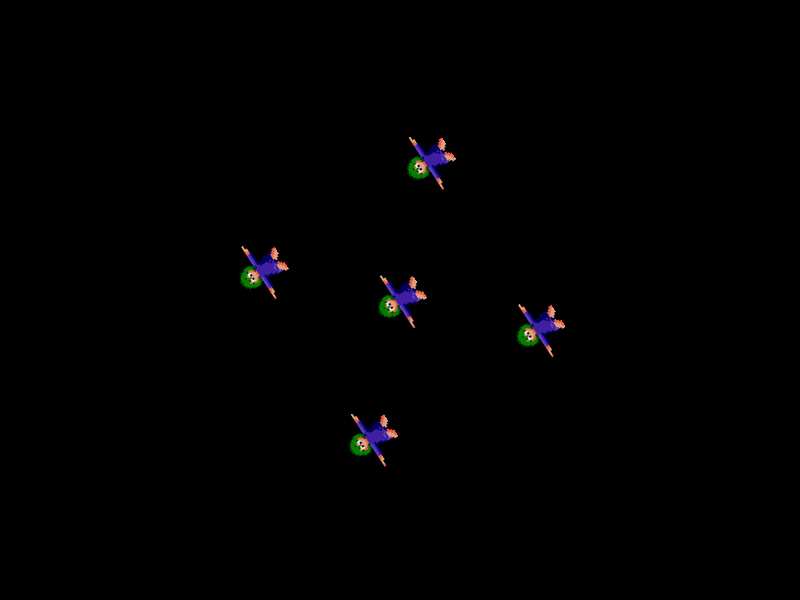 Container to Render TextureDemonstrates how to draw a hidden Container and its children onto a Render Texture, including how to manipulate the Render Texture's internal camera for rotation effects.
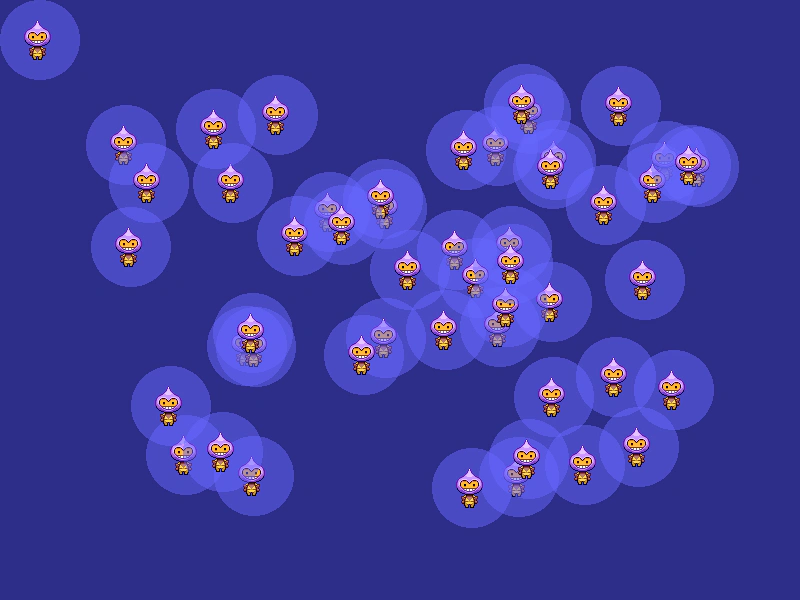 Destroy Game with Render TextureDemonstrates creating a custom texture using a Render Texture, populating the scene with images based on that texture, and then properly destroying the game instance.
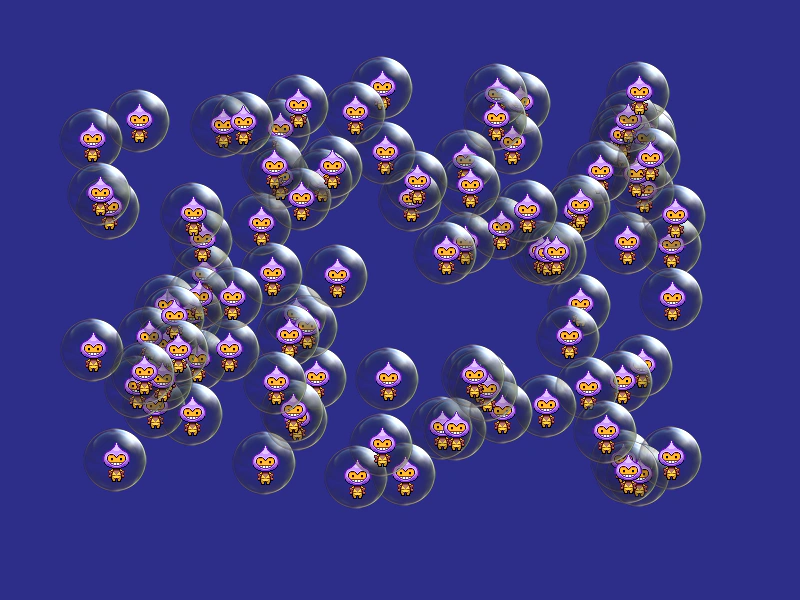 Destroy Render TextureDemonstrates how to properly destroy a Render Texture and its associated texture cache entry, including cleaning up Game Objects that are referencing the texture.
 Draw Atlas Frames to a Render TextureDemonstrates how to draw specific texture atlas frames onto a Render Texture. Click different sprites to change which frame is drawn at the cursor's position.