Paint Interpolated
Demonstrates how to draw smooth, continuous strokes on a Render Texture by using pointer position interpolation to fill in gaps between mouse movement updates.
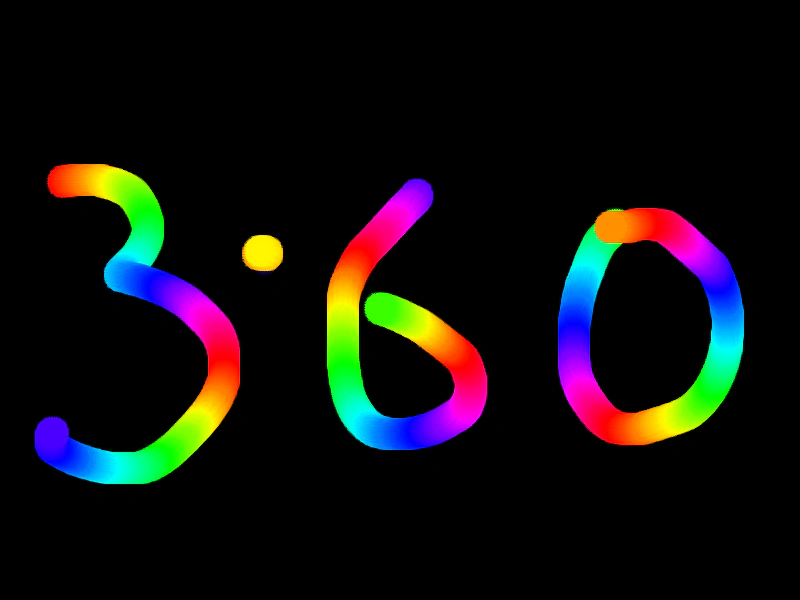
800 × 600
class Example extends Phaser.Scene
{
    preload ()
    {
        this.load.setBaseURL('https://cdn.phaserfiles.com/v410');
        this.load.image('brush', 'assets/sprites/brush2.png');
    }

    create ()
    {
        const rt = this.add.renderTexture(400, 300, 800, 600);

        const brush = this.textures.getFrame('brush');

        const hsv = Phaser.Display.Color.HSVColorWheel();
        let i = 0;

        this.input.on('pointermove', pointer =>
        {

            if (pointer.isDown)
            {
                const points = pointer.getInterpolatedPosition(30);

                points.forEach(p =>
                {

                    rt.draw(brush, p.x - 16, p.y - 16, 1, hsv[i].color);

                });

                rt.render();

                i++;

                if (i === 360)
                {
                    i = 0;
                }
            }

        }, this);

        this.input.on('pointerdown', pointer =>
        {

            rt.draw(brush, pointer.x - 16, pointer.y - 16, 1, hsv[i].color);

            rt.render();

            i++;

            if (i === 360)
            {
                i = 0;
            }

        }, this);

    }
}

const config = {
    scale: { mode: Phaser.Scale.FIT },
    type: Phaser.AUTO,
    parent: 'game-container',
    width: 800,
    height: 600,
    scene: Example
};

const game = new Phaser.Game(config);
More in Render Texture45 examples
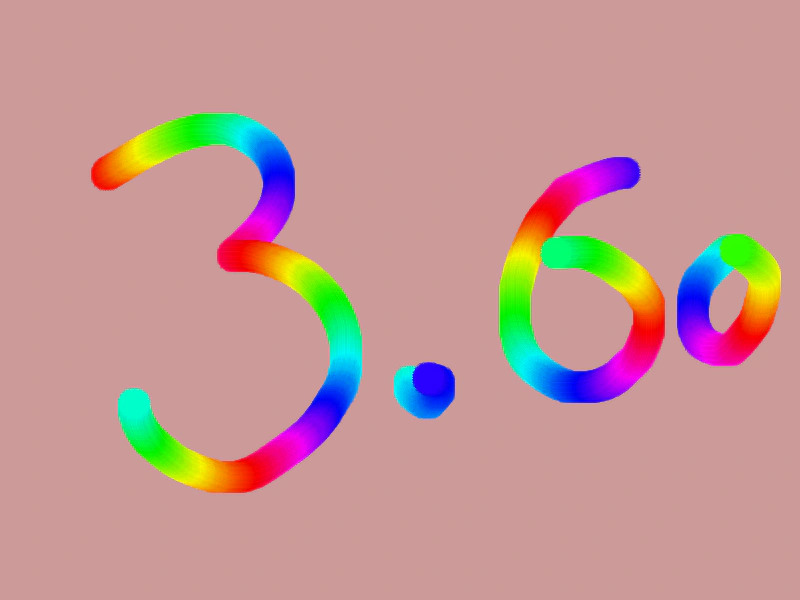 Paint Interpolated ShadowDemonstrates smooth painting onto a Render Texture using interpolated pointer positions to prevent gaps in fast brush strokes, while applying color cycling and a black shadow effect.
 Paint with Render TextureDemonstrates how to create a simple drawing effect by drawing a brush sprite onto a Render Texture as the pointer moves.
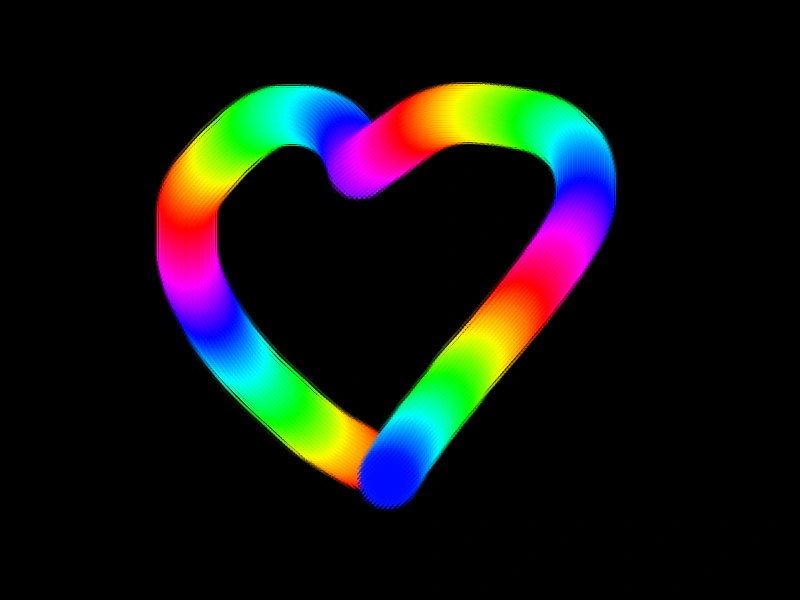 Paint with Tinted BrushDemonstrates how to draw onto a Render Texture using a brush sprite that cycles through a color wheel tint as the pointer moves.
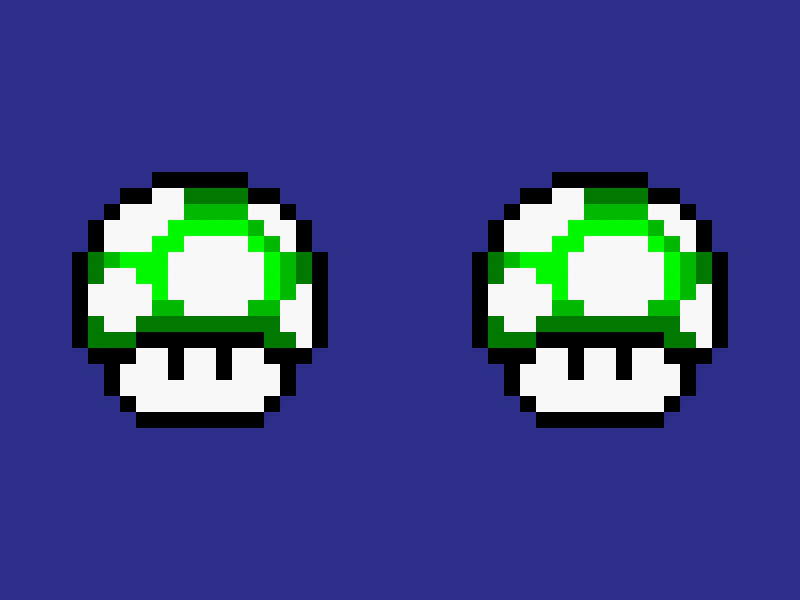 Pixel Art Render TextureDemonstrates how the pixelArt game configuration affects the rendering of scaled sprites when drawn to a RenderTexture, ensuring sharp edges without blurring.