Erase Part of Render Texture (Canvas)
Demonstrates how to use an image as a brush to erase portions of a Render Texture in Canvas mode, creating a scratch-off effect.
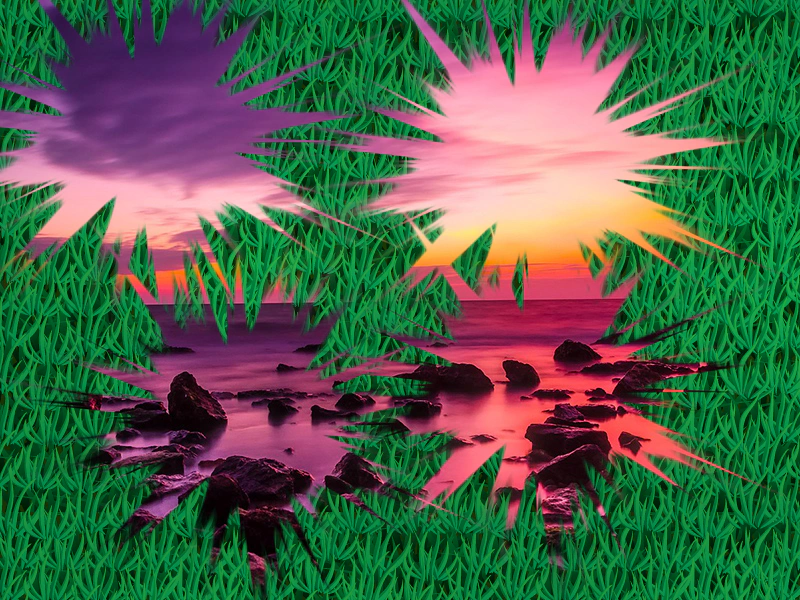
800 × 600
class Example extends Phaser.Scene
{
    preload ()
    {
        this.load.setBaseURL('https://cdn.phaserfiles.com/v410');
        this.load.image('brush', 'assets/particles/sparkle1.png');
        this.load.image('tiles', 'assets/textures/grass.png');
        this.load.image('bg', 'assets/pics/turkey-1985086.jpg');
    }

    create ()
    {
        this.add.image(0, 0, 'bg').setOrigin(0);

        const rt = this.add.renderTexture(400, 300, 800, 600);

        for (let y = 0; y < 2; y++)
        {
            for (let x = 0; x < 2; x++)
            {
                rt.draw('tiles', x * 512 + 256, y * 512 + 256);
            }
        }

        rt.render();

        const brush = this.make.image({ key: 'brush' }, false).setScale(1);

        this.input.on('pointermove', pointer =>
        {

            if (pointer.isDown)
            {
                rt.erase(brush, pointer.x - 16, pointer.y - 16).render();
            }

        }, this);

        this.input.on('pointerdown', pointer =>
        {

            rt.erase(brush, pointer.x - 16, pointer.y - 16).render();

        }, this);
    }
}

const config = {
    scale: { mode: Phaser.Scale.FIT },
    type: Phaser.CANVAS,
    parent: 'game-container',
    width: 800,
    height: 600,
    backgroundColor: '#2d2d88',
    scene: Example
};

const game = new Phaser.Game(config);
More in Render Texture45 examples
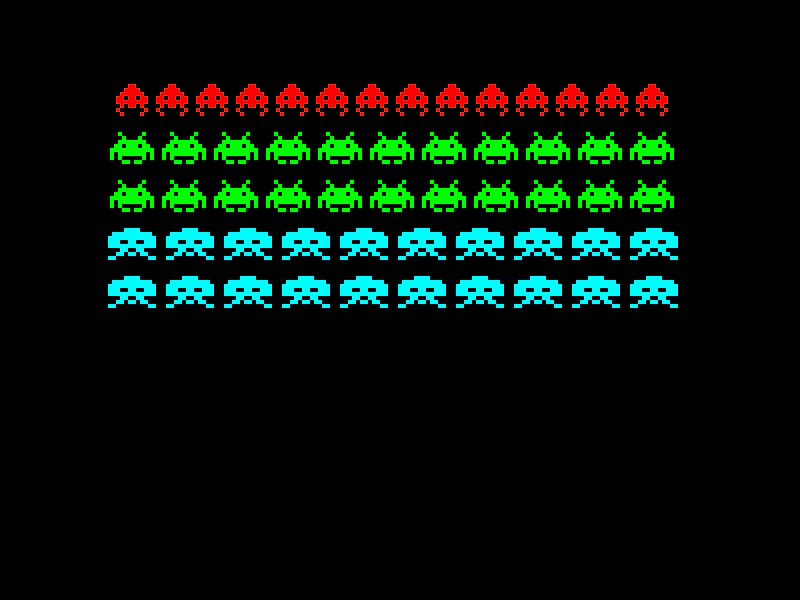 Group To Render TextureDemonstrates how to draw entire Groups of Game Objects directly onto a Render Texture in a single operation.
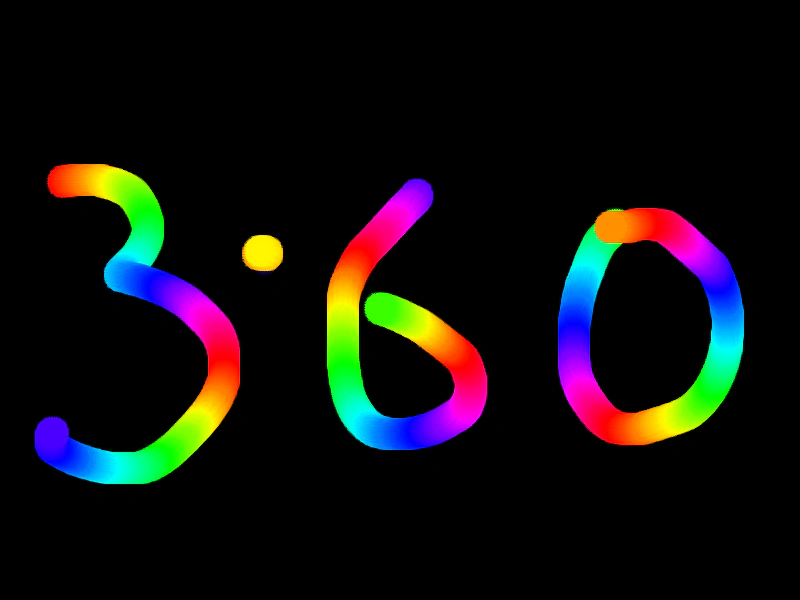 Paint InterpolatedDemonstrates how to draw smooth, continuous strokes on a Render Texture by using pointer position interpolation to fill in gaps between mouse movement updates.
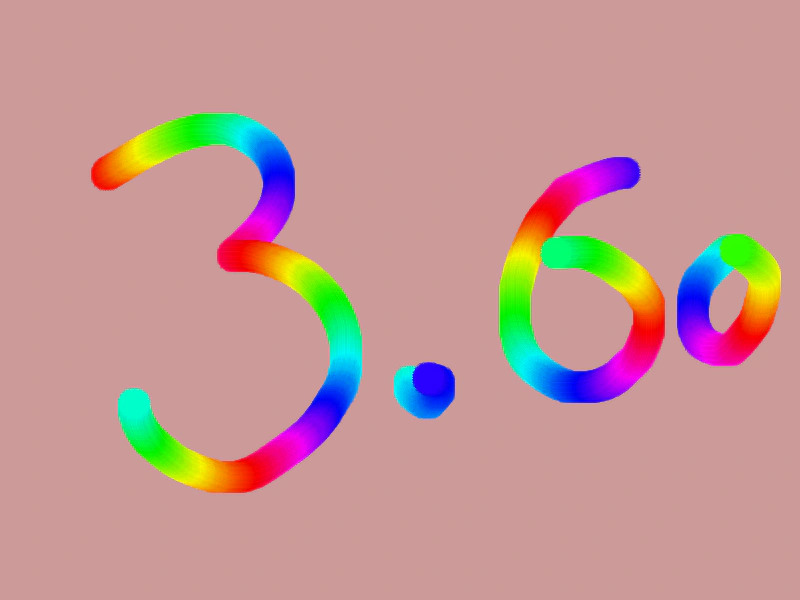 Paint Interpolated ShadowDemonstrates smooth painting onto a Render Texture using interpolated pointer positions to prevent gaps in fast brush strokes, while applying color cycling and a black shadow effect.
 Paint with Render TextureDemonstrates how to create a simple drawing effect by drawing a brush sprite onto a Render Texture as the pointer moves.