Render Texture Scratch-off Mask
Demonstrates how to use a RenderTexture as an inverted alpha mask to create a scratch-off reveal effect by drawing onto the texture with the pointer.
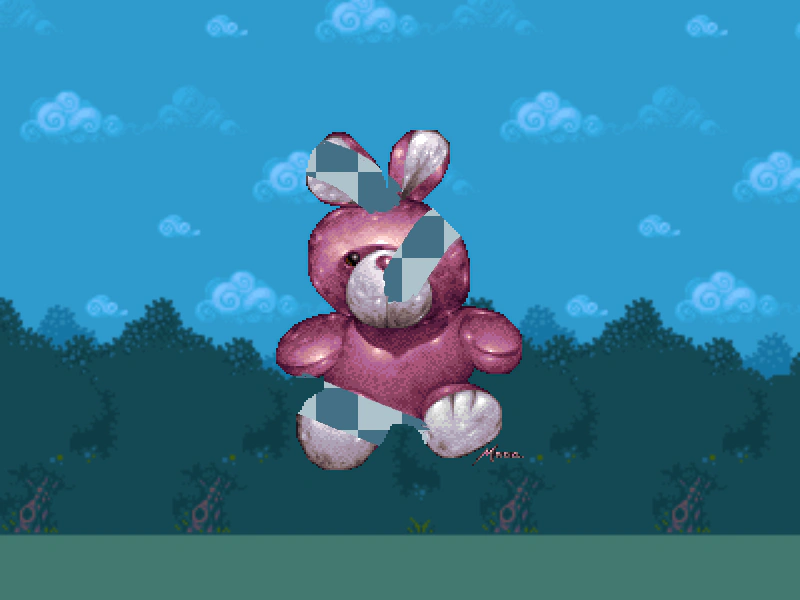
800 × 600
class Example extends Phaser.Scene
{
    constructor ()
    {
        super();
    }

    preload ()
    {
        this.load.setBaseURL('https://cdn.phaserfiles.com/v410');
        this.load.image('logo', 'assets/sprites/phaser1.png');
        this.load.image('bunny', 'assets/sprites/bunny.png');
        this.load.image('bg', 'assets/pics/platformer-backdrop.png');
        this.load.image('checker', 'assets/pics/checker.png');
    }

    create ()
    {
        const bg = this.add.sprite(400, 300, 'bg').setOrigin(0.5).setScale(2.5);

        const logo = this.make.sprite({key:'logo', add: false}).setScale(0.2);
        const rt = this.make.renderTexture({x: 0, y: 0, width: 800, height: 600, add: false}).setOrigin(0.0);

        const bunny1 = this.add.sprite(400, 300, 'bunny').setTint(0x000000);
        const checker = this.add.sprite(400, 300, 'checker');
        const bunny0 = this.add.sprite(400, 300, 'bunny')

        const bunnyMask = bunny0.enableFilters().filters.external.addMask(rt);
        bunnyMask.invertAlpha = true;
        checker.enableFilters().filters.external.addMask(bunny1);

        this.input.on('pointermove', function (event) {
            if (event.isDown)
            {
                rt.draw(logo, event.x, event.y).render();
            }
        }, this);
    }
}


const config = {
    scale: { mode: Phaser.Scale.FIT },
    type: Phaser.WEBGL,
    parent: 'game-container',
    width: 800,
    height: 600,
    scene: Example
};

const game = new Phaser.Game(config);
More in Render Texture45 examples
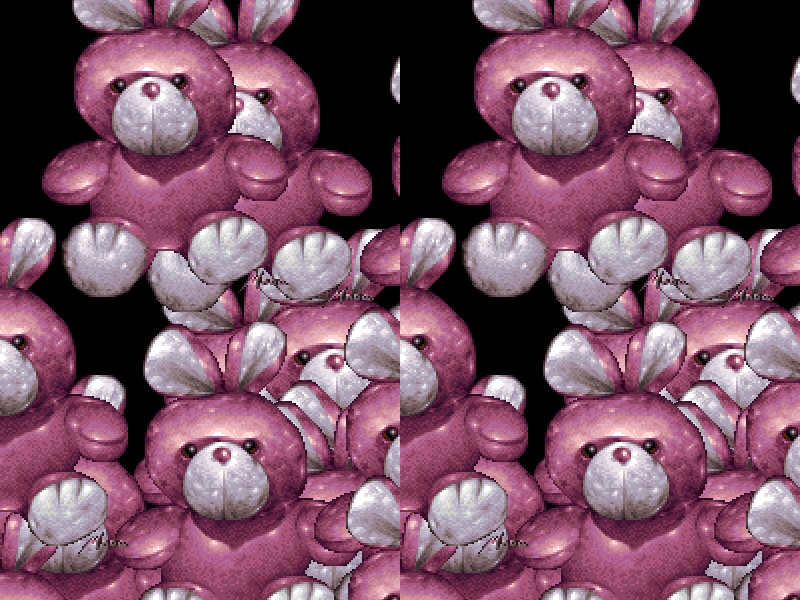 Render Texture to Render TextureDemonstrates how to draw the contents of one Render Texture into another Render Texture.
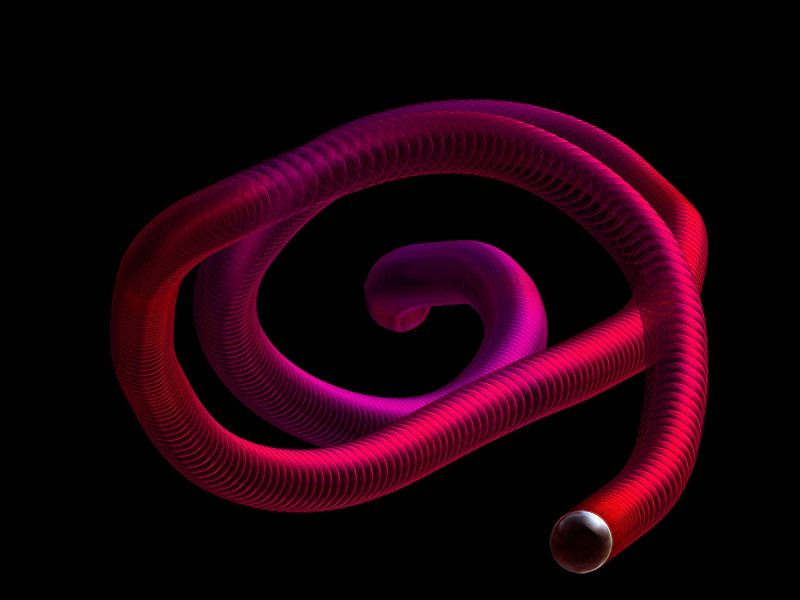 Render Texture Trail EffectDemonstrates how to create a persistent visual trail behind a moving object by drawing sprites into a Render Texture with dynamic tween updates.
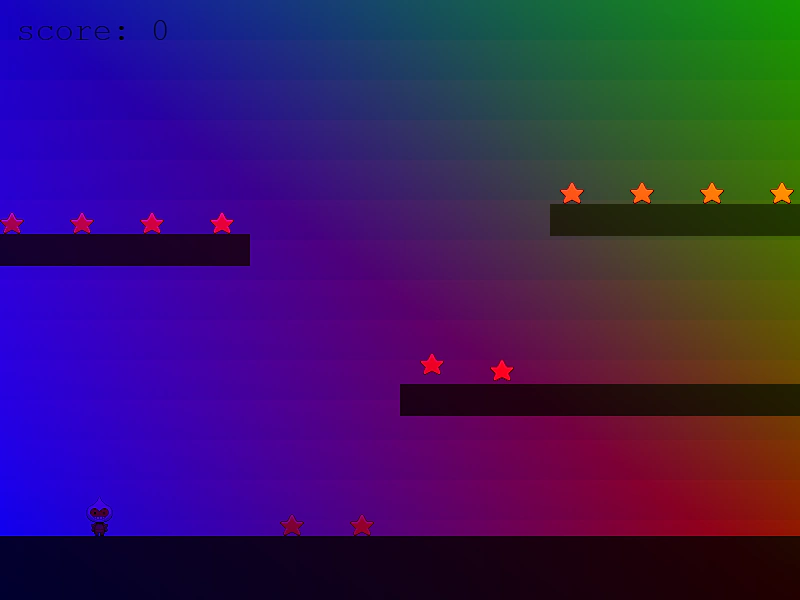 Rendering a Scene to a Render TextureDemonstrates how to capture the entire display list of one scene and draw it into a tinted Render Texture in a separate scene.
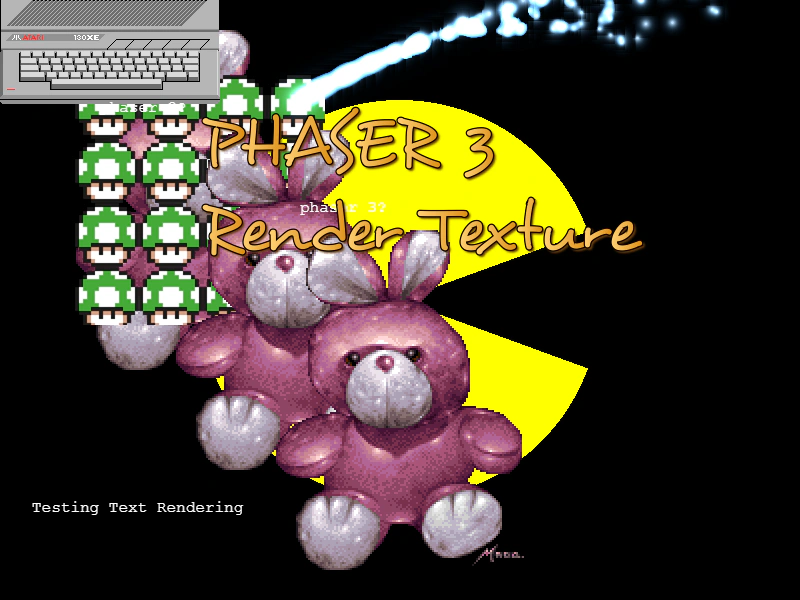 Resize a RenderTextureDemonstrates how to dynamically change the dimensions of a RenderTexture and redraw Game Objects including Text, Particles, and Graphics onto it after a resize.