Draw Atlas Frames to a Render Texture
Demonstrates how to draw specific texture atlas frames onto a Render Texture. Click different sprites to change which frame is drawn at the cursor's position.

800 × 600
class Example extends Phaser.Scene
{
    preload ()
    {
        this.load.setBaseURL('https://cdn.phaserfiles.com/v410');
        this.load.atlas('atlas', 'assets/atlas/megaset-1.png', 'assets/atlas/megaset-1.json');
    }

    create ()
    {
        const rt = this.make.renderTexture({ x: 0, y: 0, width: 800, height: 600 }).setOrigin(0, 0);

        const atari = this.add.image(200, 500, 'atlas', 'atari800').setInteractive();
        const mushroom = this.add.image(400, 100, 'atlas', 'mushroom2').setInteractive();
        const car = this.add.image(650, 500, 'atlas', 'supercars-parsec').setInteractive();

        let selected = atari;

        atari.on('pointerdown', function ()
        {
            selected = this;
        });

        mushroom.on('pointerdown', function ()
        {
            selected = this;
        });

        car.on('pointerdown', function ()
        {
            selected = this;
        });

        this.input.on('pointermove', pointer =>
        {
            rt.draw(selected, pointer.x, pointer.y)
            .render();
        });
    }
}

const config = {
    scale: { mode: Phaser.Scale.FIT },
    type: Phaser.AUTO,
    parent: 'game-container',
    scene: Example,
    width: 800,
    height: 600
};

const game = new Phaser.Game(config);
More in Render Texture45 examples
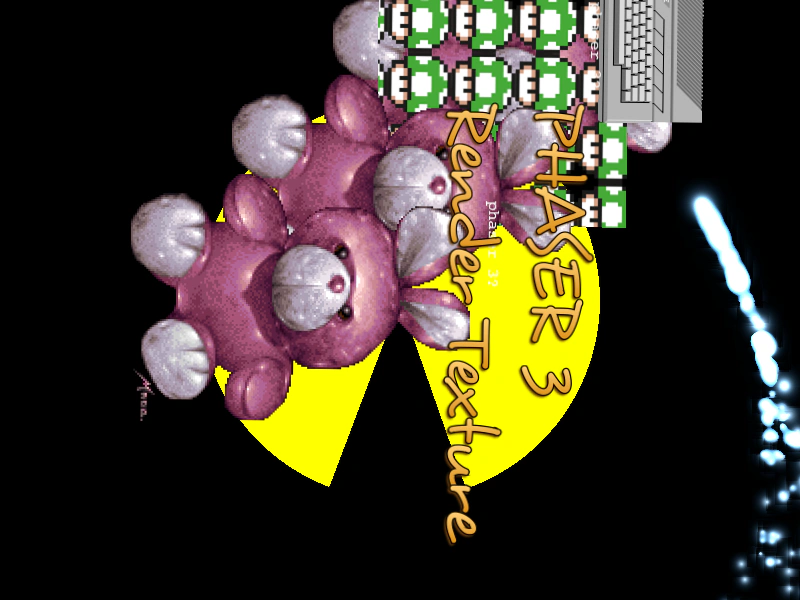 Draw Game Objects To Render TextureDemonstrates drawing multiple hidden Game Object types (Graphics, Text, Particles, TileSprites, and Blitters) onto a single Render Texture and rotating its internal camera.
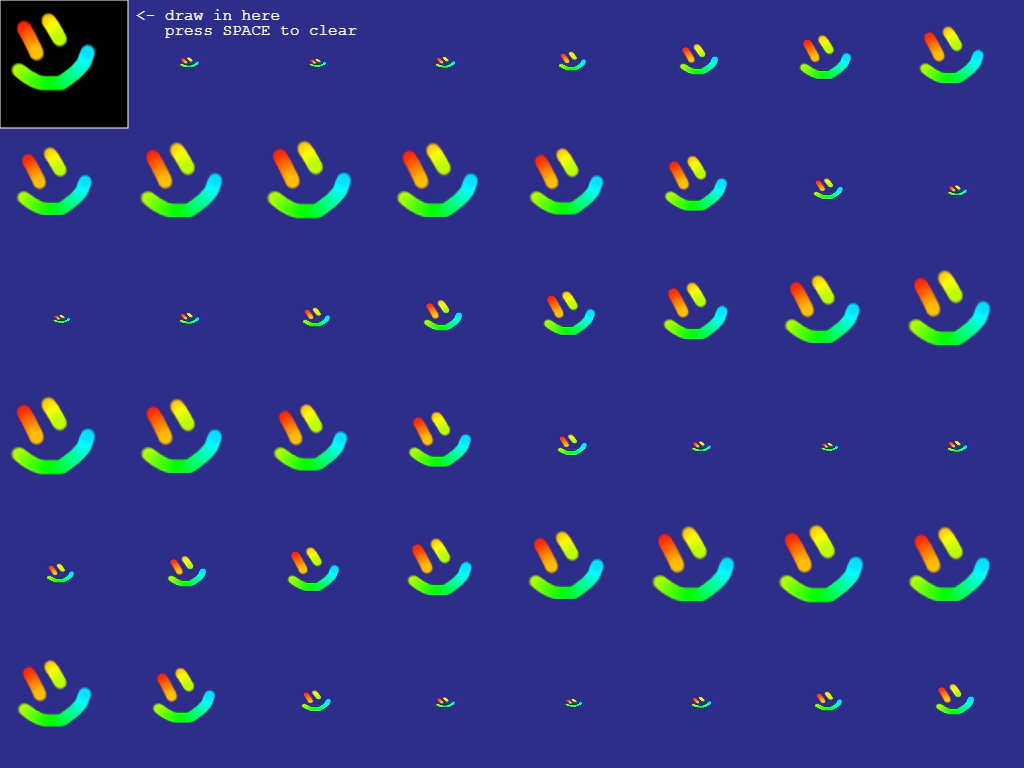 Draw on Render TextureDemonstrates interactive drawing onto a Render Texture using pointer events. The resulting drawing is saved as a dynamic texture and applied to a grid of animated sprites in real-time.
 Draw Textures to Render Texture by KeyLearn how to draw multiple images onto a Render Texture using their loaded asset keys and specific coordinates.
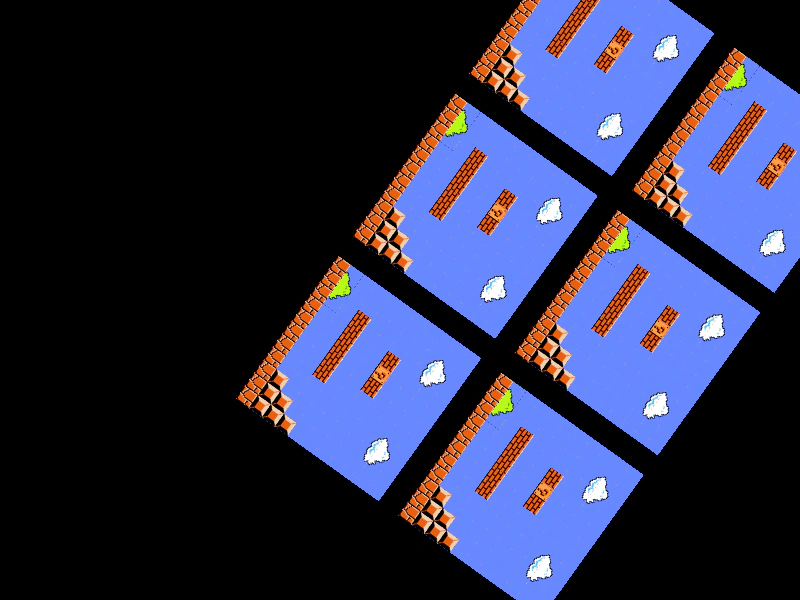 Drawing a Tilemap Layer to a Render TextureDemonstrates how to draw a hidden Tilemap Layer multiple times into a Render Texture while applying transformations like rotation through the Render Texture's internal camera.