Drawing Sprites to a Render Texture
Demonstrates how to draw multiple Game Objects into a Render Texture at specific coordinates and render the result.
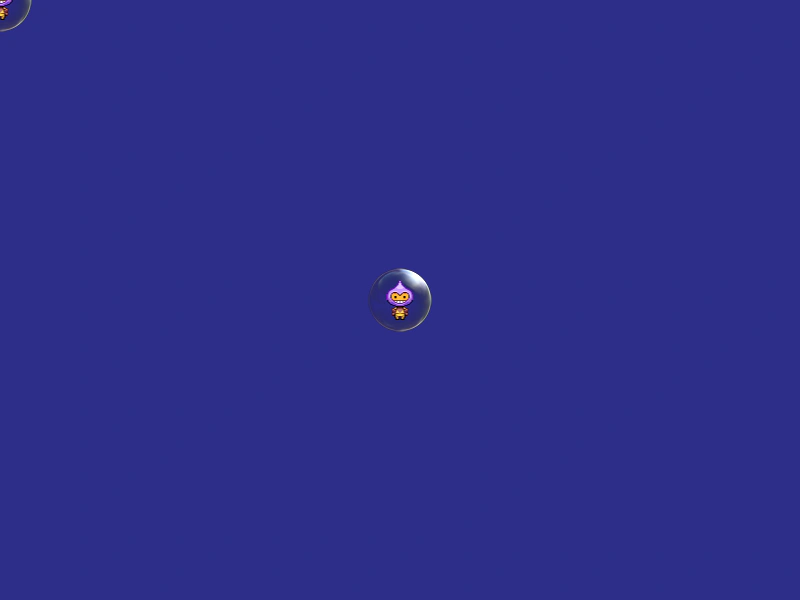
800 × 600
class Example extends Phaser.Scene
{
    preload ()
    {
        this.load.setBaseURL('https://cdn.phaserfiles.com/v410');
        this.load.image('bubble', 'assets/particles/bubble.png');
        this.load.image('dude', 'assets/sprites/phaser-dude.png');
    }

    create ()
    {
        const bubble = this.add.image(0, 0, 'bubble');
        const dude = this.add.image(0, 0, 'dude');

        const rt = this.add.renderTexture(400, 300, 64, 64);

        rt.draw(bubble, 32, 32);
        rt.draw(dude, 32, 32);
        rt.render();
    }
}

const config = {
    scale: { mode: Phaser.Scale.FIT },
    type: Phaser.AUTO,
    parent: 'game-container',
    width: 800,
    height: 600,
    backgroundColor: '#2d2d88',
    scene: Example
};

const game = new Phaser.Game(config);
More in Render Texture45 examples
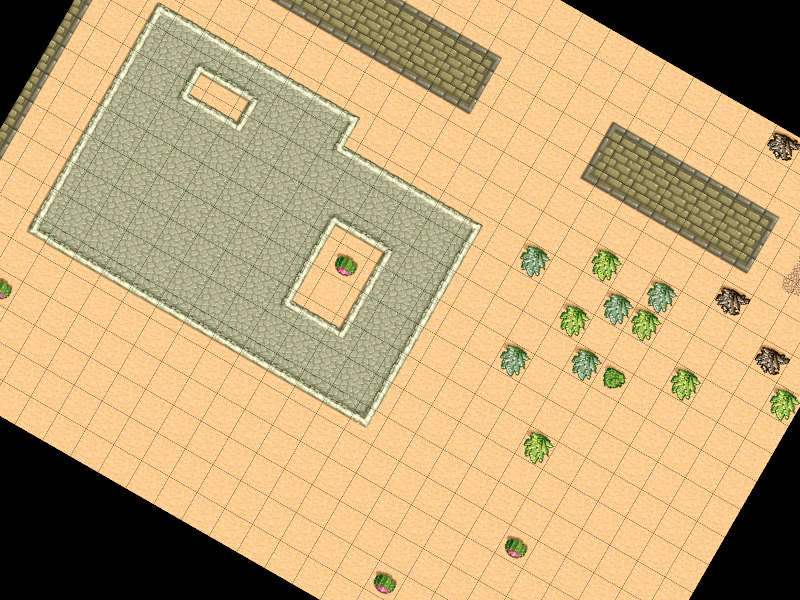 Dynamic Tilemap to Render TextureDemonstrates how to draw a hidden Tilemap Layer to a Render Texture and manipulate it using the Render Texture's internal camera rotation.
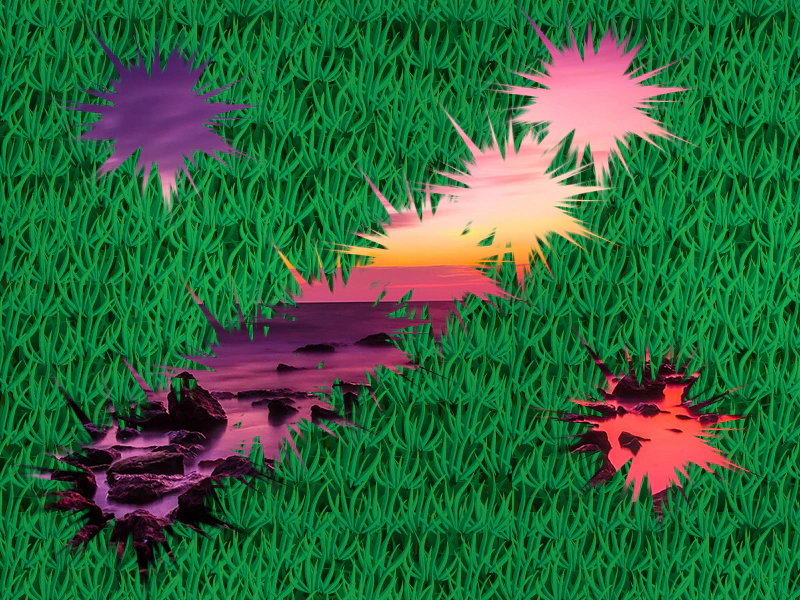 Erase Part of a Render TextureDemonstrates how to use a brush image to erase content from a Render Texture, revealing the objects behind it.
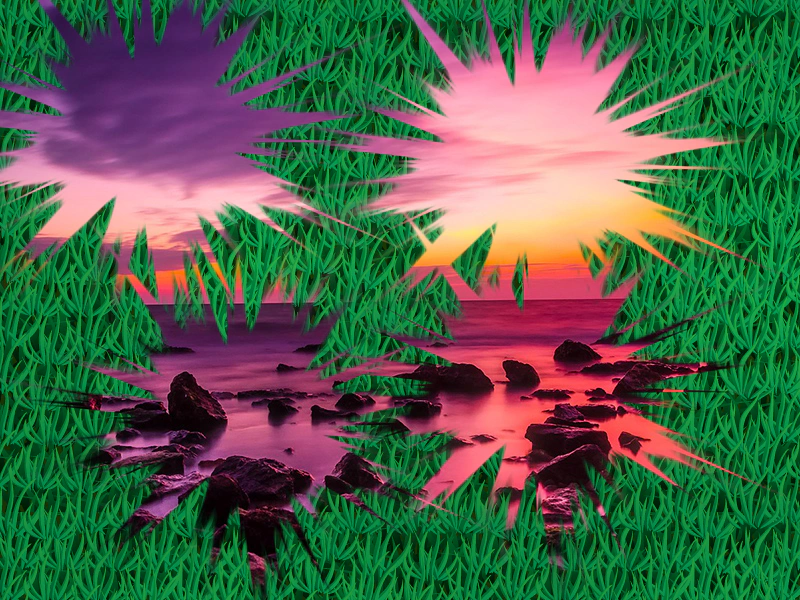 Erase Part of Render Texture (Canvas)Demonstrates how to use an image as a brush to erase portions of a Render Texture in Canvas mode, creating a scratch-off effect.
 Group To Render TextureDemonstrates how to draw entire Groups of Game Objects directly onto a Render Texture in a single operation.