Phaser 4 examples
Dragging
- 22 examples
Examples 22
 Basic Sprite DraggingDemonstrates how to make a sprite draggable by setting the interactive draggable property and updating its position during the drag event.
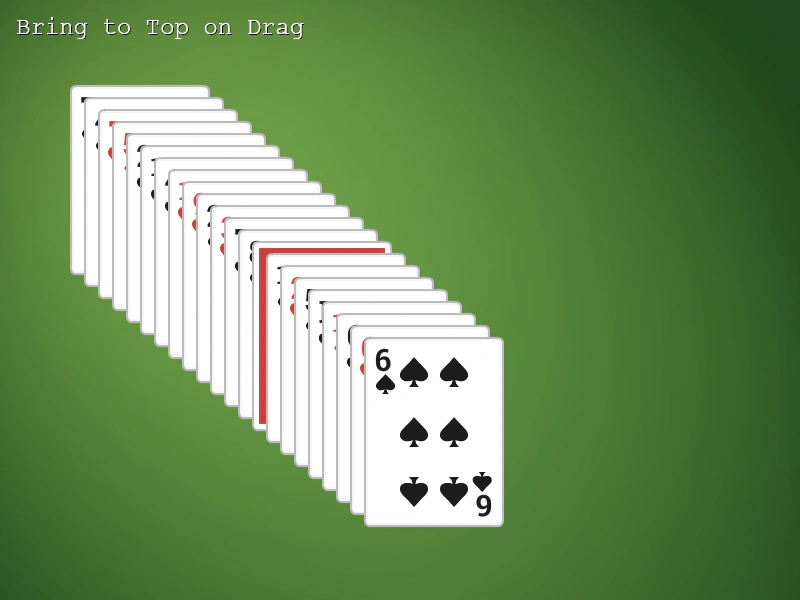 Bring Dragged Item to TopLearn how to use the Display List bringToTop method to move a Game Object to the front of the scene when a drag operation begins.
 Camera Movement and Object DraggingDemonstrates dragging interactive objects while navigating a large world using camera keyboard controls, featuring parallax effects and automatic group rotation.
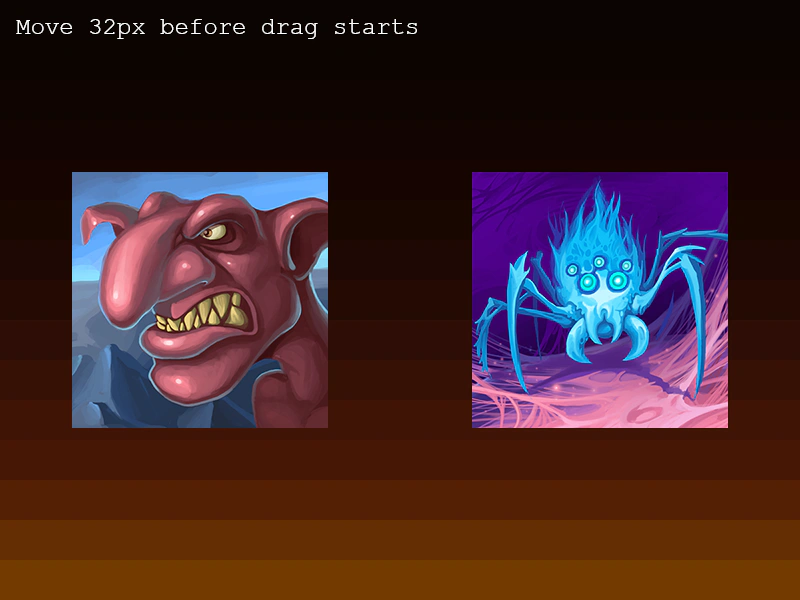 Drag Distance ThresholdDemonstrates how to use the dragDistanceThreshold property to require the pointer to move a minimum number of pixels before an object starts being dragged.
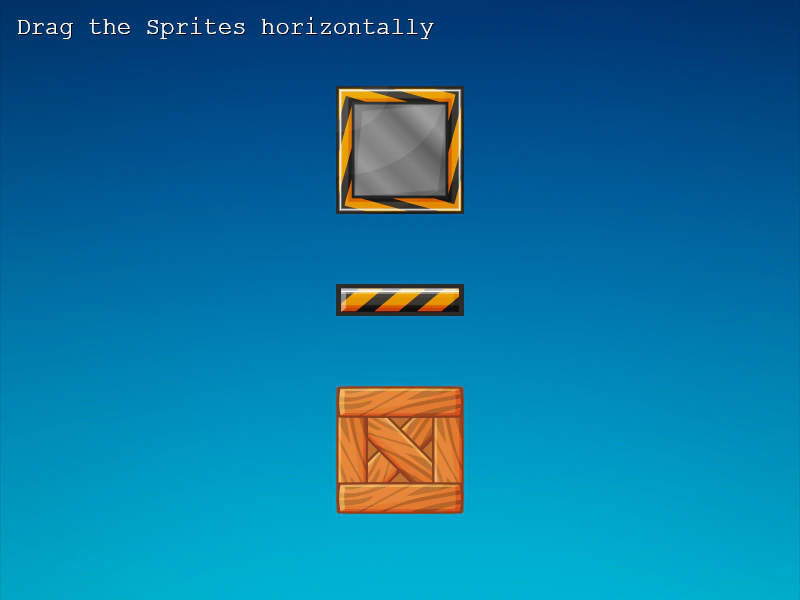 Drag HorizontallyDemonstrates how to restrict sprite movement to the horizontal axis and apply boundary constraints using the drag event and Phaser.Math.Clamp.
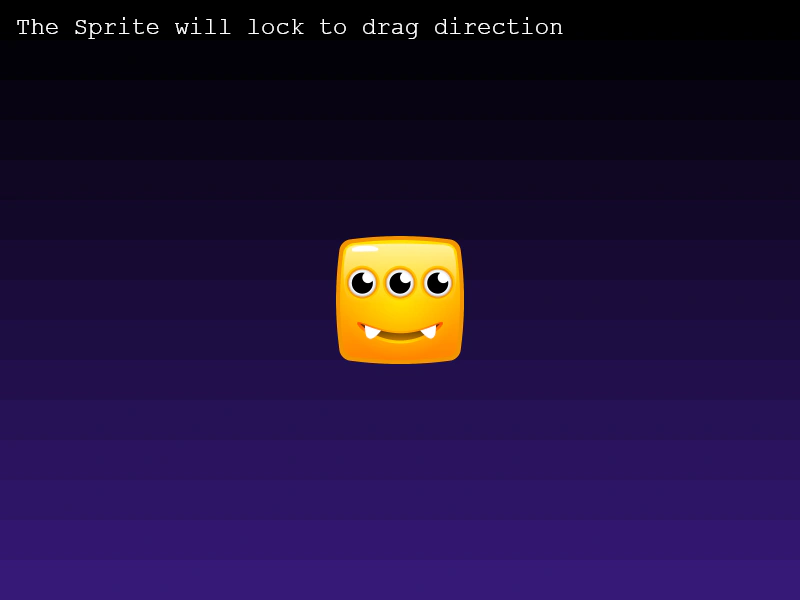 Drag on a Fixed AxisDemonstrates how to lock a sprite's movement to either the horizontal or vertical axis based on the direction of the initial drag gesture.
 Drag Time ThresholdDemonstrates how to set a time delay in milliseconds that must pass before an object is considered being dragged.
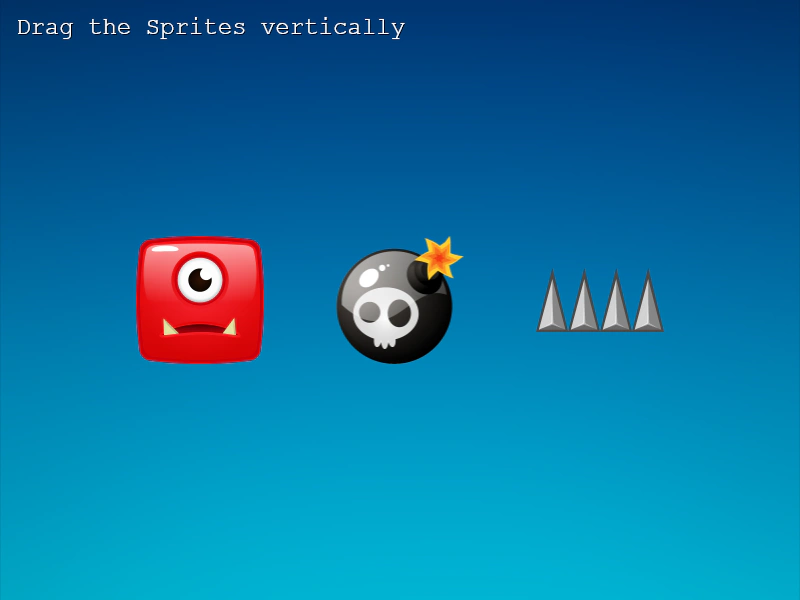 Drag VerticallyDemonstrates how to restrict sprite movement to the vertical axis during a drag operation and clamp the movement within a specific coordinate range.
 Drag With Multiple ScenesDemonstrates how to handle interactive objects and drag events across multiple simultaneously active scenes.
 Dragging a ContainerDemonstrates how to make a Container interactive and draggable. Shows that a Container must have a defined size to receive input and move all its child objects together.
 Dragging Rotated and Scaled ObjectsDemonstrates how to drag a Game Object that has been rotated and scaled, showing that hit detection remains accurate despite the transformations.
 Dragging with Scroll FactorDemonstrates how to drag Game Objects that have different scroll factor values. The input system automatically accounts for the scroll factor, ensuring the object tracks the pointer correctly even when configured for parallax movement.
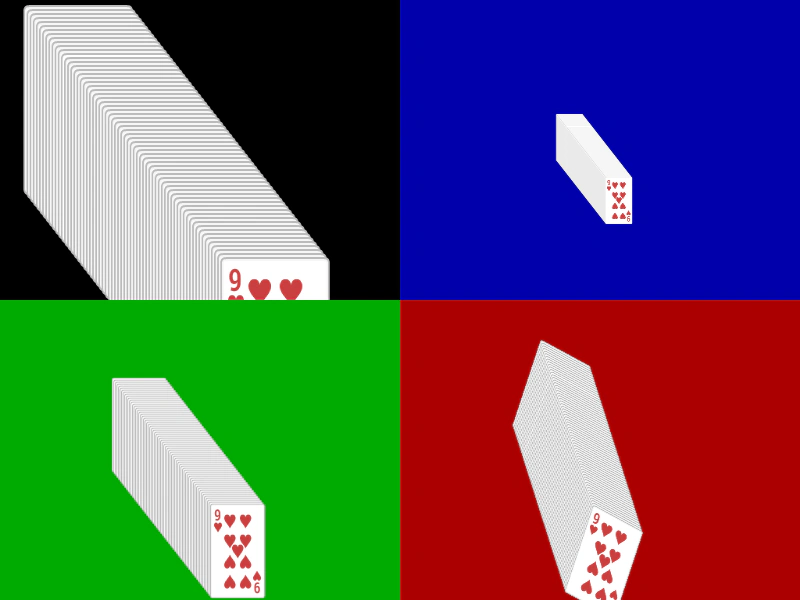 Multi Camera Stack of CardsDemonstrates dragging interactive objects across multiple viewports, each with different zoom levels and rotations.
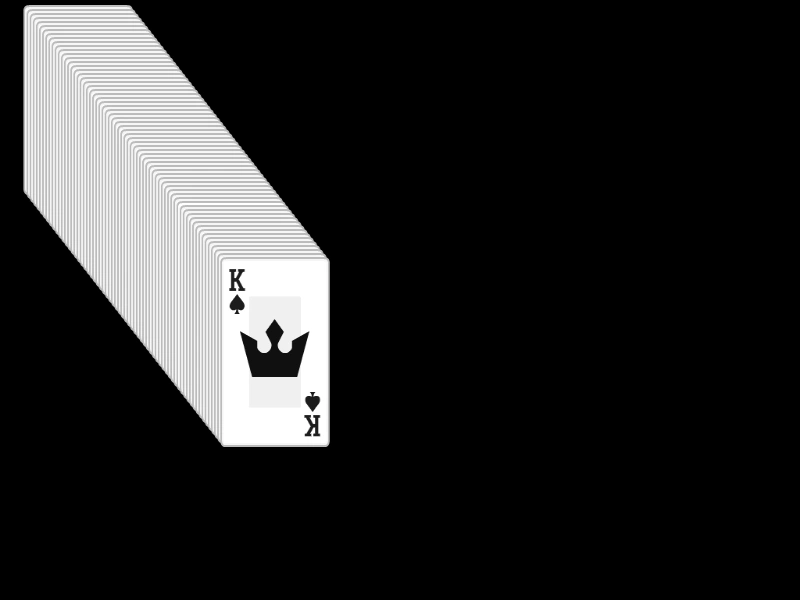 Multiple DraggablesDemonstrates how to drag multiple overlapping Game Objects simultaneously by setting the input topOnly property to false.
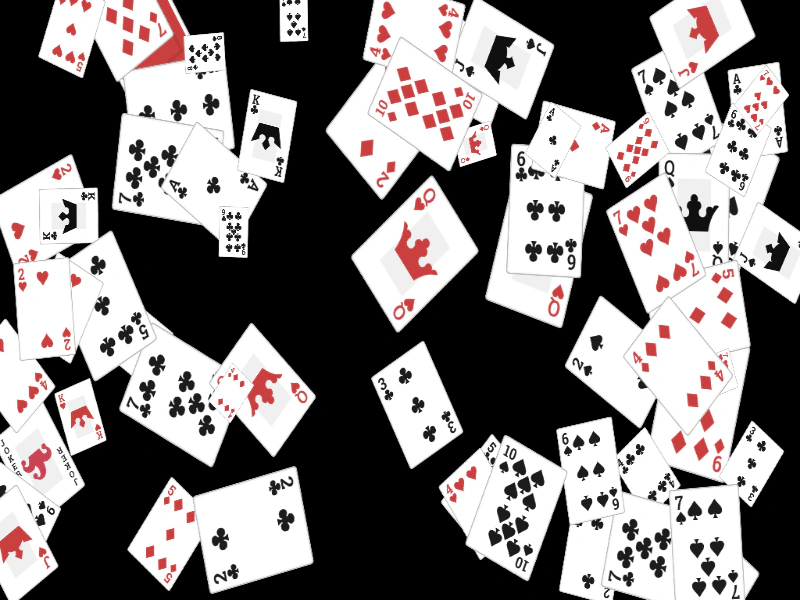 Multiple Rotated and Scaled Draggable ObjectsDemonstrates dragging multiple Game Objects that have been randomly scaled and rotated. It includes bringing the active object to the top of the display list upon dragging.
 Multiple Scene DragLearn how to implement independent drag-and-drop interactions for game objects across multiple concurrently active scenes.
 Retain Index After DragDemonstrates how to temporarily bring a Game Object to the top of the display list during a drag event and restore its original depth index once released.
 Scale During DragDemonstrates how to dynamically adjust the scale of a Game Object based on its vertical position while it is being dragged across the screen.
 Scrolling Text BoxDemonstrates how to create a scrollable text area using a Geometry Mask and pointer velocity to drag text within a specific zone.
 Simple Sprite DraggingDemonstrates how to make a sprite interactive, enable it for dragging, and use the drag event to update its position as the pointer moves.
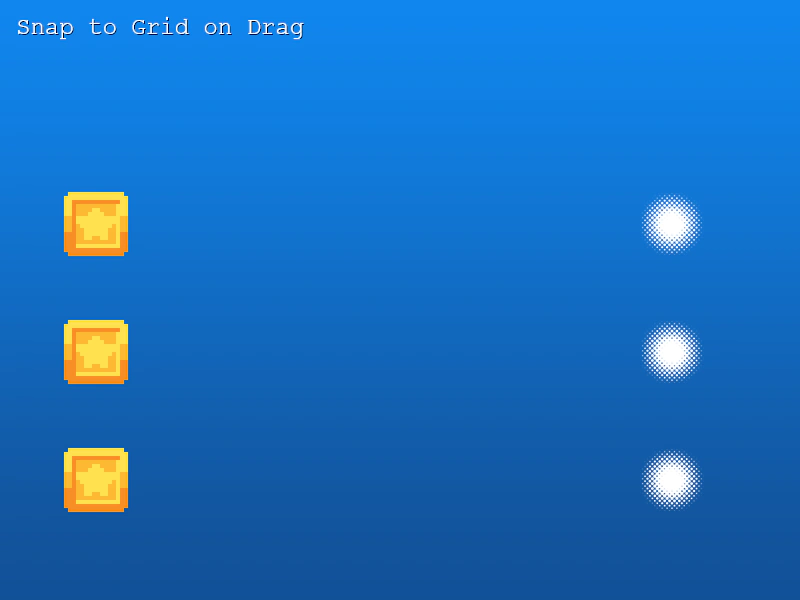 Snap To Grid On DragDemonstrates how to use Phaser.Math.Snap.To to align game objects to a fixed 64x64 grid while dragging.
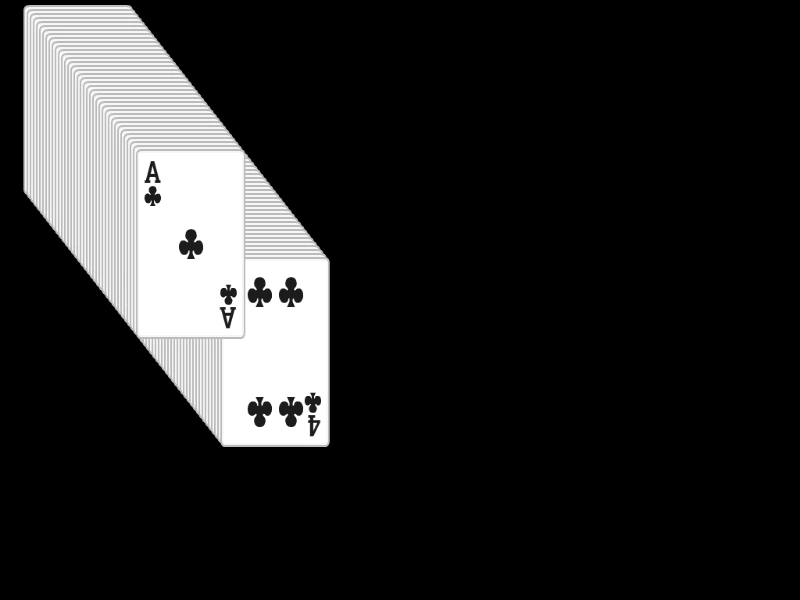 Stack of CardsLearn how to make multiple images draggable and use the dragstart event to bring the active object to the top of the display list.