Dragging with Scroll Factor
Demonstrates how to drag Game Objects that have different scroll factor values. The input system automatically accounts for the scroll factor, ensuring the object tracks the pointer correctly even when configured for parallax movement.
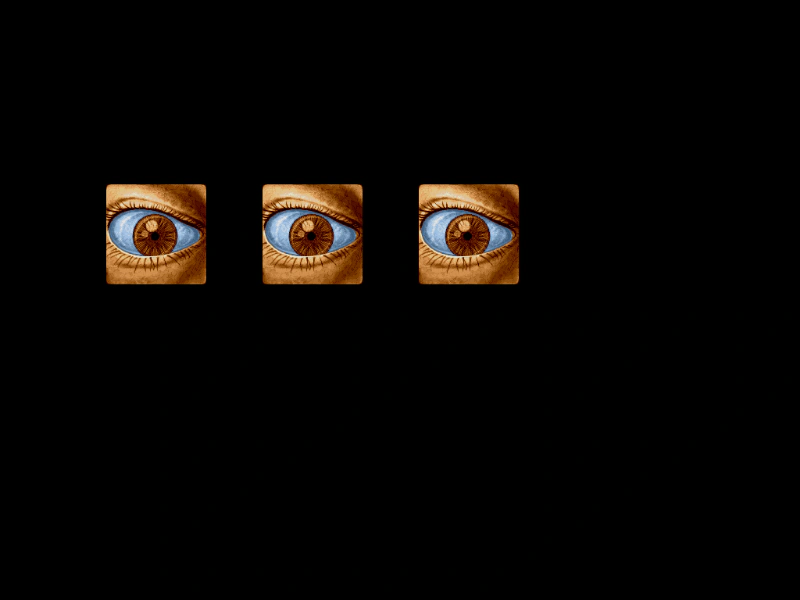
1024 × 768
class Example extends Phaser.Scene
{
    preload ()
    {
        this.load.setBaseURL('https://cdn.phaserfiles.com/v410');
        this.load.image('eye', 'assets/pics/lance-overdose-loader-eye.png');
    }

    create ()
    {
        const image1 = this.add.sprite(200, 300, 'eye').setInteractive();
        const image2 = this.add.sprite(400, 300, 'eye').setInteractive();
        const image3 = this.add.sprite(600, 300, 'eye').setInteractive();

        this.input.setDraggable([ image1, image2, image3 ]);

        image1.setScrollFactor(1);
        image2.setScrollFactor(0.7);
        image3.setScrollFactor(0.5);

        this.input.on('gameobjectover', (pointer, gameObject) =>
        {

            gameObject.setTint(0x00ff00);

        });

        this.input.on('gameobjectout', (pointer, gameObject) =>
        {

            gameObject.clearTint();

        });

        this.input.on('dragstart', (pointer, gameObject) =>
        {

            gameObject.setTint(0xff0000);

        });

        this.input.on('drag', (pointer, gameObject, dragX, dragY) =>
        {

            gameObject.x = dragX;
            gameObject.y = dragY;

        });

        this.input.on('dragend', (pointer, gameObject) =>
        {

            gameObject.clearTint();

        });
    }
}

const config = {
    scale: { mode: Phaser.Scale.FIT },
    type: Phaser.WEBGL,
    parent: 'game-container',
    scene: Example
};

const game = new Phaser.Game(config);
More in Dragging22 examples
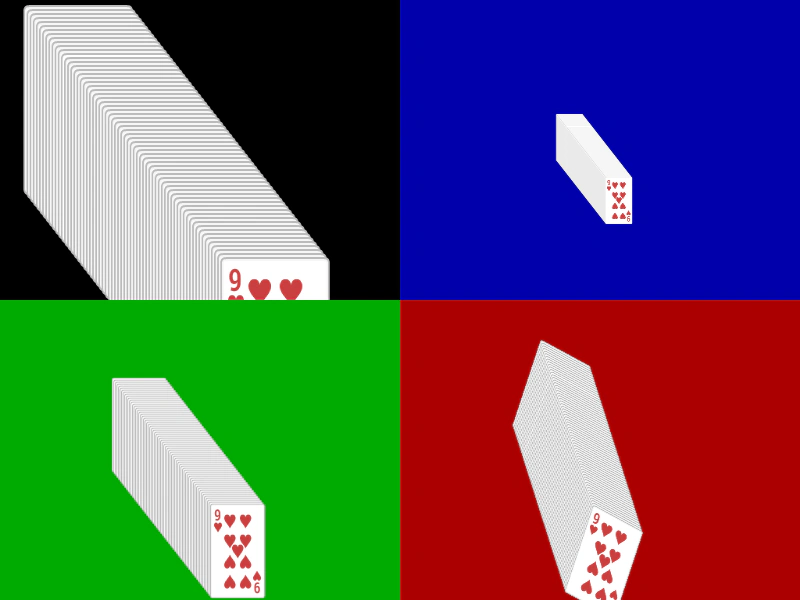 Multi Camera Stack of CardsDemonstrates dragging interactive objects across multiple viewports, each with different zoom levels and rotations.
 Multiple DraggablesDemonstrates how to drag multiple overlapping Game Objects simultaneously by setting the input topOnly property to false.
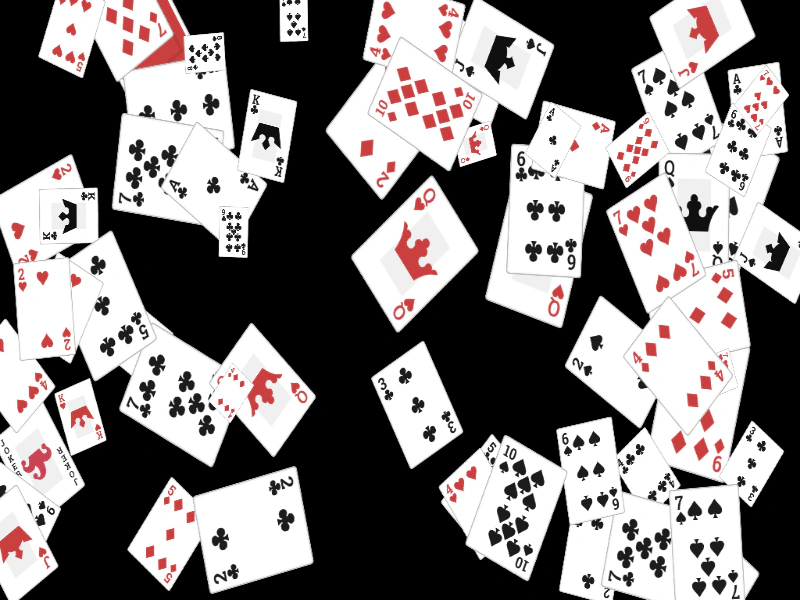 Multiple Rotated and Scaled Draggable ObjectsDemonstrates dragging multiple Game Objects that have been randomly scaled and rotated. It includes bringing the active object to the top of the display list upon dragging.
 Multiple Scene DragLearn how to implement independent drag-and-drop interactions for game objects across multiple concurrently active scenes.