Basic Sprite Dragging
Demonstrates how to make a sprite draggable by setting the interactive draggable property and updating its position during the drag event.

800 × 600
class Example extends Phaser.Scene
{
    constructor()
    {
        super();
    }

    preload ()
    {
        this.load.setBaseURL('https://cdn.phaserfiles.com/v410');
        this.load.image('bg', 'assets/skies/gradient29.png');
        this.load.image('char', 'assets/pics/nayuki.png');
    }

    create ()
    {
        this.add.image(400, 300, 'bg');

        this.add.text(16, 16, 'Drag the Sprite').setFontSize(24).setShadow(1, 1);

        const sprite = this.add.sprite(400, 300, 'char');

        sprite.setInteractive({ draggable: true });

        sprite.on('drag', (pointer, dragX, dragY) => sprite.setPosition(dragX, dragY));
    }
}

const config = {
    scale: { mode: Phaser.Scale.FIT },
    type: Phaser.AUTO,
    width: 800,
    height: 600,
    parent: 'game-container',
    scene: Example
};

const game = new Phaser.Game(config);
More in Dragging22 examples
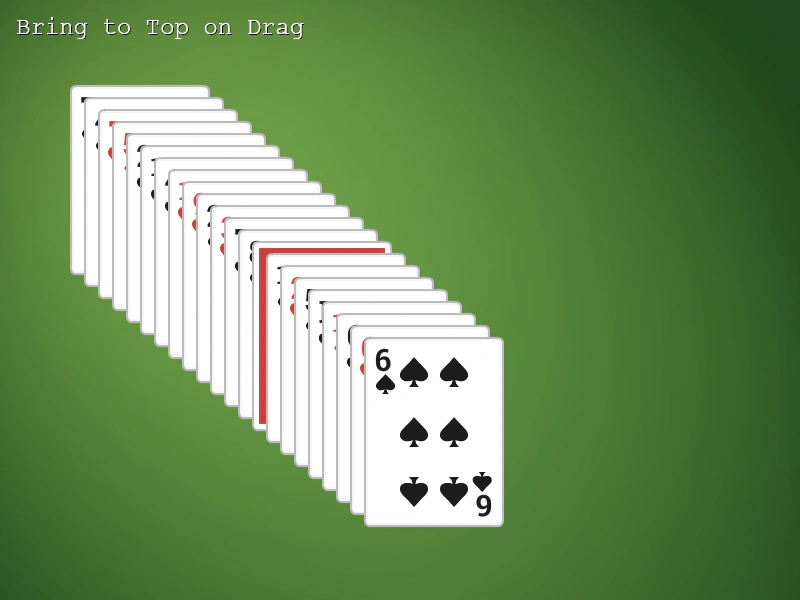 Bring Dragged Item to TopLearn how to use the Display List bringToTop method to move a Game Object to the front of the scene when a drag operation begins.
 Camera Movement and Object DraggingDemonstrates dragging interactive objects while navigating a large world using camera keyboard controls, featuring parallax effects and automatic group rotation.
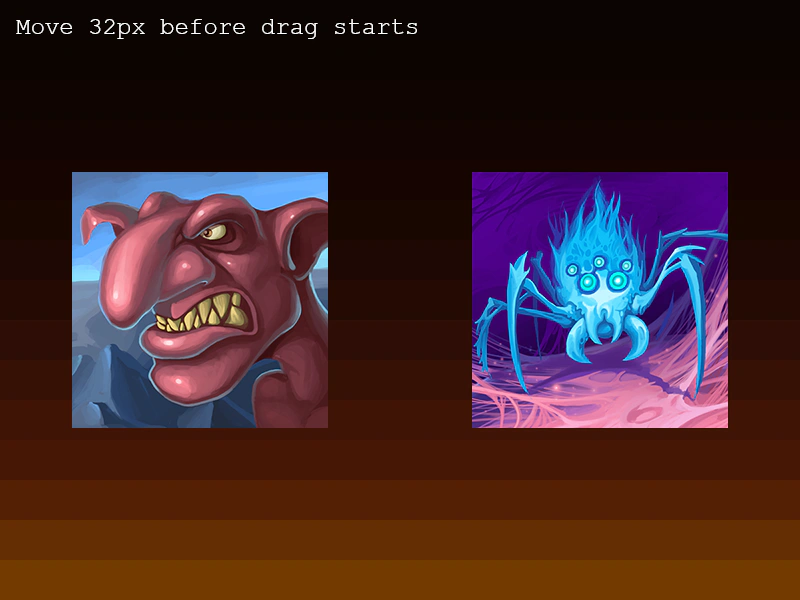 Drag Distance ThresholdDemonstrates how to use the dragDistanceThreshold property to require the pointer to move a minimum number of pixels before an object starts being dragged.
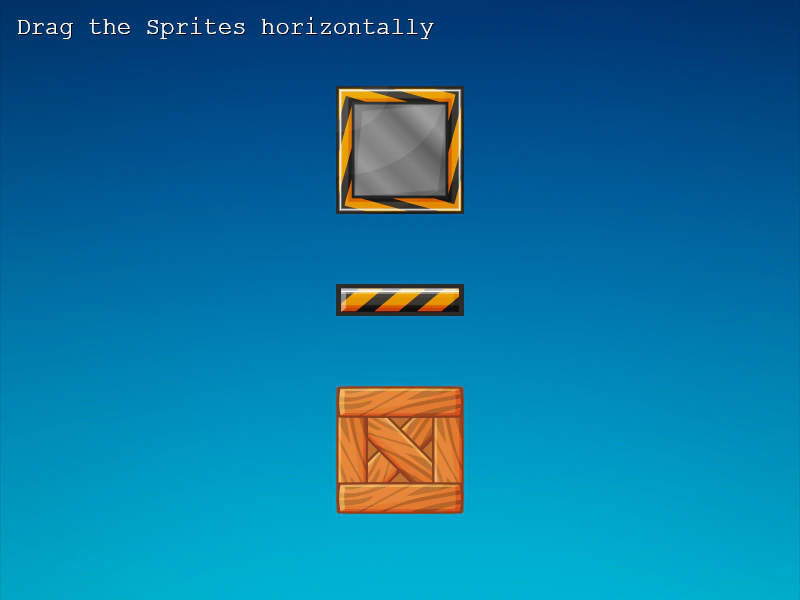 Drag HorizontallyDemonstrates how to restrict sprite movement to the horizontal axis and apply boundary constraints using the drag event and Phaser.Math.Clamp.