Drag Time Threshold
Demonstrates how to set a time delay in milliseconds that must pass before an object is considered being dragged.
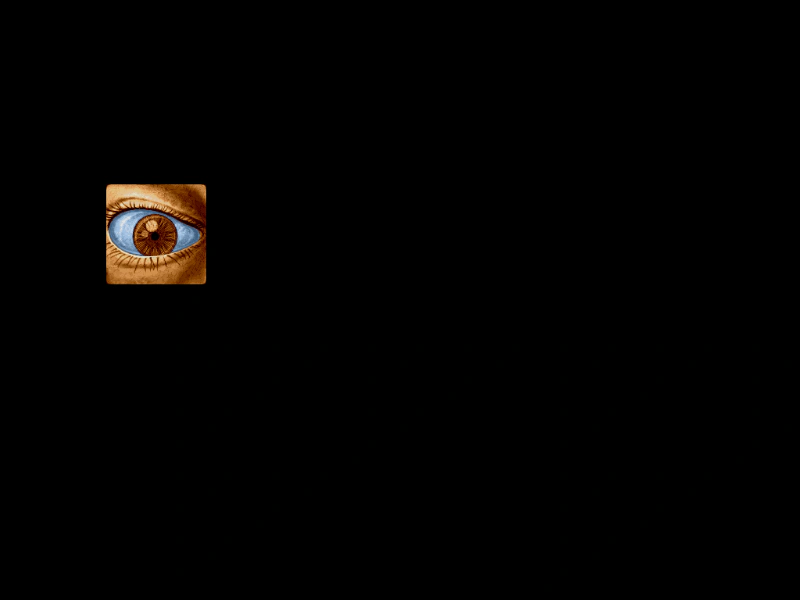
1024 × 768
class Example extends Phaser.Scene
{
    preload ()
    {
        this.load.setBaseURL('https://cdn.phaserfiles.com/v410');
        this.load.image('eye', 'assets/pics/lance-overdose-loader-eye.png');
    }

    create ()
    {
        const image = this.add.sprite(200, 300, 'eye').setInteractive();

        this.input.setDraggable(image);

        //  The pointer has to be held down for 500ms before it's considered a drag
        this.input.dragTimeThreshold = 500;

        this.input.on('dragstart', (pointer, gameObject) =>
        {

            gameObject.setTint(0xff0000);

        });

        this.input.on('drag', (pointer, gameObject, dragX, dragY) =>
        {

            gameObject.x = dragX;
            gameObject.y = dragY;

        });

        this.input.on('dragend', (pointer, gameObject) =>
        {

            gameObject.clearTint();

        });
    }
}

const config = {
    scale: { mode: Phaser.Scale.FIT },
    type: Phaser.WEBGL,
    parent: 'game-container',
    scene: Example
};

const game = new Phaser.Game(config);
More in Dragging22 examples
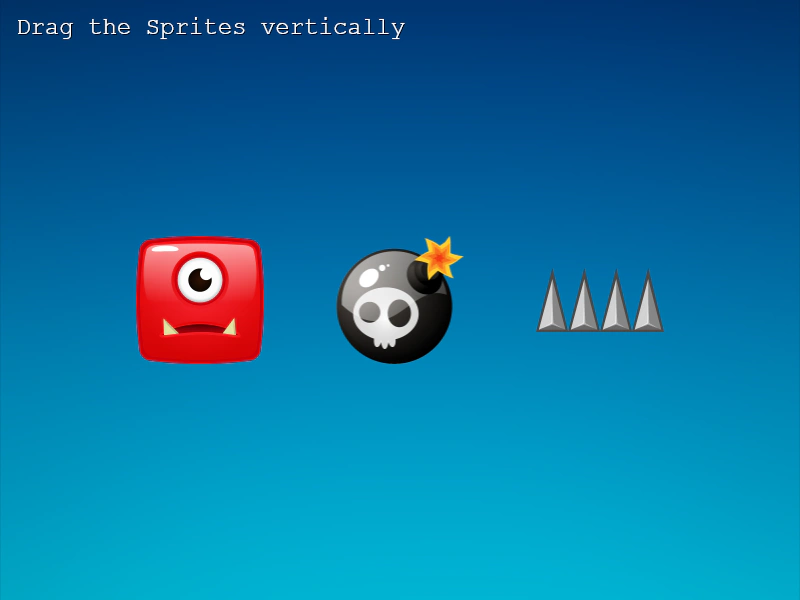 Drag VerticallyDemonstrates how to restrict sprite movement to the vertical axis during a drag operation and clamp the movement within a specific coordinate range.
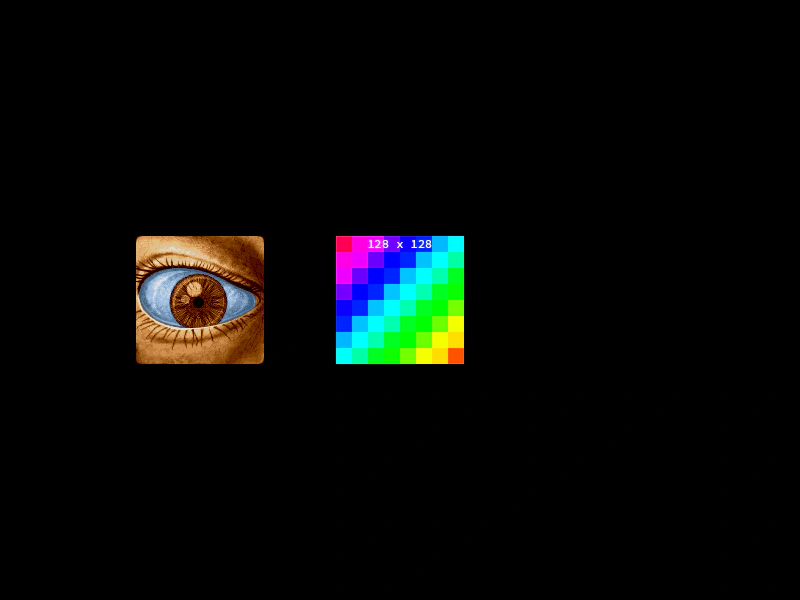 Drag With Multiple ScenesDemonstrates how to handle interactive objects and drag events across multiple simultaneously active scenes.
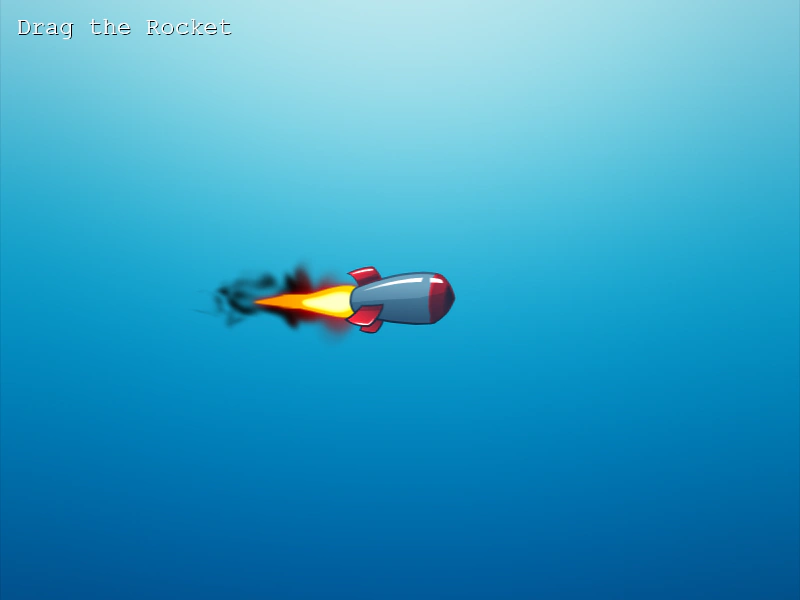 Dragging a ContainerDemonstrates how to make a Container interactive and draggable. Shows that a Container must have a defined size to receive input and move all its child objects together.
 Dragging Rotated and Scaled ObjectsDemonstrates how to drag a Game Object that has been rotated and scaled, showing that hit detection remains accurate despite the transformations.