Phaser 4 examples
Shapes
- 24 examples
Examples 24
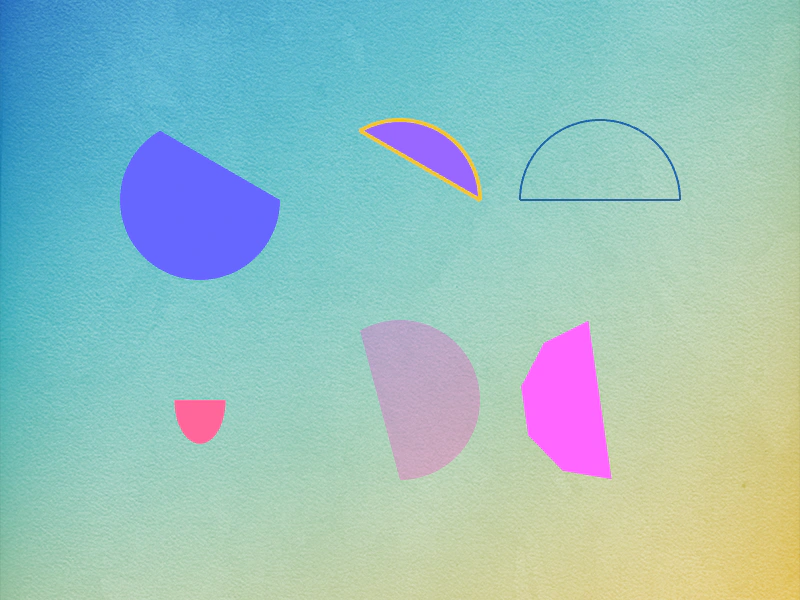 Arc Shape Game ObjectDemonstrates creating Arc shape game objects with various start and end angles, fill colors, strokes, and rendering iterations.
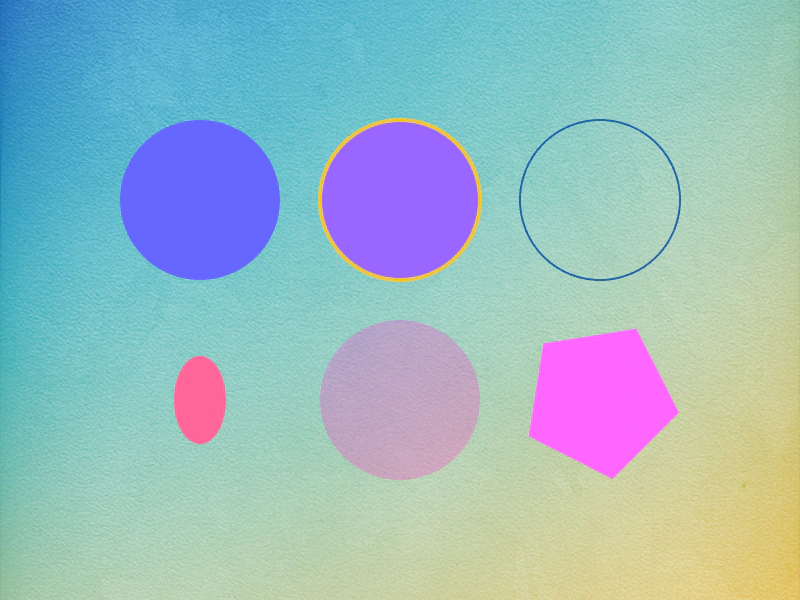 Circle Shape Game ObjectDemonstrates how to create and style Circle Shape Game Objects with fill colors, stroke styles, and animations.
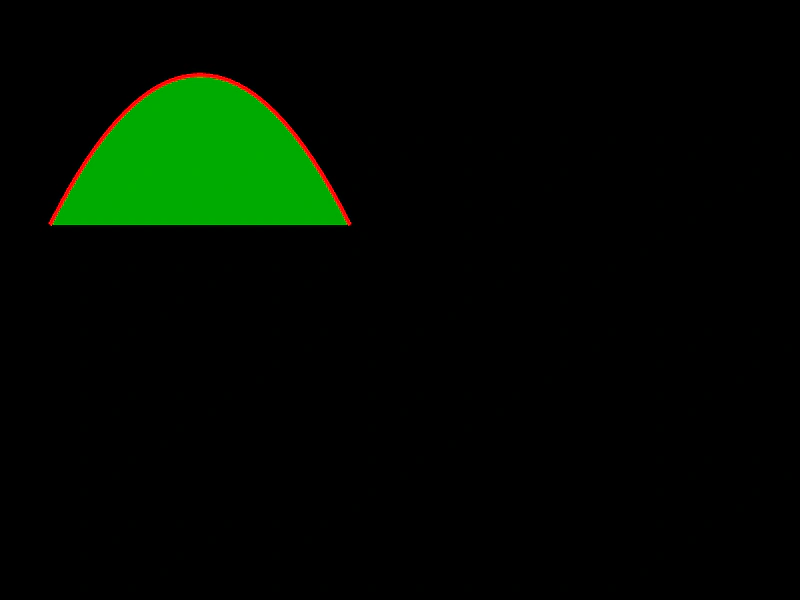 Curve ShapeDemonstrates how to create a Shape Game Object using a Cubic Bezier curve, including how to define control points, apply fill and stroke styles, and manipulate its position.
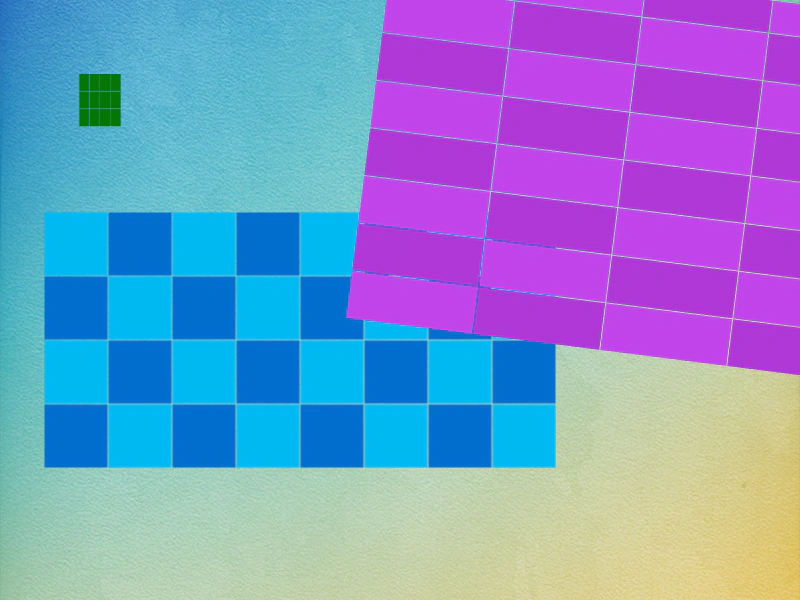 Grid ShapeDemonstrates creating Grid Shape Game Objects with custom cell sizes, alternating fill colors, and outlines, as well as animating their dimensions and rotation.
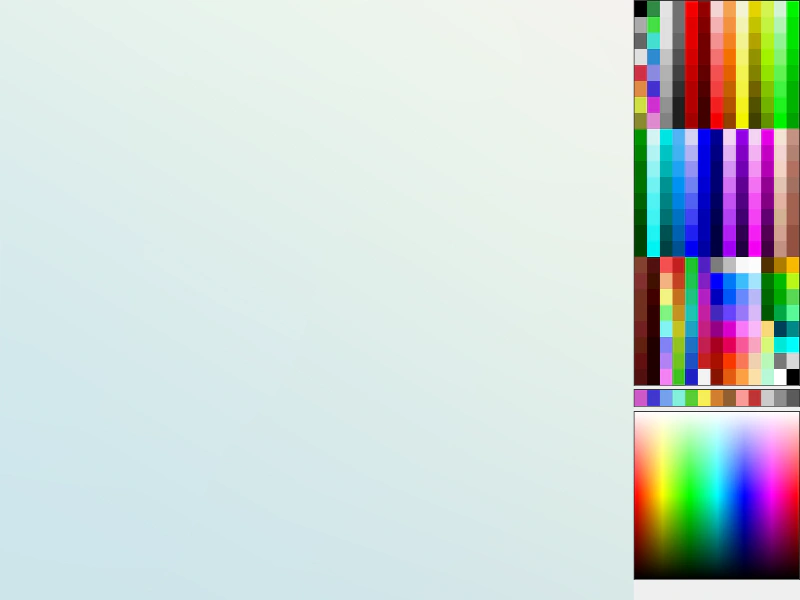 Interactive Shape Drawing ToolDemonstrates how to dynamically create and resize Shape Game Objects (Circles, Rectangles, Ellipses, Stars, and Lines) using pointer input and color picking from a texture palette.
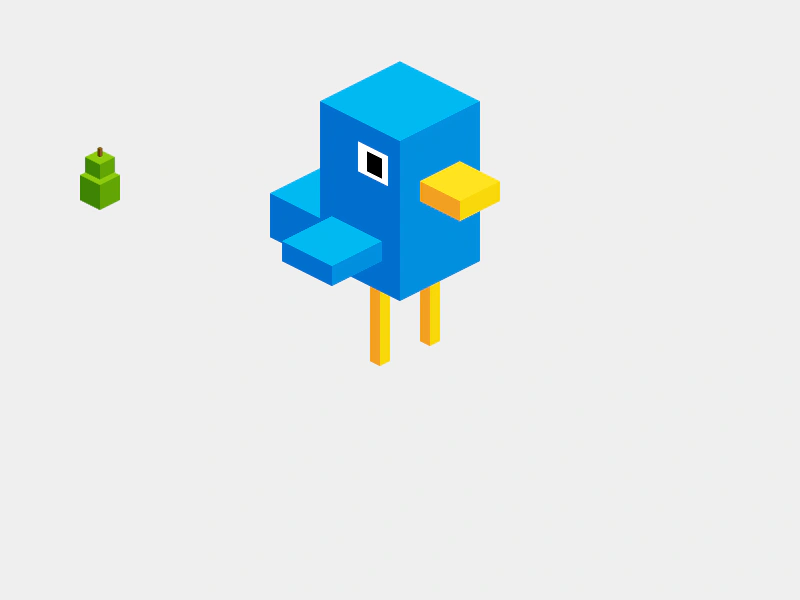 Isometric BirdieBuild a pseudo-3D character by composing multiple IsoBox shapes into a single Container. Demonstrates how to use face coloring and face visibility to create isometric art.
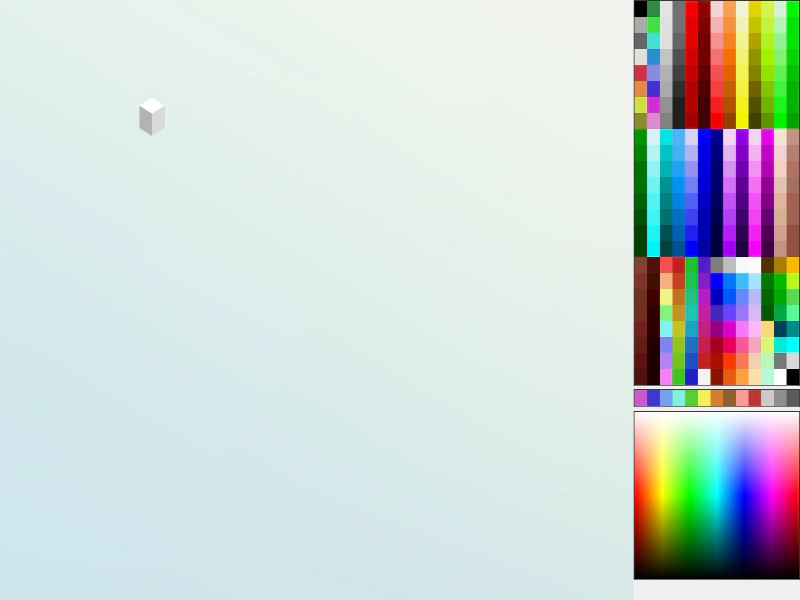 Isometric Box DrawingLearn how to draw and position IsoBox shapes on an isometric grid, featuring face-specific color shading and coordinate conversion between screen and isometric space.
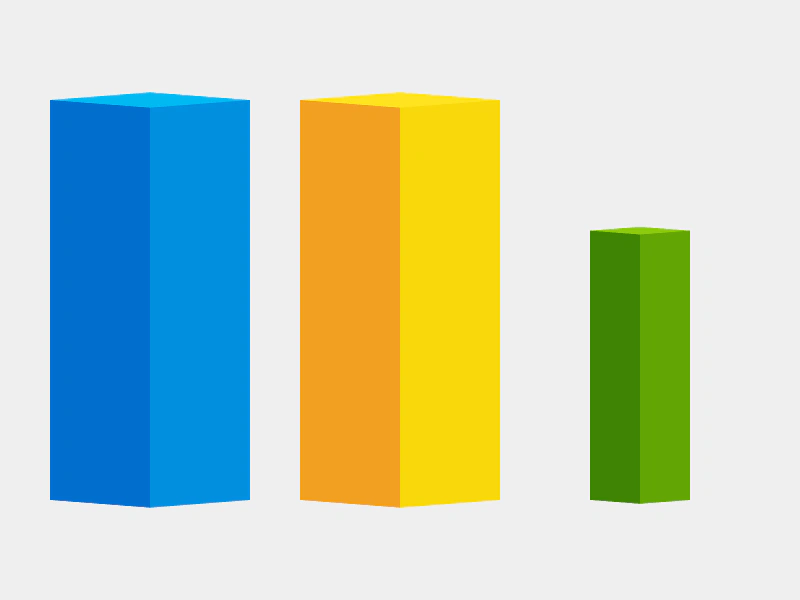 Isometric Box ShapeDemonstrates creating and animating isometric box shapes with customizable face colors and adjustable projection angles.
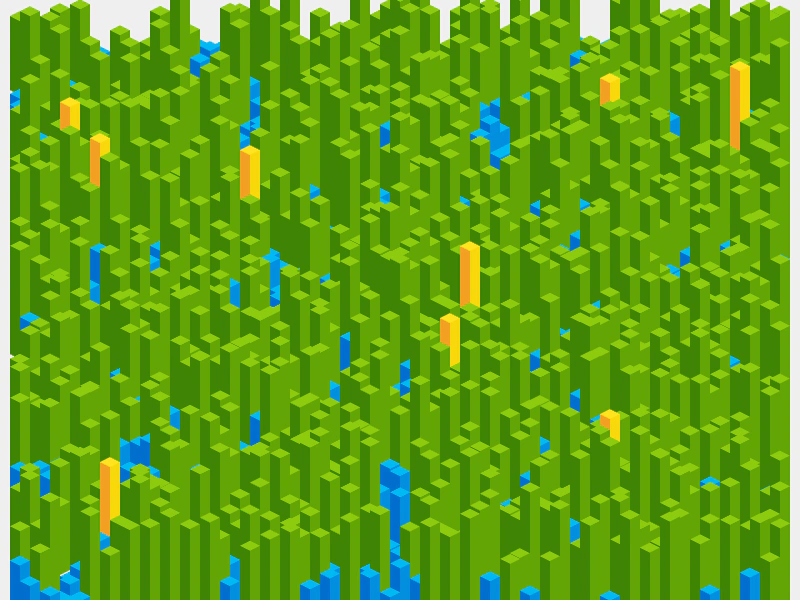 Isometric Heightmap LandscapeGenerate a scrollable isometric terrain using IsoBox shapes and a noise texture to determine block heights and colors.
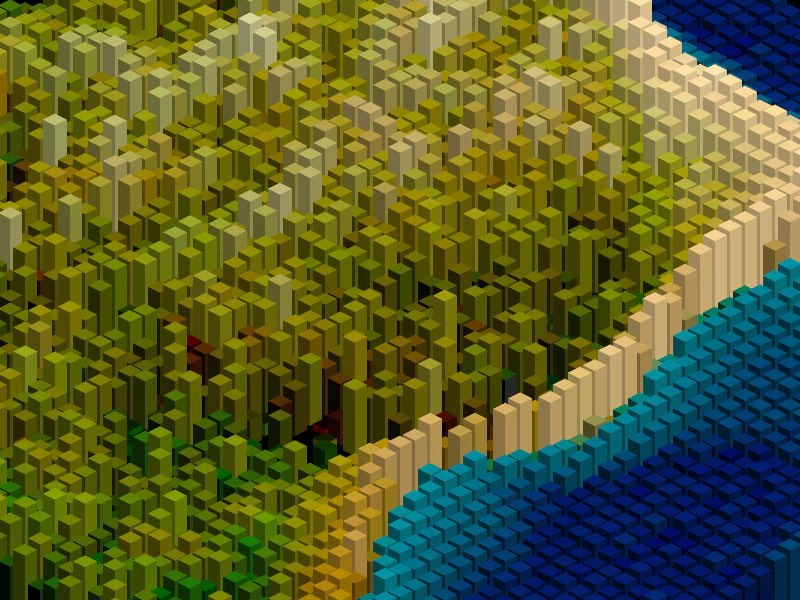 Isometric Image HeightmapRender a dynamic isometric terrain using a grid of Isobox shapes whose height and color are driven by pixel data from a source image heightmap.
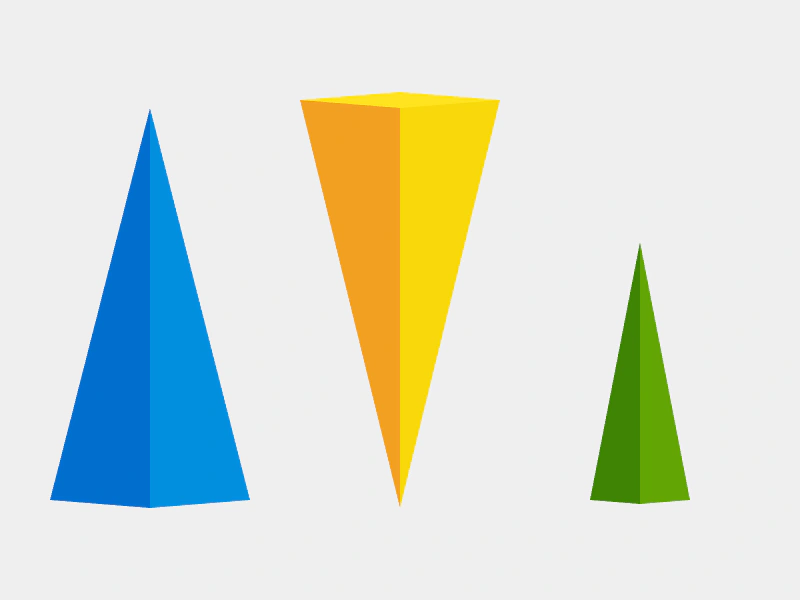 Isometric Triangle ShapeCreate and animate 2.5D isometric triangle shapes, showcasing face coloring, reversing the orientation, and tweening the height and projection properties.
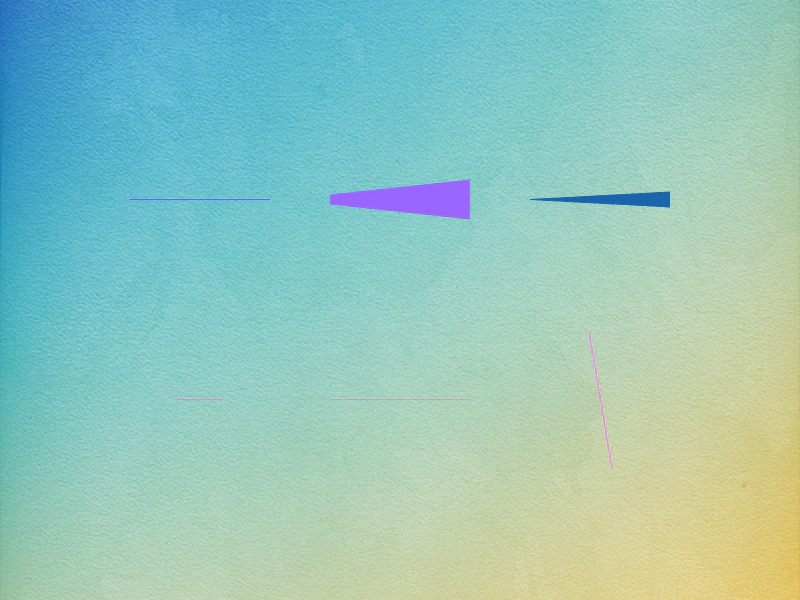 Line ShapeDemonstrates creating line shapes, including setting varying start and end widths for tapered effects and applying tweens for rotation, scaling, and transparency.
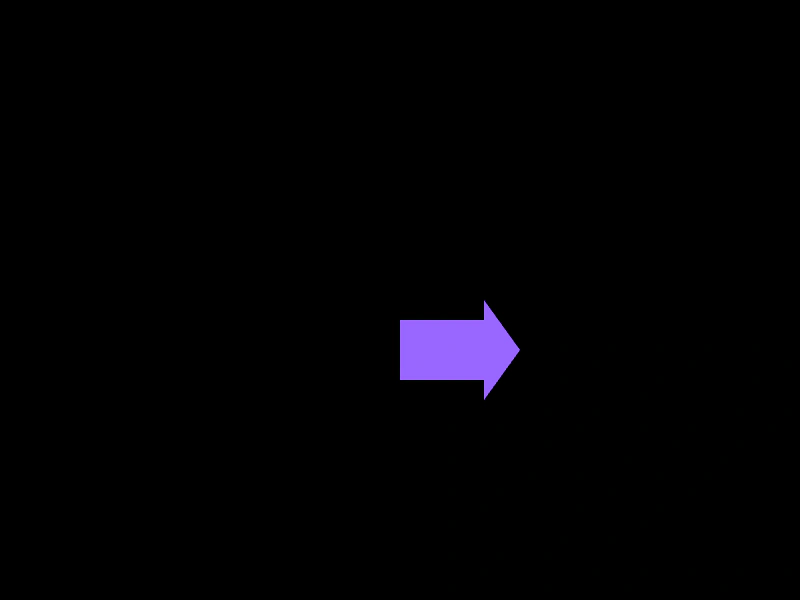 Polygon Contains CheckDemonstrates how to check if a specific coordinate point lies within the boundaries of a Polygon shape.
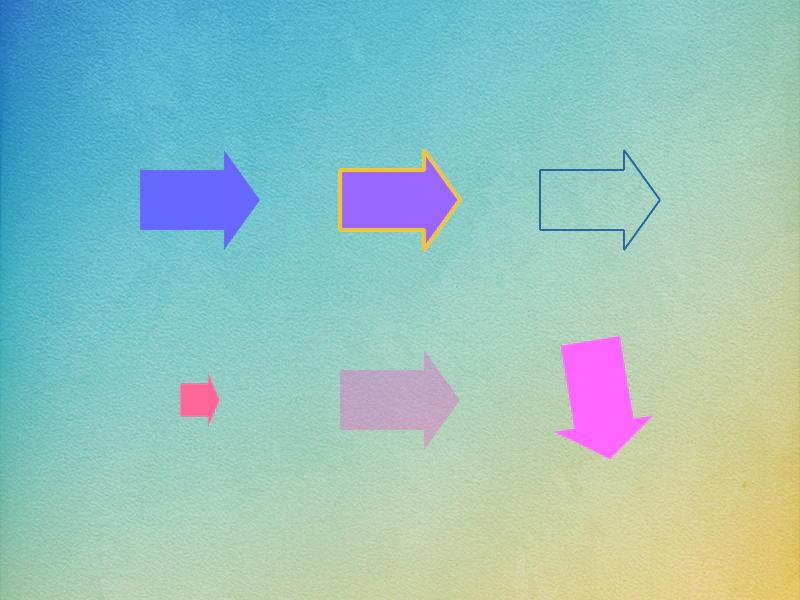 Polygon ShapeCreate Polygon Shape game objects using coordinate arrays. Demonstrates setting fill colors, stroke styles, and animating properties like scale, alpha, and rotation.
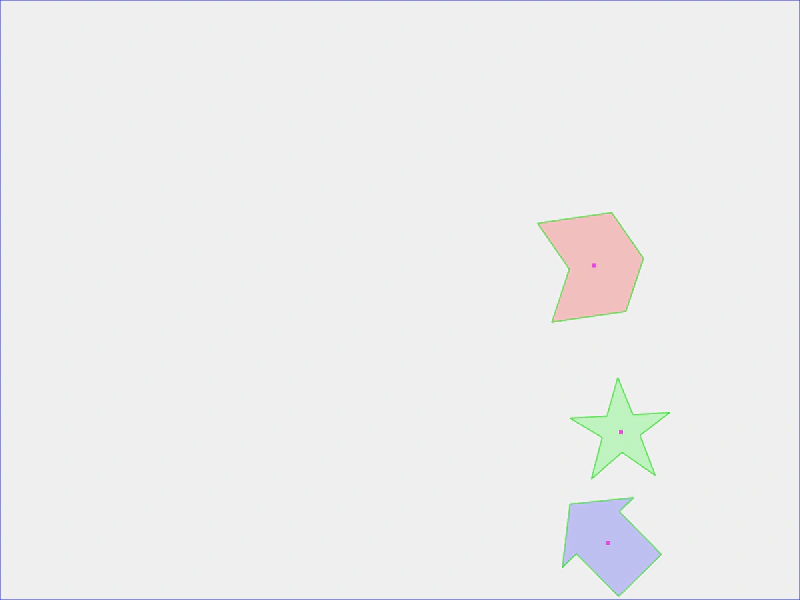 Polygon with Matter PhysicsThis example shows how to create custom polygon shapes and convert them into active Matter.js physics bodies using vertex data.
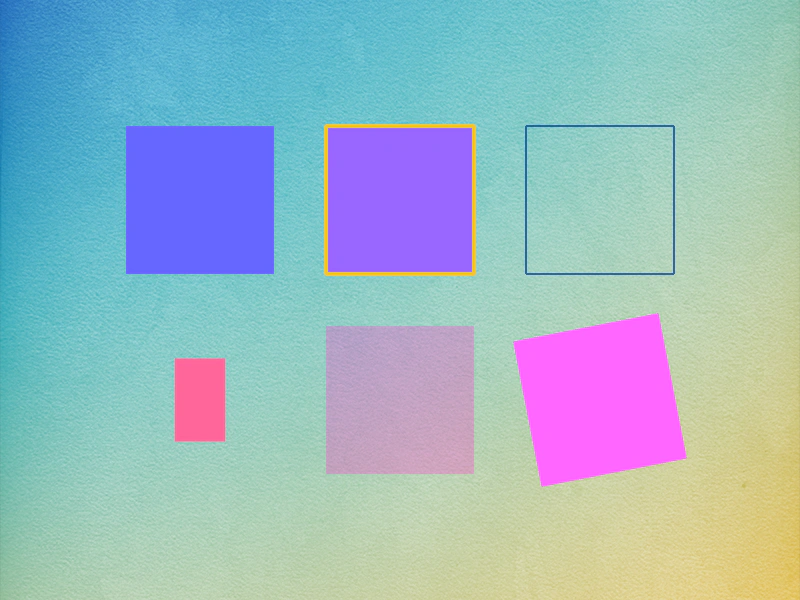 Rectangle ShapeDemonstrates creating and styling Rectangle Shape Game Objects, including using fill colors, stroke styles, and applying tweens for scaling, alpha, and rotation.
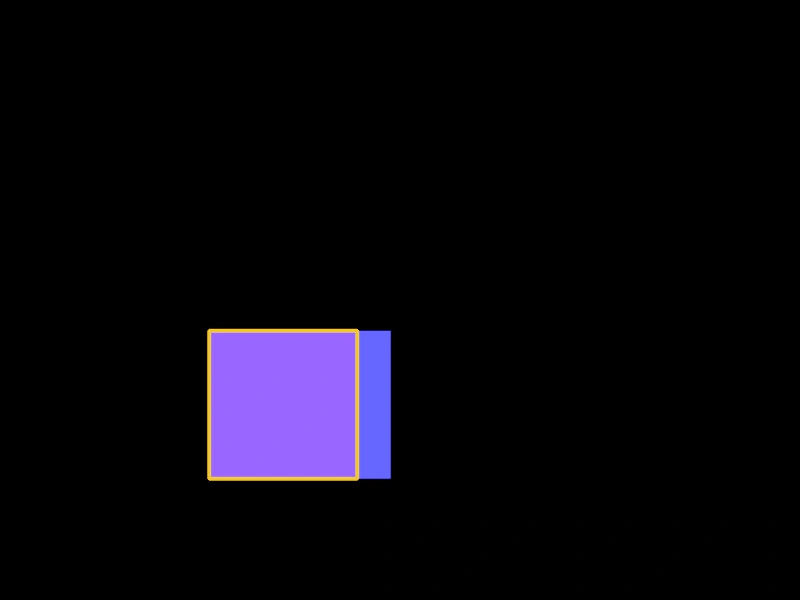 Rectangle with Arcade PhysicsThis example demonstrates how to apply Arcade Physics to Rectangle Shape Game Objects, including setting velocity, bounce, and world boundary collisions.
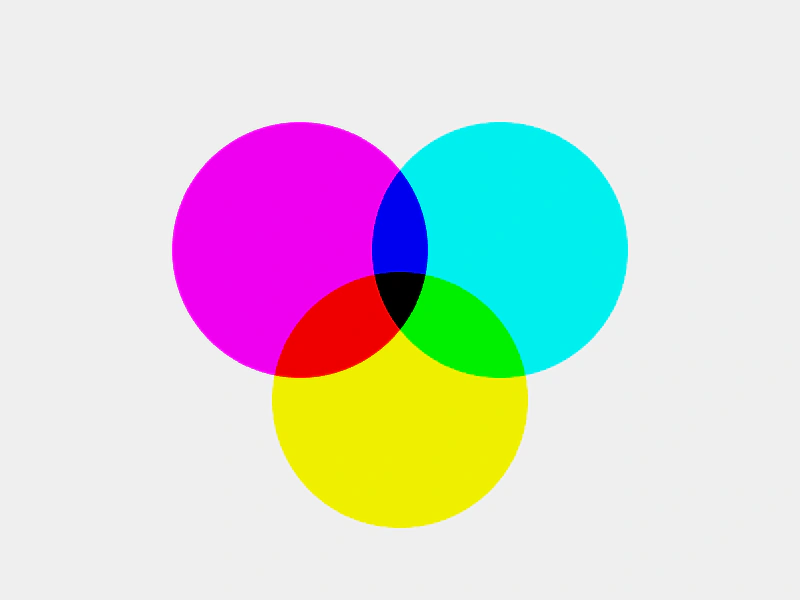 Shape Blend ModesDemonstrates how to apply blend modes to Shape Game Objects to create color mixing effects between overlapping circles.
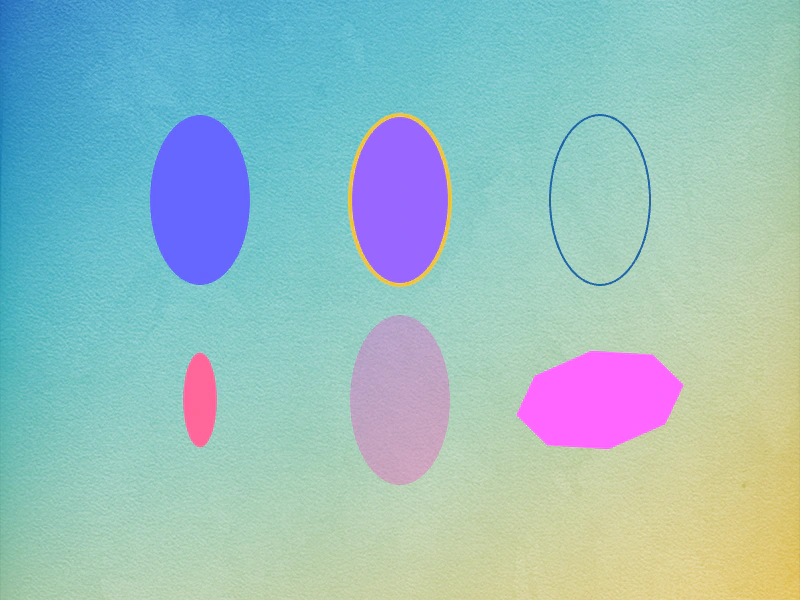 Shape Game Object: EllipseLearn how to create and customize Ellipse shape objects, featuring examples of solid fills, stroke styles, smoothness settings, and property animations using tweens.
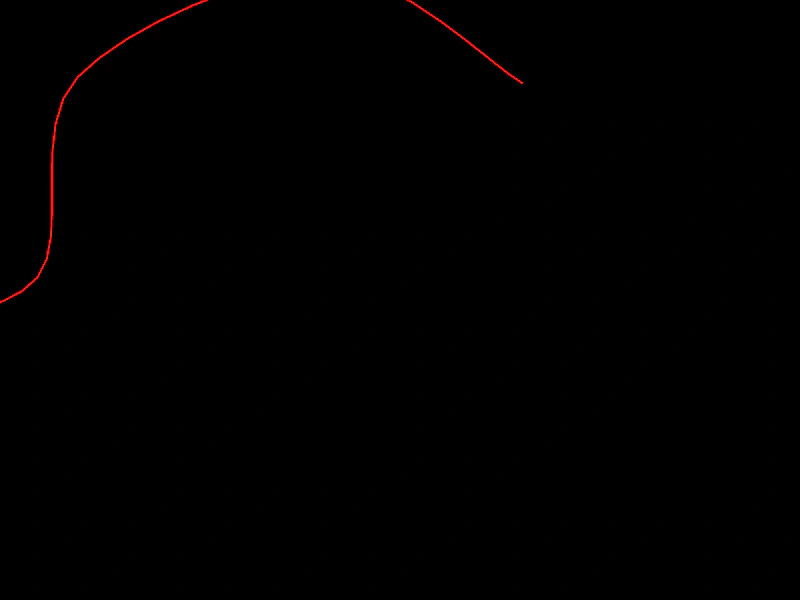 Spline Curve ShapeCreate a Spline curve from an array of points and render it as a shape Game Object that follows the movement of the pointer.
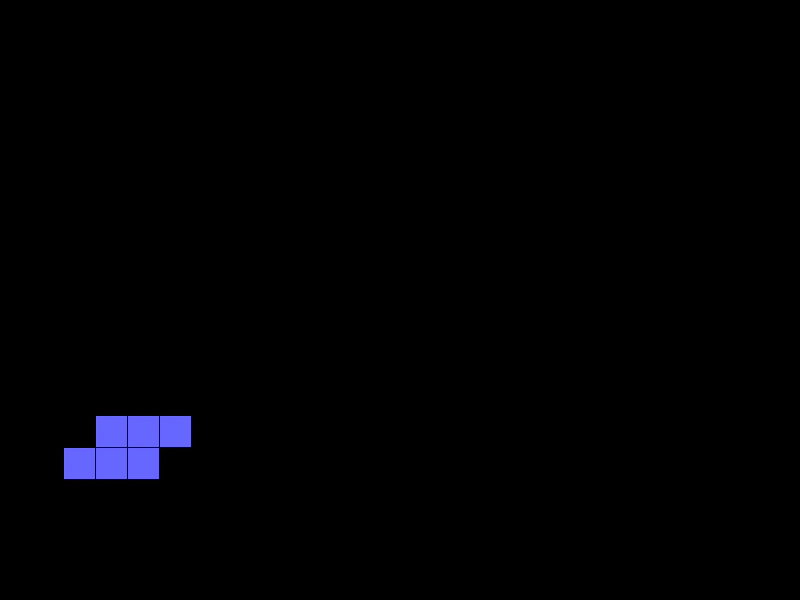 StackerA complete implementation of a classic arcade-style stacking game using Shape Game Objects, a background grid, and timed events for movement logic.
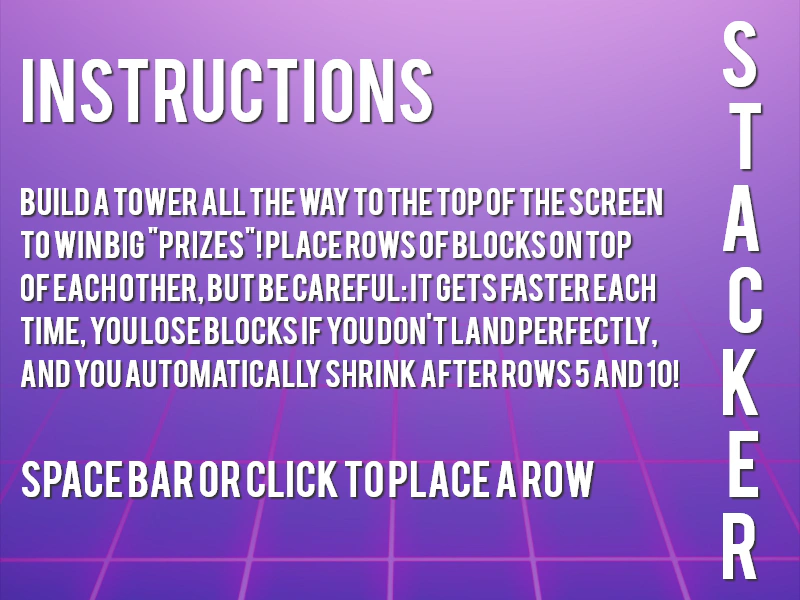 Stacker GameA full arcade game implementation featuring multi-scene navigation, grid-based block positioning, custom font integration, and progressive difficulty logic.
 Star ShapeLearn how to create and style Star game objects by defining the number of points, inner and outer radii, fill colors, and stroke styles.
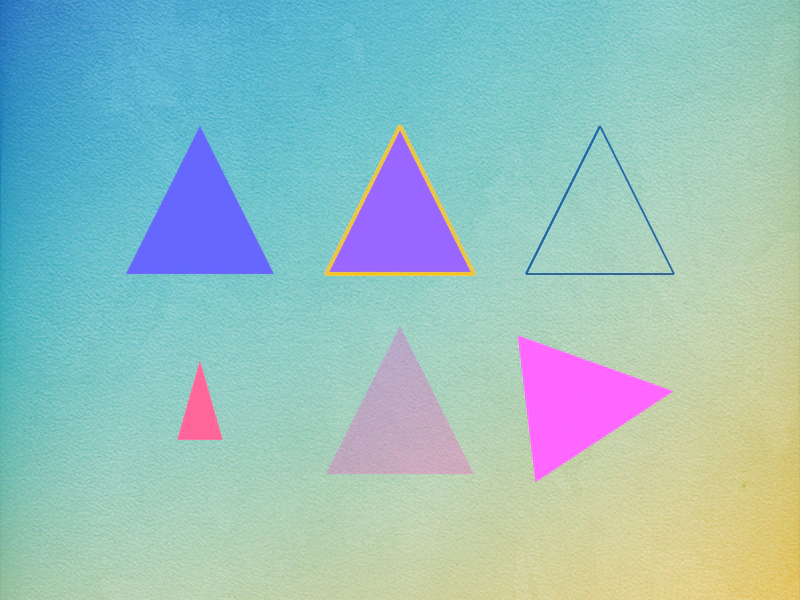 Triangle ShapeCreate and customize Triangle Shape objects using specific coordinates, including how to apply fill colors, strokes, and tweens for scaling, rotation, and alpha transparency.