Polygon with Matter Physics
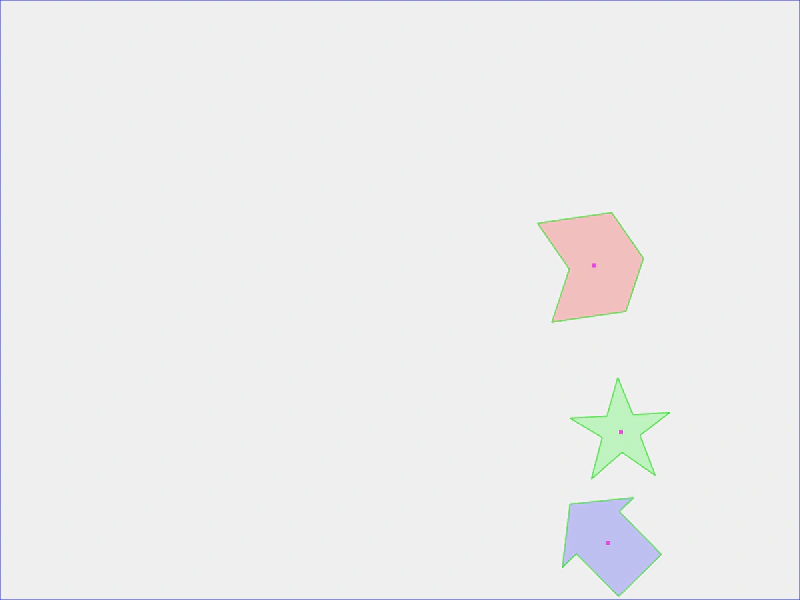
This example shows how to create custom polygon shapes and convert them into active Matter.js physics bodies using vertex data.
800 × 600
class Example extends Phaser.Scene
{
    create ()
    {
        this.matter.world.setBounds().disableGravity();

        const arrow = '40 0 40 20 100 20 100 80 40 80 40 100 0 50';
        const chevron = '100 0 75 50 100 100 25 100 0 50 25 0';
        const star = '50 0 63 38 100 38 69 59 82 100 50 75 18 100 31 59 0 38 37 38';

        {
            const poly = this.add.polygon(400, 300, arrow, 0x0000ff, 0.2);

            this.matter.add.gameObject(poly, { shape: { type: 'fromVerts', verts: arrow, flagInternal: true } });

            poly.setVelocity(6, 3);
            poly.setAngularVelocity(0.01);
            poly.setBounce(1);
            poly.setFriction(0, 0, 0);
        }

        {
            const poly = this.add.polygon(400, 100, chevron, 0xff0000, 0.2);

            this.matter.add.gameObject(poly, { shape: { type: 'fromVerts', verts: chevron, flagInternal: true } });

            poly.setVelocity(6, 3);
            poly.setAngularVelocity(0.01);
            poly.setBounce(1);
            poly.setFriction(0, 0, 0);
        }

        {
            const poly = this.add.polygon(600, 400, star, 0x00ff00, 0.2);

            this.matter.add.gameObject(poly, { shape: { type: 'fromVerts', verts: star, flagInternal: true } });

            poly.setVelocity(4, -2);
            poly.setBounce(1);
            poly.setFriction(0, 0, 0);
            poly.setFrictionAir(0.005);
        }
    }
}

const config = {
    scale: { mode: Phaser.Scale.FIT },
    type: Phaser.AUTO,
    width: 800,
    height: 600,
    backgroundColor: '#efefef',
    parent: 'game-container',
    physics: {
        default: 'matter',
        matter: {
            debug: true
        }
    },
    scene: Example
};

const game = new Phaser.Game(config);
More in Shapes24 examples
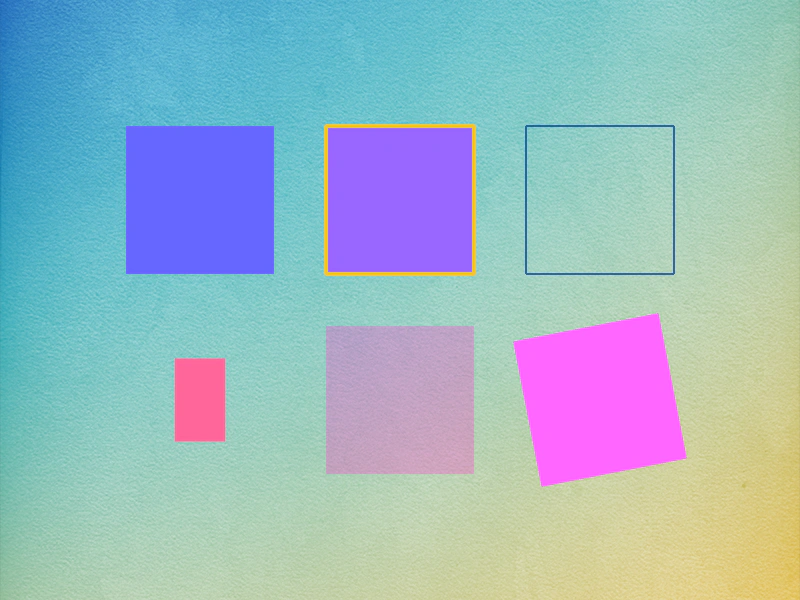 Rectangle ShapeDemonstrates creating and styling Rectangle Shape Game Objects, including using fill colors, stroke styles, and applying tweens for scaling, alpha, and rotation.
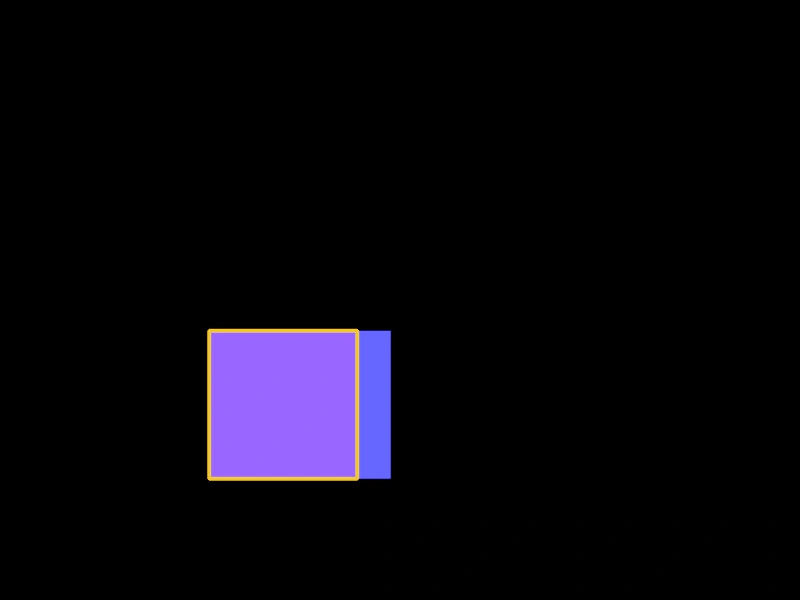 Rectangle with Arcade PhysicsThis example demonstrates how to apply Arcade Physics to Rectangle Shape Game Objects, including setting velocity, bounce, and world boundary collisions.
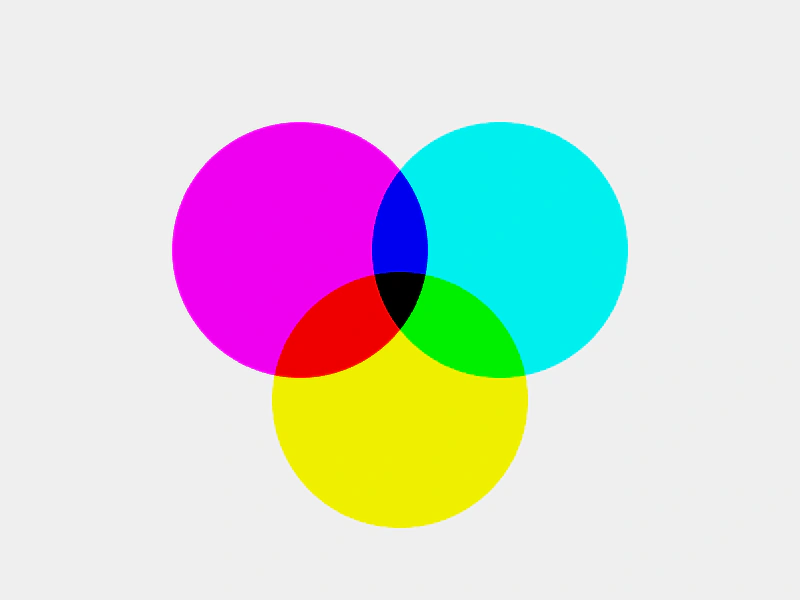 Shape Blend ModesDemonstrates how to apply blend modes to Shape Game Objects to create color mixing effects between overlapping circles.
 Shape Game Object: EllipseLearn how to create and customize Ellipse shape objects, featuring examples of solid fills, stroke styles, smoothness settings, and property animations using tweens.