Rectangle with Arcade Physics
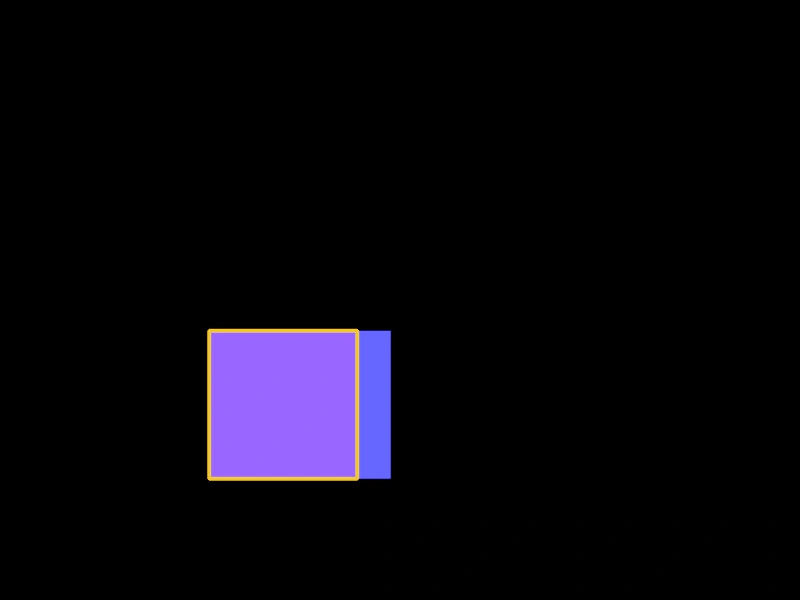
This example demonstrates how to apply Arcade Physics to Rectangle Shape Game Objects, including setting velocity, bounce, and world boundary collisions.
800 × 600
class Example extends Phaser.Scene
{
    create ()
    {
        const r1 = this.add.rectangle(200, 150, 148, 148, 0x6666ff);

        const r2 = this.add.rectangle(400, 150, 148, 148, 0x9966ff).setStrokeStyle(4, 0xefc53f);

        this.physics.add.existing(r1);
        this.physics.add.existing(r2);

        r1.body.velocity.x = 100;
        r1.body.velocity.y = 100;
        r1.body.bounce.x = 1;
        r1.body.bounce.y = 1;
        r1.body.collideWorldBounds = true;

        r2.body.velocity.x = -100;
        r2.body.velocity.y = 100;
        r2.body.bounce.x = 1;
        r2.body.bounce.y = 1;
        r2.body.collideWorldBounds = true;
    }
}

const config = {
    scale: { mode: Phaser.Scale.FIT },
    type: Phaser.AUTO,
    parent: 'game-container',
    width: 800,
    height: 600,
    physics: {
        default: 'arcade',
        arcade: {
            gravity: { y: 200 }
        }
    },
    scene: Example
};

const game = new Phaser.Game(config);
More in Shapes24 examples
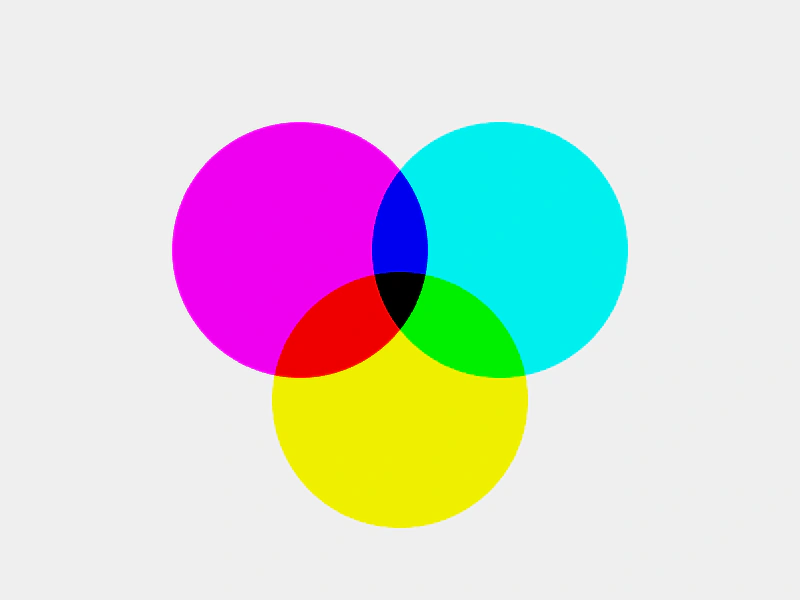 Shape Blend ModesDemonstrates how to apply blend modes to Shape Game Objects to create color mixing effects between overlapping circles.
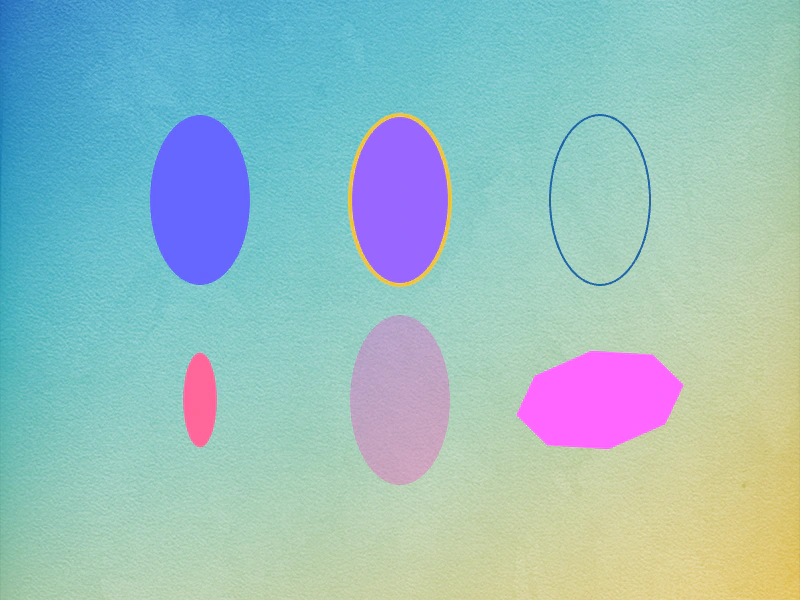 Shape Game Object: EllipseLearn how to create and customize Ellipse shape objects, featuring examples of solid fills, stroke styles, smoothness settings, and property animations using tweens.
 Spline Curve ShapeCreate a Spline curve from an array of points and render it as a shape Game Object that follows the movement of the pointer.
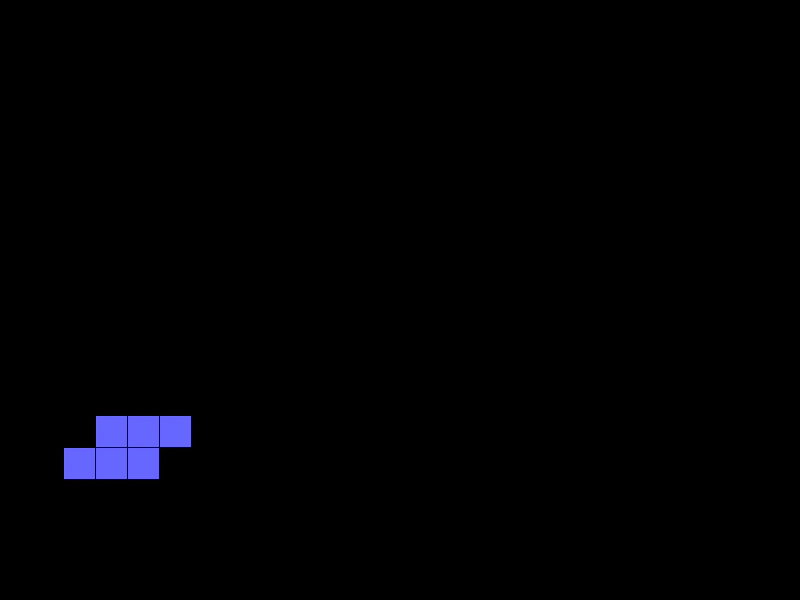 StackerA complete implementation of a classic arcade-style stacking game using Shape Game Objects, a background grid, and timed events for movement logic.