Phaser 4 examples
Dom Element
- 19 examples
Examples 19
 CSS Styled DOM TextDemonstrates how to load an external CSS file and apply styles to DOM elements using class names, while treating them as game objects that can be rotated and animated with tweens.
 Div DepthThis example demonstrates how to use DOM Game Objects and control their rendering order relative to each other using the setDepth method.
 DOM Element 3D RotationDemonstrates how to apply 3D rotation and perspective to a DOM Game Object and animate the rotation using a Tween.
 DOM Element Arcade PhysicsDemonstrates how to integrate a DOM element into the Arcade Physics system and move it using keyboard controls.
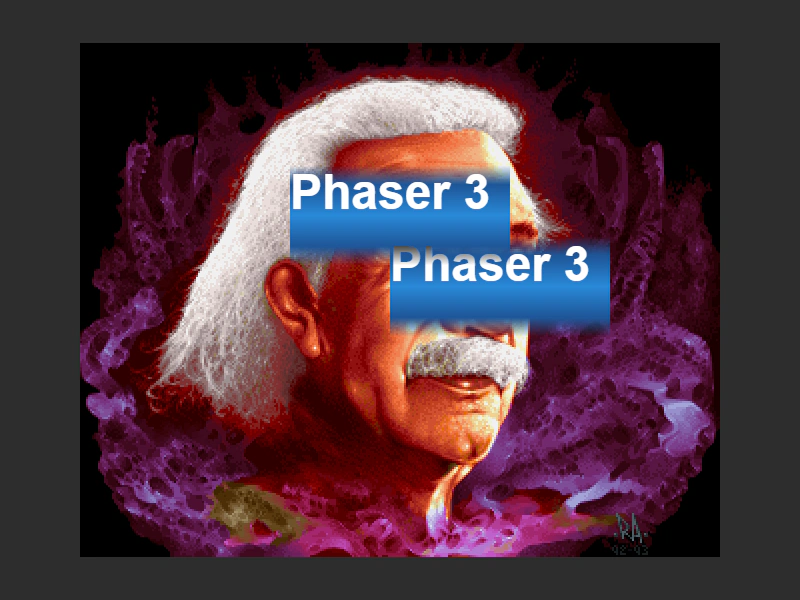 DOM Element Blend ModesDemonstrates how to apply CSS blend modes to DOM Game Objects, allowing them to interact visually with underlying scene content.
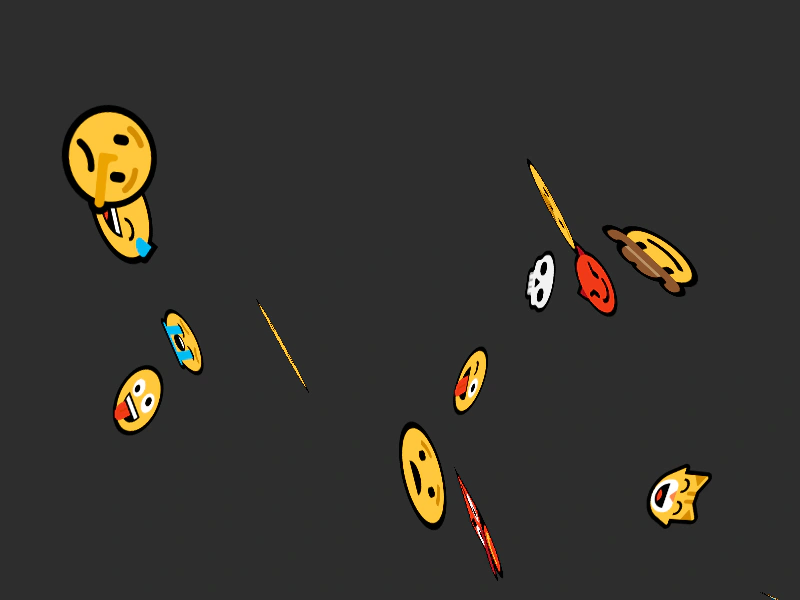 DOM Element Camera MovementDemonstrates how DOM elements interact with camera movement, featuring parallax scroll factors and 3D CSS rotations.
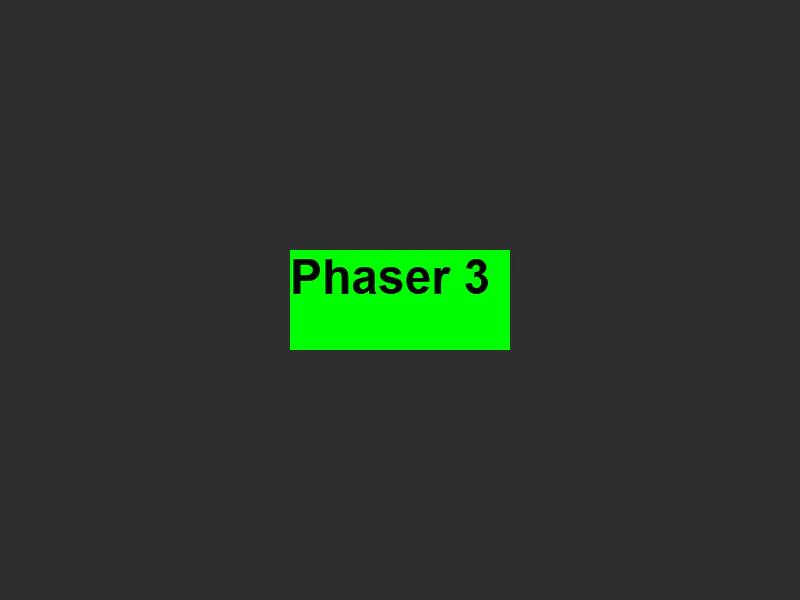 DOM Element CSS Style ObjectDemonstrates how to create a DOM element and apply multiple CSS styles to it using a JavaScript style object.
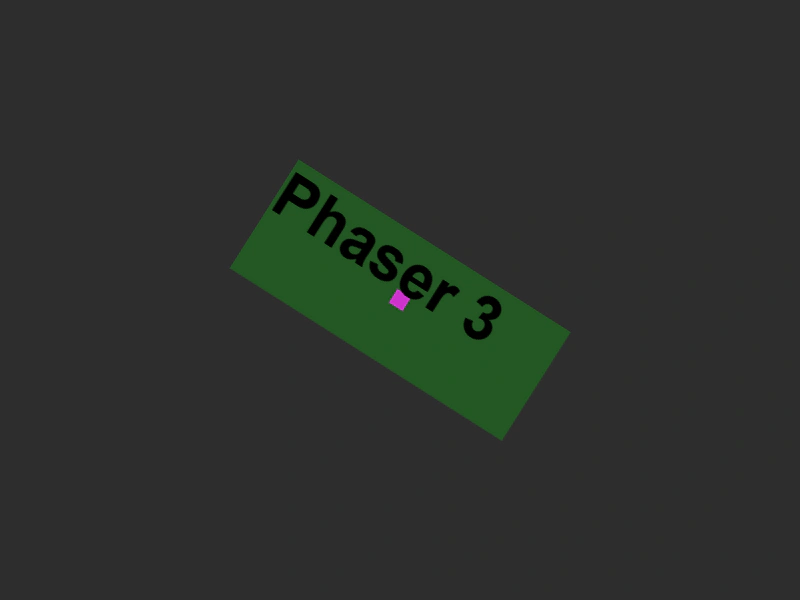 DOM Element from DivDemonstrates how to create a standard HTML div, style it, and add it to the scene as a DOM Game Object. It also shows how to apply transformations and nest the DOM element within a Phaser Container.
 DOM Element in a ContainerDemonstrates how DOM elements behave when parented to a Container, including the inheritance of rotation and scale transformations.
 DOM Element in a ContainerDemonstrates placing a DOM element inside a Container and applying rotations and scale transformations using Tweens.
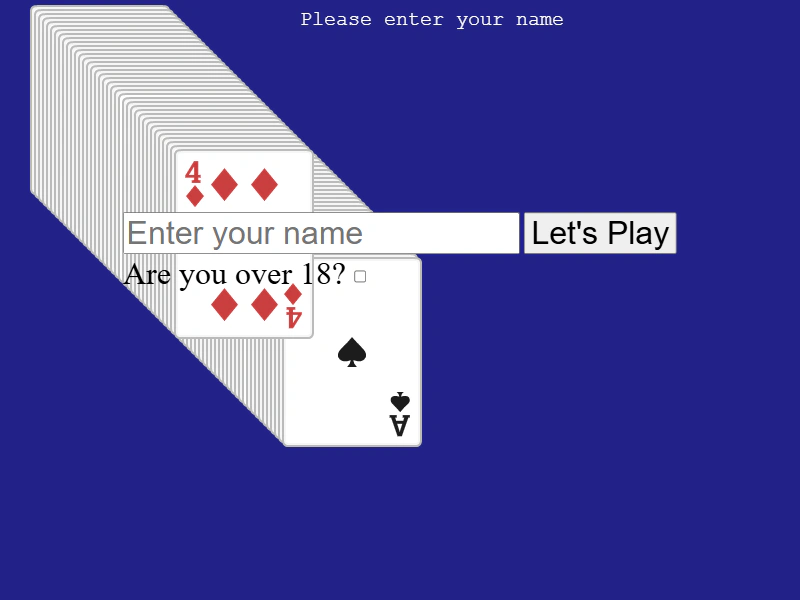 DOM Element Input FormDemonstrates how to integrate HTML input forms into a Phaser scene, including handling form events, retrieving input values, and combining DOM elements with interactive, draggable game objects.
 DOM Element Origin and TweensDemonstrates setting the origin of a DOM element and applying tweens for rotation and scaling, while keeping it synchronized with the game canvas.
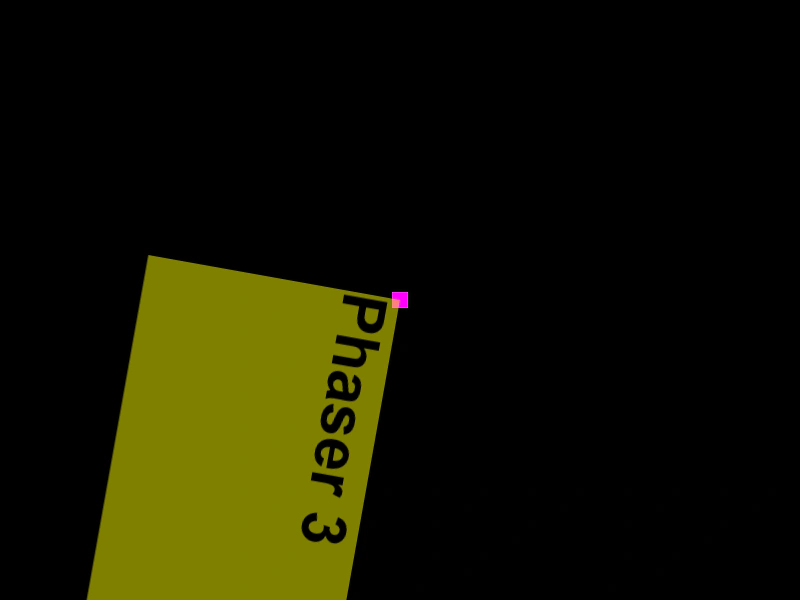 DOM Element Rotation and ScaleDemonstrates how to apply rotation, scaling, and origin settings to a DOM element and animate it using a Tween.
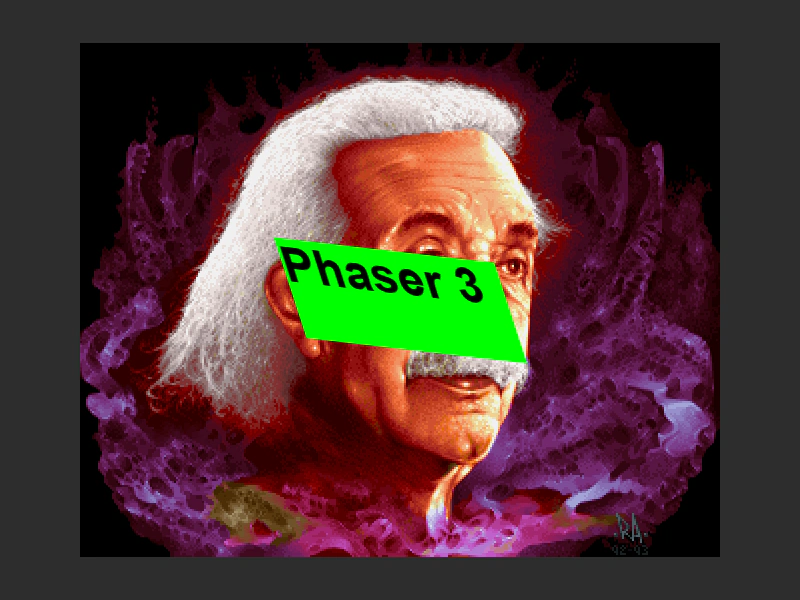 DOM Element SkewDemonstrates applying and tweening skewX and skewY properties on a DOM Element Game Object.
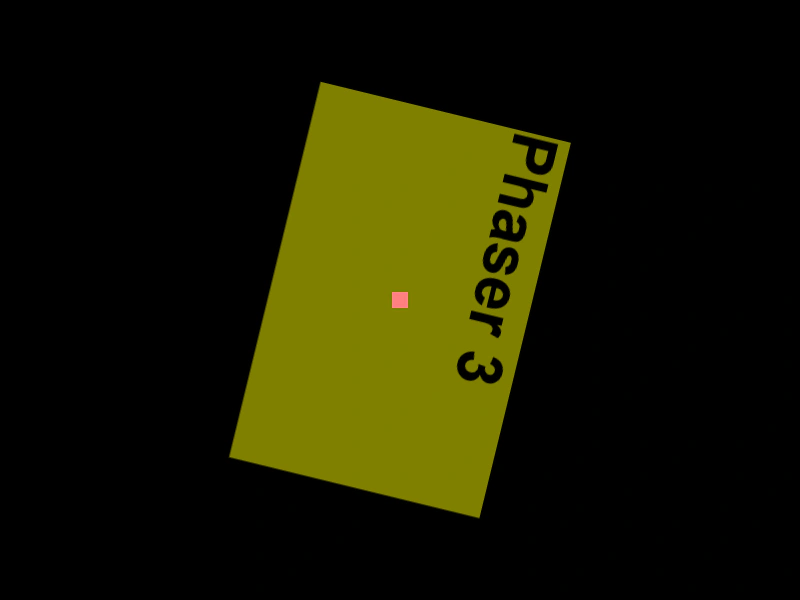 DOM Element TransformationDemonstrates creating a styled HTML div as a DOM Element and applying rotation and scale transforms using the Tween Manager.
 DOM Element VideoDemonstrates how to integrate a native HTML5 video element into a Phaser scene using a DOM Element game object and handle its lifecycle events.
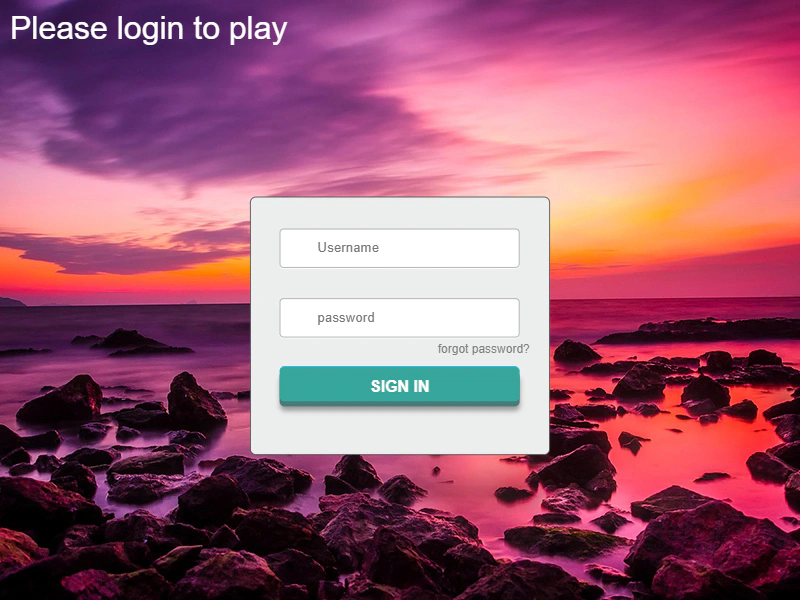 Form InputDemonstrates how to create an interactive HTML login form as a DOM element, capture input values from text fields, and apply Phaser tweens to the form container.
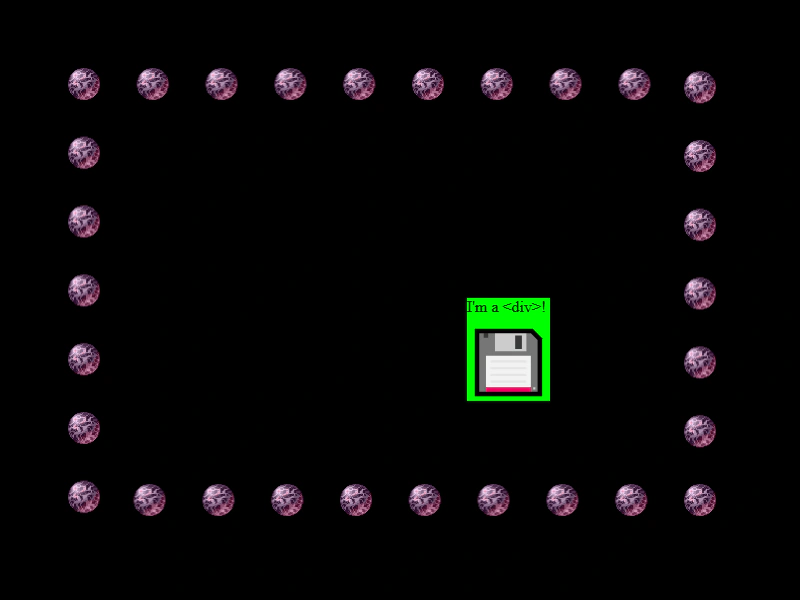 Physics on DOM ElementsDemonstrates how to apply an Arcade Physics body to a DOM Element, enabling it to move, bounce, and collide with other game objects like sprites.
 Sleeping Scene DOM Element TestDemonstrates how DOM Game Objects behave when a Scene is put to sleep or switched during gameplay.