DOM Element from Div
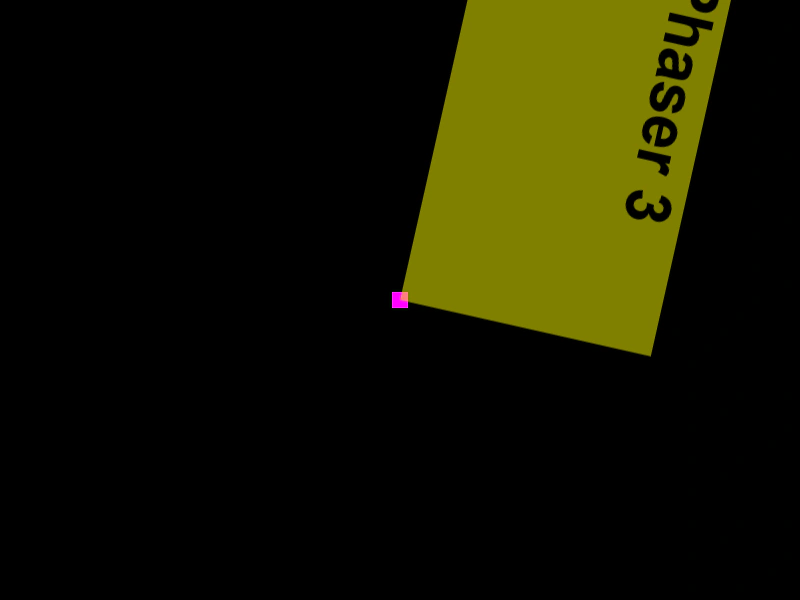
Demonstrates how to create a standard HTML div, style it, and add it to the scene as a DOM Game Object. It also shows how to apply transformations and nest the DOM element within a Phaser Container.
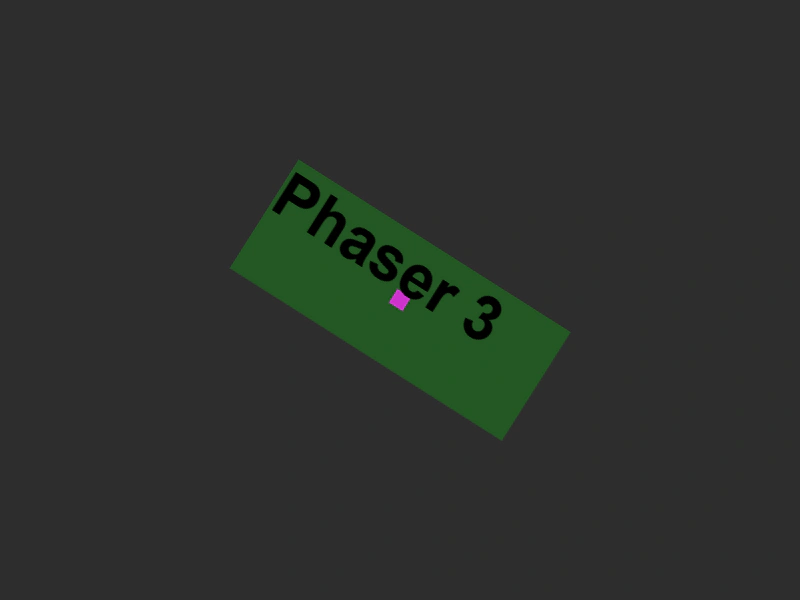
800 × 600
class Example extends Phaser.Scene
{
    preload ()
    {
        this.load.setBaseURL('https://cdn.phaserfiles.com/v410');
        this.load.image('einstein', 'assets/pics/ra-einstein.png');
    }

    create ()
    {
        const div = document.createElement('div');
        div.style = 'background-color: rgba(0,255,0,0.2); width: 250px; height: 100px; font: 48px Arial; font-weight: bold';
        div.innerText = 'Phaser 3';

        const container = this.add.container(400, 300);
        const element = this.add.dom(0, 0, div);
        const rect = this.add.rectangle(0, 0, 16, 16, 0xff00ff);

        // var element = this.add.dom(400, 300, div).setOrigin(0);
        // var rect = this.add.rectangle(400, 300, 16, 16, 0xff00ff);

        container.add([ element, rect ]);

        this.tweens.add({
            targets: container,
            angle: 360,
            duration: 12000,
            loop: -1
        });

        this.tweens.add({
            targets: element,
            duration: 3000,
            _angle: 360,
            scaleX: 2,
            scaleY: 2,
            ease: 'Sine.easeInOut',
            loop: -1,
            yoyo: true
        });
    }
}

const config = {
    type: Phaser.AUTO,
    scale: {
        _mode: Phaser.Scale.WIDTH_CONTROLS_HEIGHT,
        parent: 'game-container',
        width: 800,
        height: 600
    },
    backgroundColor: '#2d2d2d',
    parent: 'game-container',
    dom: {
        createContainer: true
    },
    scene: Example
};

const game = new Phaser.Game(config);
More in Dom Element19 examples
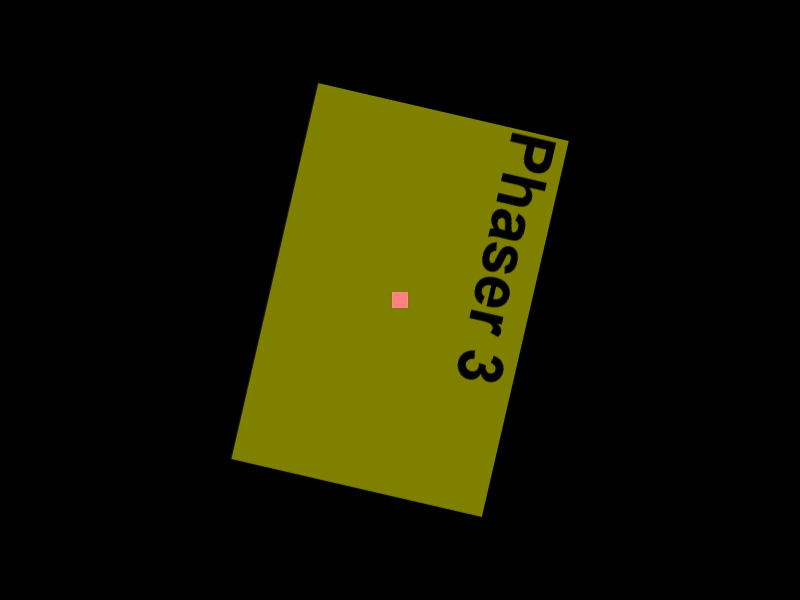 DOM Element in a ContainerDemonstrates how DOM elements behave when parented to a Container, including the inheritance of rotation and scale transformations.
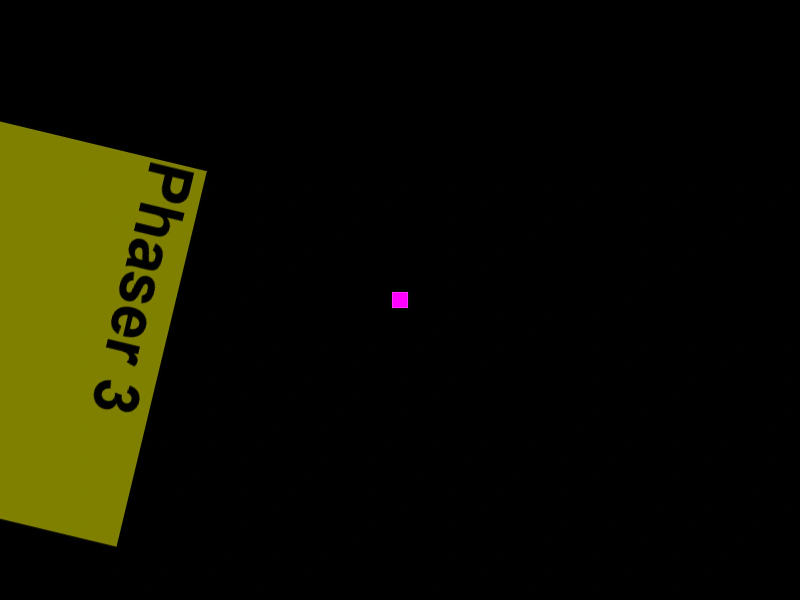 DOM Element in a ContainerDemonstrates placing a DOM element inside a Container and applying rotations and scale transformations using Tweens.
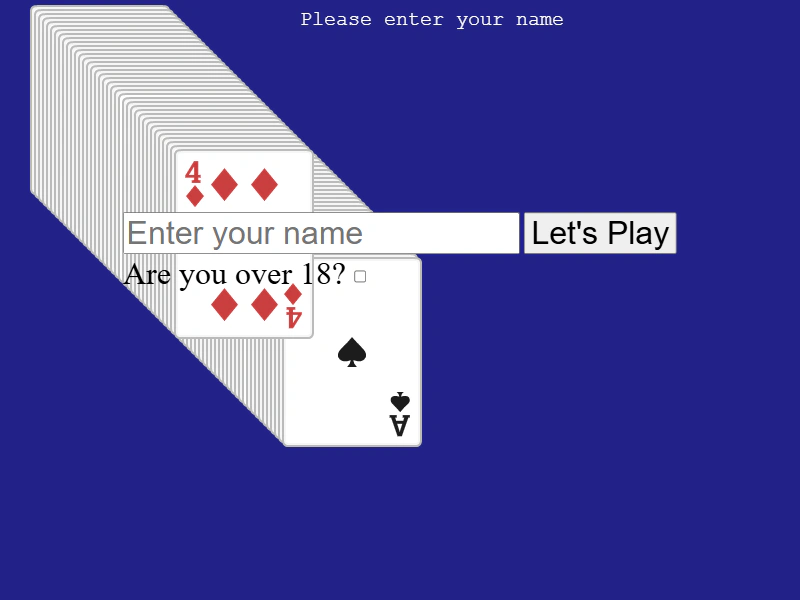 DOM Element Input FormDemonstrates how to integrate HTML input forms into a Phaser scene, including handling form events, retrieving input values, and combining DOM elements with interactive, draggable game objects.
 DOM Element Origin and TweensDemonstrates setting the origin of a DOM element and applying tweens for rotation and scaling, while keeping it synchronized with the game canvas.