Phaser 4 examples
Tilemap
- 69 examples
- 3 folders
Folders 3
Examples 48
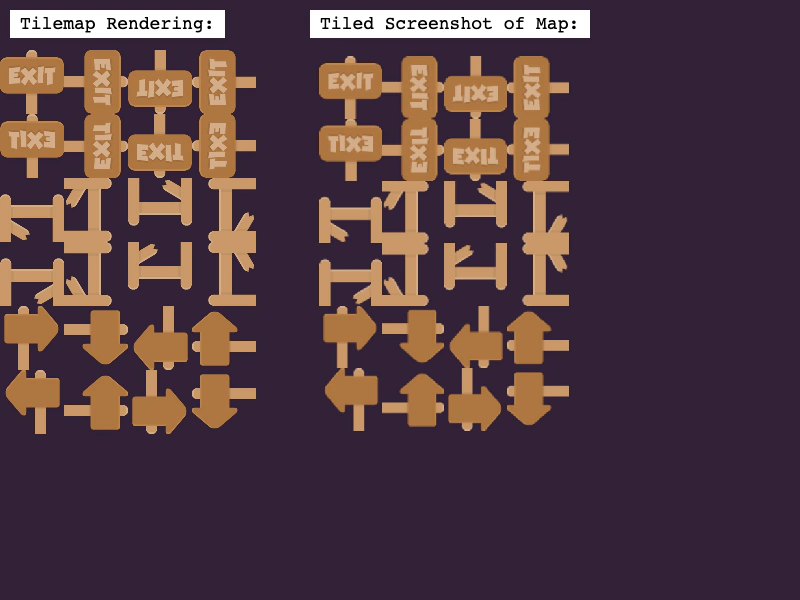
 Base Tile SizeLearn how to use a base grid size that differs from the tileset dimensions, allowing larger tiles to overlap vertically on a smaller map grid.
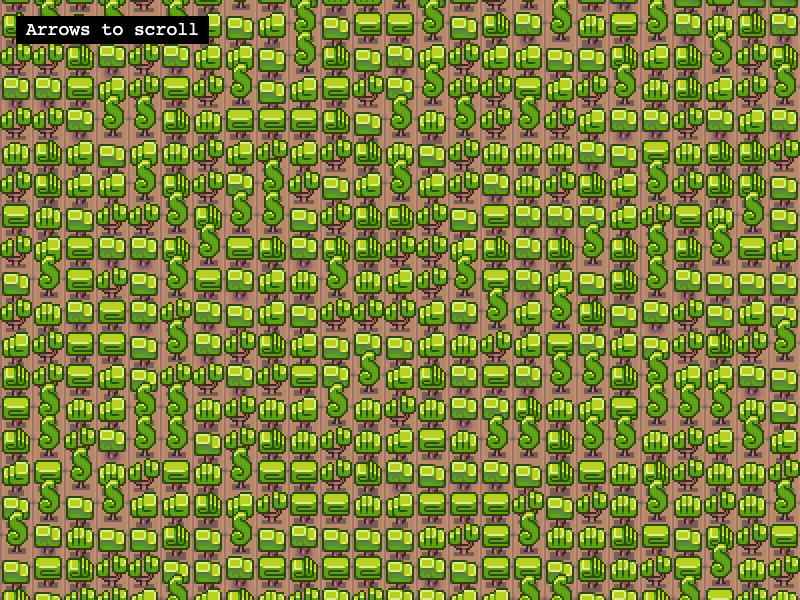
 Convert Tiles to SpritesTransform specific tile indices from a tilemap into dynamic Sprite objects using createFromTiles. This example demonstrates using a spritesheet to automatically set the correct texture frames for the converted sprites.
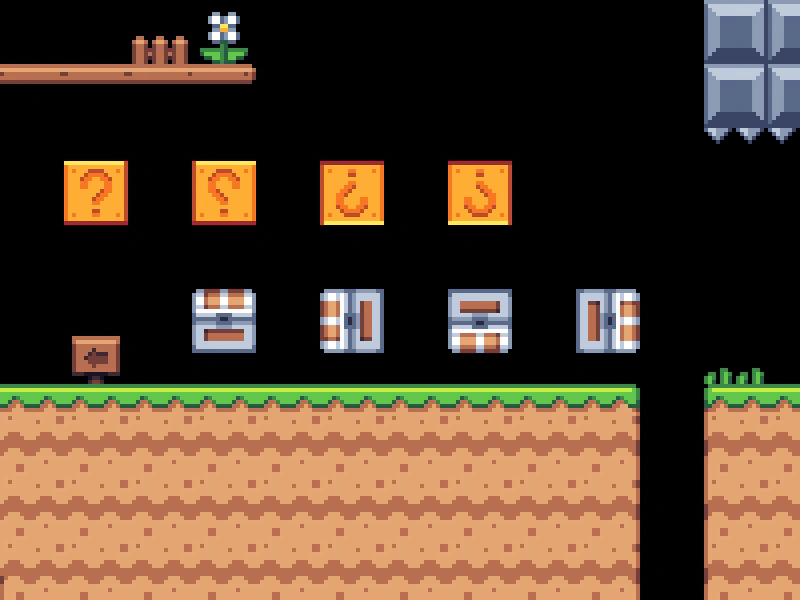
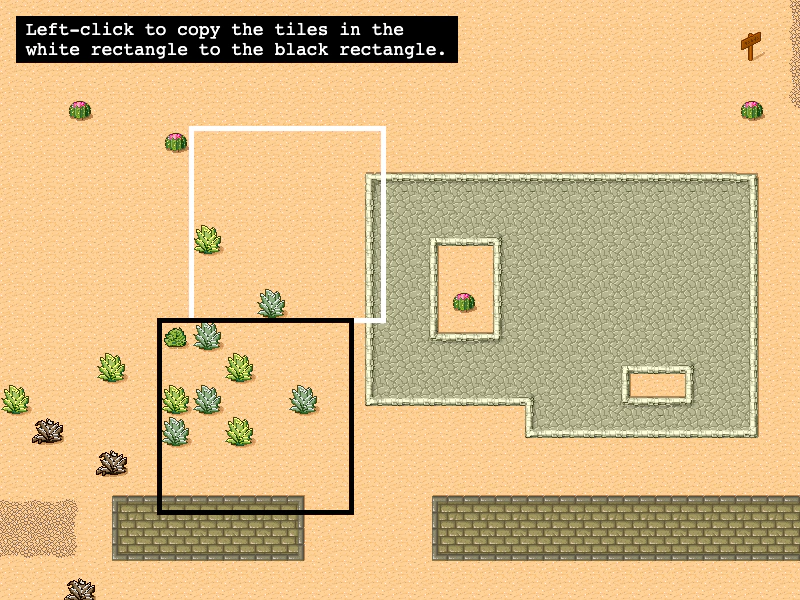 Copy Tilemap AreaLearn how to copy a rectangular region of tiles from one location to another within a tilemap layer.
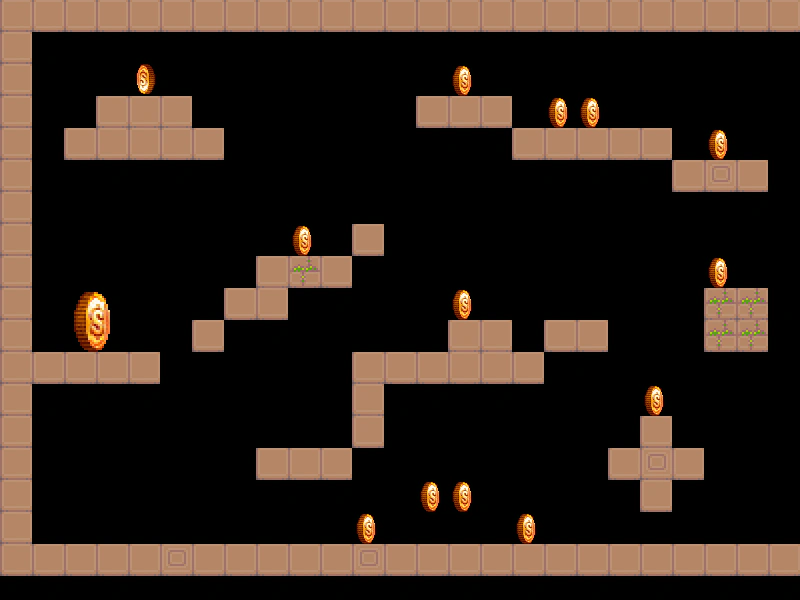 Create Sprites From Tilemap ObjectsDemonstrates how to use createFromObjects to automatically convert Tiled map object data into Phaser Sprites, inheriting positions and custom properties.
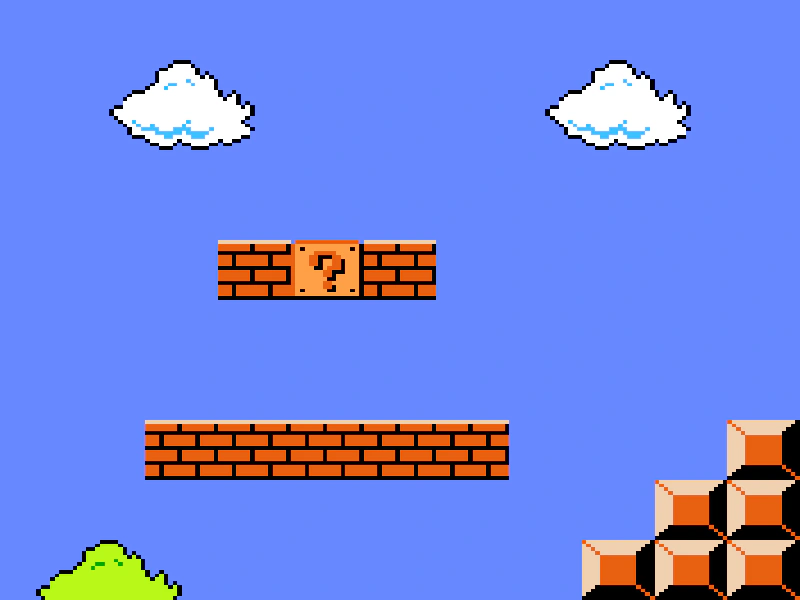 Create Tilemap from ArrayThis example demonstrates how to create a tilemap directly from a 2D JavaScript array of tile indices instead of loading an external data file.
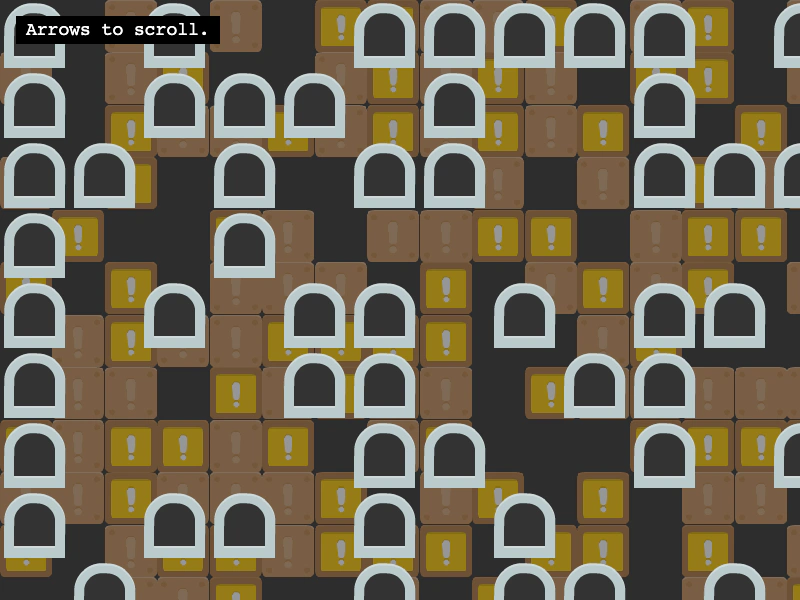 Creating Blank LayersGenerate an empty tilemap programmatically and populate it with new blank layers. This example demonstrates how to use the randomize method to fill layers with tiles and how to apply parallax effects using scale and scroll factors.
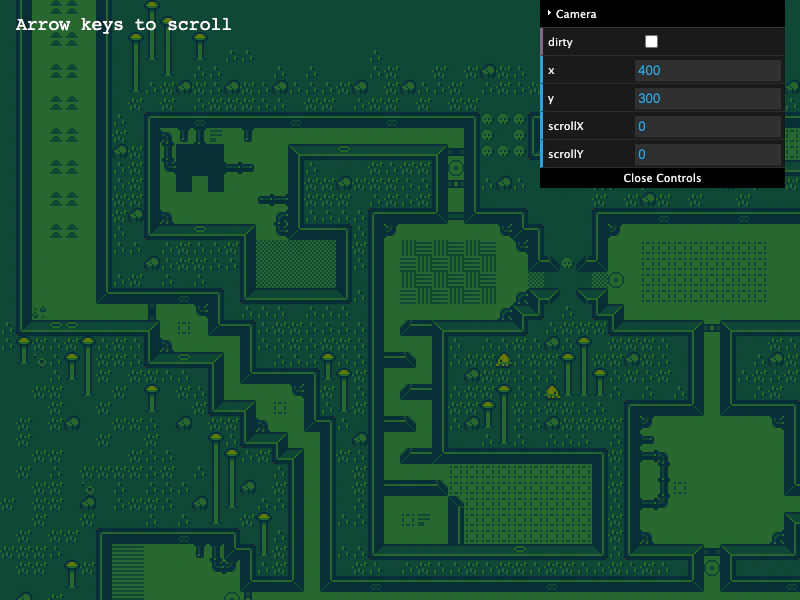 CSV TilemapDemonstrates how to load and display a tilemap from a CSV file, including the requirement to manually specify tile dimensions when creating the map.
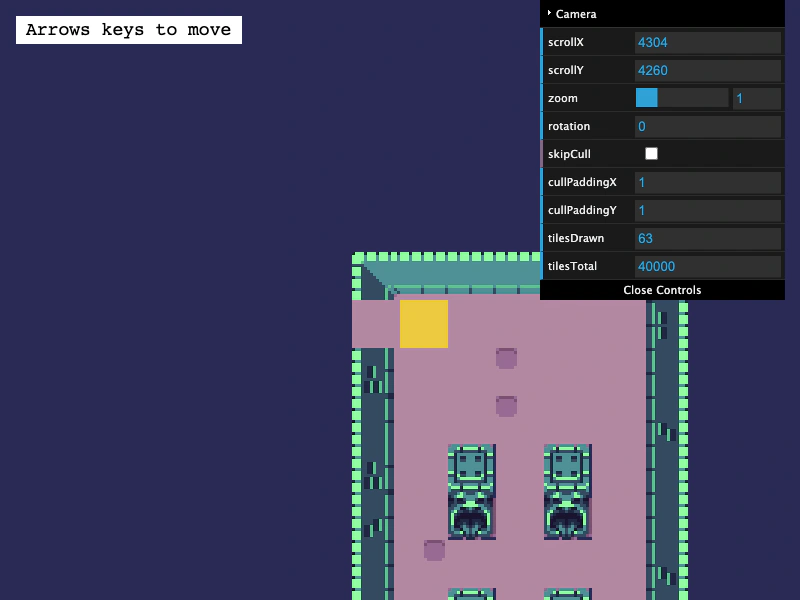 Dungeon GeneratorLearn how to convert a procedurally generated dungeon layout into a dynamic Tilemap. This example demonstrates using weighted randomization for varied tile textures, tile-based collision, and a room discovery system that reveals areas as the player explores.
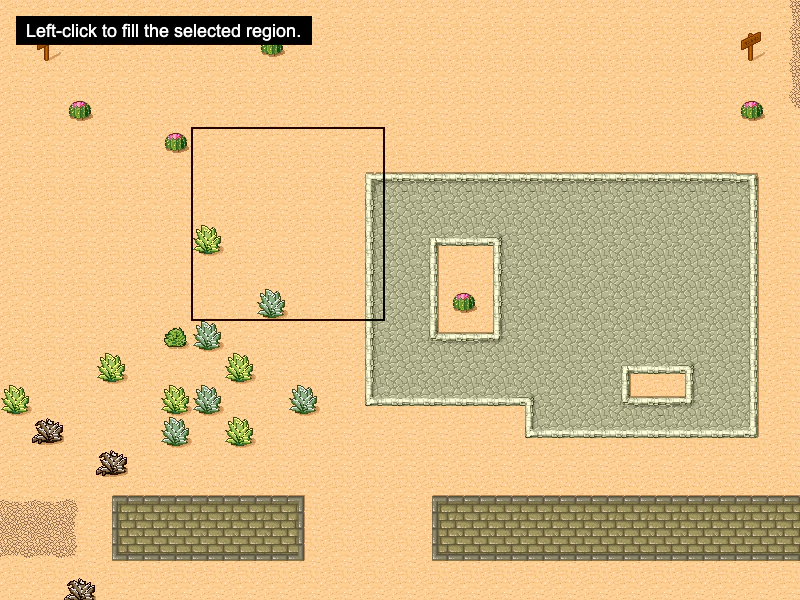 Fill TilesDemonstrates how to use the fill method to replace a specific rectangular area of tiles with a new tile index based on the pointer position.
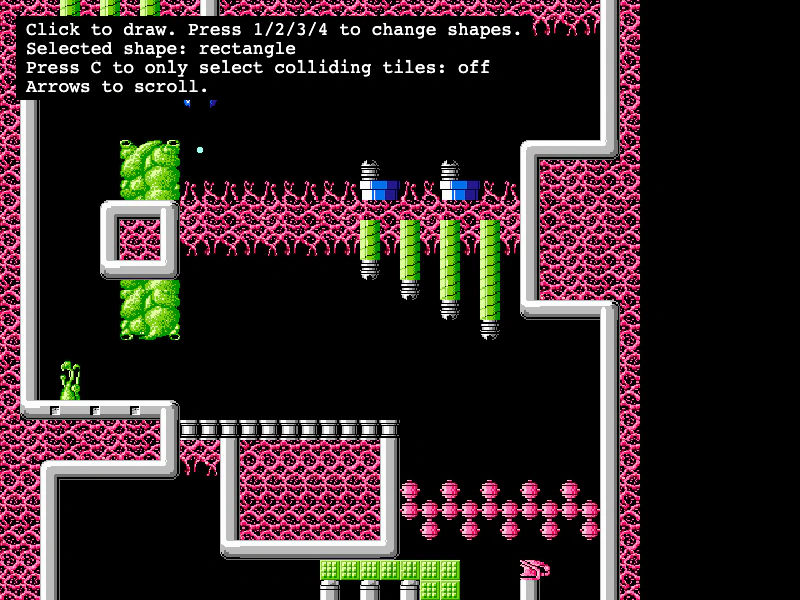 Get Tiles Within Geometric ShapesDemonstrates how to use getTilesWithinShape to find tiles that intersect with a Rectangle, Circle, Line, or Triangle, with optional filtering for only colliding tiles.
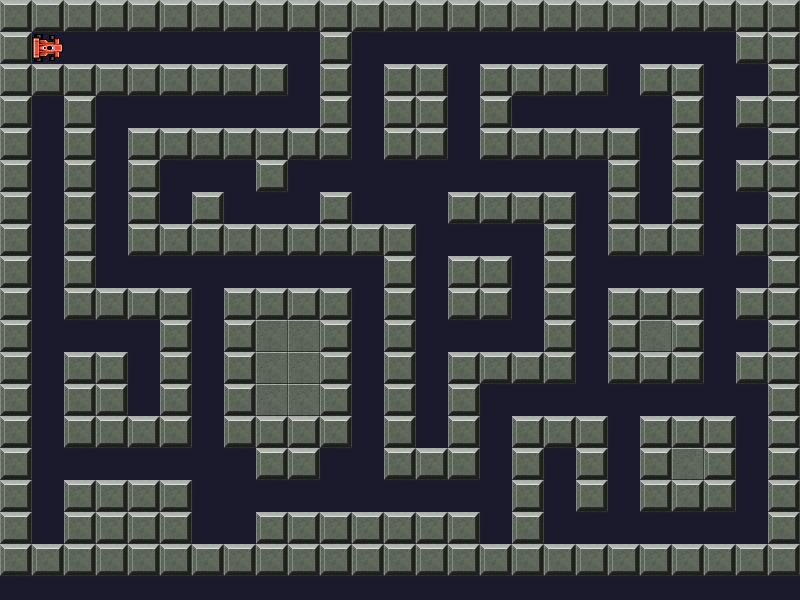 Grid MovementImplement grid-based movement and tile-based collision detection by checking tile indices at specific world coordinates before updating a sprite position.
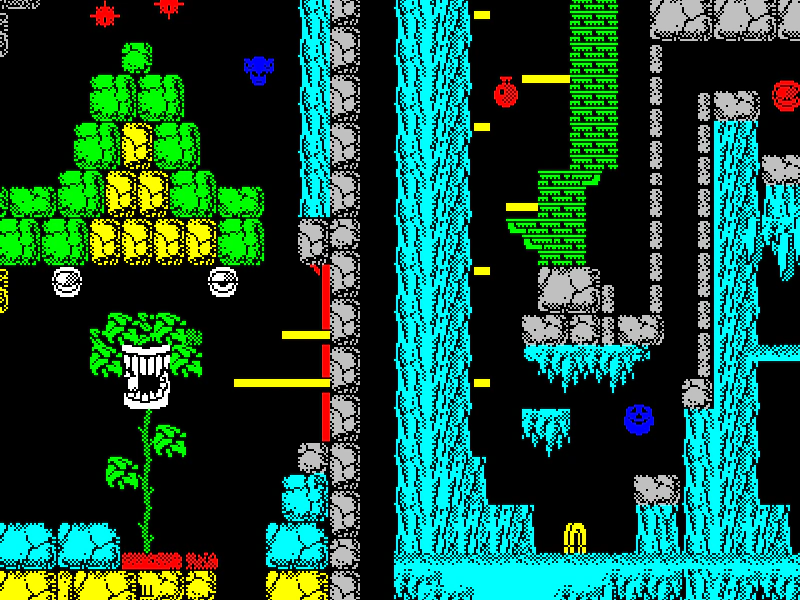 High Resolution Tilemap SupportShows how to load a 16x16 tileset into a map originally designed for 8x8 tiles by setting a custom base tile size.
 Infinite Scrolling TilemapDemonstrates how to create an endless scrolling effect by shifting tile indices across a map and procedurally generating new tile columns on the edge.
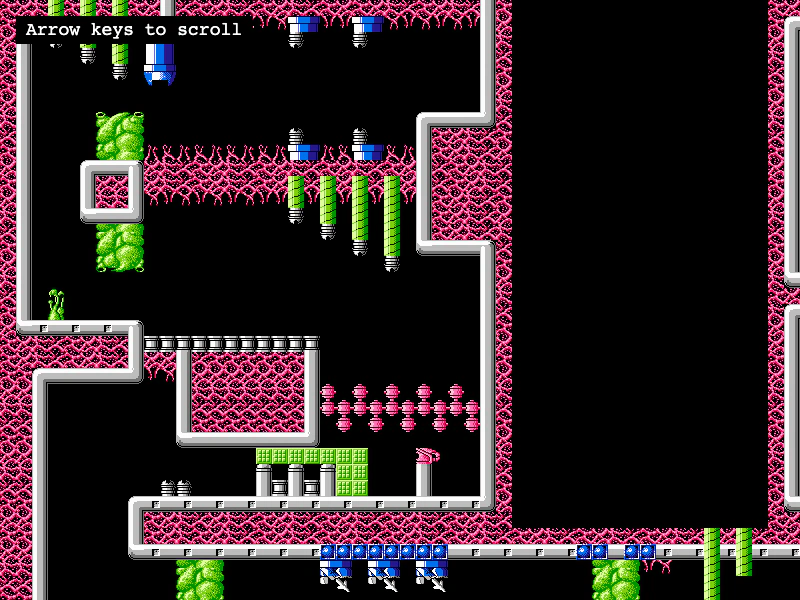 Load Tiled JSON MapDemonstrates how to load a Tiled JSON map file, associate it with a tileset image, and render a scrollable layer using camera controls.
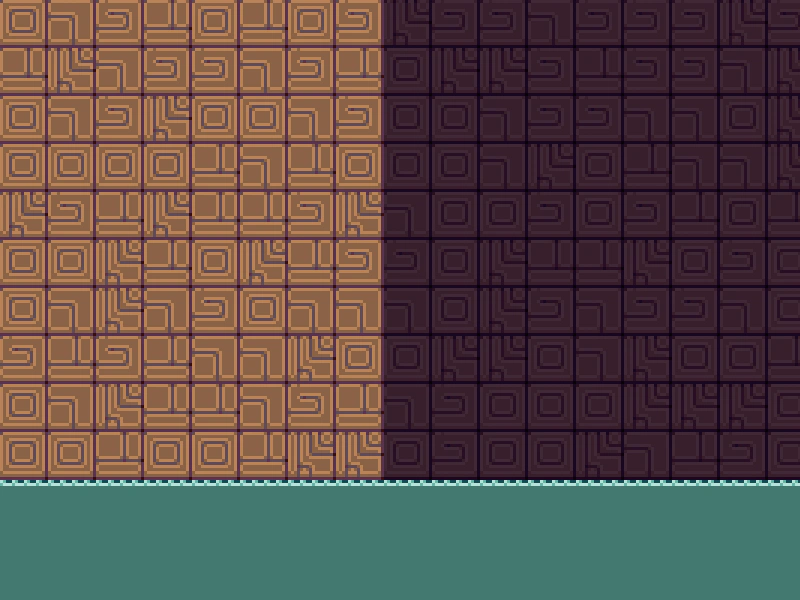 Map vs. Layer with One LayerLearn how tile manipulation methods like fill and randomize can be called on either the Tilemap or the TilemapLayer when working with a single-layer map.
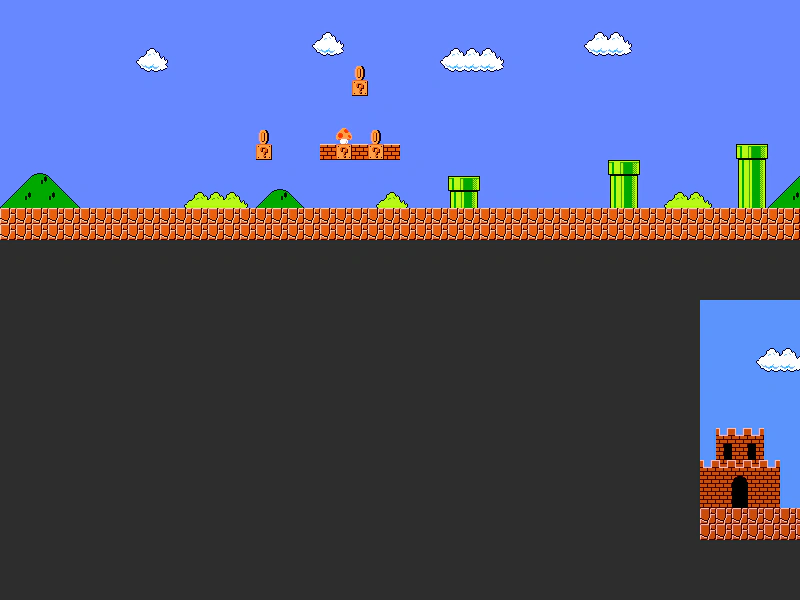 Mario Map ScrollerLearn how to render multiple Tiled JSON maps in a single scene and use a FixedKeyControl to scroll the camera horizontally across them.
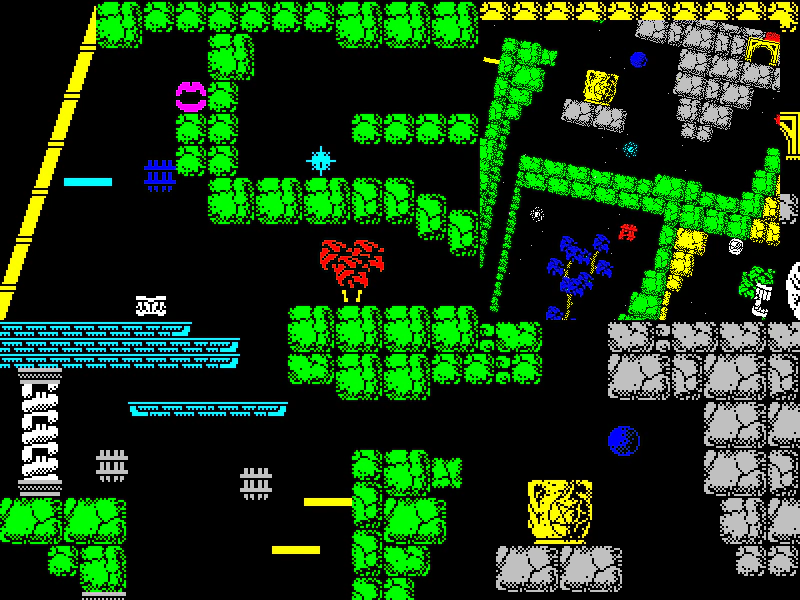 Multi-Camera Tilemap ViewDemonstrates rendering a single tilemap layer across multiple cameras simultaneously, with one camera featuring independent zoom, rotation, and smoothed keyboard controls.
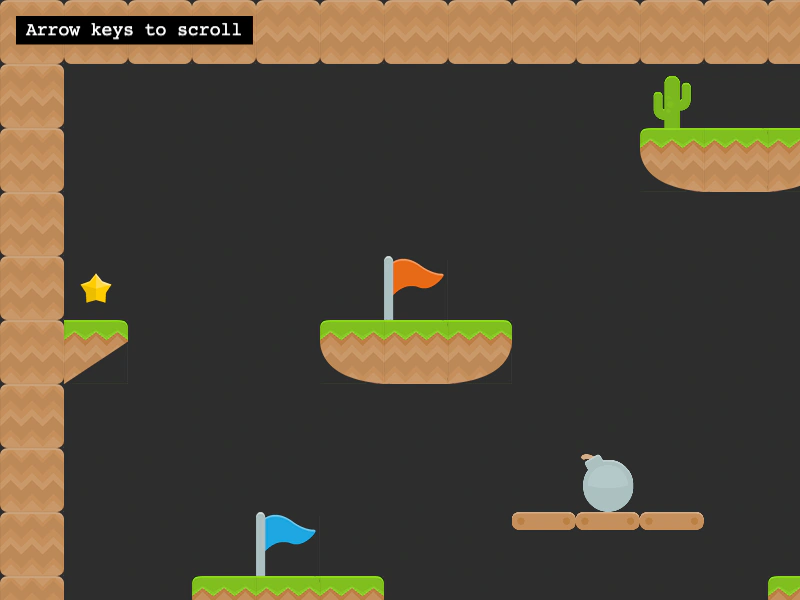 Multiple TilesetsDemonstrates how to render a single tilemap layer using tiles from multiple different tileset images by passing an array of tilesets to createLayer.
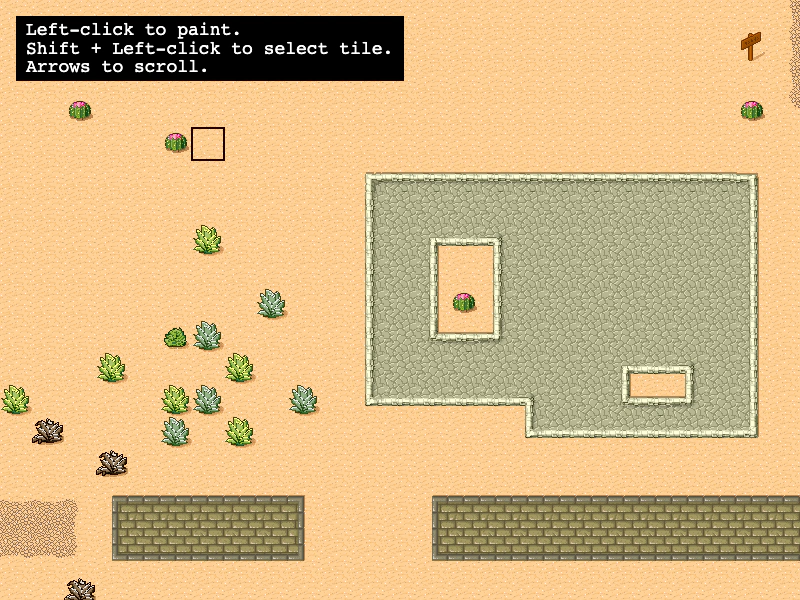 Paint TilesInteractively edit a tilemap by picking and placing tiles at runtime. Demonstrates coordinate conversion from screen to world/tile space and using putTileAt to modify a layer dynamically.
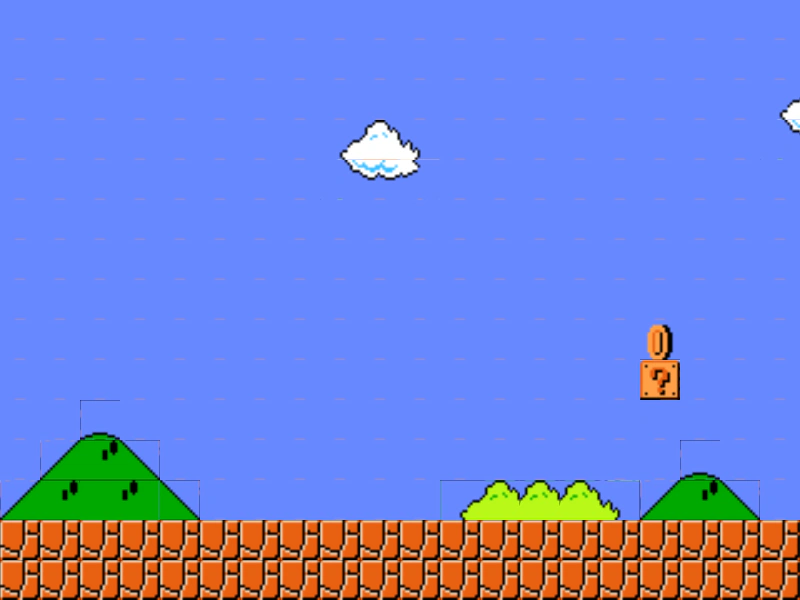 Pixel Art Scaled TilemapDemonstrates scaling a tilemap layer and using a FixedKeyControl to navigate the camera across the map.
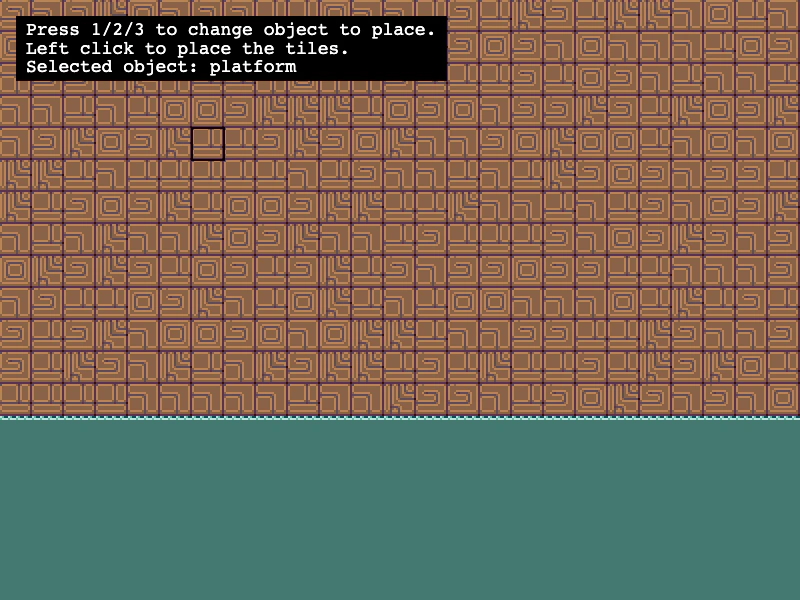 Placing Tiles DynamicallyLearn how to use putTileAt and putTilesAt to manually place single tiles, rows of tiles, or 2D arrays of tiles onto a tilemap layer based on pointer coordinates.
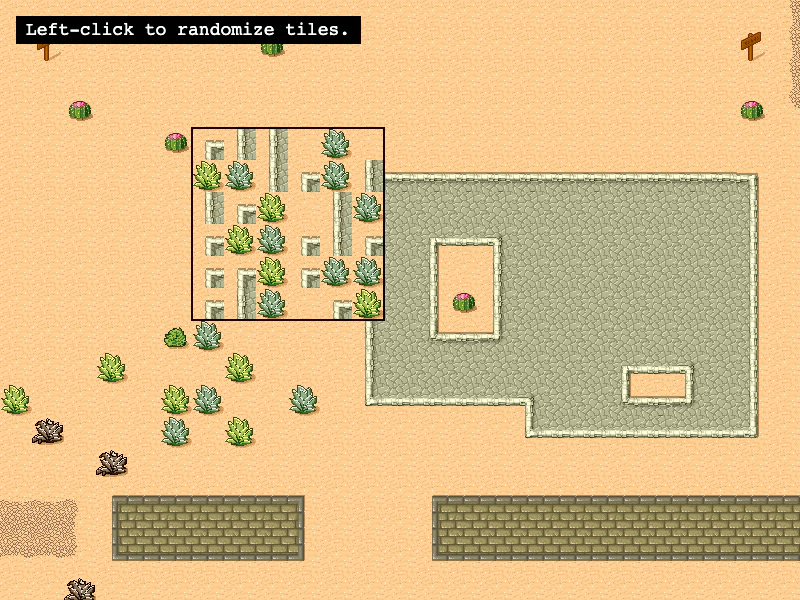 Randomize TilesDemonstrates how to use the Tilemap randomize method to fill a specific rectangular area with random tiles based on existing tile indexes or a specific list of tile IDs.
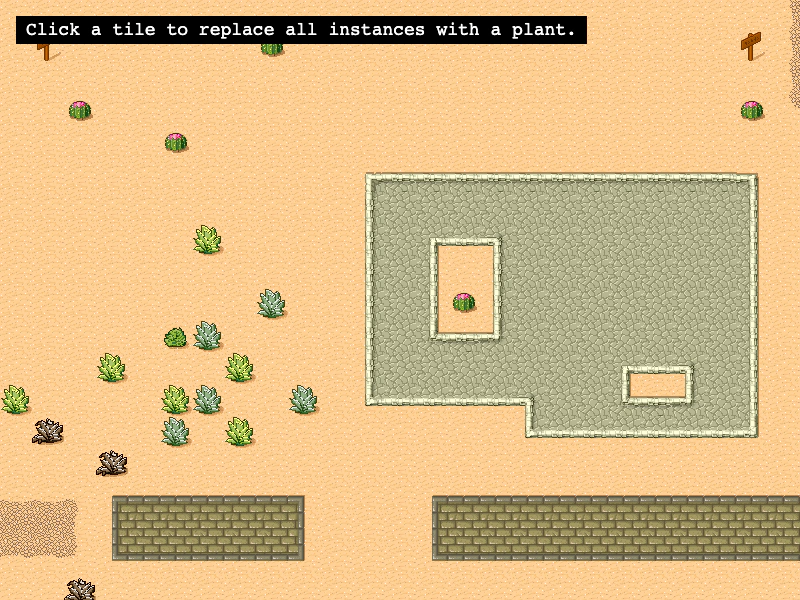 Replace Tiles by IndexDemonstrates how to use the replaceByIndex method to search for all instances of a specific tile index and swap them with a new tile across a map layer.
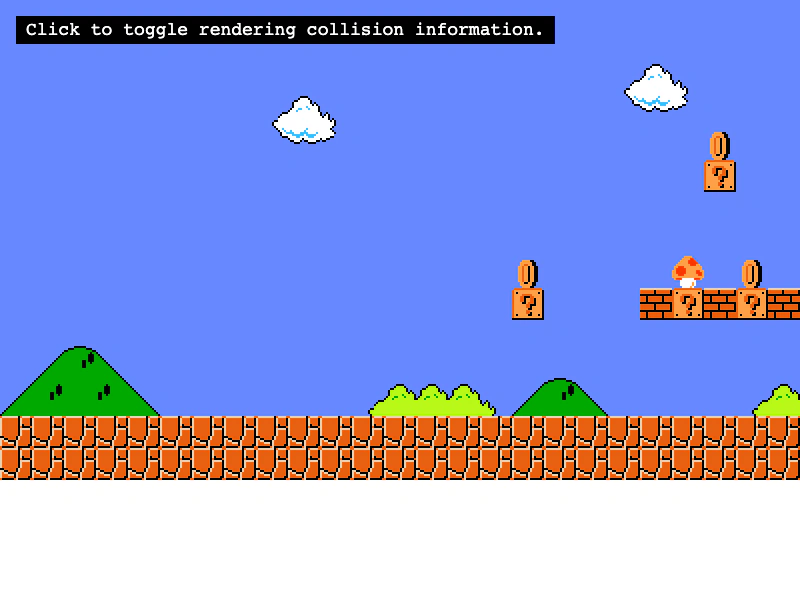 Set Colliding TilesDemonstrates multiple ways to enable tilemap collisions using setCollision, setCollisionBetween, and arrays, while visualizing the results with debug rendering.
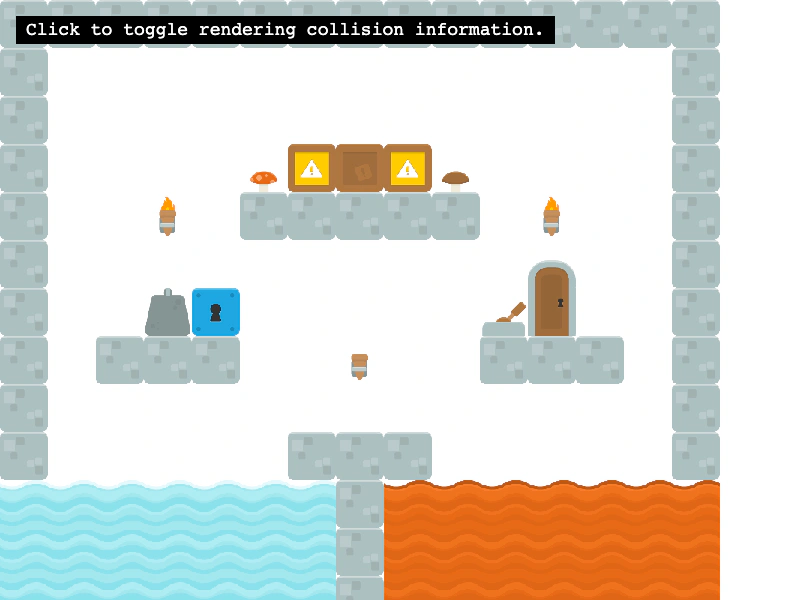 Set Tilemap Collision by PropertyEnable collision for tiles based on custom data properties defined in Tiled, rather than using specific tile IDs or ranges.
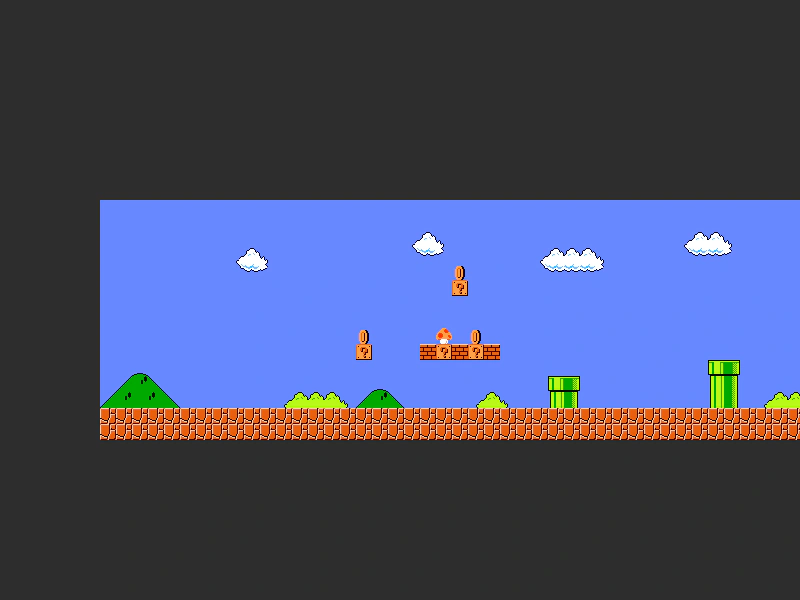 Set Tilemap Layer WidthDemonstrates how to programmatically adjust the width of a tilemap layer to clip its visible rendering area.
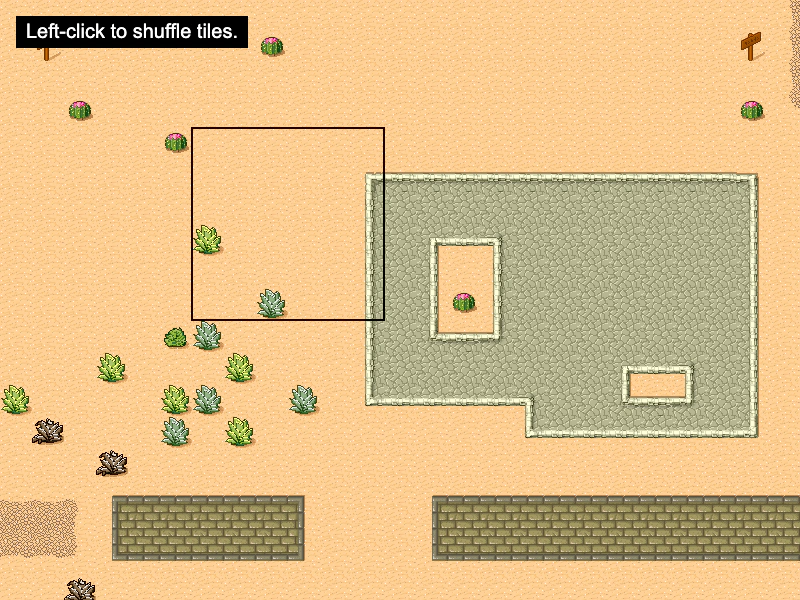 Shuffle TilesDemonstrates how to use the shuffle method to randomly rearrange a specific rectangular area of tiles within a tilemap layer.
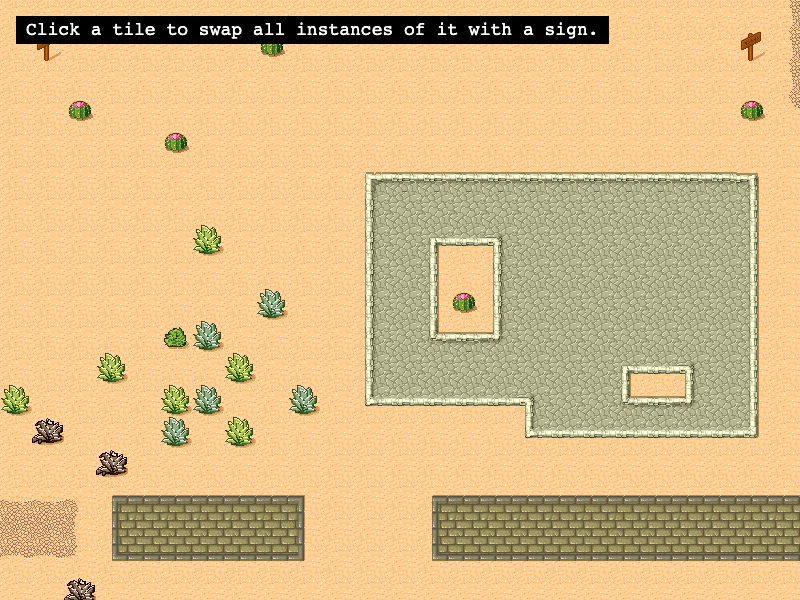 Swap Tile IndicesUse swapByIndex to find all instances of a specific tile across the map and swap them with a different tile index.
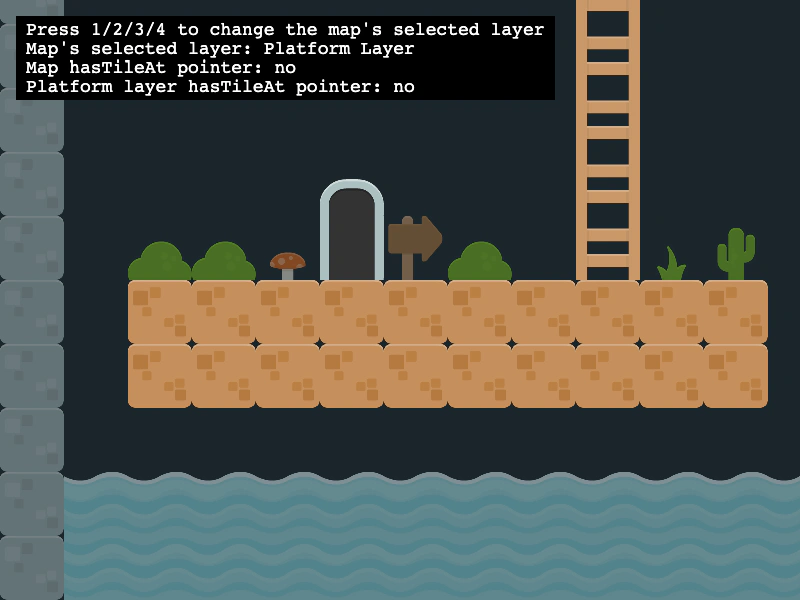 Switching Active Tilemap LayersDemonstrates how to manage multiple tilemap layers and use map.setLayer to change which layer is targeted by map-level tile operations.
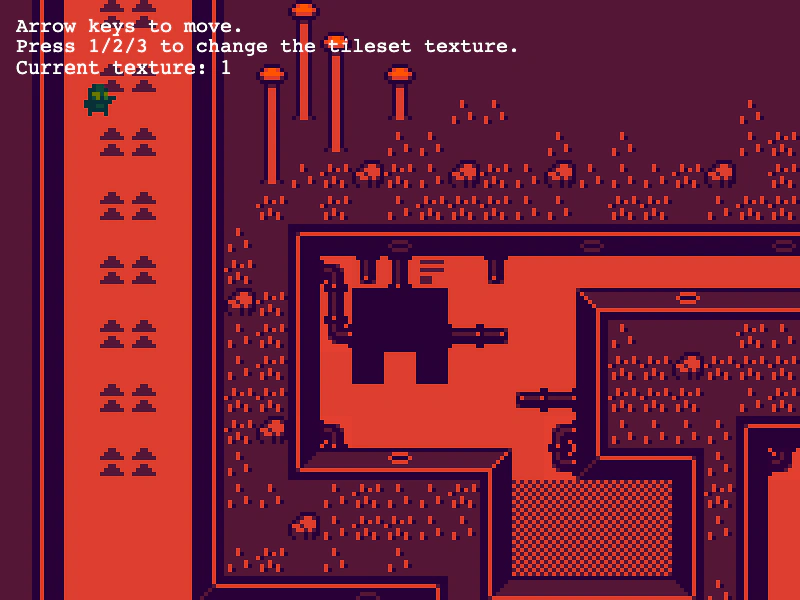 Switching Tileset TexturesDemonstrates how to change the visual appearance of a tilemap at runtime by dynamically swapping the tileset's underlying texture using the setImage method.
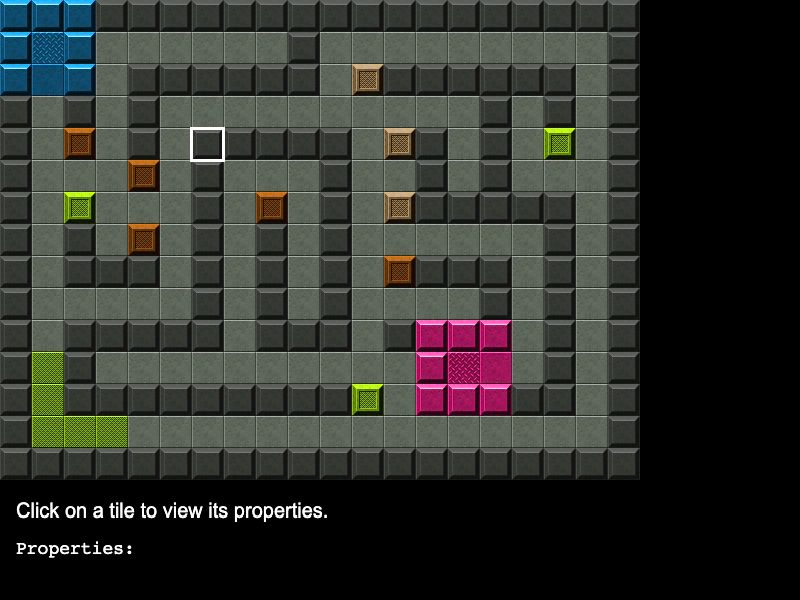 Tile PropertiesDemonstrates how to access and display custom properties defined for specific tiles within a Tiled JSON map.
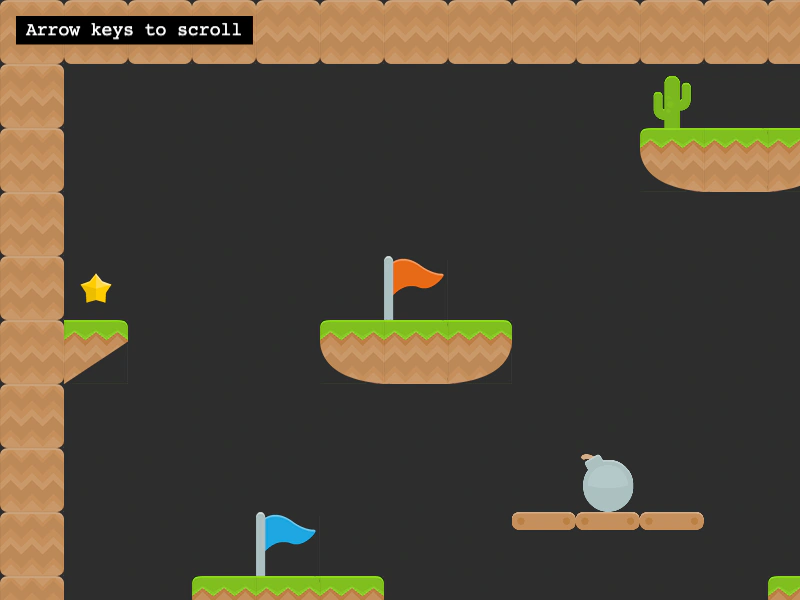 Tiled Multi TilesetDemonstrates how to render a single tilemap layer that uses multiple different tileset source images by passing an array of tilesets to the layer creation method.
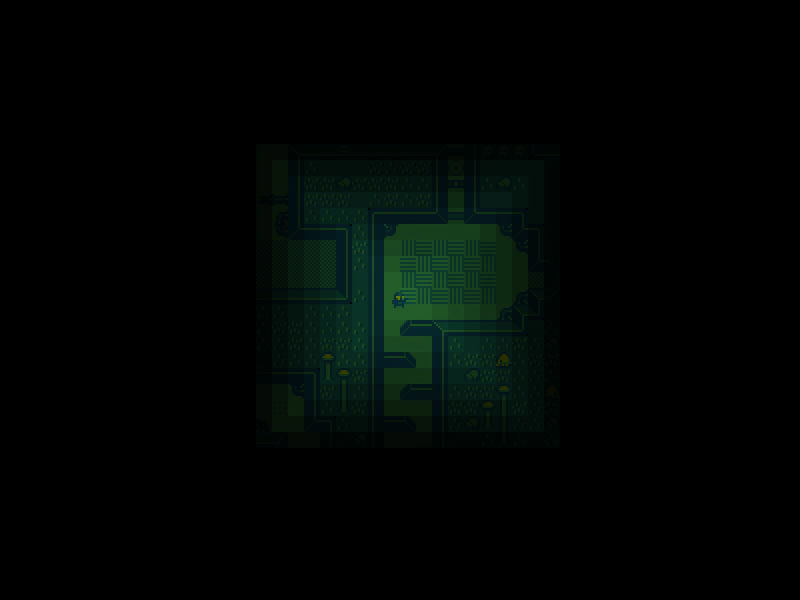 Tilemap Chebyshev DistanceCalculate the Chebyshev distance between the player's current tile and all other tiles in the map to create a dynamic visibility effect.
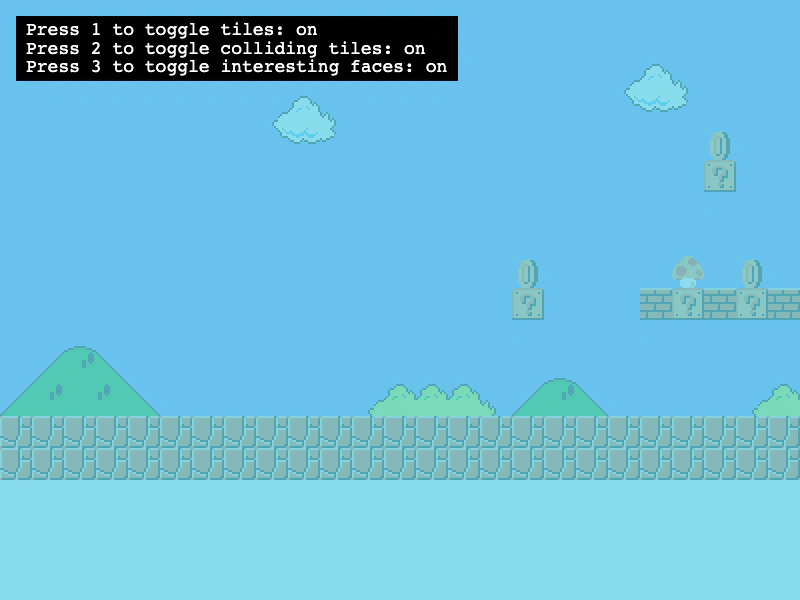 Tilemap Collision DebuggingDemonstrates how to use the renderDebug method to visualize tilemap collision data, including highlighting specific colliding tiles and their active edges (faces).
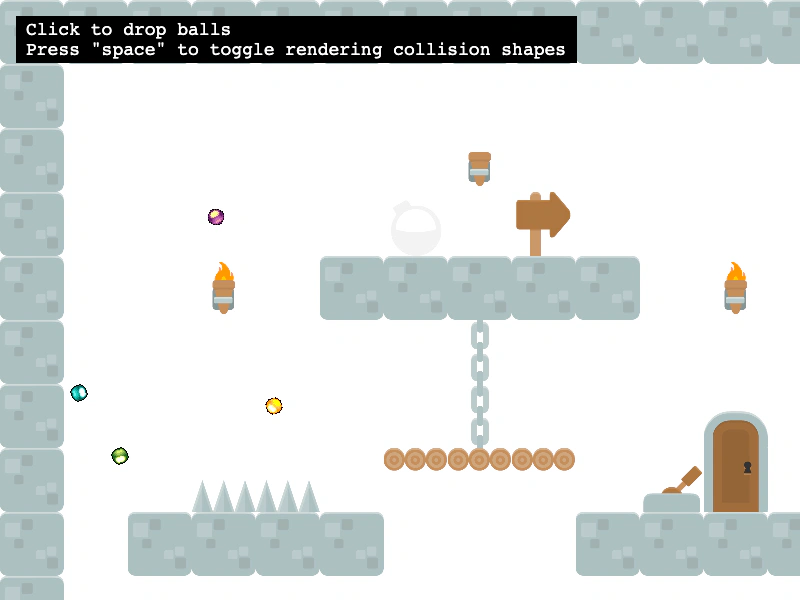 Tilemap Collision From Tiled ShapesEnable collisions on a Tilemap layer using the collision shapes defined in the Tiled editor via setCollisionFromCollisionGroup, with Matter.js physics integration.
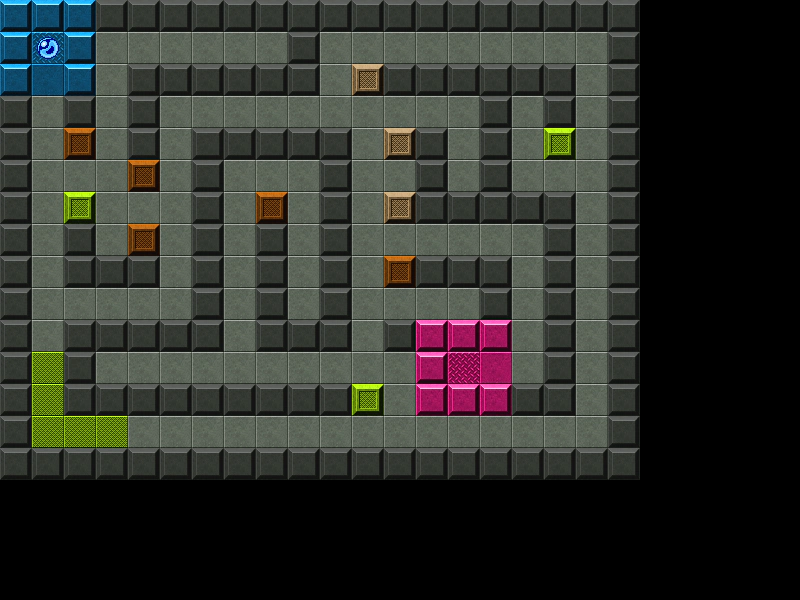 Tilemap Layer CollisionDemonstrates how to enable collision between a physics-enabled sprite and specific tile indices within a Tilemap layer.
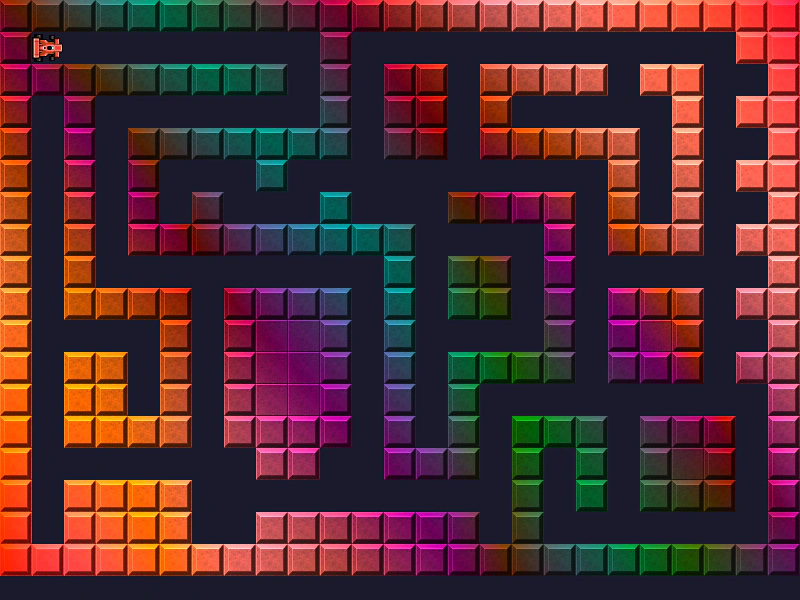 Tilemap Layer FilterDemonstrates how to apply a custom shader filter to a specific Tilemap layer while performing tile-based collision detection.
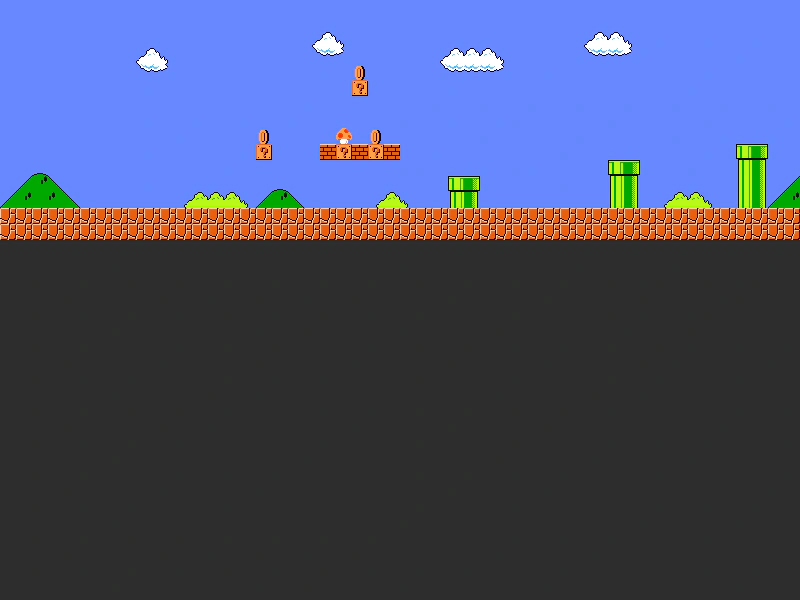 Tilemap Layer SizeDemonstrates how to manually adjust the width of a tilemap layer to clip its rendering area and position multiple layers from different tilemaps within the same scene.
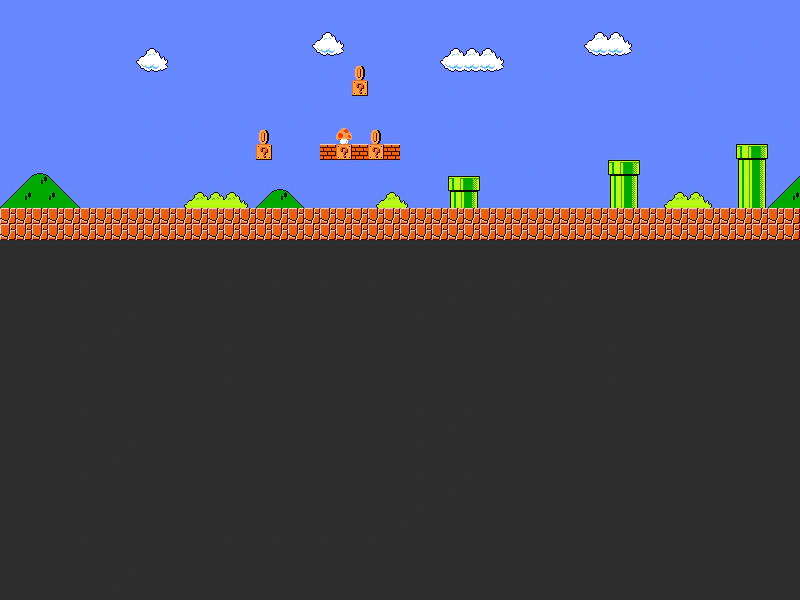 Tilemap Layer Width and Camera BoundsDemonstrates how to modify the width of a Tilemap Layer and adjust camera bounds to match the new dimensions.
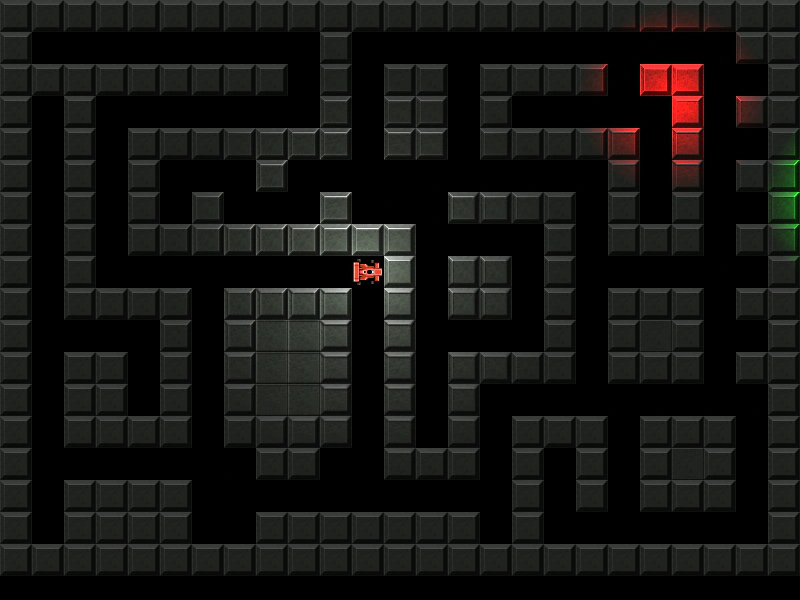 Tilemap Lighting and Normal MapsDemonstrates applying Phaser's 2D lighting system to a tilemap layer, featuring normal maps for texture depth, ambient light settings, and dynamic point lights that follow the player.
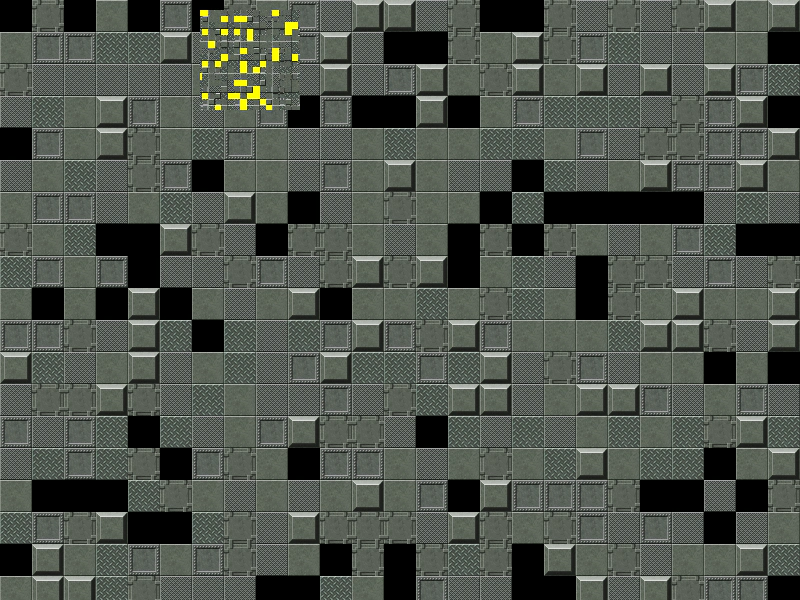 Tilemap Minimap ZoomDemonstrates how to create a secondary camera with a low zoom level to act as a scrolling minimap for a tilemap.
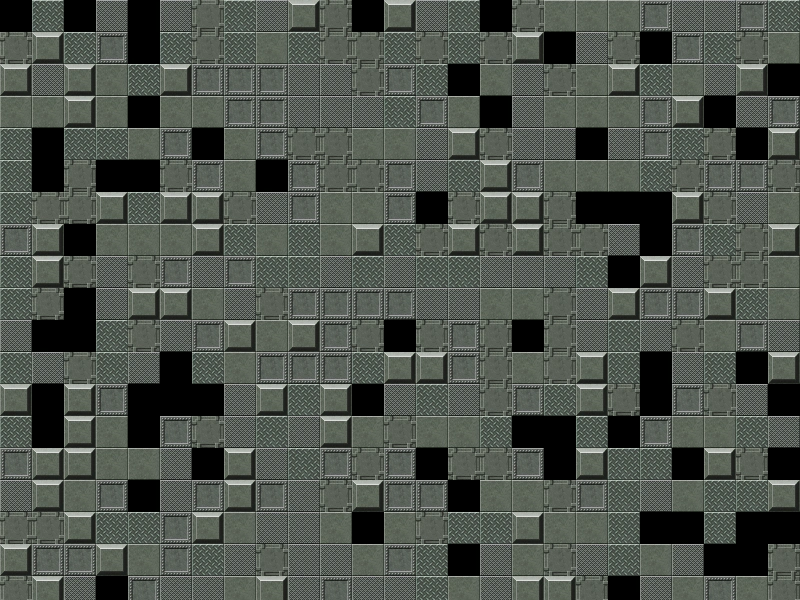 Tilemap Mouse Wheel ZoomDemonstrates how to zoom a camera toward the mouse pointer using the wheel event and implement drag-to-pan functionality over a tilemap.
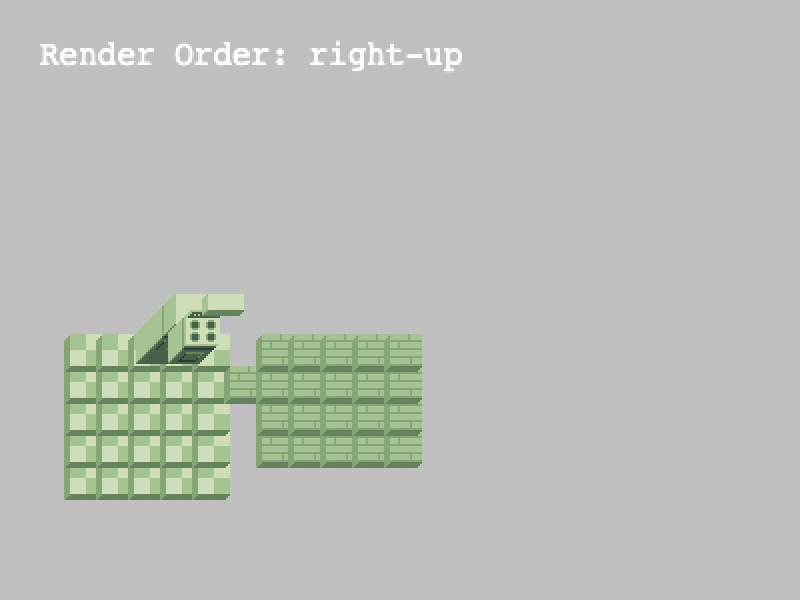 Tilemap Render OrderDemonstrates how to change the rendering sequence of tiles within a layer using setRenderOrder to handle different tile overlap perspectives.
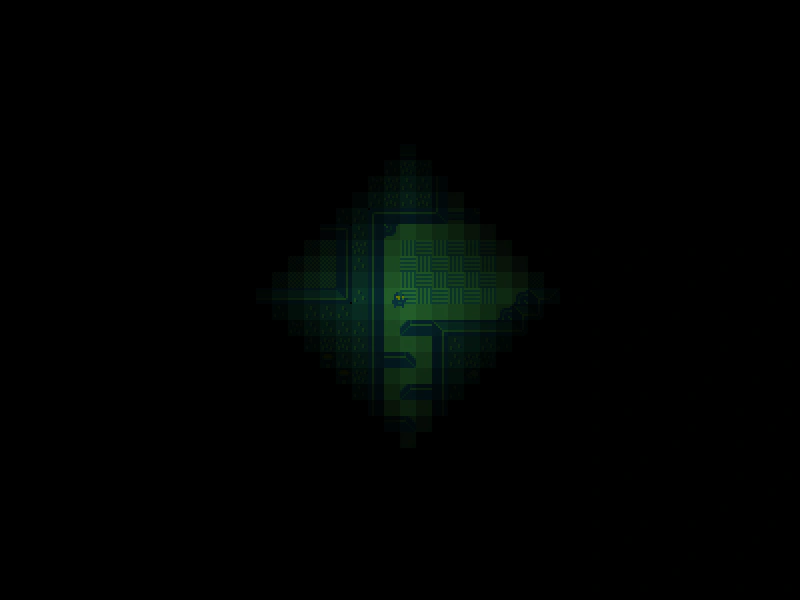 Tilemap Snake DistanceAdjust tile transparency dynamically based on the Manhattan distance (Snake distance) between the player and each tile in the map.
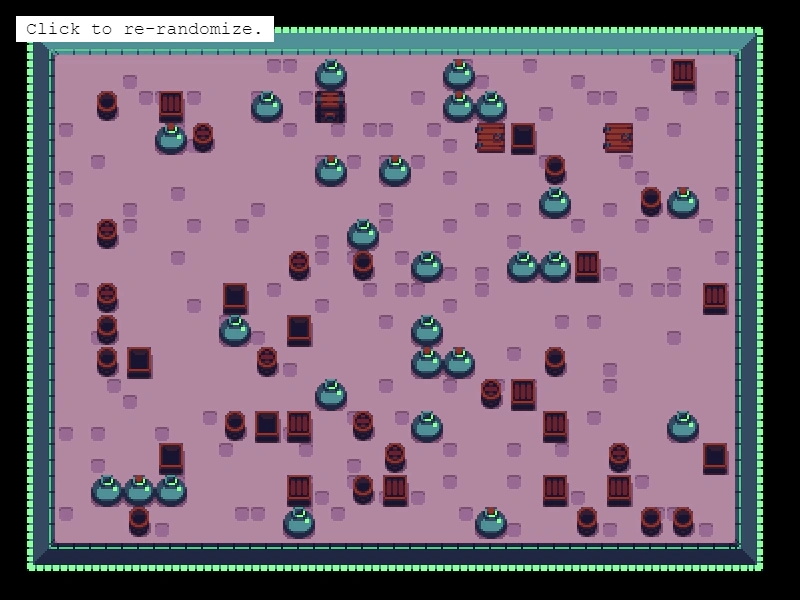 Tilemap Weighted RandomizationDemonstrates using weightedRandomize to fill a specific area of a tilemap layer with tiles based on probability weights, useful for procedural floor patterns and item distribution.
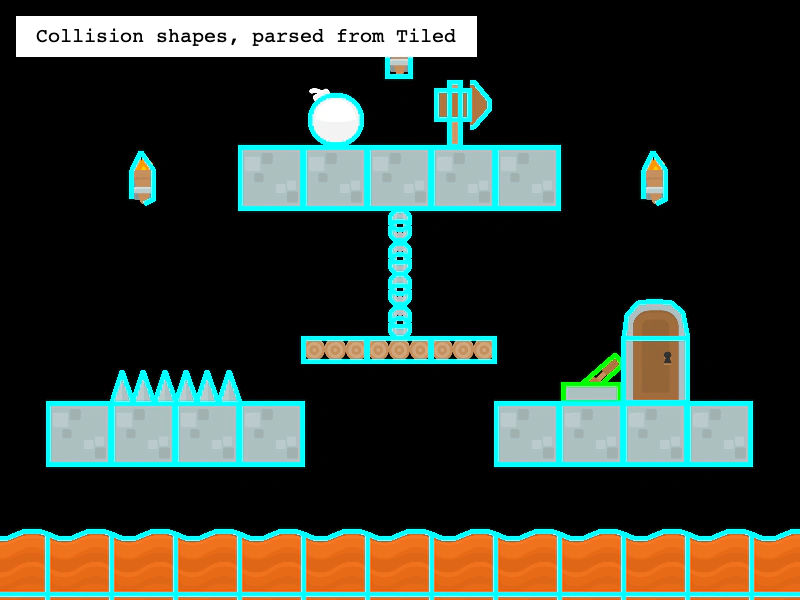 Tileset Collision ShapesAccess and visualize collision shapes (rectangles, ellipses, and polygons) and custom properties defined within a Tiled tileset.
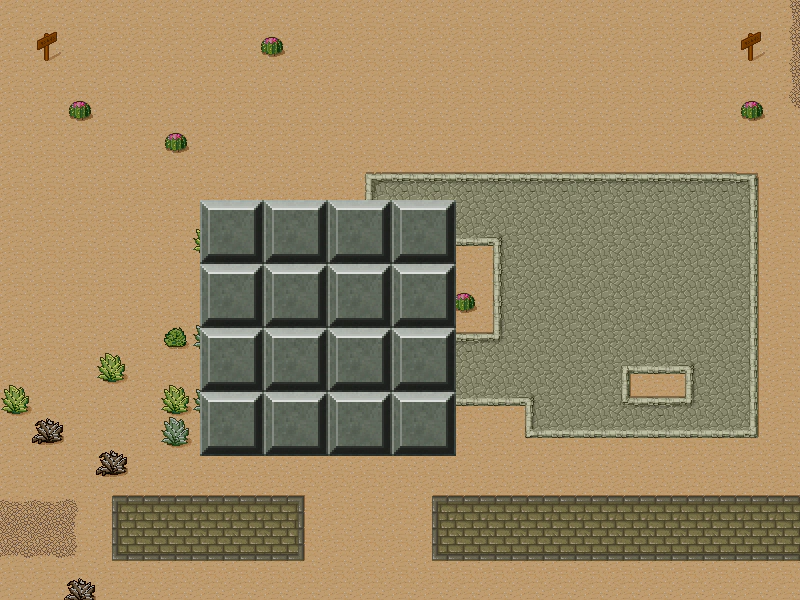 Tileset with Margin and SpacingDemonstrates how to use tilesets that include margins and padding between tiles, covering both Tiled JSON maps and manual configuration via addTilesetImage.
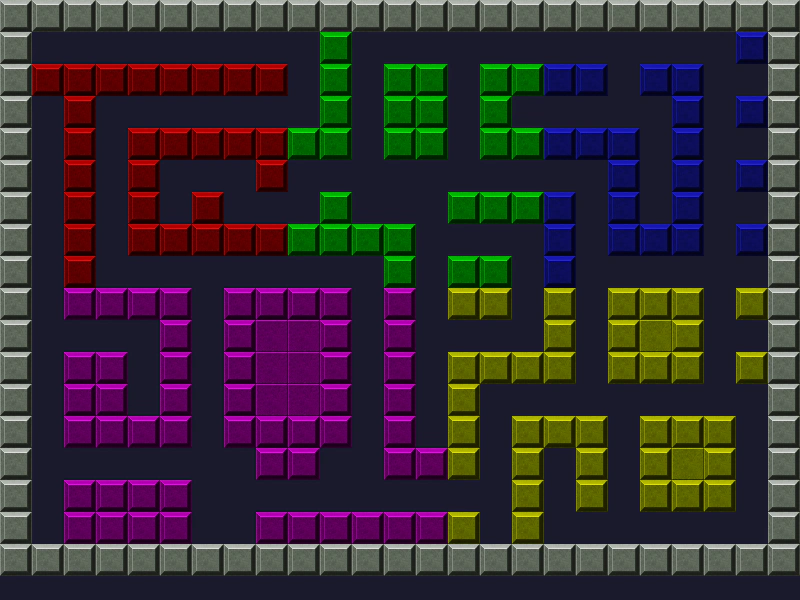 Tint Tilemap LayerDemonstrates how to apply color tints to specific rectangular regions of tiles within a Tilemap Layer.