Placing Tiles Dynamically
Learn how to use putTileAt and putTilesAt to manually place single tiles, rows of tiles, or 2D arrays of tiles onto a tilemap layer based on pointer coordinates.
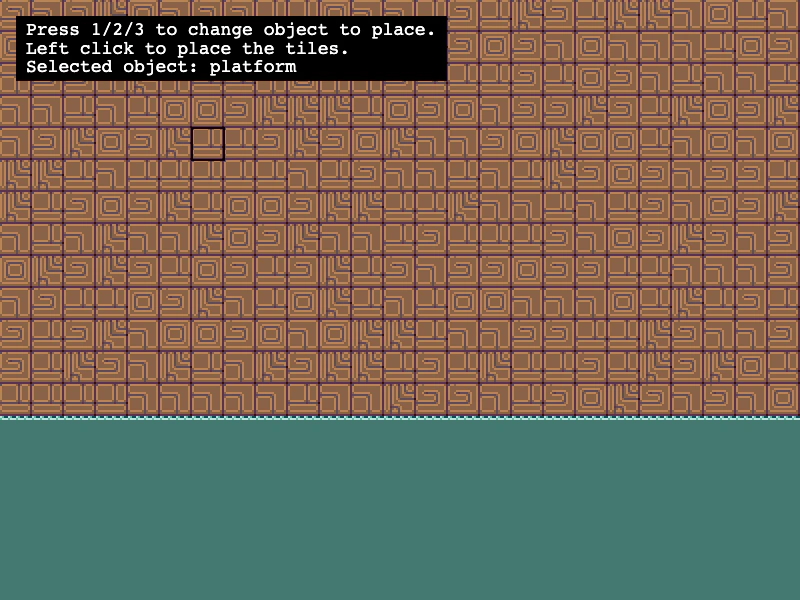
800 × 600
class Example extends Phaser.Scene
{
    helpText;
    objectToPlace = 'platform';
    map;
    marker;

    preload ()
    {
        this.load.setBaseURL('https://cdn.phaserfiles.com/v410');
        this.load.image('tiles', 'assets/tilemaps/tiles/platformer_tiles.png');
    }

    create ()
    {
        // Creating a blank tilemap with the specified dimensions
        this.map = this.make.tilemap({ tileWidth: 16, tileHeight: 16, width: 25, height: 20});
        const tiles = this.map.addTilesetImage('tiles');

        const layer = this.map.createBlankLayer('layer1', tiles);
        layer.setScale(2);

        // Add a simple scene with some random element
        layer.fill(58, 0, 13, 25, 1); // Surface of the water
        layer.fill(77, 0, 14, 25, 5); // Body of the water
        layer.randomize(0, 0, 25, 13, [ 44, 45, 46, 47, 48 ]); // Wall above the water

        this.input.keyboard.on('keydown-ONE', (event) =>
        {
            this.objectToPlace = 'platform';
            this.helpText.setText(this.getHelpMessage());
        });

        this.input.keyboard.on('keydown-TWO', (event) =>
        {
            this.objectToPlace = 'flower';
            this.helpText.setText(this.getHelpMessage());
        });

        this.input.keyboard.on('keydown-THREE', (event) =>
        {
            this.objectToPlace = 'tiki';
            this.helpText.setText(this.getHelpMessage());
        });

        this.marker = this.add.graphics();
        this.marker.lineStyle(2, 0x000000, 1);
        this.marker.strokeRect(0, 0, this.map.tileWidth * layer.scaleX, this.map.tileHeight * layer.scaleY);

        this.helpText = this.add.text(16, 16, this.getHelpMessage(), {
            fontSize: '18px',
            padding: { x: 10, y: 5 },
            fill: '#ffffff',
            backgroundColor: '#000000'
        });
        this.helpText.setScrollFactor(0);
    }

    update (time, delta)
    {
        const worldPoint = this.input.activePointer.positionToCamera(this.cameras.main);

        // Rounds down to nearest tile
        const pointerTileX = this.map.worldToTileX(worldPoint.x);
        const pointerTileY = this.map.worldToTileY(worldPoint.y);

        // Snap to tile coordinates, but in world space
        this.marker.x = this.map.tileToWorldX(pointerTileX);
        this.marker.y = this.map.tileToWorldY(pointerTileY);

        if (this.input.manager.activePointer.isDown)
        {
            switch (this.objectToPlace)
            {
                case 'flower':
                    // You can place an individal tile by index (or by passing in a Tile object)
                    this.map.putTileAt(15, pointerTileX, pointerTileY);
                    break;
                case 'platform':
                    // You can place a row of tile indexes at a location
                    this.map.putTilesAt([ 104, 105, 106, 107 ], pointerTileX, pointerTileY);
                    break;
                case 'tiki':
                    // You can also place a 2D array of tiles at a location
                    this.map.putTilesAt([
                        [ 49, 50 ],
                        [ 51, 52 ]
                    ], pointerTileX, pointerTileY);
                    break;
                default:
                    break;
            }
        }

    }

    getHelpMessage ()
    {
        return `Press 1/2/3 to change object to place.\nLeft click to place the tiles.\nSelected object: ${this.objectToPlace}`;
    }
}

const config = {
    scale: { mode: Phaser.Scale.FIT },
    type: Phaser.AUTO,
    width: 800,
    height: 600,
    backgroundColor: '#00000',
    parent: 'game-container',
    pixelArt: true,
    scene: Example
};

const game = new Phaser.Game(config);
More in Tilemap48 examples
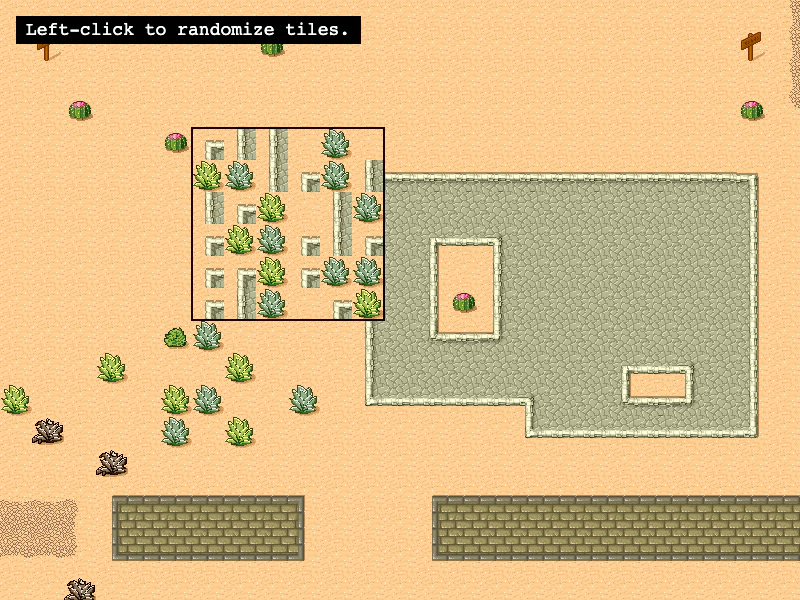 Randomize TilesDemonstrates how to use the Tilemap randomize method to fill a specific rectangular area with random tiles based on existing tile indexes or a specific list of tile IDs.
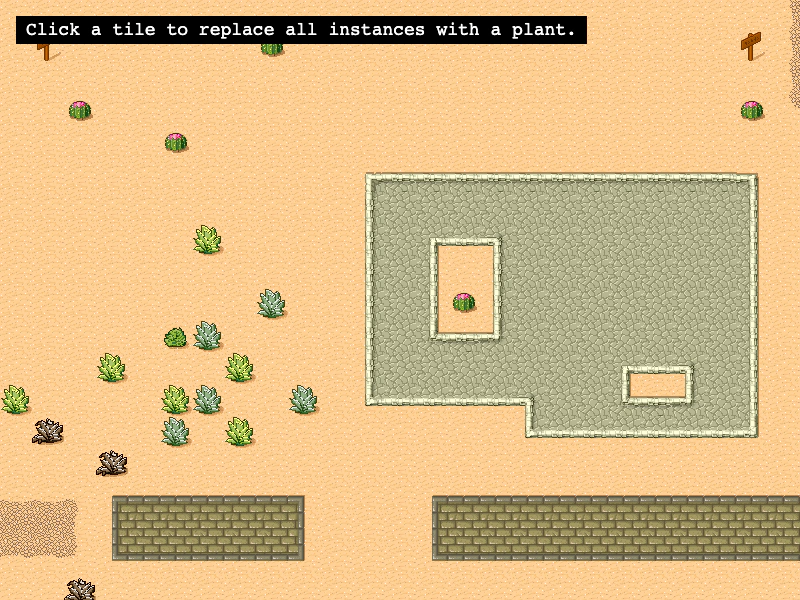 Replace Tiles by IndexDemonstrates how to use the replaceByIndex method to search for all instances of a specific tile index and swap them with a new tile across a map layer.
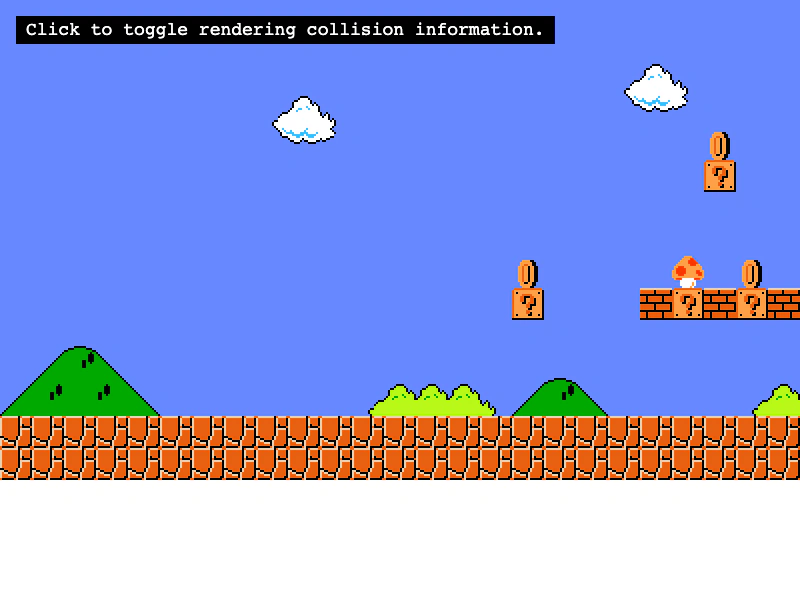 Set Colliding TilesDemonstrates multiple ways to enable tilemap collisions using setCollision, setCollisionBetween, and arrays, while visualizing the results with debug rendering.
 Set Tilemap Collision by PropertyEnable collision for tiles based on custom data properties defined in Tiled, rather than using specific tile IDs or ranges.