Set Tilemap Collision by Property
Enable collision for tiles based on custom data properties defined in Tiled, rather than using specific tile IDs or ranges.
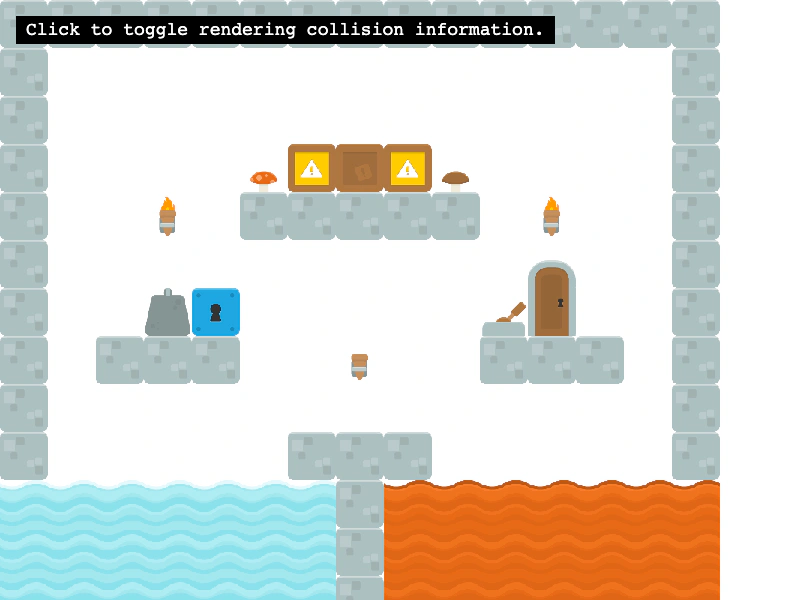
800 × 600
class Example extends Phaser.Scene
{
    debugGraphics;
    map;
    controls;

    preload ()
    {
        this.load.setBaseURL('https://cdn.phaserfiles.com/v410');
        // this.load.tilemapTiledJSON('map', 'assets/tilemaps/maps/tileset-collision-property.json');
        this.load.tilemapTiledJSON('map', 'assets/tilemaps/maps/tileset-collision-property-v12.json');
        this.load.image('kenny_platformer_64x64', 'assets/tilemaps/tiles/kenny_platformer_64x64.png');
    }

    create ()
    {
        this.map = this.make.tilemap({ key: 'map' });
        const tileset = this.map.addTilesetImage('kenny_platformer_64x64');
        const layer = this.map.createLayer(0, tileset, 0, 0);
        layer.setScale(0.75);

        // Instead of setting collision by index, you can set collision via properties that you set up
        // in Tiled. You can assign properties to tiles in the tileset editor. Note: you need
        // to NOT have the collision editor or terrain editor open when you set them up.
        // This map has tiles with a boolean "collides" property, so we can do the following:
        layer.setCollisionByProperty({ collides: true });

        // You can also specify multiple properties, or an array of possible property values. The next
        // line would set any tile to collide if it has "collides" set to true or if it has a "type"
        // equal to 'lava' or 'water':
        // layer.setCollisionByProperty({ collides: true, type: [ 'lava', 'water' ] });

        // Visualize the colliding tiles
        this.debugGraphics = this.add.graphics();
        this.drawDebug();

        this.input.on('pointerdown', () =>
        {
            this.debugGraphics.visible = !this.debugGraphics.visible;
            if (this.debugGraphics.visible)
            {
                this.drawDebug();
            }
        });

        const help = this.add.text(16, 16, 'Click to toggle rendering collision information.', {
            fontSize: '18px',
            padding: { x: 10, y: 5 },
            backgroundColor: '#000000',
            fill: '#ffffff'
        });
        help.setScrollFactor(0);

        const cursors = this.input.keyboard.createCursorKeys();
        const controlConfig = {
            camera: this.cameras.main,
            left: cursors.left,
            right: cursors.right,
            up: cursors.up,
            down: cursors.down,
            speed: 0.5
        };

        this.controls = new Phaser.Cameras.Controls.FixedKeyControl(controlConfig);
    }

    update (time, delta)
    {
        this.controls.update(delta);
    }

    drawDebug ()
    {
        this.debugGraphics.clear();
        this.map.renderDebug(this.debugGraphics, { tileColor: null });
    }
}

const config = {
    scale: { mode: Phaser.Scale.FIT },
    type: Phaser.AUTO,
    width: 800,
    height: 600,
    backgroundColor: '#ffffff',
    parent: 'game-container',
    pixelArt: true,
    scene: Example
};

const game = new Phaser.Game(config);
More in Tilemap48 examples
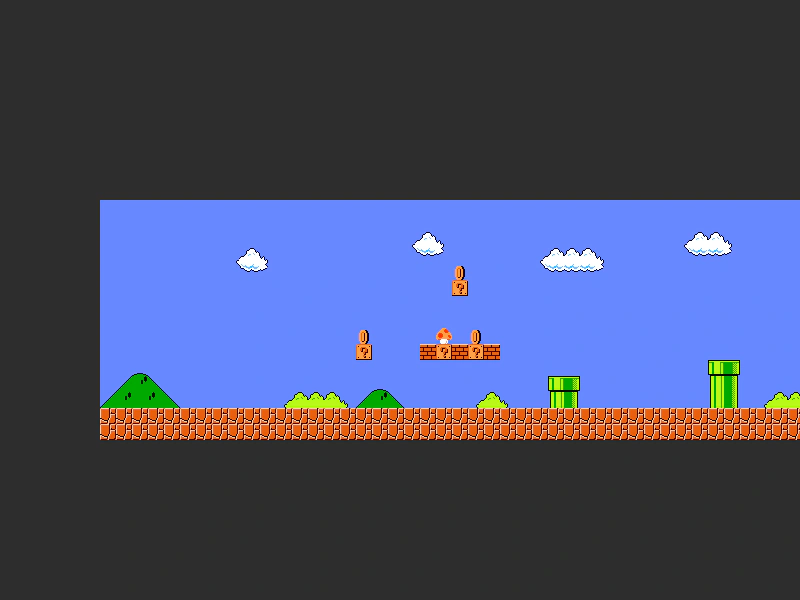 Set Tilemap Layer WidthDemonstrates how to programmatically adjust the width of a tilemap layer to clip its visible rendering area.
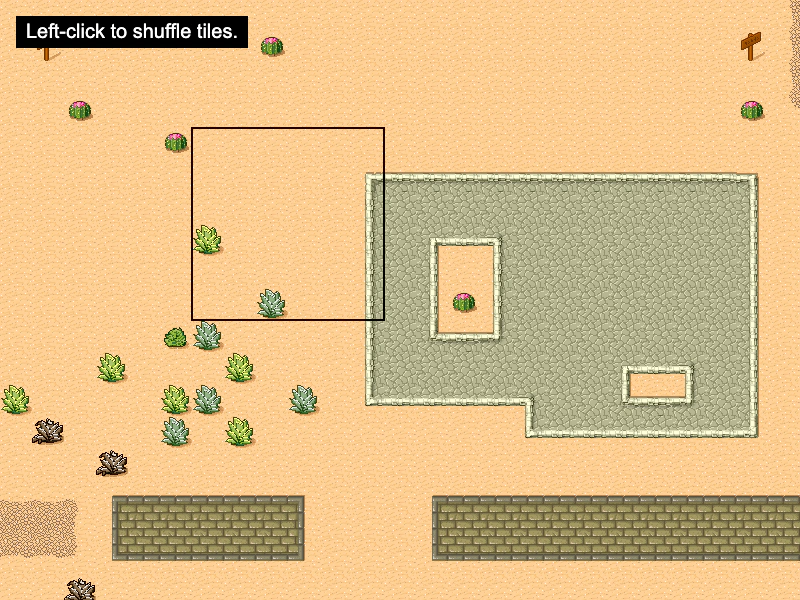 Shuffle TilesDemonstrates how to use the shuffle method to randomly rearrange a specific rectangular area of tiles within a tilemap layer.
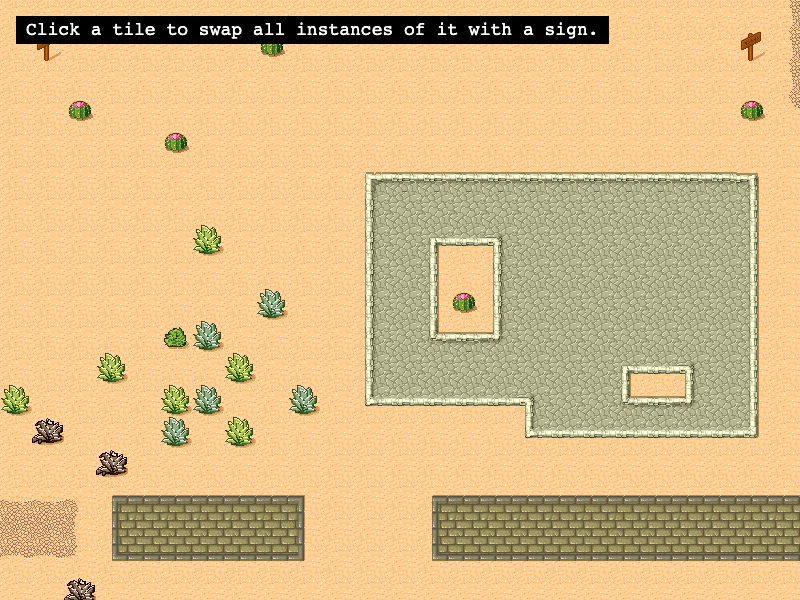 Swap Tile IndicesUse swapByIndex to find all instances of a specific tile across the map and swap them with a different tile index.
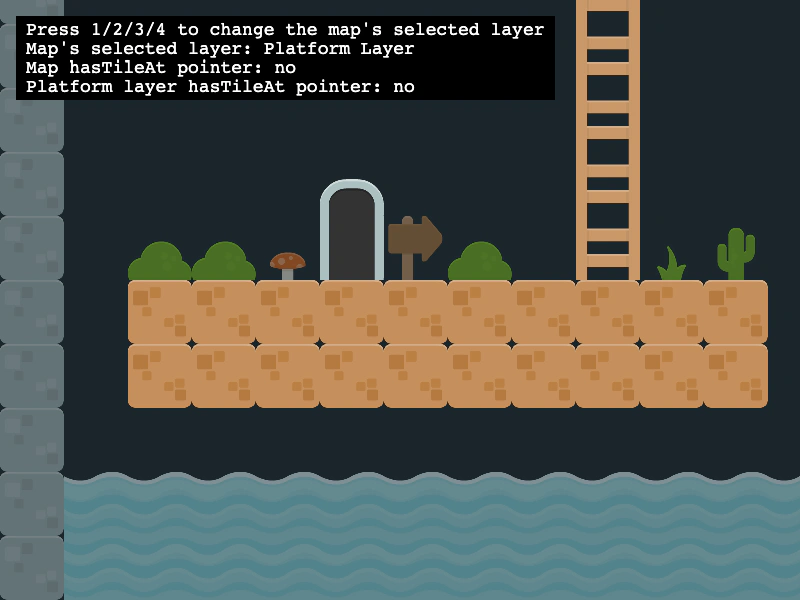 Switching Active Tilemap LayersDemonstrates how to manage multiple tilemap layers and use map.setLayer to change which layer is targeted by map-level tile operations.