Tileset with Margin and Spacing
Demonstrates how to use tilesets that include margins and padding between tiles, covering both Tiled JSON maps and manual configuration via addTilesetImage.
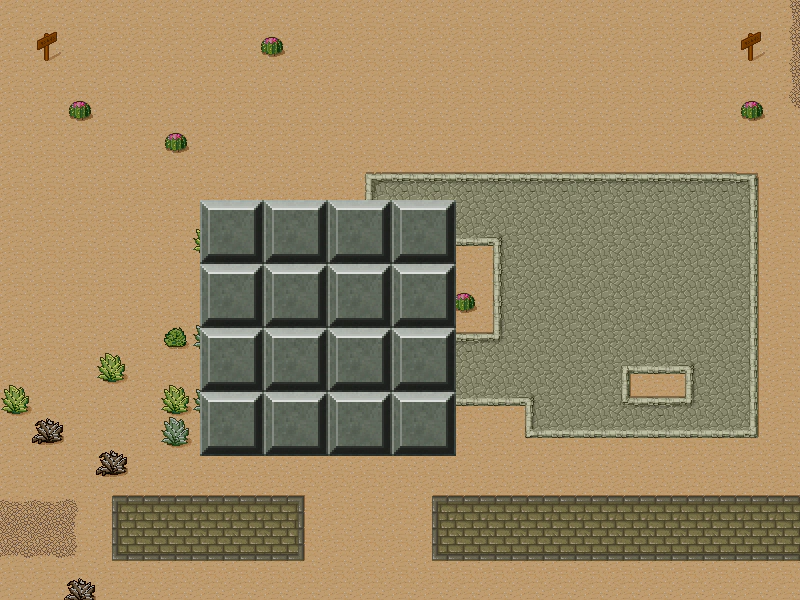
800 × 600
class Example extends Phaser.Scene
{
    controls;

    preload ()
    {
        this.load.setBaseURL('https://cdn.phaserfiles.com/v410');
        this.load.tilemapTiledJSON('map', 'assets/tilemaps/maps/desert.json');
        this.load.image('Desert', 'assets/tilemaps/tiles/tmw_desert_spacing.png');
        this.load.image('drawtiles-spaced', 'assets/tilemaps/tiles/drawtiles-spaced.png');
    }

    create ()
    {
        // 1 - Tilesets loaded from Tiled will having the spacing properties already set

        const map = this.make.tilemap({ key: 'map' });
        const tiles = map.addTilesetImage('Desert');
        const layer = map.createLayer(0, tiles, 0, 0);
        layer.setScrollFactor(0.5);
        layer.setAlpha(0.75);


        // 2 - Tilesets loaded outside of a Tiled JSON file will need the spacing properties set (if
        // your tileset has a margin or padding)

        const level = [
            [ 2, 2, 2, 2 ],
            [ 2, 2, 2, 2 ],
            [ 2, 2, 2, 2 ],
            [ 2, 2, 2, 2 ]
        ];
        const map2 = this.make.tilemap({ tileWidth: 32, tileHeight: 32, data: level });

        // addTilesetImage Parameters:
        //  tilesetName, key, tileWidth, tileHeight, tileMargin, tileSpacing
        const tiles2 = map2.addTilesetImage('drawtiles-spaced', null, 32, 32, 1, 2);

        const layer2 = map2.createLayer(0, tiles2, 200, 200);
        layer2.setScale(2);


        const cursors = this.input.keyboard.createCursorKeys();
        const controlConfig = {
            camera: this.cameras.main,
            left: cursors.left,
            right: cursors.right,
            up: cursors.up,
            down: cursors.down,
            speed: 0.5
        };
        this.controls = new Phaser.Cameras.Controls.FixedKeyControl(controlConfig);
    }

    update (time, delta)
    {
        this.controls.update(delta);
    }
}

const config = {
    scale: { mode: Phaser.Scale.FIT },
    type: Phaser.AUTO,
    width: 800,
    height: 600,
    backgroundColor: '#000000',
    parent: 'game-container',
    pixelArt: true,
    scene: Example
};

const game = new Phaser.Game(config);
More in Tilemap48 examples
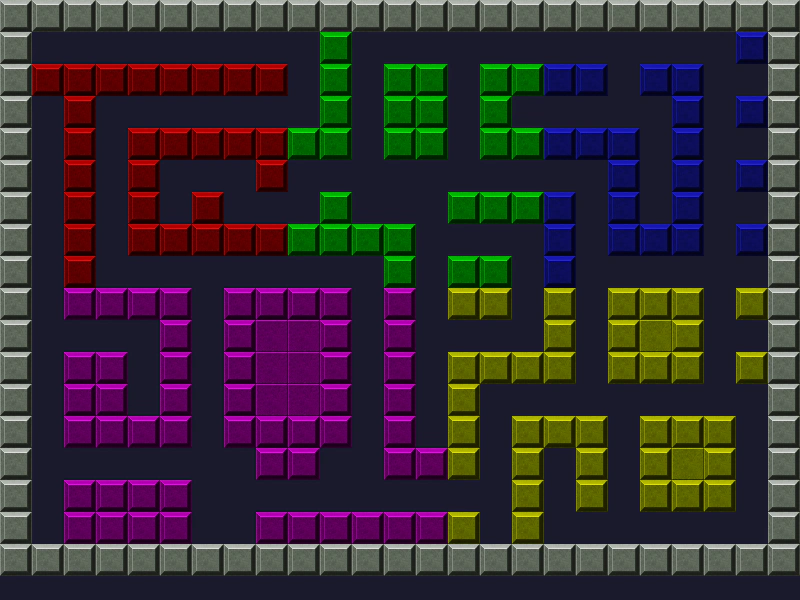 Tint Tilemap LayerDemonstrates how to apply color tints to specific rectangular regions of tiles within a Tilemap Layer.
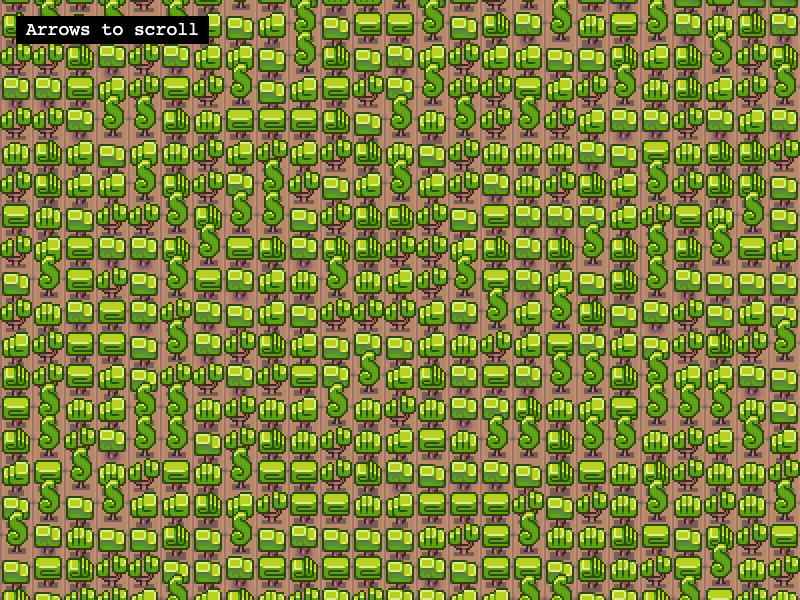 Base Tile SizeLearn how to use a base grid size that differs from the tileset dimensions, allowing larger tiles to overlap vertically on a smaller map grid.
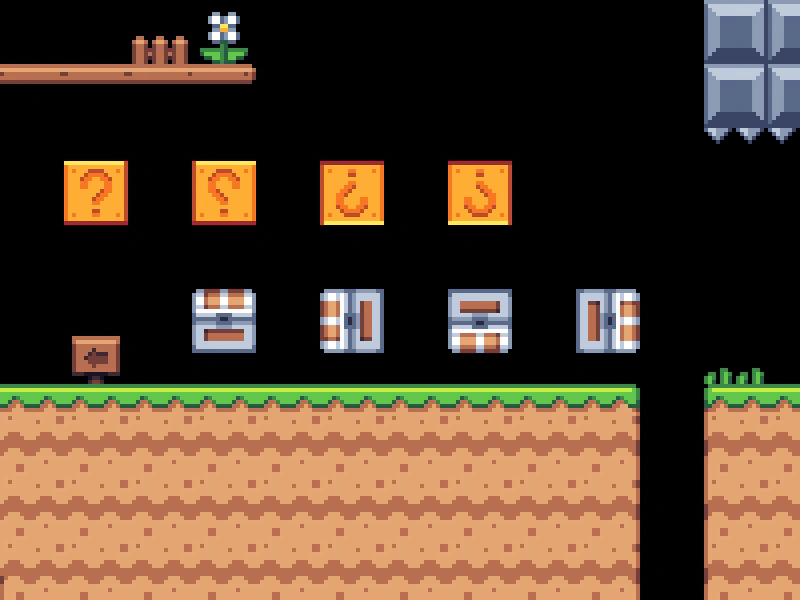 Convert Tiles to SpritesTransform specific tile indices from a tilemap into dynamic Sprite objects using createFromTiles. This example demonstrates using a spritesheet to automatically set the correct texture frames for the converted sprites.
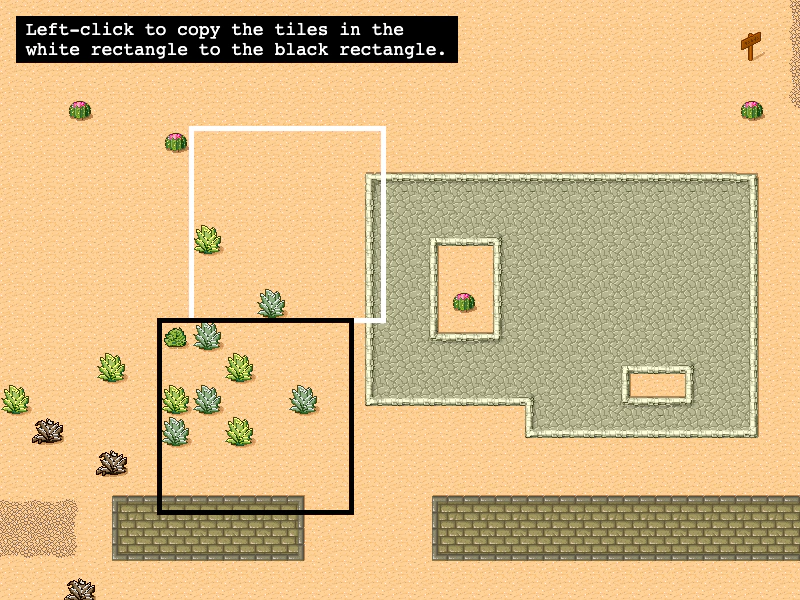 Copy Tilemap AreaLearn how to copy a rectangular region of tiles from one location to another within a tilemap layer.