Map vs. Layer with One Layer
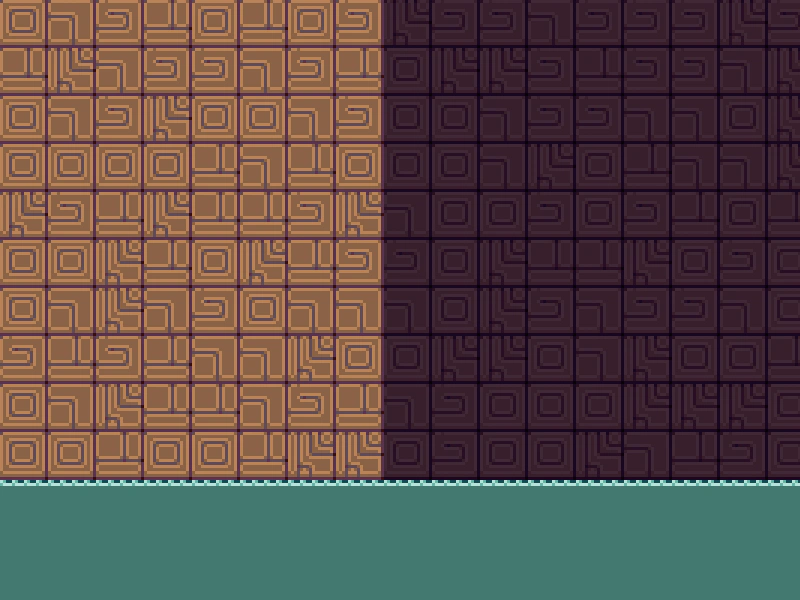
Learn how tile manipulation methods like fill and randomize can be called on either the Tilemap or the TilemapLayer when working with a single-layer map.
800 × 600
class Example extends Phaser.Scene
{
    controls;

    preload ()
    {
        this.load.setBaseURL('https://cdn.phaserfiles.com/v410');
        this.load.image('tiles', 'assets/tilemaps/tiles/platformer_tiles.png');
    }

    create ()
    {
        // Creating a blank tilemap with the specified dimensions
        const map = this.make.tilemap({ tileWidth: 16, tileHeight: 16, width: 18, height: 13});

        const tiles = map.addTilesetImage('tiles');

        const layer = map.createBlankLayer('layer1', tiles);
        layer.setScale(3);

        // Add a simple scene with some random element. Since there is only one layer, we can use map or
        // layer interchangeably to access tile manipulation methods.
        map.fill(58, 0, 10, map.width, 1); // Surface of the water
        layer.fill(77, 0, 11, map.width, 2); // Body of the water
        map.randomize(0, 0, 8, 10, [ 44, 45, 46, 47, 48 ]); // Left chunk of random wall tiles
        layer.randomize(8, 0, 9, 10, [ 20, 21, 22, 23, 24 ]); // Right chunk of random wall tiles
    }
}

const config = {
    scale: { mode: Phaser.Scale.FIT },
    type: Phaser.AUTO,
    width: 800,
    height: 600,
    backgroundColor: '#00000',
    parent: 'game-container',
    pixelArt: true,
    scene: Example
};

const game = new Phaser.Game(config);
More in Tilemap48 examples
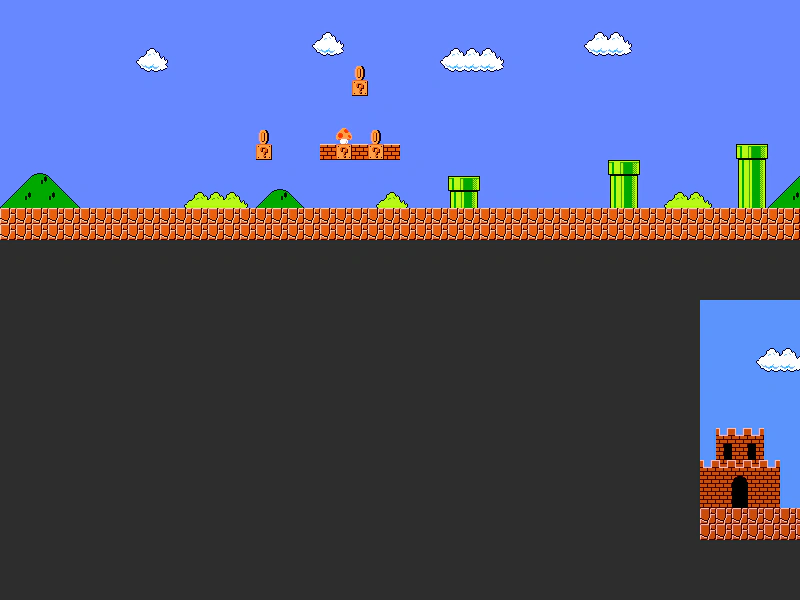 Mario Map ScrollerLearn how to render multiple Tiled JSON maps in a single scene and use a FixedKeyControl to scroll the camera horizontally across them.
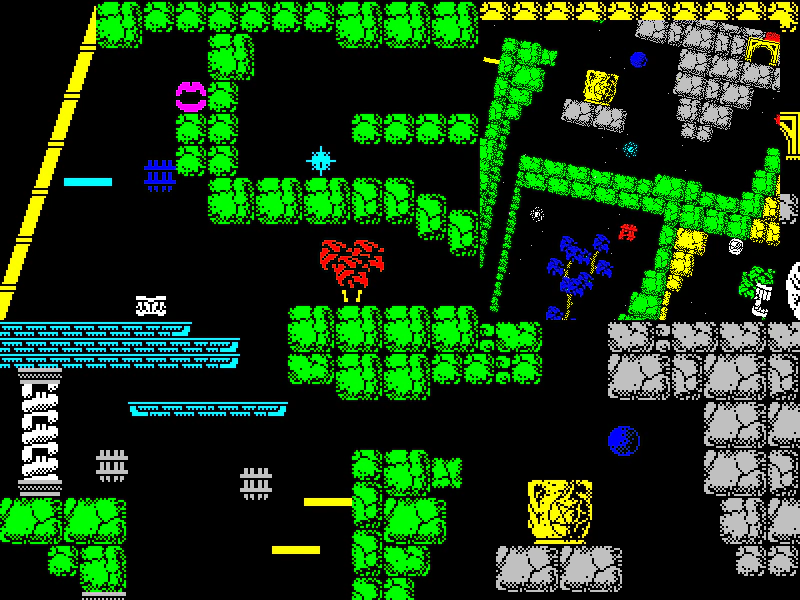 Multi-Camera Tilemap ViewDemonstrates rendering a single tilemap layer across multiple cameras simultaneously, with one camera featuring independent zoom, rotation, and smoothed keyboard controls.
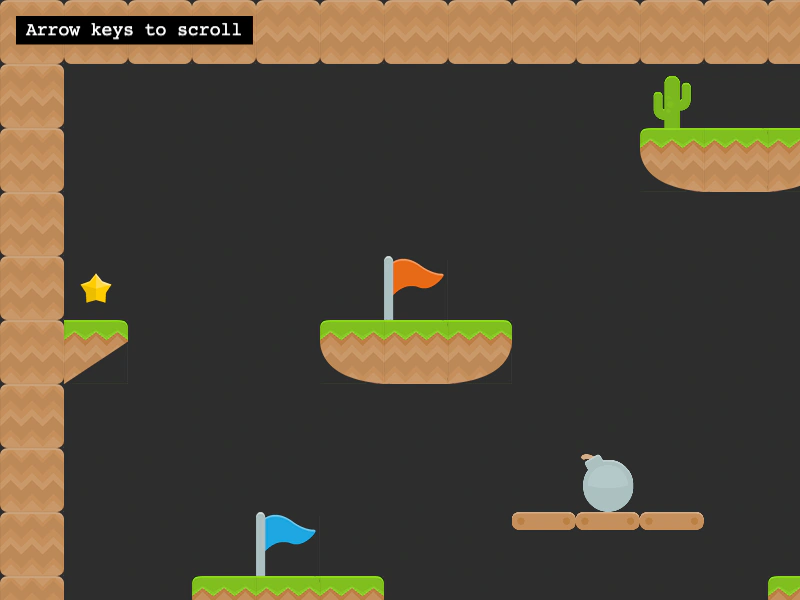 Multiple TilesetsDemonstrates how to render a single tilemap layer using tiles from multiple different tileset images by passing an array of tilesets to createLayer.
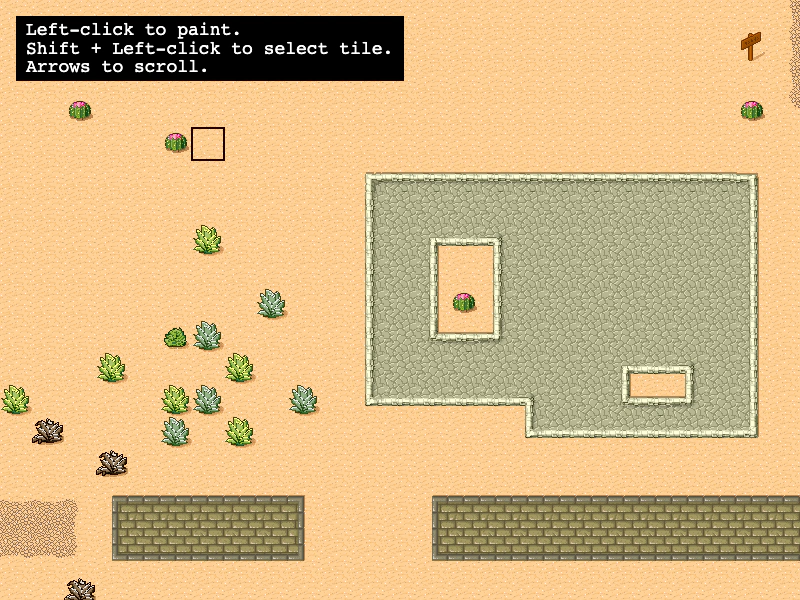 Paint TilesInteractively edit a tilemap by picking and placing tiles at runtime. Demonstrates coordinate conversion from screen to world/tile space and using putTileAt to modify a layer dynamically.