Pixel Art Scaled Tilemap
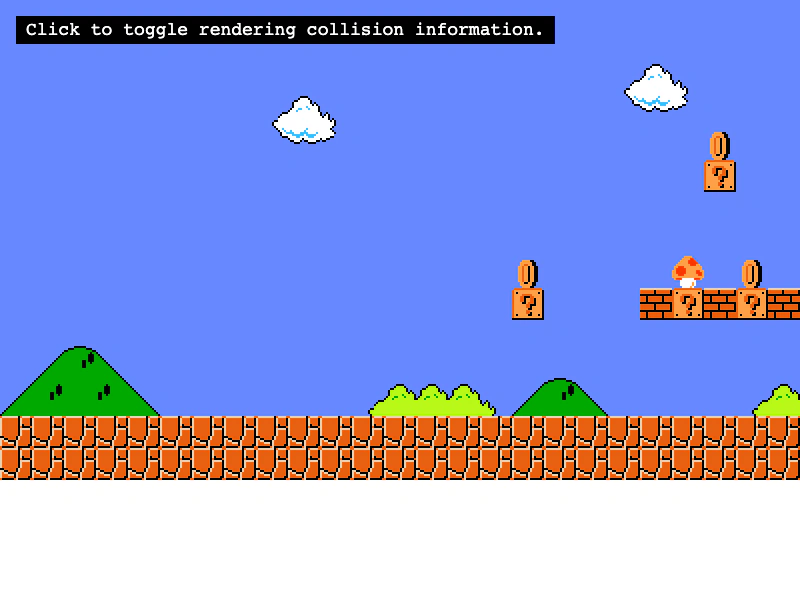
Demonstrates scaling a tilemap layer and using a FixedKeyControl to navigate the camera across the map.
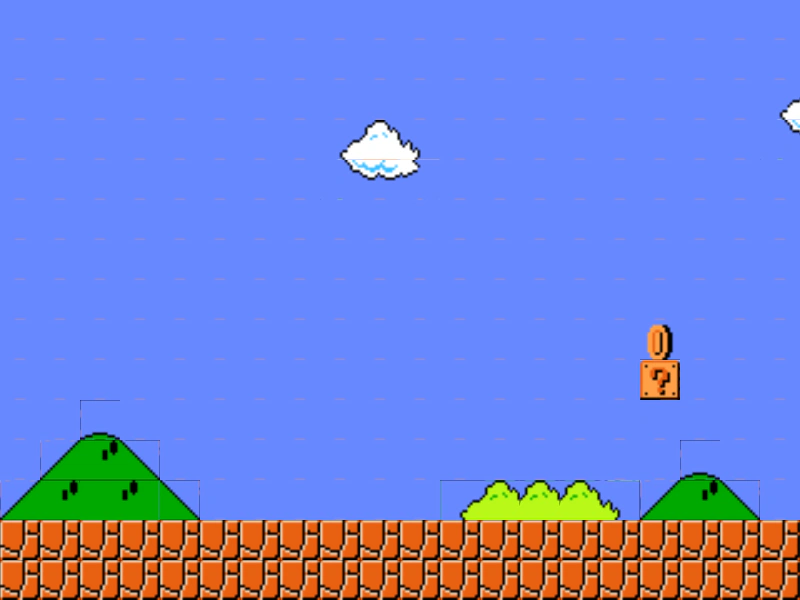
800 × 600
class Example extends Phaser.Scene
{
    controls;

    preload ()
    {
        this.load.setBaseURL('https://cdn.phaserfiles.com/v410');
        this.load.tilemapTiledJSON('map1', 'assets/tilemaps/maps/super-mario.json');
        this.load.image('tiles1', 'assets/tilemaps/tiles/super-mario.png');
    }

    create ()
    {
        const map1 = this.make.tilemap({ key: 'map1' });
        const tileset1 = map1.addTilesetImage('SuperMarioBros-World1-1', 'tiles1');
        const layer1 = map1.createLayer('World1', tileset1, 0, 0).setScale(2.5);

        const cursors = this.input.keyboard.createCursorKeys();

        const controlConfig = {
            camera: this.cameras.main,
            left: cursors.left,
            right: cursors.right,
            up: cursors.up,
            down: cursors.down,
            speed: 0.5
        };

        this.controls = new Phaser.Cameras.Controls.FixedKeyControl(controlConfig);

        this.cameras.main.setBounds(0, 0, layer1.x + layer1.width, layer1.height * 3);
    }

    update (time, delta)
    {
        this.controls.update(delta);
    }
}

const config = {
    scale: { mode: Phaser.Scale.FIT },
    type: Phaser.AUTO,
    width: 800,
    height: 600,
    backgroundColor: '#2d2d2d',
    parent: 'game-container',
    pixelArt: false,
    scene: Example
};

const game = new Phaser.Game(config);
More in Tilemap48 examples
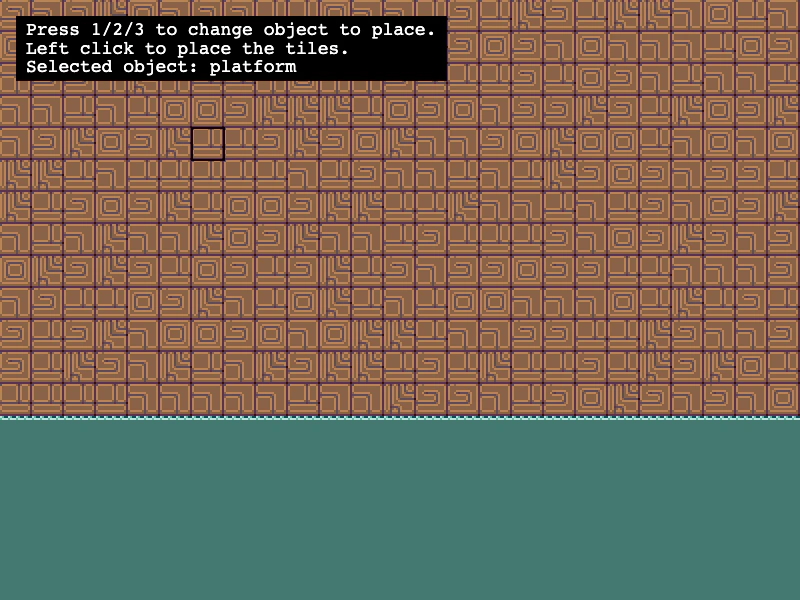 Placing Tiles DynamicallyLearn how to use putTileAt and putTilesAt to manually place single tiles, rows of tiles, or 2D arrays of tiles onto a tilemap layer based on pointer coordinates.
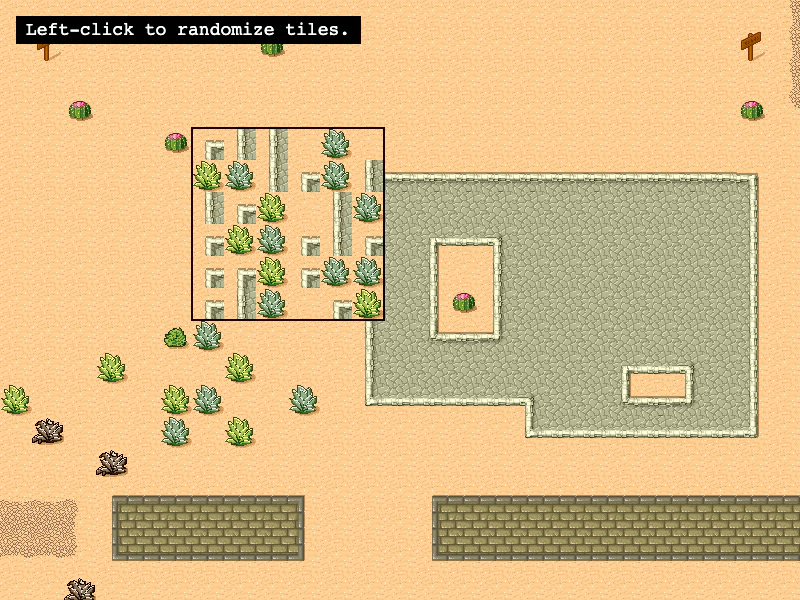 Randomize TilesDemonstrates how to use the Tilemap randomize method to fill a specific rectangular area with random tiles based on existing tile indexes or a specific list of tile IDs.
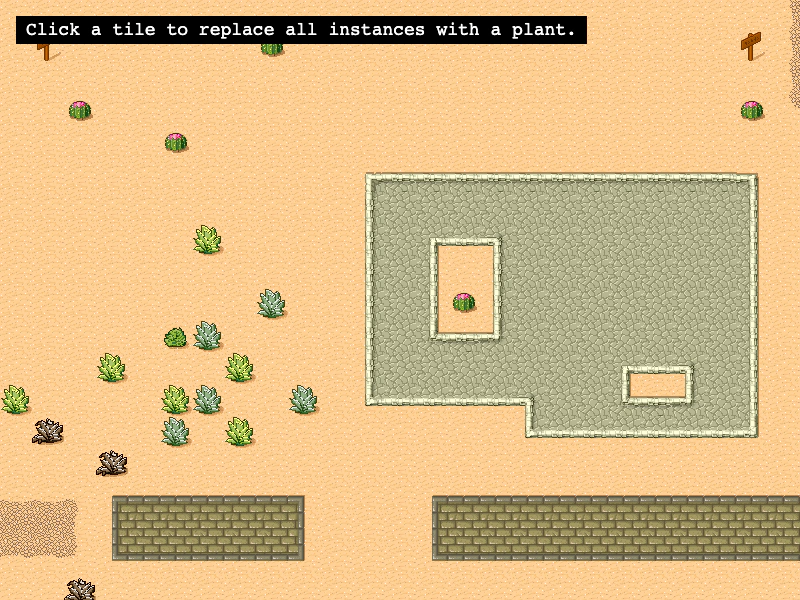 Replace Tiles by IndexDemonstrates how to use the replaceByIndex method to search for all instances of a specific tile index and swap them with a new tile across a map layer.
 Set Colliding TilesDemonstrates multiple ways to enable tilemap collisions using setCollision, setCollisionBetween, and arrays, while visualizing the results with debug rendering.