Switching Tileset Textures
Demonstrates how to change the visual appearance of a tilemap at runtime by dynamically swapping the tileset's underlying texture using the setImage method.
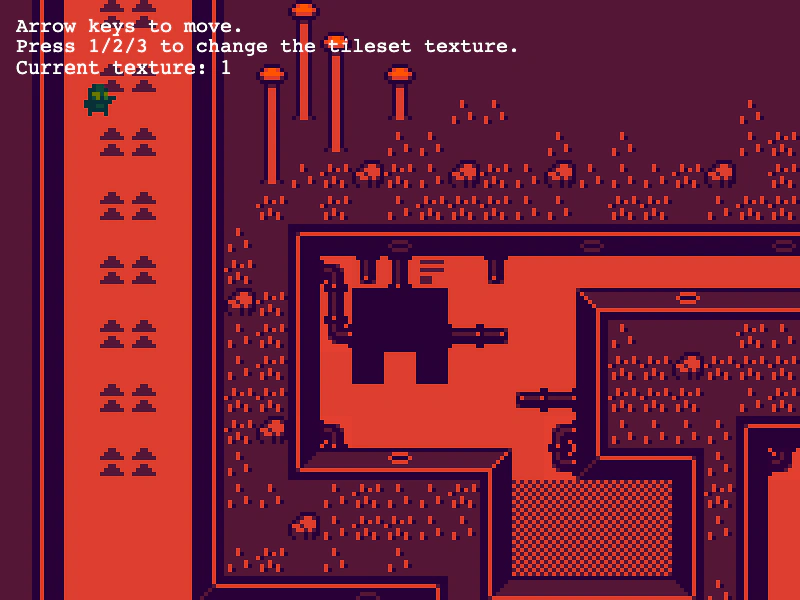
800 × 600
class Example extends Phaser.Scene
{
    currentTileset = 1;
    showDebug = false;
    player;
    helpText;
    debugGraphics;
    cursors;
    map;

    preload ()
    {
        this.load.setBaseURL('https://cdn.phaserfiles.com/v410');
        this.load.image('tiles', 'assets/tilemaps/tiles/catastrophi_tiles_16.png');
        this.load.image('tiles_red', 'assets/tilemaps/tiles/catastrophi_tiles_16_red.png');
        this.load.image('tiles_blue', 'assets/tilemaps/tiles/catastrophi_tiles_16_blue.png');
        this.load.tilemapCSV('map', 'assets/tilemaps/csv/catastrophi_level2.csv');
        this.load.spritesheet('player', 'assets/sprites/spaceman.png', { frameWidth: 16, frameHeight: 16 });
    }

    create ()
    {
        // When loading a CSV map, make sure to specify the tileWidth and tileHeight
        this.map = this.make.tilemap({ key: 'map', tileWidth: 16, tileHeight: 16 });
        const tileset = this.map.addTilesetImage('tiles_red');
        const layer = this.map.createLayer(0, tileset, 0, 0);
        layer.setScale(2);

        //  This isn't totally accurate, but it'll do for now
        this.map.setCollisionBetween(54, 83);

        this.input.keyboard.on('keydown-ONE', function (event)
        {
            const texture = this.sys.textures.get('tiles_red');
            this.currentTileset = 1;
            tileset.setImage(texture);
            this.updateHelpText();
        }, this);

        this.input.keyboard.on('keydown-TWO', function (event)
        {
            const texture = this.sys.textures.get('tiles_blue');
            this.currentTileset = 2;
            tileset.setImage(texture);
            this.updateHelpText();
        }, this);

        this.input.keyboard.on('keydown-THREE', function (event)
        {
            const texture = this.sys.textures.get('tiles');
            this.currentTileset = 3;
            tileset.setImage(texture);
            this.updateHelpText();
        }, this);


        this.anims.create({
            key: 'left',
            frames: this.anims.generateFrameNumbers('player', { start: 8, end: 9 }),
            frameRate: 10,
            repeat: -1
        });
        this.anims.create({
            key: 'right',
            frames: this.anims.generateFrameNumbers('player', { start: 1, end: 2 }),
            frameRate: 10,
            repeat: -1
        });
        this.anims.create({
            key: 'up',
            frames: this.anims.generateFrameNumbers('player', { start: 11, end: 13 }),
            frameRate: 10,
            repeat: -1
        });
        this.anims.create({
            key: 'down',
            frames: this.anims.generateFrameNumbers('player', { start: 4, end: 6 }),
            frameRate: 10,
            repeat: -1
        });

        this.player = this.physics.add.sprite(100, 100, 'player', 1)
            .setScale(2);
        this.player.setSize(10, 10, false);

        // Set up the player to collide with the tilemap layer. Alternatively, you can manually run
        // collisions in update via: this.physics.world.collide(player, layer).
        this.physics.add.collider(this.player, layer);

        this.cameras.main.setBounds(0, 0, this.map.widthInPixels, this.map.heightInPixels);
        this.cameras.main.startFollow(this.player);

        this.debugGraphics = this.add.graphics();

        this.input.keyboard.on('down_67', event =>
        {
            this.showDebug = !this.showDebug;
            this.drawDebug();
        });

        this.cursors = this.input.keyboard.createCursorKeys();

        this.helpText = this.add.text(16, 16, '', {
            fontSize: '20px',
            fill: '#ffffff'
        });
        this.helpText.setScrollFactor(0);
        this.updateHelpText();
    }

    update (time, delta)
    {
        this.player.body.setVelocity(0);

        // Horizontal movement
        if (this.cursors.left.isDown)
        {
            this.player.body.setVelocityX(-200);
        }
        else if (this.cursors.right.isDown)
        {
            this.player.body.setVelocityX(200);
        }

        // Vertical movement
        if (this.cursors.up.isDown)
        {
            this.player.body.setVelocityY(-200);
        }
        else if (this.cursors.down.isDown)
        {
            this.player.body.setVelocityY(200);
        }

        // Update the animation last and give left/right animations precedence over up/down animations
        if (this.cursors.left.isDown)
        {
            this.player.anims.play('left', true);
        }
        else if (this.cursors.right.isDown)
        {
            this.player.anims.play('right', true);
        }
        else if (this.cursors.up.isDown)
        {
            this.player.anims.play('up', true);
        }
        else if (this.cursors.down.isDown)
        {
            this.player.anims.play('down', true);
        }
        else
        {
            this.player.anims.stop();
        }
    }

    drawDebug ()
    {
        this.debugGraphics.clear();

        if (this.showDebug)
        {
            // Pass in null for any of the style options to disable drawing that component
            this.map.renderDebug(this.debugGraphics, {
                tileColor: null, // Non-colliding tiles
                collidingTileColor: new Phaser.Display.Color(243, 134, 48, 200), // Colliding tiles
                faceColor: new Phaser.Display.Color(40, 39, 37, 255) // Colliding face edges
            });
        }

        this.updateHelpText();
    }

    updateHelpText ()
    {
        this.helpText.setText(
            `Arrow keys to move.\nPress 1/2/3 to change the tileset texture.\nCurrent texture: ${this.currentTileset}`
        );
    }
}

const config = {
    scale: { mode: Phaser.Scale.FIT },
    type: Phaser.WEBGL,
    width: 800,
    height: 600,
    backgroundColor: '#2d2d2d',
    parent: 'game-container',
    pixelArt: true,
    physics: {
        default: 'arcade',
        arcade: { gravity: { y: 0 } }
    },
    scene: Example
};

const game = new Phaser.Game(config);
More in Tilemap48 examples
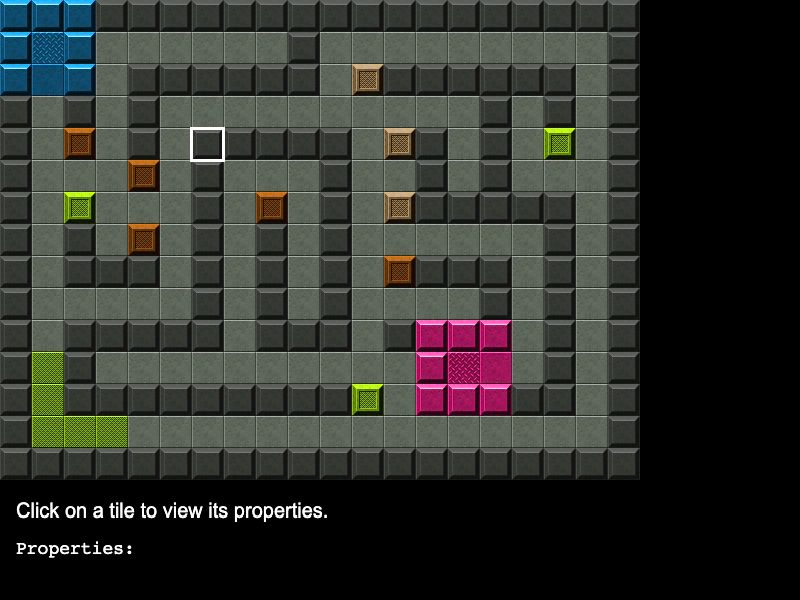 Tile PropertiesDemonstrates how to access and display custom properties defined for specific tiles within a Tiled JSON map.
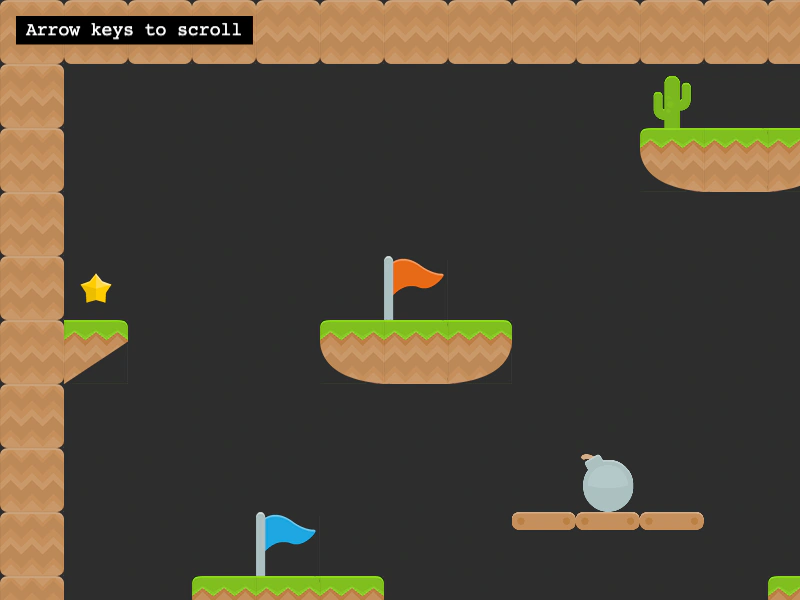 Tiled Multi TilesetDemonstrates how to render a single tilemap layer that uses multiple different tileset source images by passing an array of tilesets to the layer creation method.
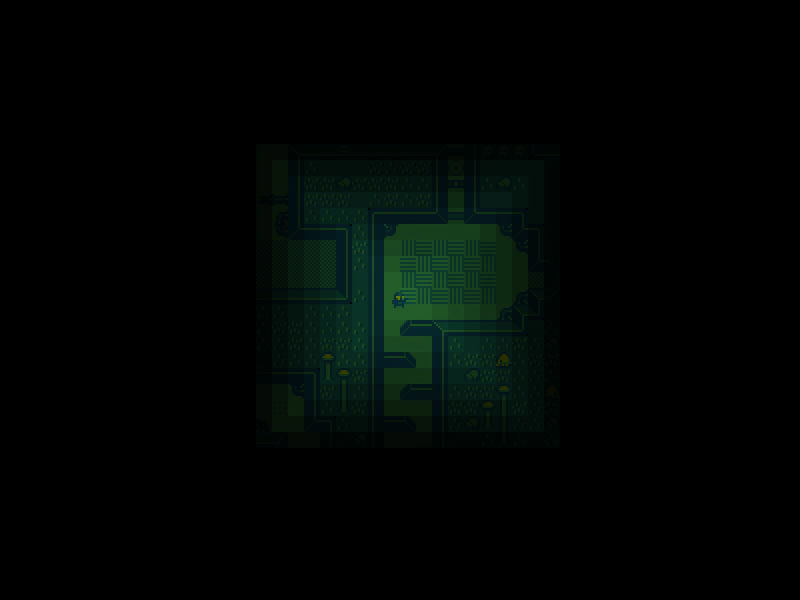 Tilemap Chebyshev DistanceCalculate the Chebyshev distance between the player's current tile and all other tiles in the map to create a dynamic visibility effect.
 Tilemap Collision DebuggingDemonstrates how to use the renderDebug method to visualize tilemap collision data, including highlighting specific colliding tiles and their active edges (faces).