Tiled Multi Tileset
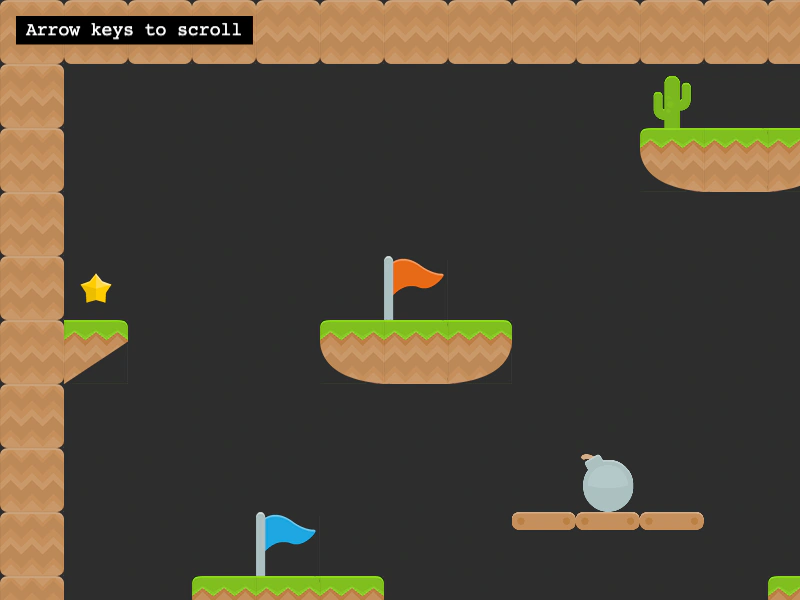
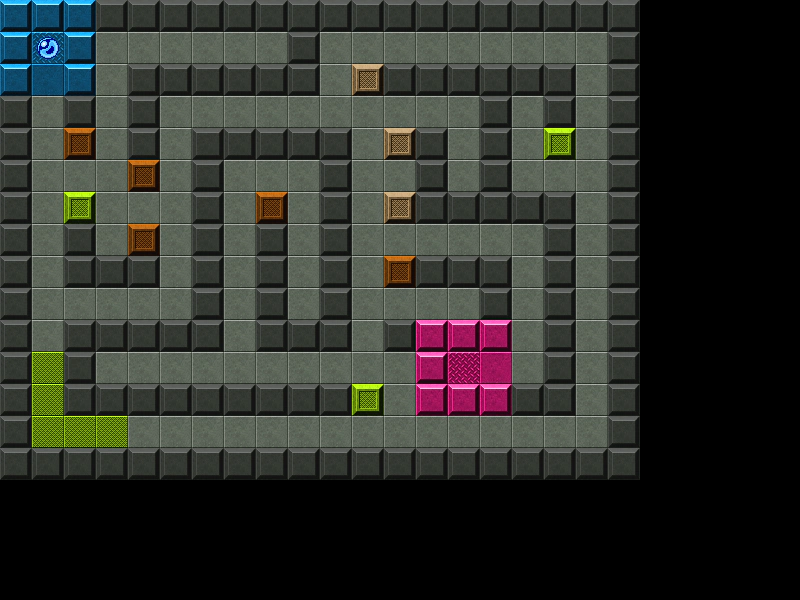
Demonstrates how to render a single tilemap layer that uses multiple different tileset source images by passing an array of tilesets to the layer creation method.
800 × 600
class Example extends Phaser.Scene
{
    constructor()
    {
        super();
    }

    preload()
    {
        this.load.setBaseURL('https://cdn.phaserfiles.com/v410');
        this.load.image('ground', 'assets/tilemaps/tiles/kenny_ground_64x64.png');
        this.load.image('items', 'assets/tilemaps/tiles/kenny_items_64x64.png');
        this.load.image('platformer', 'assets/tilemaps/tiles/kenny_platformer_64x64.png');
        this.load.tilemapTiledJSON('map', 'assets/tilemaps/maps/multi-tileset.json');
    }

    create()
    {
        var map = this.make.tilemap({ key: 'map' });

        var groundTiles = map.addTilesetImage('kenny_ground_64x64', 'ground');
        var itemTiles = map.addTilesetImage('kenny_items_64x64', 'items');
        var platformTiles = map.addTilesetImage('kenny_platformer_64x64', 'platformer');

        //  To use multiple tilesets in a single layer, pass them in an array like this:
        map.createLayer('Tile Layer 1', [ groundTiles, itemTiles, platformTiles ]);

        //  Or you can pass an array of strings, where they = the Tileset name
        // map.createLayer('Tile Layer 1', [ 'kenny_ground_64x64', 'kenny_items_64x64', 'kenny_platformer_64x64' ]);

        this.cameras.main.setBounds(0, 0, map.widthInPixels, map.heightInPixels);

        var cursors = this.input.keyboard.createCursorKeys();

        var controlConfig = {
            camera: this.cameras.main,
            left: cursors.left,
            right: cursors.right,
            up: cursors.up,
            down: cursors.down,
            speed: 0.5
        };

        this.controls = new Phaser.Cameras.Controls.FixedKeyControl(controlConfig);

        var help = this.add.text(16, 16, 'Arrow keys to scroll', {
            fontSize: '18px',
            padding: { x: 10, y: 5 },
            backgroundColor: '#000000',
            fill: '#ffffff'
        });

        help.setScrollFactor(0);
    }

    update(time, delta)
    {
        this.controls.update(delta);
    }
}

const config = {
    scale: { mode: Phaser.Scale.FIT },
    type: Phaser.AUTO,
    width: 800,
    height: 600,
    backgroundColor: '#2d2d2d',
    parent: 'game-container',
    scene: Example
};

const game = new Phaser.Game(config);
More in Tilemap48 examples
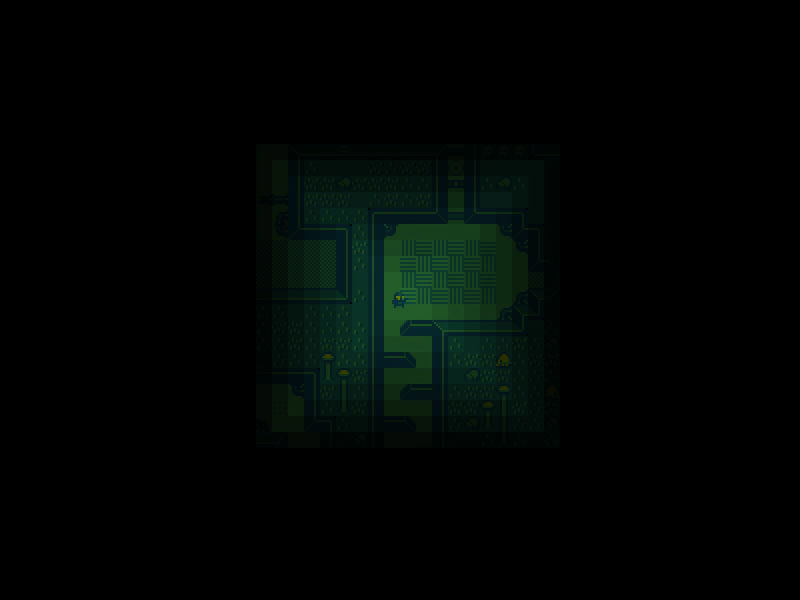 Tilemap Chebyshev DistanceCalculate the Chebyshev distance between the player's current tile and all other tiles in the map to create a dynamic visibility effect.
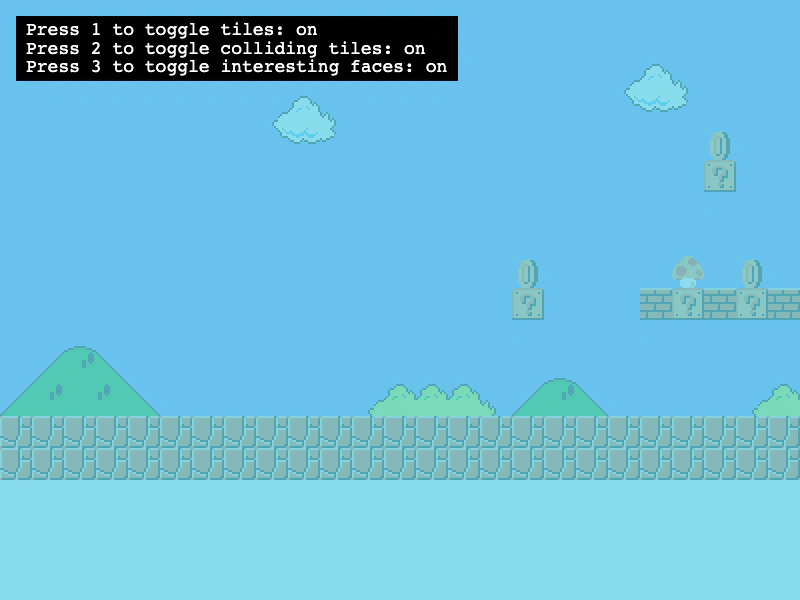 Tilemap Collision DebuggingDemonstrates how to use the renderDebug method to visualize tilemap collision data, including highlighting specific colliding tiles and their active edges (faces).
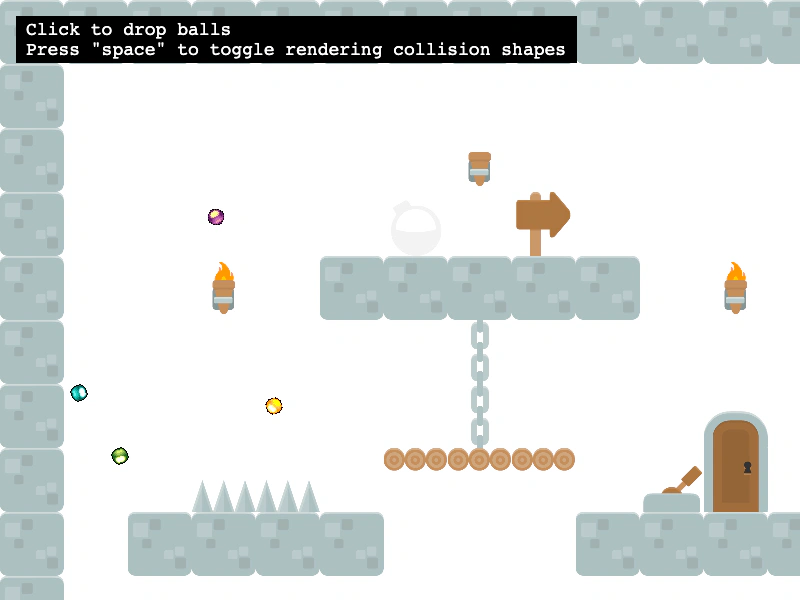 Tilemap Collision From Tiled ShapesEnable collisions on a Tilemap layer using the collision shapes defined in the Tiled editor via setCollisionFromCollisionGroup, with Matter.js physics integration.
 Tilemap Layer CollisionDemonstrates how to enable collision between a physics-enabled sprite and specific tile indices within a Tilemap layer.