Tilemap Layer Width and Camera Bounds
Demonstrates how to modify the width of a Tilemap Layer and adjust camera bounds to match the new dimensions.
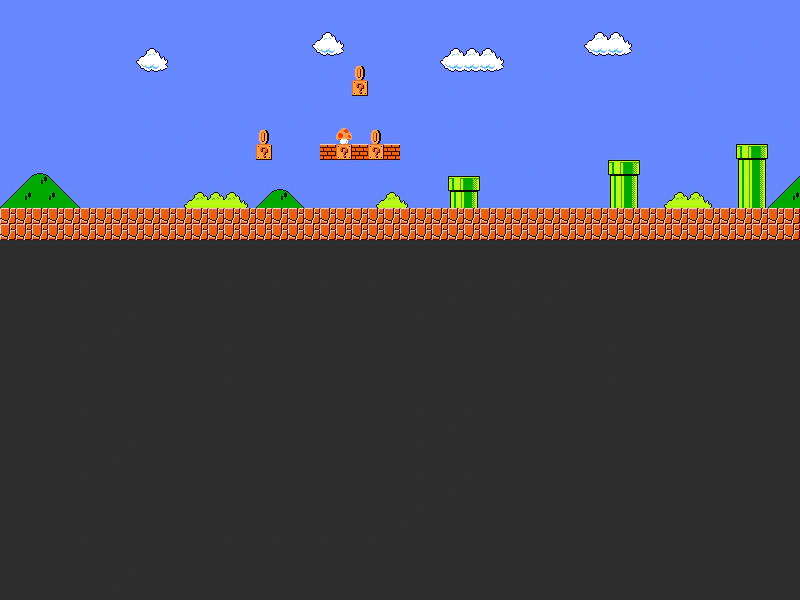
800 × 600
class Example extends Phaser.Scene
{
    controls;

    preload ()
    {
        this.load.setBaseURL('https://cdn.phaserfiles.com/v410');
        this.load.tilemapTiledJSON('map', 'assets/tilemaps/maps/super-mario.json');
        this.load.image('tiles', 'assets/tilemaps/tiles/super-mario.png');
    }

    create ()
    {
        const map = this.make.tilemap({ key: 'map' });
        const tileset = map.addTilesetImage('SuperMarioBros-World1-1', 'tiles');
        const layer = map.createLayer('World1', tileset, 0, 0);

        layer.width = 200;

        const cursors = this.input.keyboard.createCursorKeys();

        const controlConfig = {
            camera: this.cameras.main,
            left: cursors.left,
            right: cursors.right,
            speed: 0.5
        };

        this.controls = new Phaser.Cameras.Controls.FixedKeyControl(controlConfig);
        this.cameras.main.setBounds(0, 0, layer.x + layer.width, 0);
    }

    update (time, delta)
    {
        this.controls.update(delta);
    }
}

const config = {
    scale: { mode: Phaser.Scale.FIT },
    type: Phaser.AUTO,
    width: 800,
    height: 600,
    backgroundColor: '#2d2d2d',
    parent: 'game-container',
    pixelArt: true,
    scene: Example
};

const game = new Phaser.Game(config);
More in Tilemap48 examples
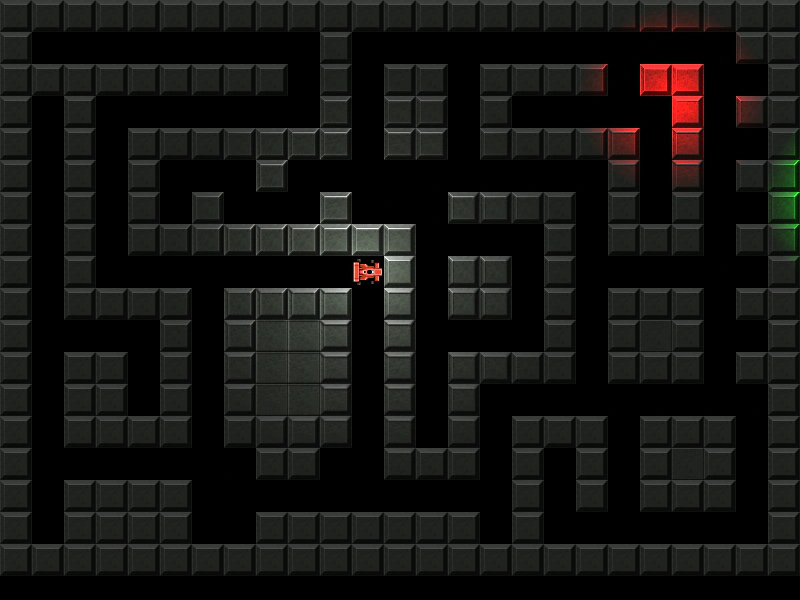 Tilemap Lighting and Normal MapsDemonstrates applying Phaser's 2D lighting system to a tilemap layer, featuring normal maps for texture depth, ambient light settings, and dynamic point lights that follow the player.
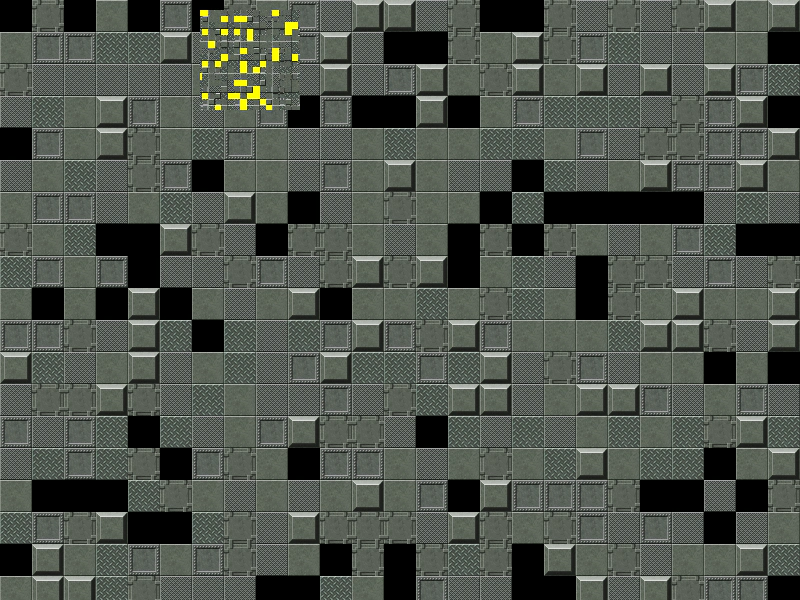 Tilemap Minimap ZoomDemonstrates how to create a secondary camera with a low zoom level to act as a scrolling minimap for a tilemap.
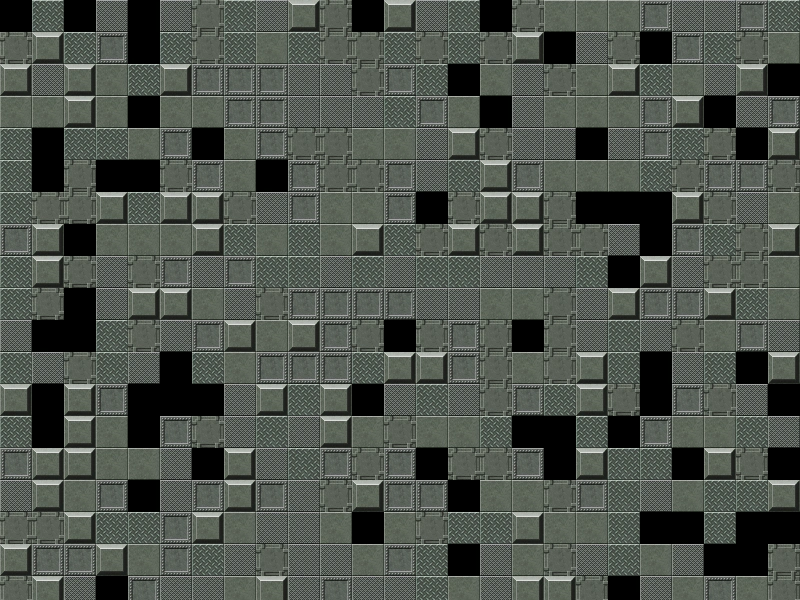 Tilemap Mouse Wheel ZoomDemonstrates how to zoom a camera toward the mouse pointer using the wheel event and implement drag-to-pan functionality over a tilemap.
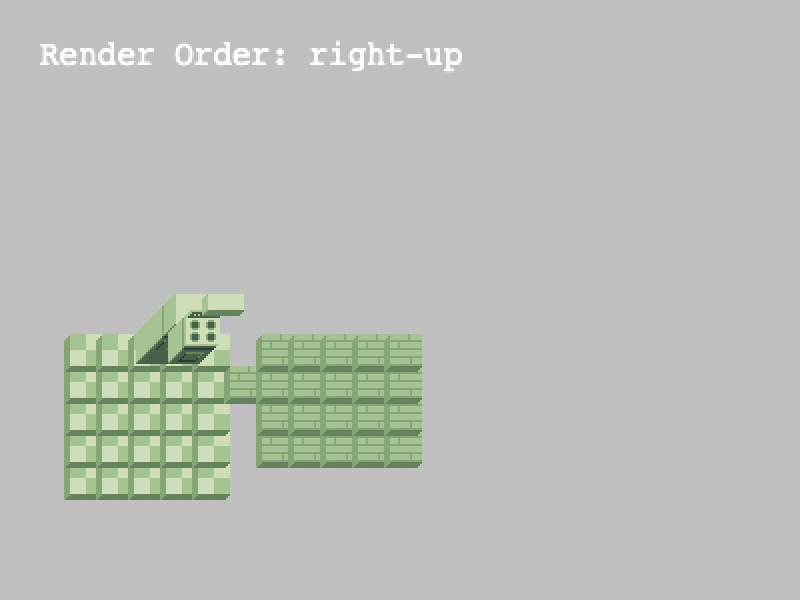 Tilemap Render OrderDemonstrates how to change the rendering sequence of tiles within a layer using setRenderOrder to handle different tile overlap perspectives.