Creating Blank Layers
Generate an empty tilemap programmatically and populate it with new blank layers. This example demonstrates how to use the randomize method to fill layers with tiles and how to apply parallax effects using scale and scroll factors.
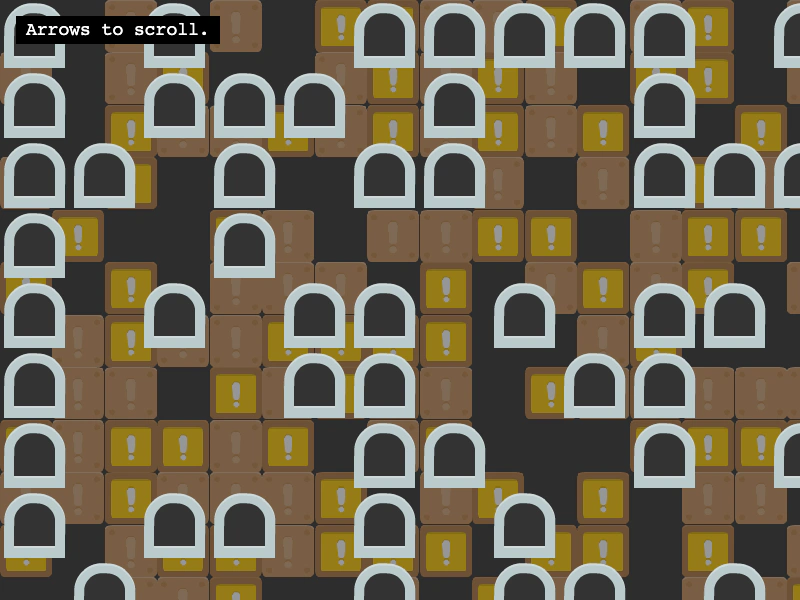
800 × 600
class Example extends Phaser.Scene
{
    controls;

    preload ()
    {
        this.load.setBaseURL('https://cdn.phaserfiles.com/v410');
        this.load.image('tiles', 'assets/tilemaps/tiles/tiles2.png');
    }

    create ()
    {
        // Creating a blank tilemap with the specified dimensions
        const map = this.make.tilemap({ tileWidth: 70, tileHeight: 70, width: 50, height: 50});

        const tiles = map.addTilesetImage('tiles');

        // Each layer needs to get a unique name
        const layer1 = map.createBlankLayer('layer1', tiles);

        // Fill the layer with random tile indexes (where -1 is an empty tile)
        layer1.randomize(0, 0, map.width, map.height, [ -1, 0, 12 ]);

        // Push layer1 back into the "background"
        layer1.setScale(0.75);
        layer1.setScrollFactor(0.5);
        layer1.setAlpha(0.5);

        const layer2 = map.createBlankLayer('layer2', tiles);
        layer2.randomize(0, 0, map.width, map.height, [ -1, 1 ]);

        const cursors = this.input.keyboard.createCursorKeys();
        const controlConfig = {
            camera: this.cameras.main,
            left: cursors.left,
            right: cursors.right,
            up: cursors.up,
            down: cursors.down,
            speed: 0.5
        };
        this.controls = new Phaser.Cameras.Controls.FixedKeyControl(controlConfig);

        const help = this.add.text(16, 16, 'Arrows to scroll.', {
            fontSize: '18px',
            padding: { x: 10, y: 5 },
            backgroundColor: '#000000',
            fill: '#ffffff'
        });
        help.setScrollFactor(0);
    }

    update (time, delta)
    {
        this.controls.update(delta);
    }
}

const config = {
    scale: { mode: Phaser.Scale.FIT },
    type: Phaser.WEBGL,
    width: 800,
    height: 600,
    backgroundColor: '#2d2d2d',
    parent: 'game-container',
    pixelArt: true,
    scene: Example
};

const game = new Phaser.Game(config);
More in Tilemap48 examples
 CSV TilemapDemonstrates how to load and display a tilemap from a CSV file, including the requirement to manually specify tile dimensions when creating the map.
 Dungeon GeneratorLearn how to convert a procedurally generated dungeon layout into a dynamic Tilemap. This example demonstrates using weighted randomization for varied tile textures, tile-based collision, and a room discovery system that reveals areas as the player explores.
 Fill TilesDemonstrates how to use the fill method to replace a specific rectangular area of tiles with a new tile index based on the pointer position.
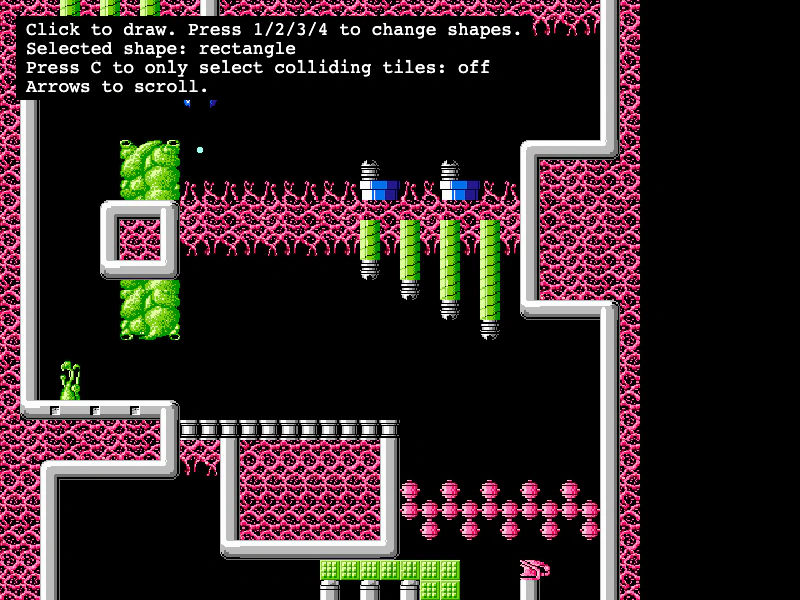 Get Tiles Within Geometric ShapesDemonstrates how to use getTilesWithinShape to find tiles that intersect with a Rectangle, Circle, Line, or Triangle, with optional filtering for only colliding tiles.