Tint Tilemap Layer
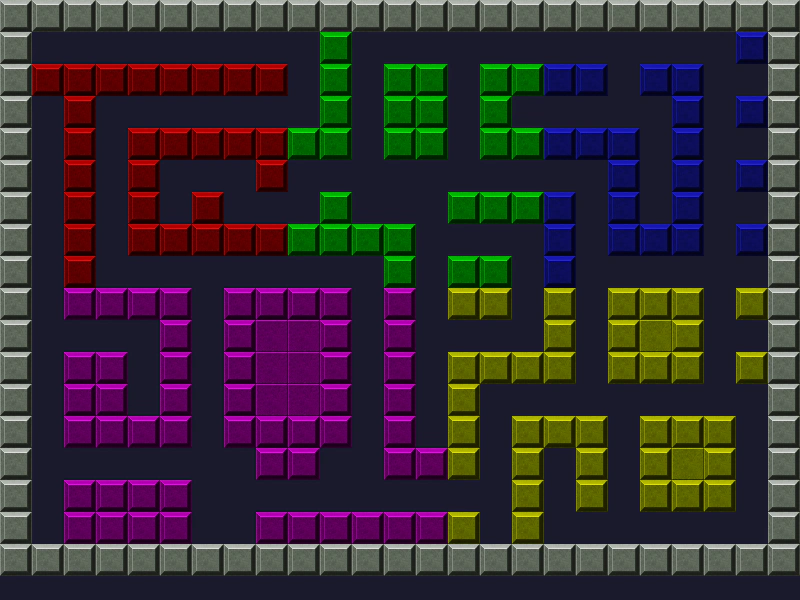
Demonstrates how to apply color tints to specific rectangular regions of tiles within a Tilemap Layer.
800 × 600
class Example extends Phaser.Scene
{
    constructor ()
    {
        super();
    }

    preload ()
    {
        this.load.setBaseURL('https://cdn.phaserfiles.com/v410');
        this.load.image('tiles', 'assets/tilemaps/tiles/drawtiles-spaced.png');
        this.load.image('car', 'assets/sprites/car90.png');
        this.load.tilemapCSV('map', 'assets/tilemaps/csv/grid.csv');
    }

    create ()
    {
        const map = this.make.tilemap({ key: 'map', tileWidth: 32, tileHeight: 32 });
        const tileset = map.addTilesetImage('tiles', null, 32, 32, 1, 2);
        const layer = map.createLayer(0, tileset, 0, 0);

        layer.setTint(0xff0000, 1, 1, 8, 8);
        layer.setTint(0x00ff00, 9, 1, 8, 8);
        layer.setTint(0x2323ff, 17, 1, 7, 8);
        layer.setTint(0xff00ff, 1, 9, 13, 8);
        layer.setTint(0xffff00, 14, 9, 10, 8);
    }
}

const config = {
    scale: { mode: Phaser.Scale.FIT },
    type: Phaser.WEBGL,
    width: 800,
    height: 600,
    backgroundColor: '#1a1a2d',
    parent: 'game-container',
    scene: Example
};

let game = new Phaser.Game(config);
More in Tilemap48 examples
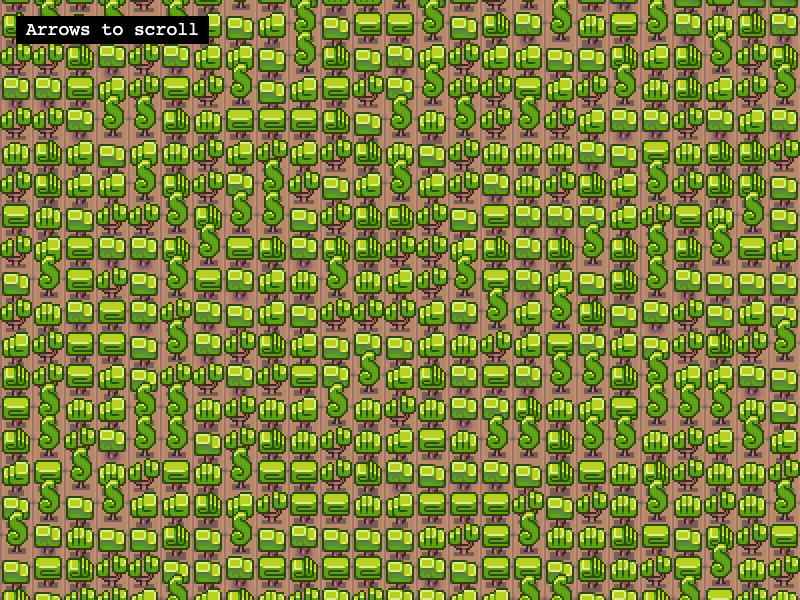 Base Tile SizeLearn how to use a base grid size that differs from the tileset dimensions, allowing larger tiles to overlap vertically on a smaller map grid.
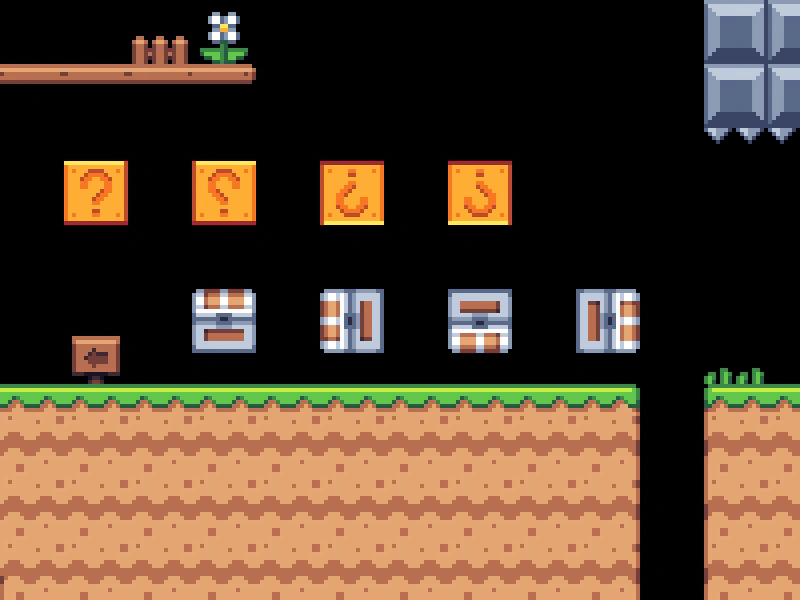 Convert Tiles to SpritesTransform specific tile indices from a tilemap into dynamic Sprite objects using createFromTiles. This example demonstrates using a spritesheet to automatically set the correct texture frames for the converted sprites.
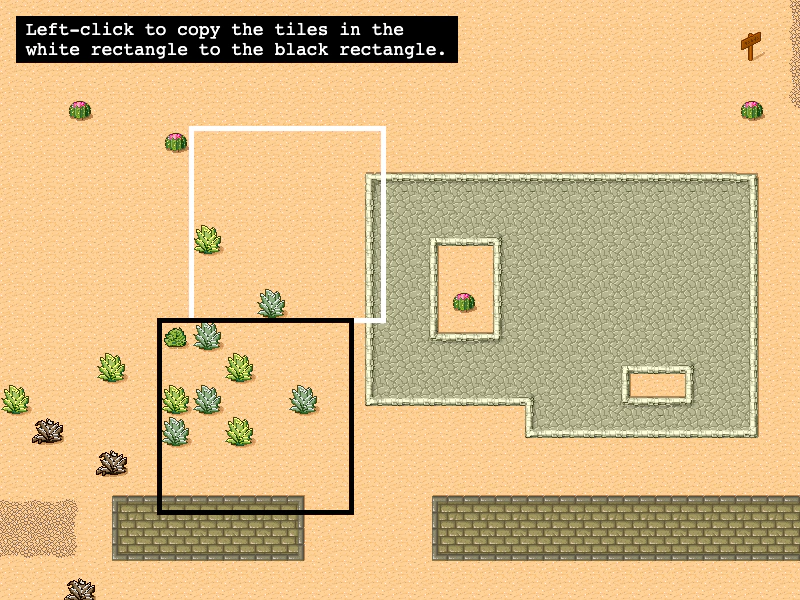 Copy Tilemap AreaLearn how to copy a rectangular region of tiles from one location to another within a tilemap layer.
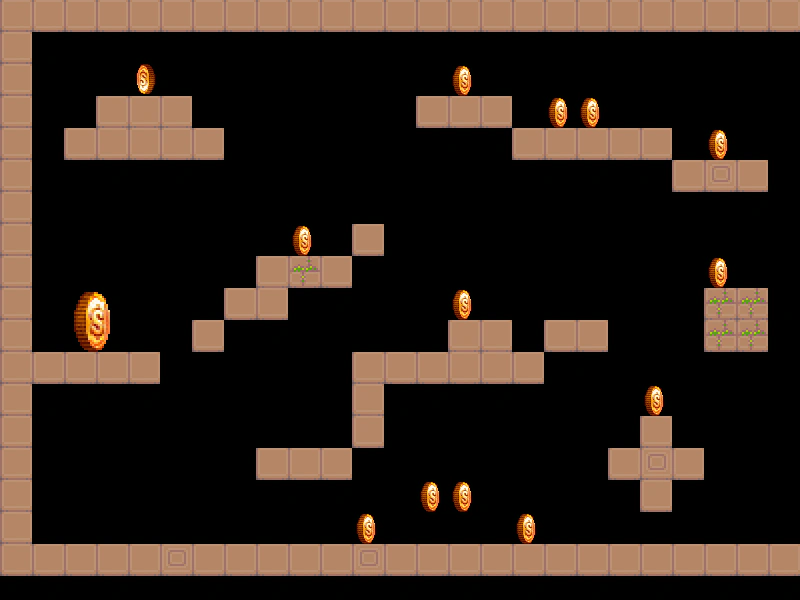 Create Sprites From Tilemap ObjectsDemonstrates how to use createFromObjects to automatically convert Tiled map object data into Phaser Sprites, inheriting positions and custom properties.