Create Sprites From Tilemap Objects
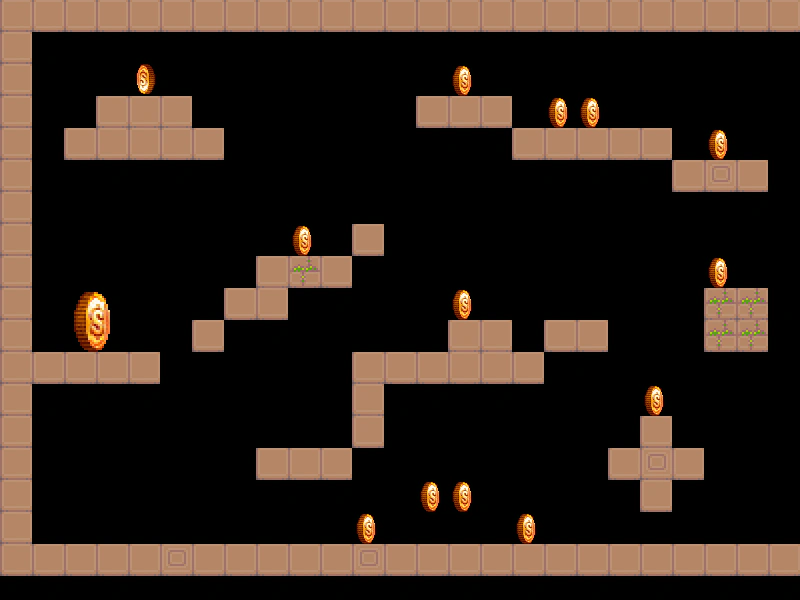
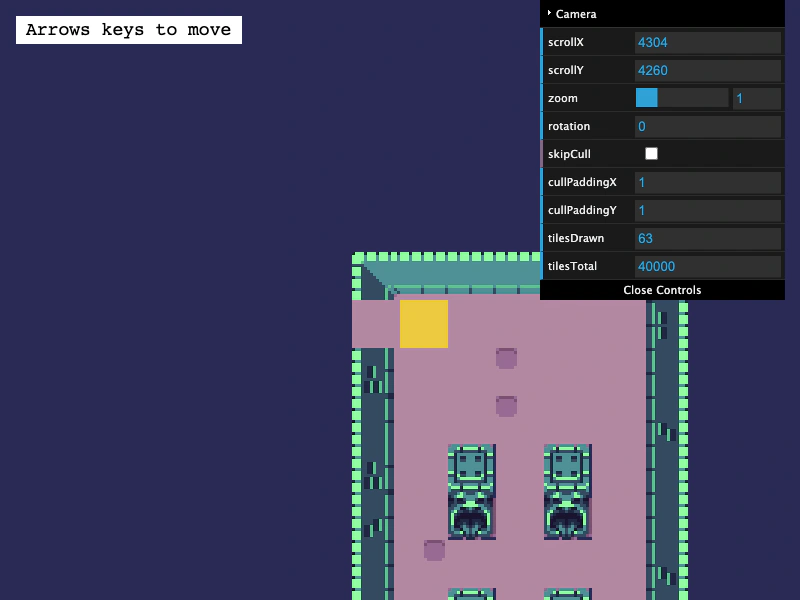
Demonstrates how to use createFromObjects to automatically convert Tiled map object data into Phaser Sprites, inheriting positions and custom properties.
800 × 600
class Example extends Phaser.Scene
{
    controls;
    map;

    preload ()
    {
        this.load.setBaseURL('https://cdn.phaserfiles.com/v410');
        this.load.tilemapTiledJSON('map', 'assets/tilemaps/maps/level-with-coin-objects.json');
        this.load.spritesheet('coin', 'assets/sprites/coin.png', { frameWidth: 32, frameHeight: 32 });
        this.load.image('ground_1x1', 'assets/tilemaps/tiles/ground_1x1.png');
    }

    create ()
    {
        this.map = this.add.tilemap('map');
        const tiles = this.map.addTilesetImage('ground_1x1');
        const layer = this.map.createLayer('Tile Layer', tiles);

        this.anims.create({
            key: 'spin',
            frames: this.anims.generateFrameNumbers('coin', { start: 0, end: 5 }),
            frameRate: 16,
            repeat: -1
        });

        // We convert all of the Tiled objects with an ID of 26 into sprites. They will get their width
        // & height from the Tiled tile object. Any custom properties on the tile object will also be
        // passed to the sprite creator (e.g. one of the tile object's has an alpha of 0.5).
        // var coins = map.createFromObjects('Coin Object Layer', 26, { key: 'coin' });

        const coins = this.map.createFromObjects('Coin Object Layer', { gid: 26, key: 'coin' });

        this.anims.play('spin', coins);

        const cursors = this.input.keyboard.createCursorKeys();

        const controlConfig = {
            camera: this.cameras.main,
            left: cursors.left,
            right: cursors.right,
            up: cursors.up,
            down: cursors.down,
            acceleration: 0.04,
            drag: 0.0005,
            maxSpeed: 0.7
        };

        this.controls = new Phaser.Cameras.Controls.SmoothedKeyControl(controlConfig);
    }

    update (time, delta)
    {
        this.controls.update(delta);
    }
}

const config = {
    scale: { mode: Phaser.Scale.FIT },
    type: Phaser.AUTO,
    width: 800,
    height: 600,
    backgroundColor: '#000000',
    parent: 'game-container',
    pixelArt: true,
    scene: Example
};

const game = new Phaser.Game(config);
More in Tilemap48 examples
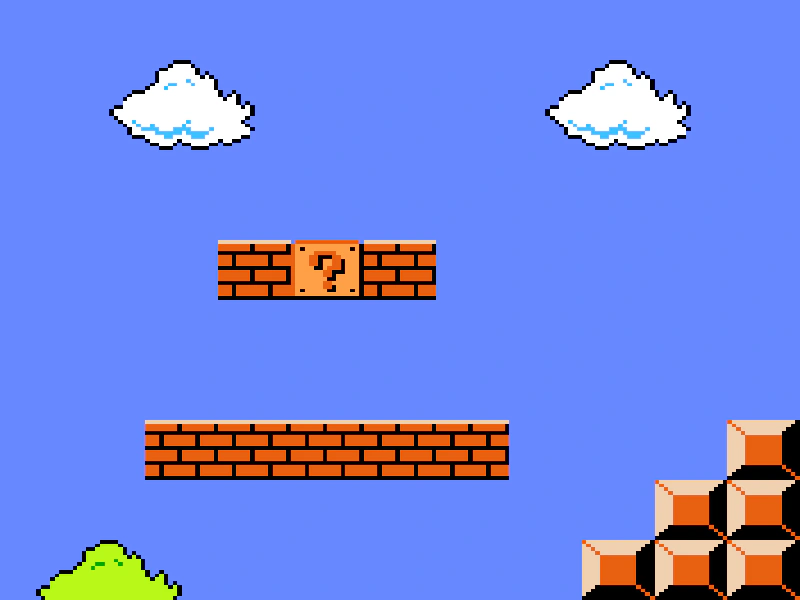 Create Tilemap from ArrayThis example demonstrates how to create a tilemap directly from a 2D JavaScript array of tile indices instead of loading an external data file.
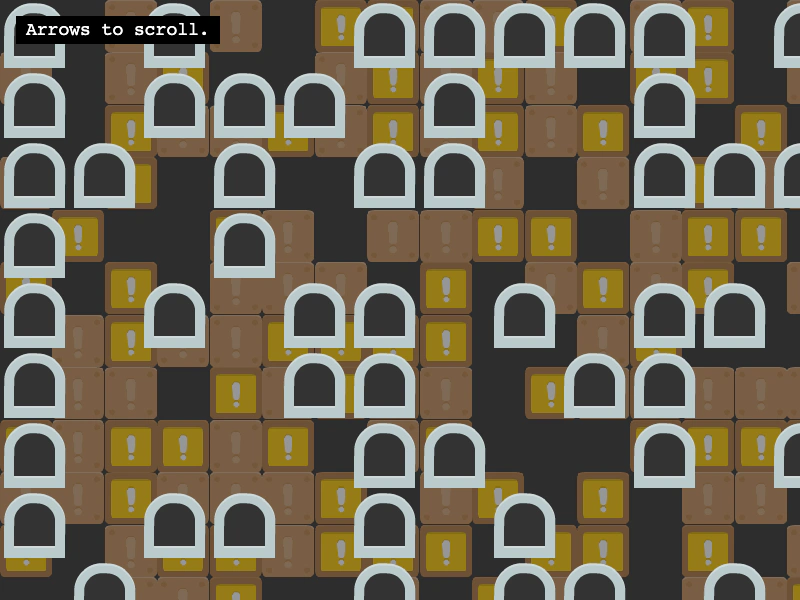 Creating Blank LayersGenerate an empty tilemap programmatically and populate it with new blank layers. This example demonstrates how to use the randomize method to fill layers with tiles and how to apply parallax effects using scale and scroll factors.
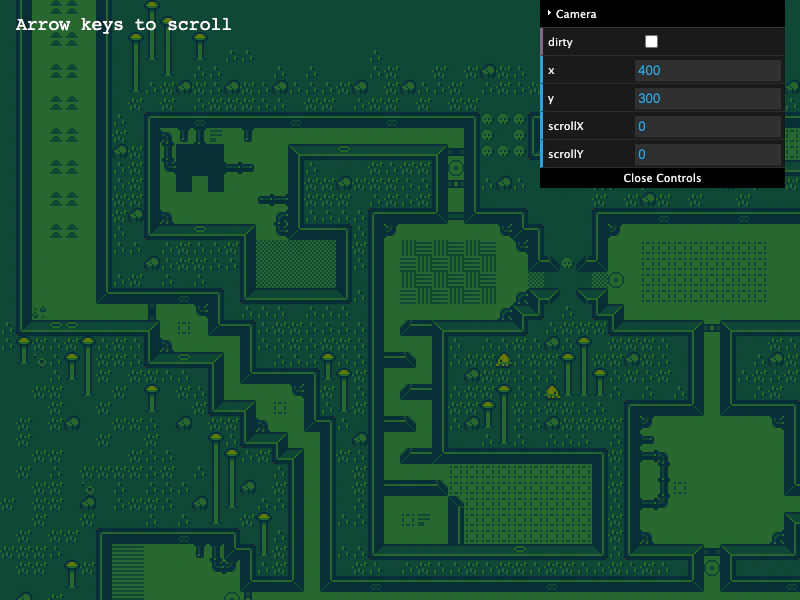 CSV TilemapDemonstrates how to load and display a tilemap from a CSV file, including the requirement to manually specify tile dimensions when creating the map.
 Dungeon GeneratorLearn how to convert a procedurally generated dungeon layout into a dynamic Tilemap. This example demonstrates using weighted randomization for varied tile textures, tile-based collision, and a room discovery system that reveals areas as the player explores.