Phaser 4 examples
Text
- 29 examples
Examples 29
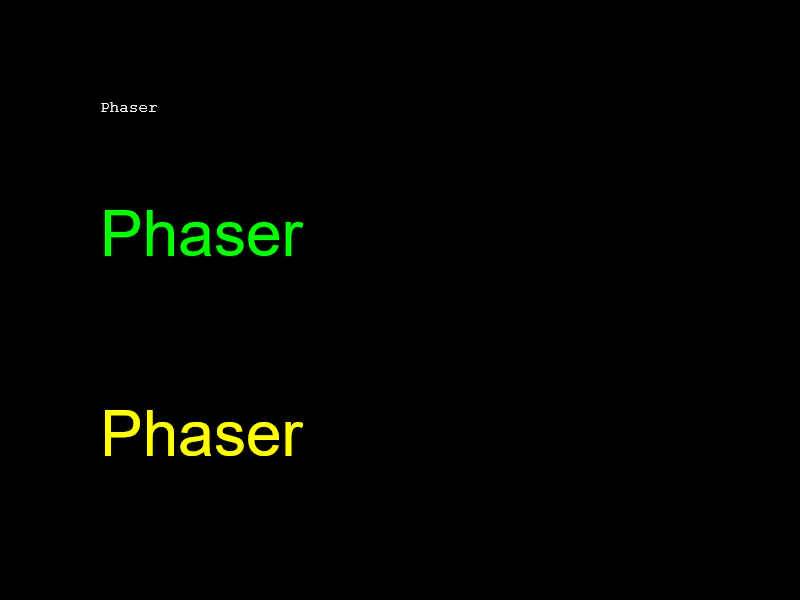 Basic TextCreate text objects using default settings, style configuration objects, or method chaining to set font properties like family, size, and color.
 Basic Text CreationDemonstrates the simplest way to add and display a text string at specific coordinates in a scene.
 Change TextDemonstrates how to update the string content of a Text object dynamically using both the text property and the setText method.
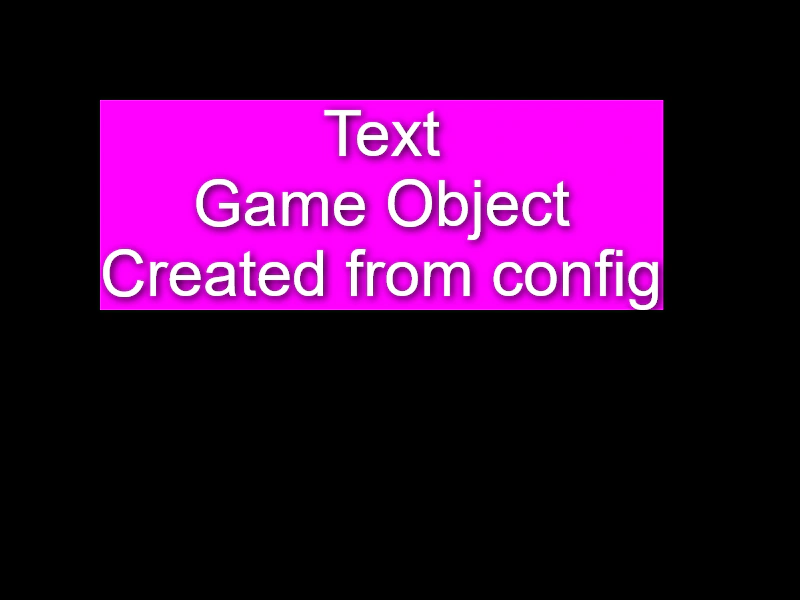 Create Text from ConfigurationDemonstrates how to create and style a Text Game Object by passing a configuration object to the Scene Maker.
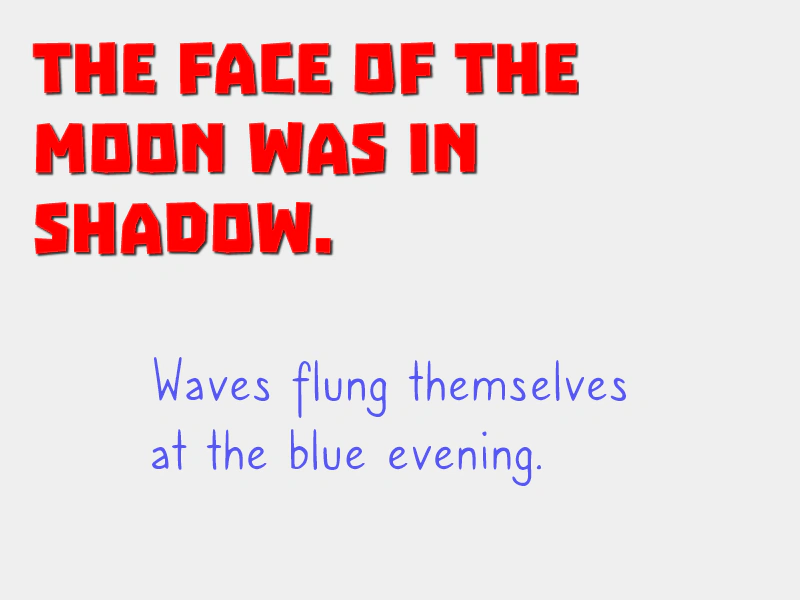 Custom Webfonts via WebFont LoaderDemonstrates how to dynamically inject CSS @font-face rules into the document and use the WebFont Loader to ensure custom fonts are ready before rendering Text objects.
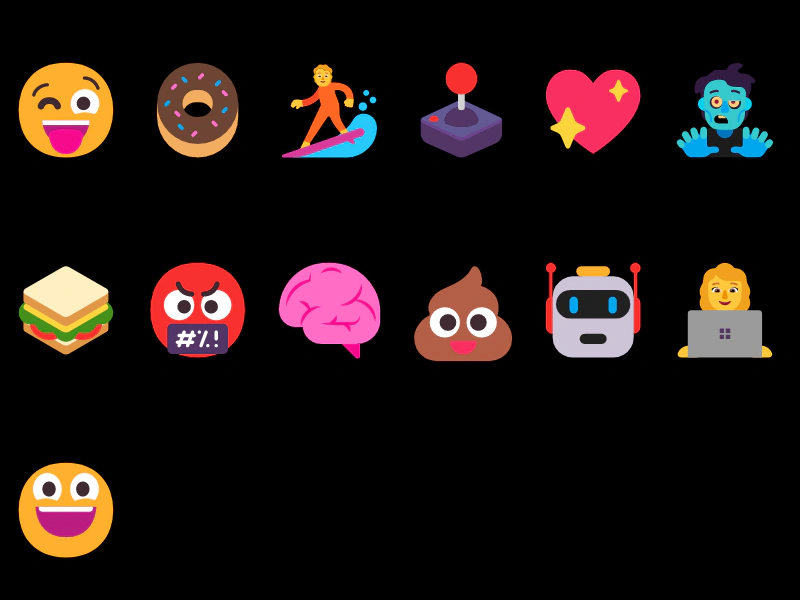 Emojis in TextDemonstrates how to render emojis within a Text Game Object using emoji characters directly or Unicode escape sequences.
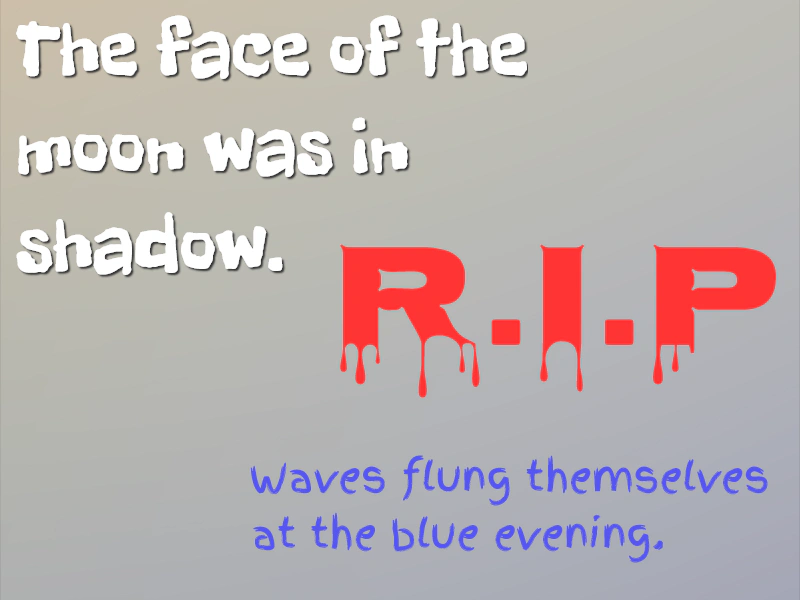 Google WebfontThis example demonstrates how to use the WebFont Loader to import and apply Google Fonts to Text objects, ensuring fonts are loaded before they are rendered.
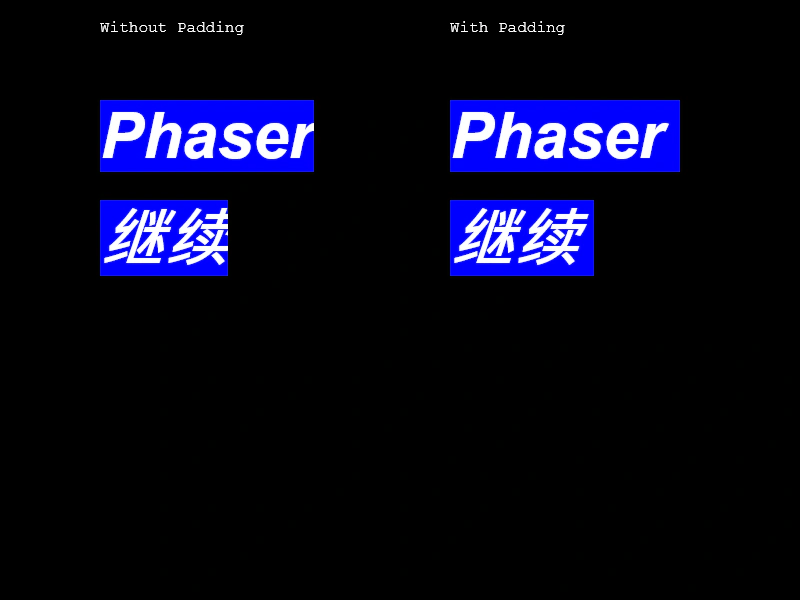 Italic Text and PaddingDemonstrates how to apply italic font styles to Text objects and use padding to prevent character clipping on the right edge.
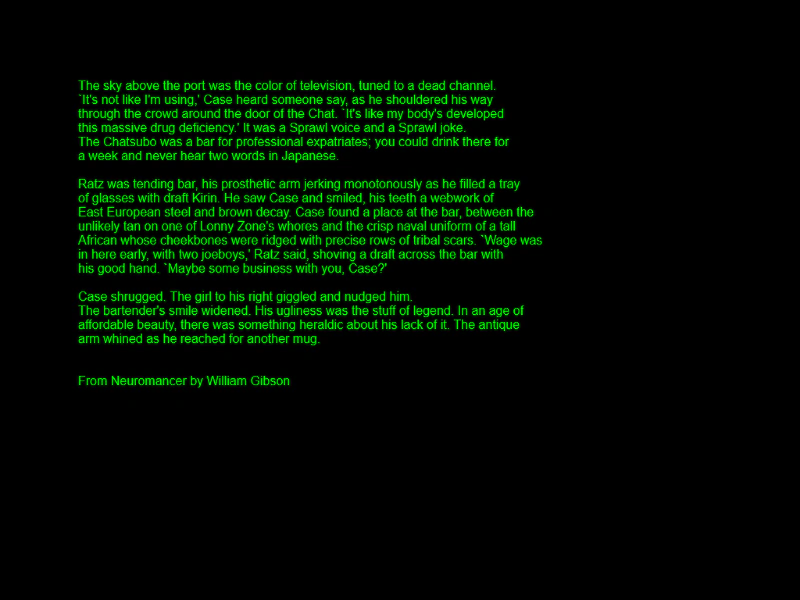 Multi-Line TextDemonstrates how to display multiple lines of text within a single Text Game Object by providing an array of strings.
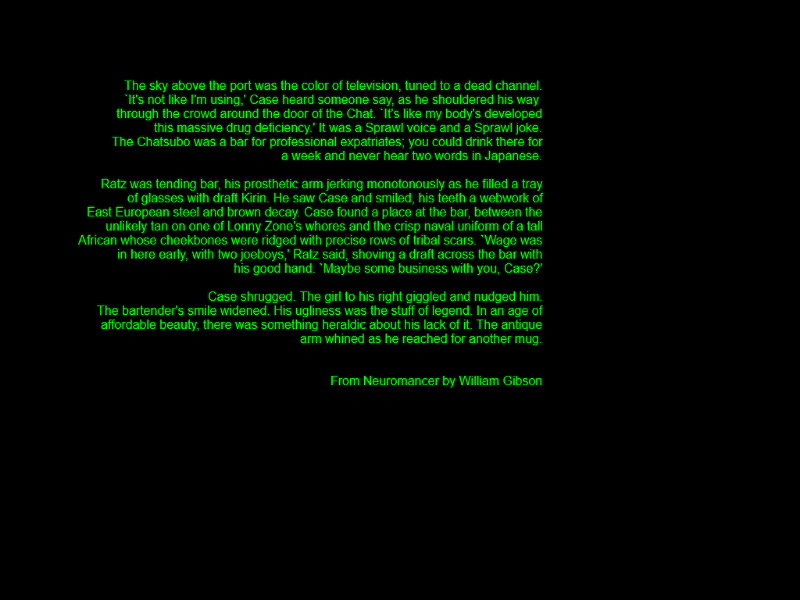 Multi-Line Text AlignmentDemonstrates how to display multi-line text using an array of strings and apply horizontal alignment.
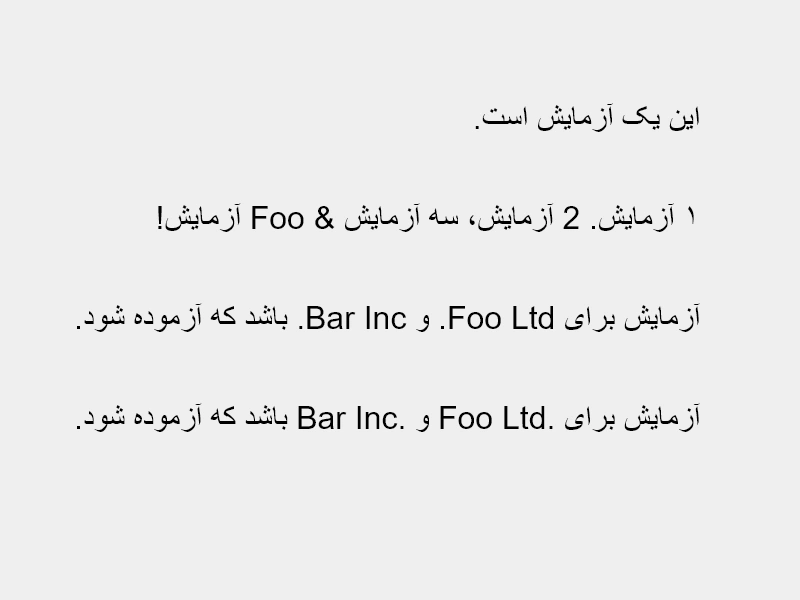 Right To Left TextThis example demonstrates how to render right-to-left (RTL) text scripts using the rtl property, showcasing how to handle punctuation, numerals, and bidirectional text marks.
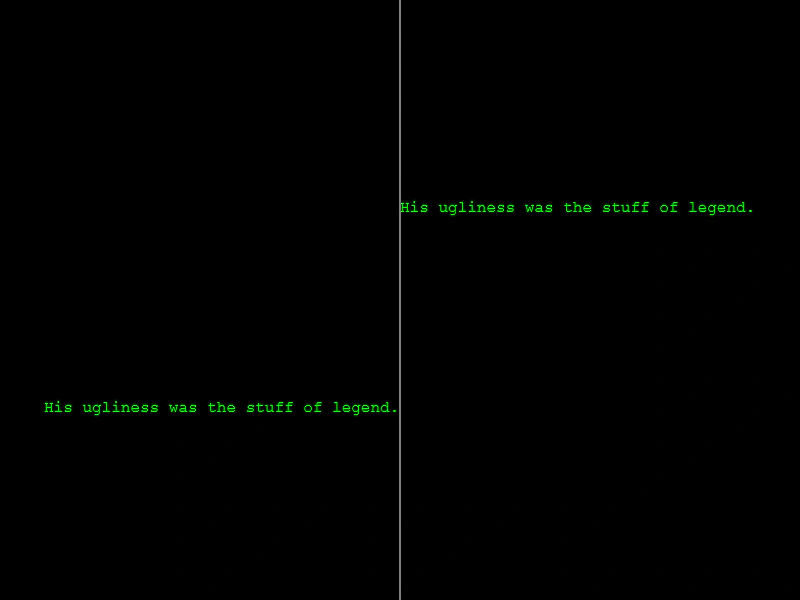 Right-Aligned Text OriginDemonstrates how to right-align a single line of text relative to its position by setting the horizontal origin to 1.
 Simple Text ButtonDemonstrates how to create an interactive UI button using a Text Game Object with background colors and hover state pointer events.
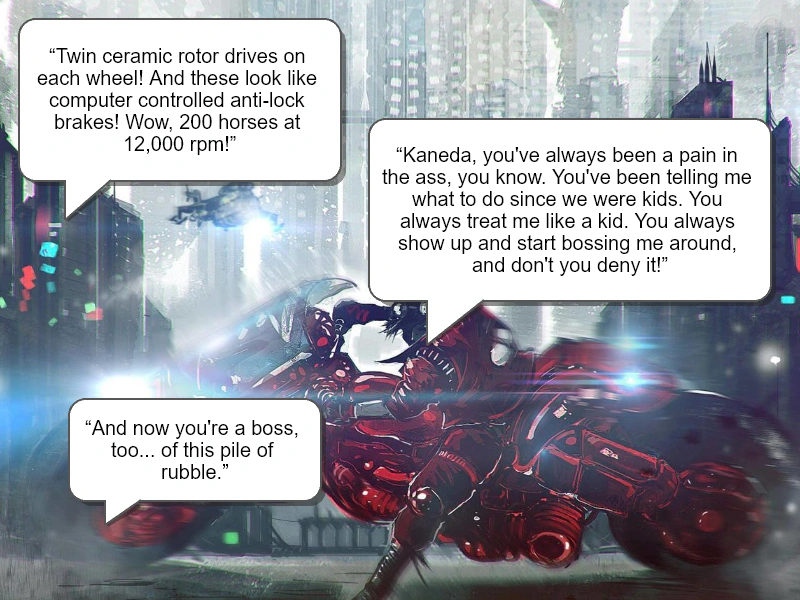 Speech BubbleDemonstrates how to create a stylized speech bubble using Graphics for the bubble shape and arrow, combined with a Text object featuring word wrapping and alignment.
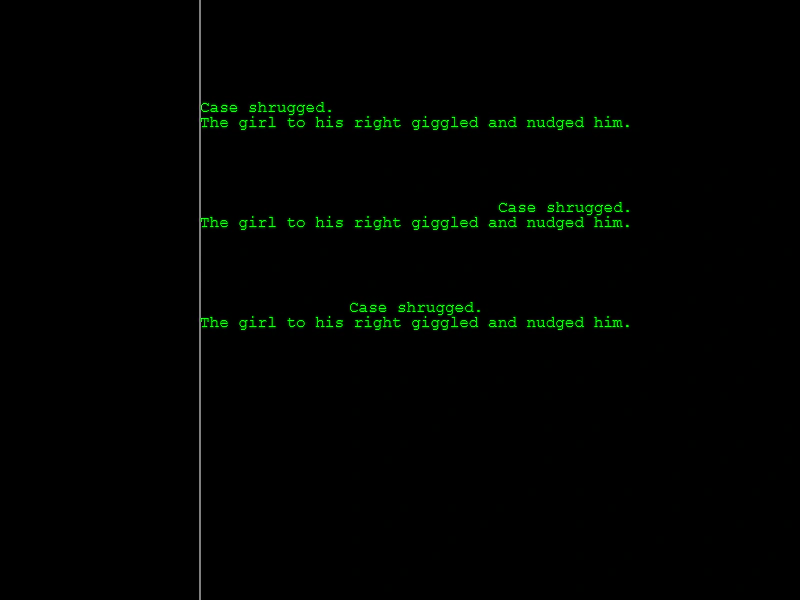 Text AlignmentDemonstrates how to align multiple lines of text within a Text Game Object using the left, center, and right alignment properties.
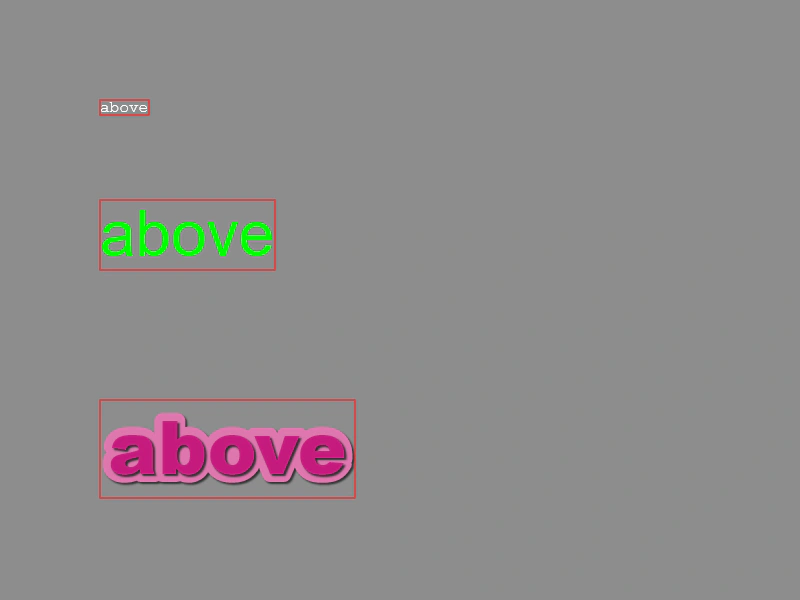 Text BoundsDemonstrates how to retrieve and visualize the rectangular bounds of Text objects. See how the bounding box dynamically updates as content changes and how it accounts for styles like stroke and shadow.
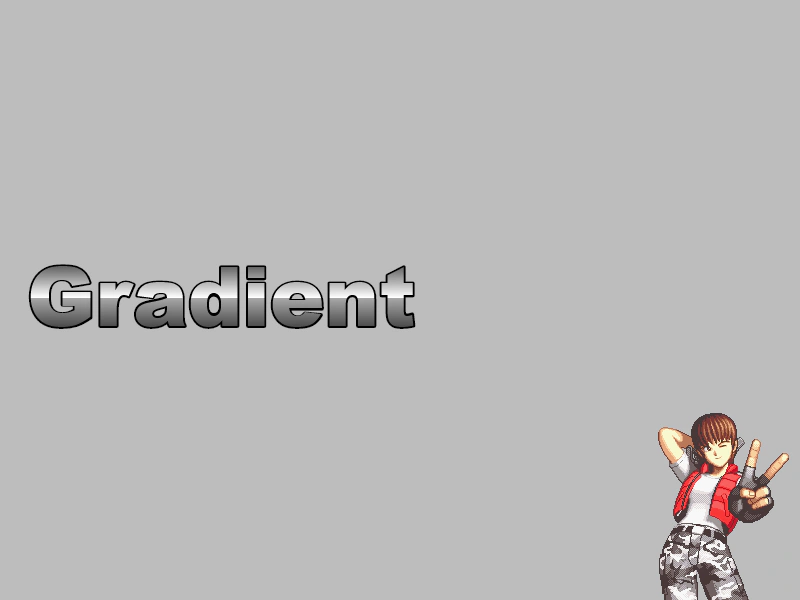 Text GradientApply a linear color gradient to a Text object using the native Canvas context API.
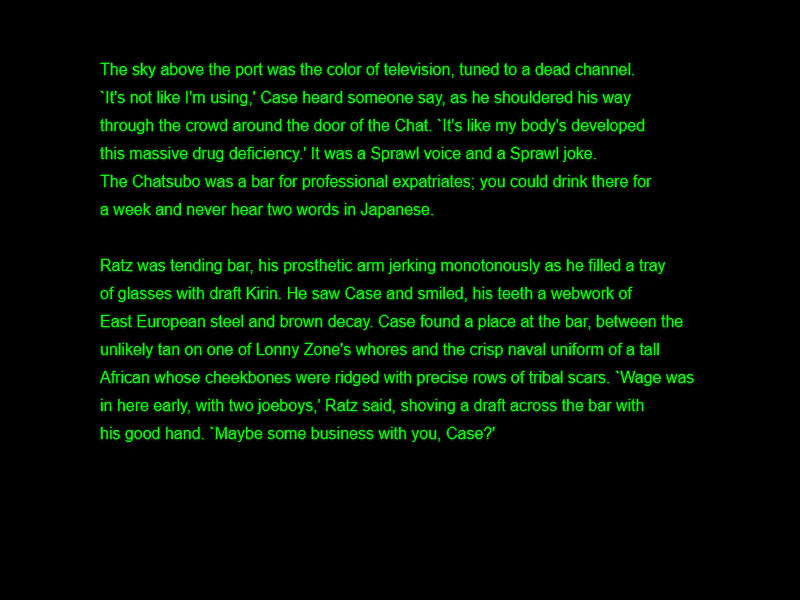 Text Line SpacingDemonstrates how to adjust the vertical distance between multiple lines of text in a Text Game Object using the lineSpacing property.
 Text MetricsProvide pre-defined text metrics in the configuration object to bypass internal canvas scanning and improve initialization performance.
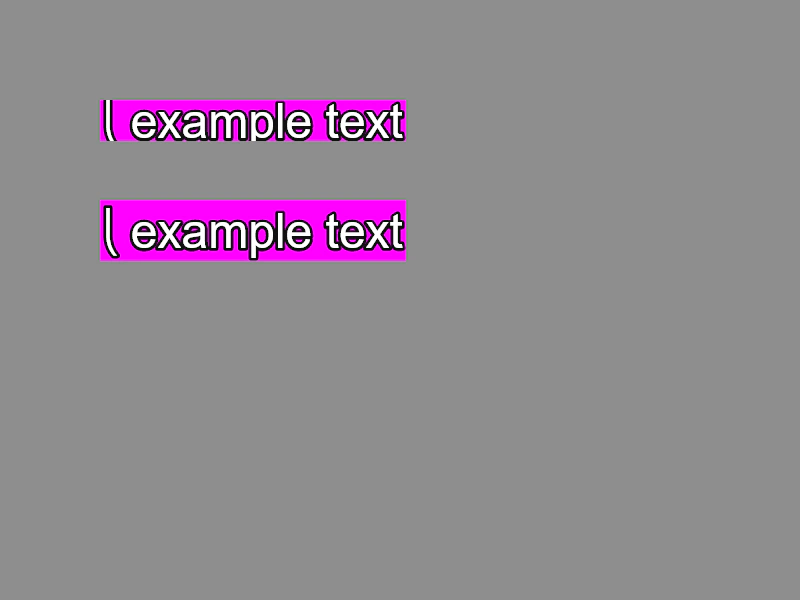 Text Object Test StringDemonstrates how to use the testString property to influence the calculation of font metrics and vertical text alignment.
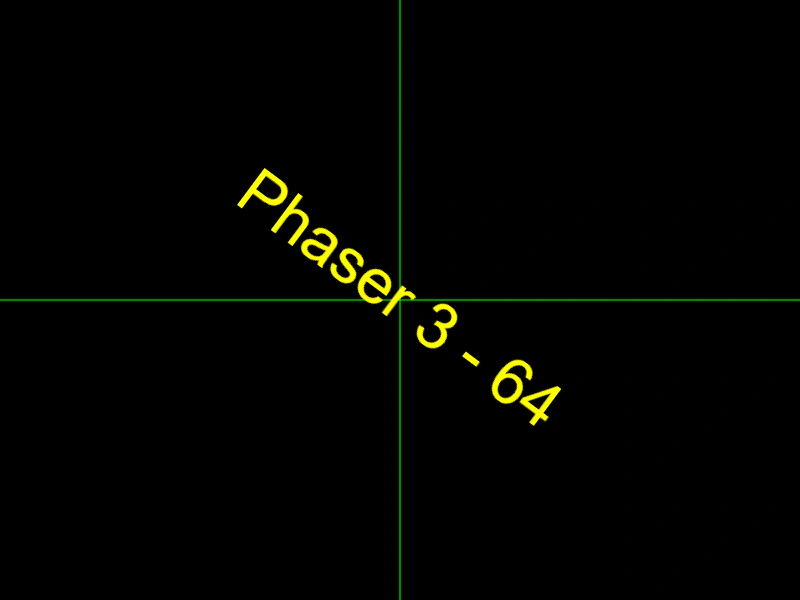 Text OriginDemonstrates how to set the origin of a Text object to center it on its position coordinates, allowing it to rotate around its own center point.
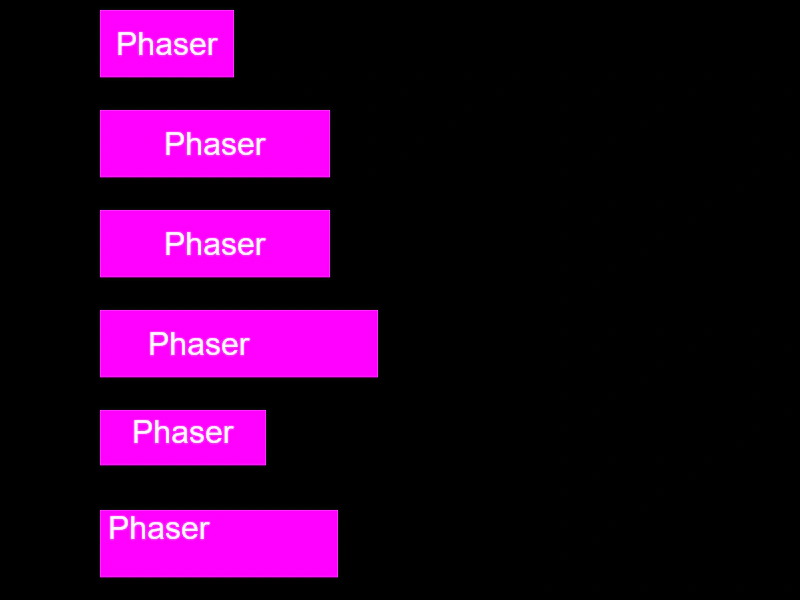 Text PaddingDemonstrates how to apply internal padding to Text objects using uniform values, axis-specific values, or individual settings for each side.
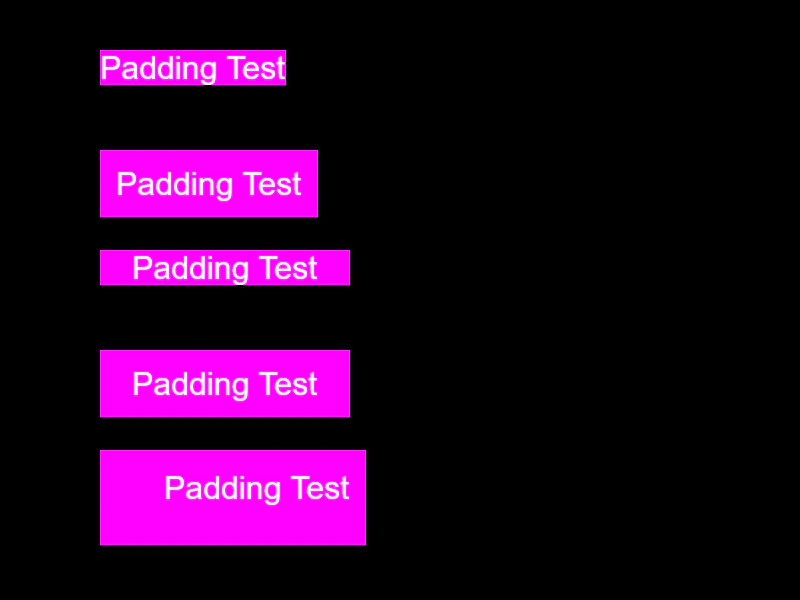 Text Padding from ConfigDemonstrates how to apply uniform, axis-based, or per-side padding to Text objects using a configuration object.
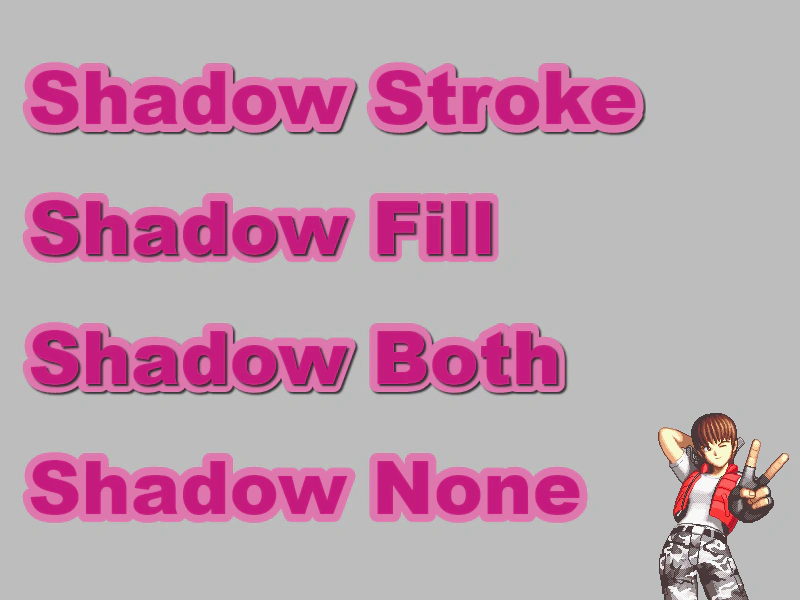 Text Shadow and Stroke StylesDemonstrates how to control drop shadows on Text objects, specifically applying them to the fill, the stroke, or both.
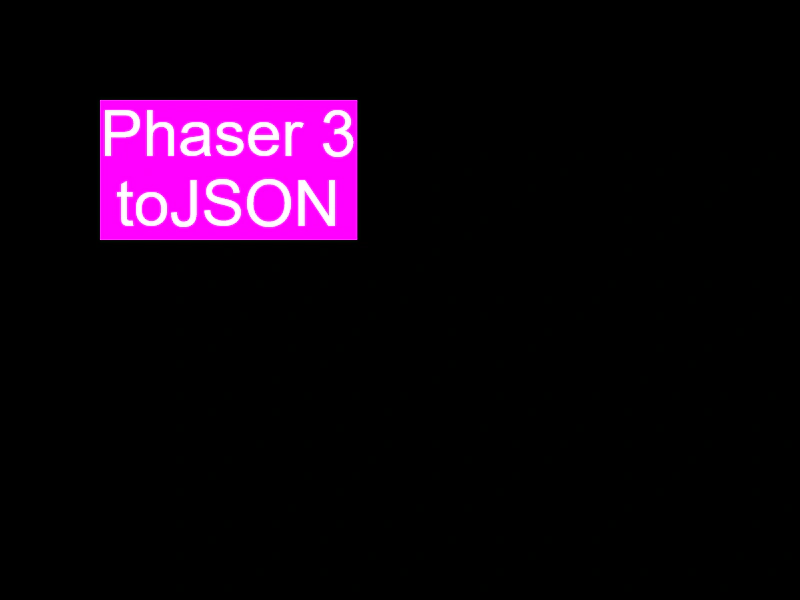 Text to JSONDemonstrates how to export a Text game object's properties and style configuration into a JSON-compatible object using the toJSON method.
 Text with Fallback FontThis example demonstrates how to specify a comma-separated list of fallback fonts for a Text object to ensure it renders correctly if the primary font is missing.
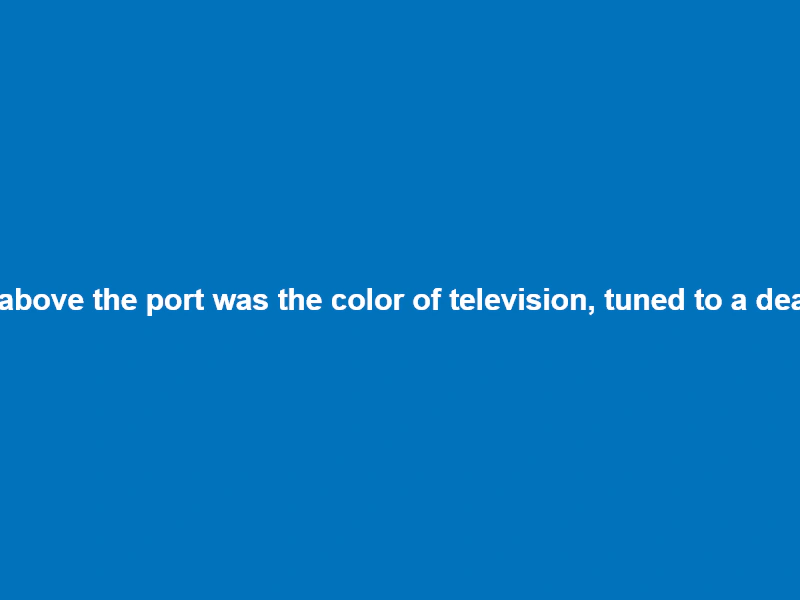 Word WrapDemonstrates various word wrapping techniques for Text objects, including basic width-based wrapping, advanced wrapping with whitespace trimming, and custom wrapping callbacks for manual control.
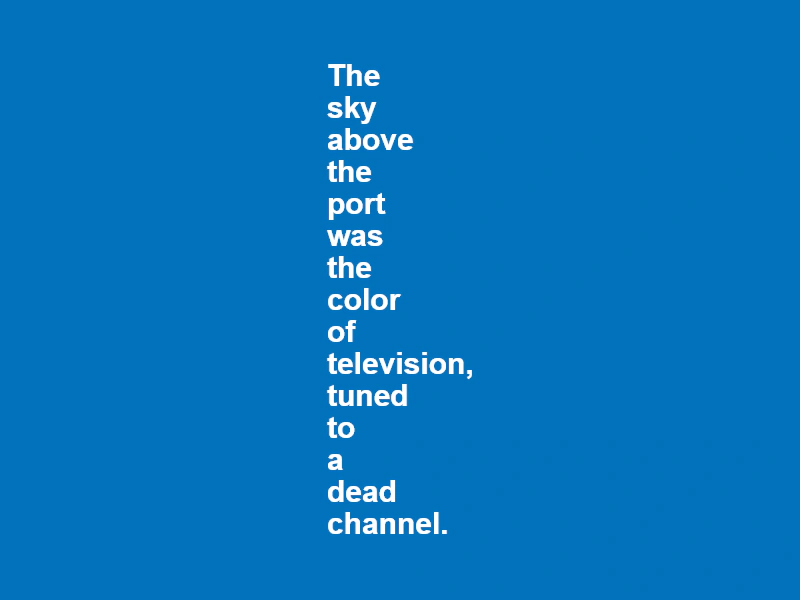 Word Wrap by CallbackDemonstrates how to use a custom callback function to define your own logic for word-wrapping text.
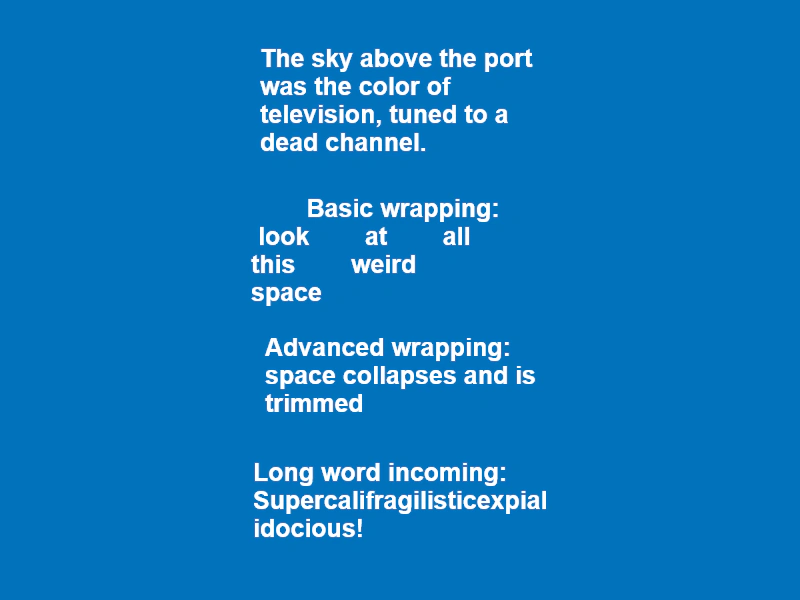 Word Wrap By WidthDemonstrates how to wrap text by a specified pixel width, highlighting the differences between basic wrapping and advanced wrapping for whitespace handling and long words.