Italic Text and Padding
Demonstrates how to apply italic font styles to Text objects and use padding to prevent character clipping on the right edge.
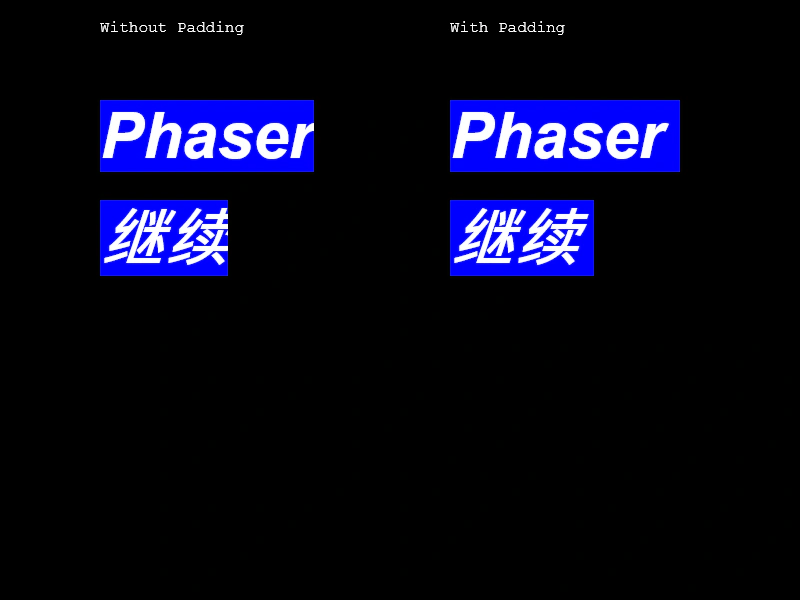
800 × 600
class Example extends Phaser.Scene
{
    create ()
    {
        this.add.text(100, 20, 'Without Padding');

        this.add.text(100, 100, 'Phaser').setFontSize(64).setFontStyle('bold italic').setFontFamily('Arial').setBackgroundColor('#0000ff');
        this.add.text(100, 200, '继续').setFontSize(64).setFontStyle('bold italic').setFontFamily('Open Sans').setBackgroundColor('#0000ff');

        this.add.text(450, 20, 'With Padding');

        this.add.text(450, 100, 'Phaser').setFontSize(64).setFontStyle('bold italic').setFontFamily('Arial').setPadding({ right: 16 }).setBackgroundColor('#0000ff');
        this.add.text(450, 200, '继续').setFontSize(64).setFontStyle('bold italic').setFontFamily('Open Sans').setPadding({ right: 16 }).setBackgroundColor('#0000ff');
    }
}

const config = {
    scale: { mode: Phaser.Scale.FIT },
    type: Phaser.AUTO,
    width: 800,
    height: 600,
    parent: 'game-container',
    scene: Example
};

const game = new Phaser.Game(config);
More in Text29 examples
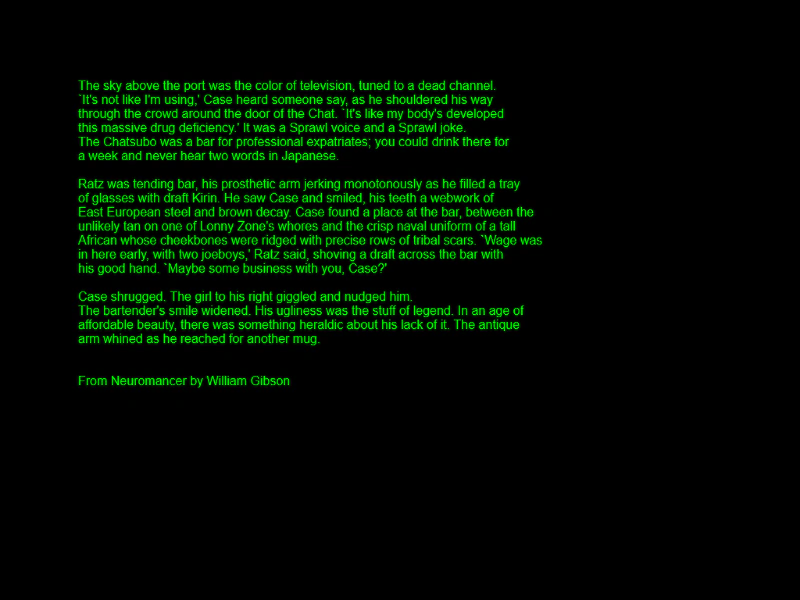 Multi-Line TextDemonstrates how to display multiple lines of text within a single Text Game Object by providing an array of strings.
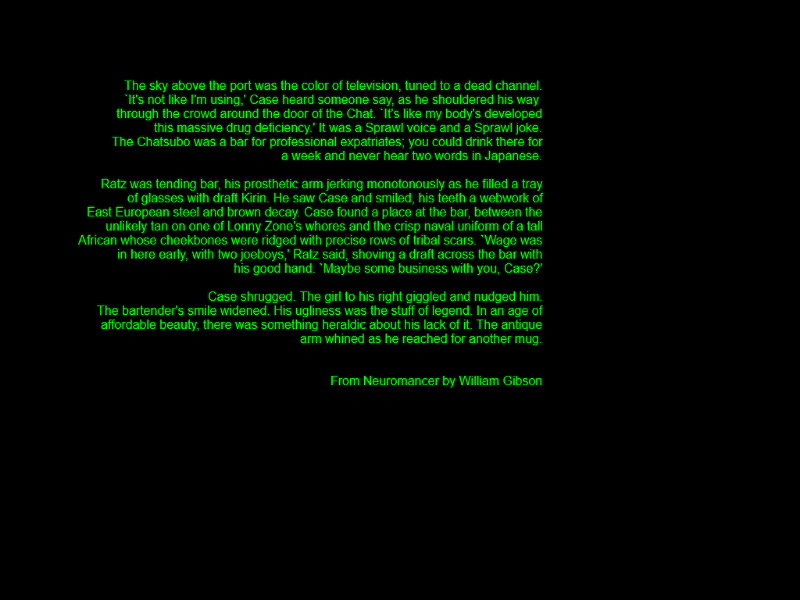 Multi-Line Text AlignmentDemonstrates how to display multi-line text using an array of strings and apply horizontal alignment.
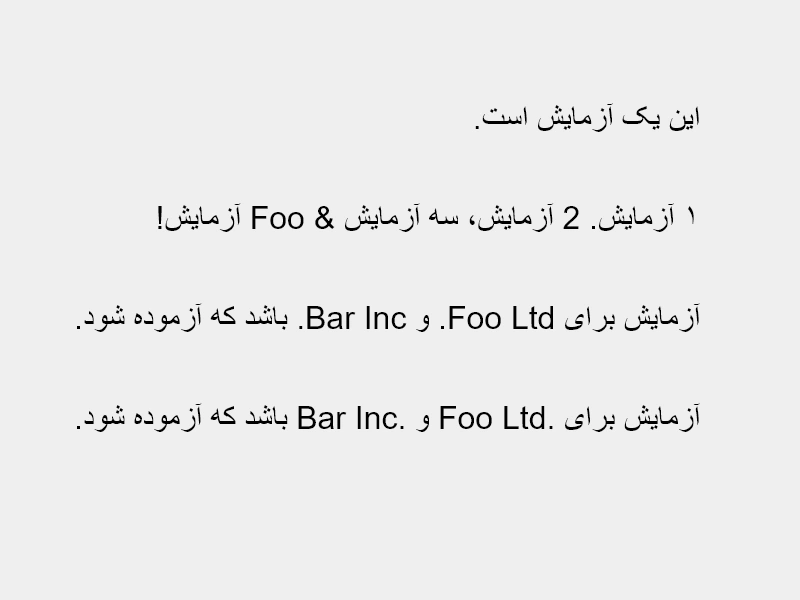 Right To Left TextThis example demonstrates how to render right-to-left (RTL) text scripts using the rtl property, showcasing how to handle punctuation, numerals, and bidirectional text marks.
 Right-Aligned Text OriginDemonstrates how to right-align a single line of text relative to its position by setting the horizontal origin to 1.