Change Text
Demonstrates how to update the string content of a Text object dynamically using both the text property and the setText method.
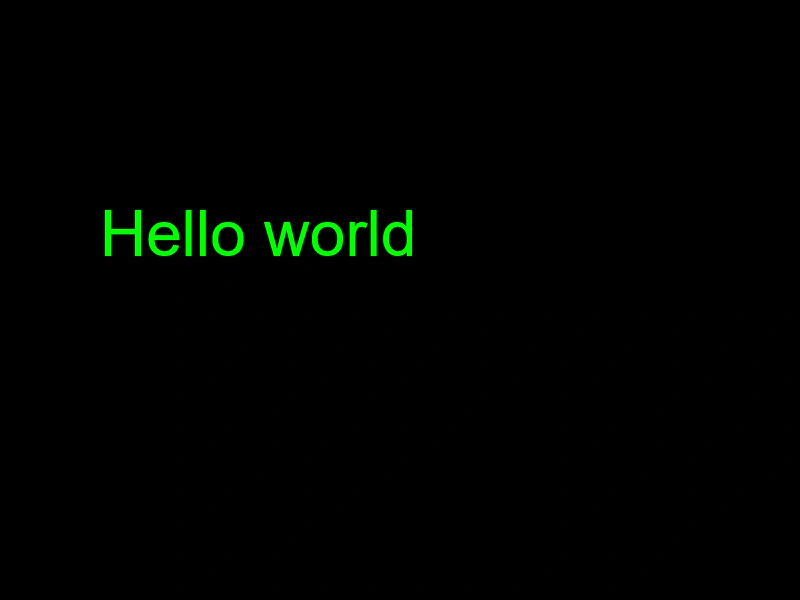
800 × 600
class Example extends Phaser.Scene
{
    create ()
    {
        const title = this.add.text(100, 200, 'Static Text Object', { fontFamily: 'Arial', fontSize: 64, color: '#00ff00' });

        this.input.once('pointerdown', () =>
        {

            //  You can set the text proprety directly like this:
            title.text = 'Hello world';

            //  Or use the setText method if you need method chaining:
            title.setText('Hello world');

        });
    }
}

const config = {
    scale: { mode: Phaser.Scale.FIT },
    type: Phaser.AUTO,
    width: 800,
    height: 600,
    parent: 'game-container',
    scene: Example
};

const game = new Phaser.Game(config);
More in Text29 examples
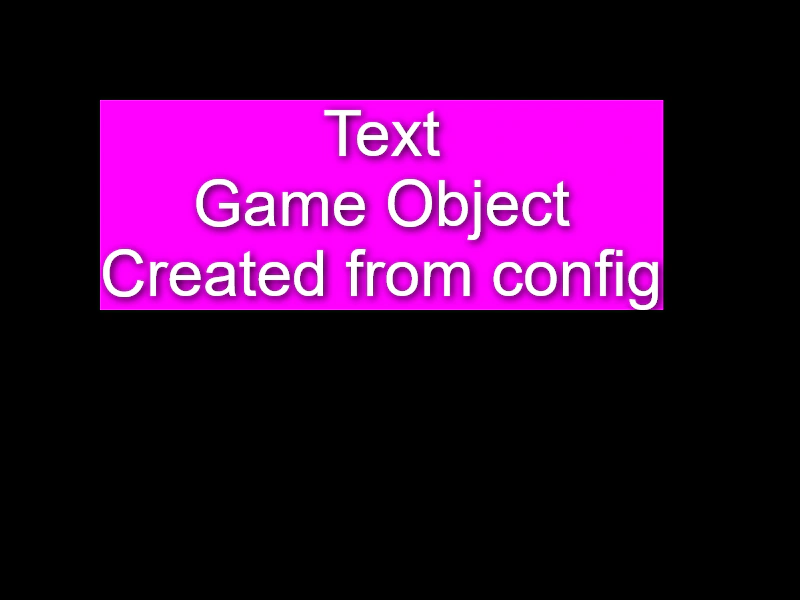 Create Text from ConfigurationDemonstrates how to create and style a Text Game Object by passing a configuration object to the Scene Maker.
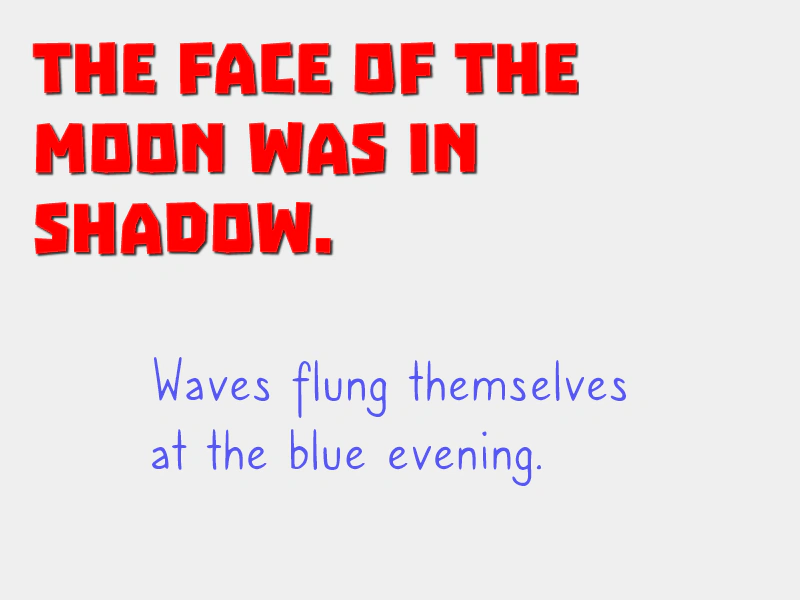 Custom Webfonts via WebFont LoaderDemonstrates how to dynamically inject CSS @font-face rules into the document and use the WebFont Loader to ensure custom fonts are ready before rendering Text objects.
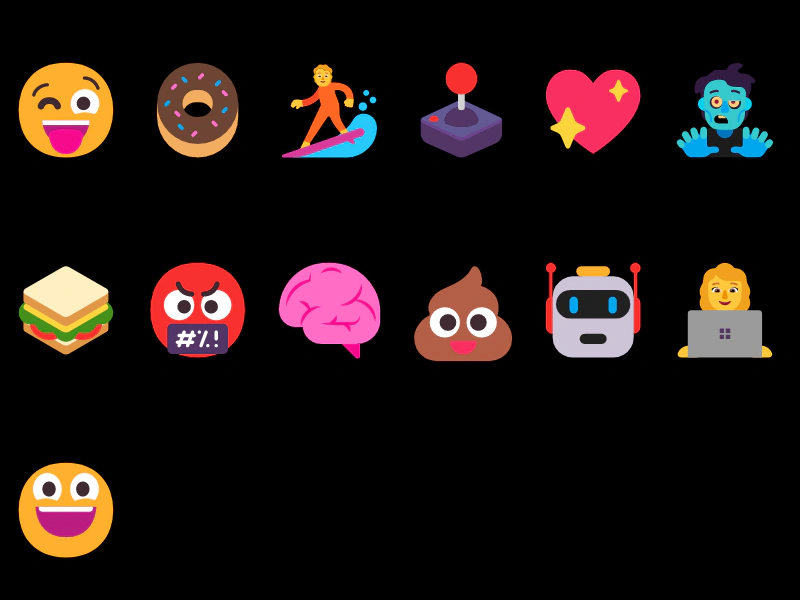 Emojis in TextDemonstrates how to render emojis within a Text Game Object using emoji characters directly or Unicode escape sequences.
 Google WebfontThis example demonstrates how to use the WebFont Loader to import and apply Google Fonts to Text objects, ensuring fonts are loaded before they are rendered.