Right To Left Text
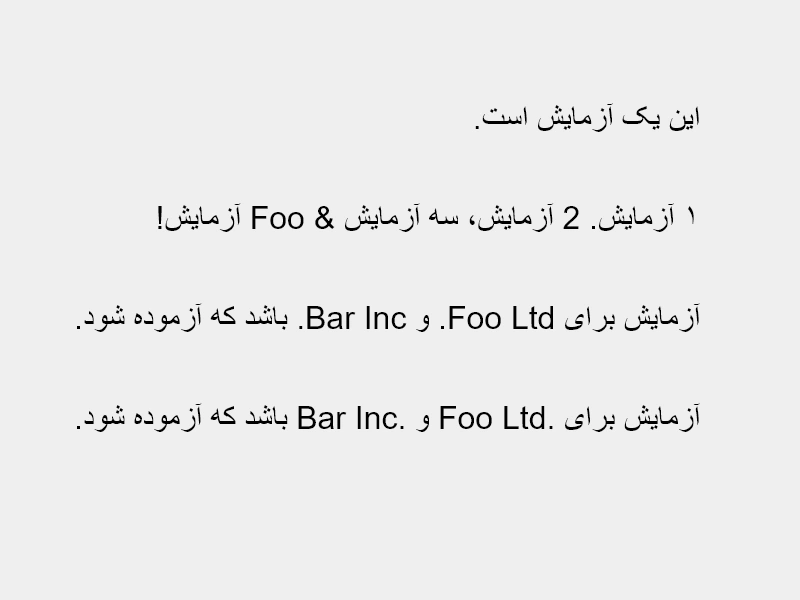
This example demonstrates how to render right-to-left (RTL) text scripts using the rtl property, showcasing how to handle punctuation, numerals, and bidirectional text marks.
800 × 600
class Example extends Phaser.Scene
{
create ()
{
// Simple Sentence with punctuation.
const str1 = 'این یک آزمایش است.';
// Few sentences with punctuation and numerals.
const str2 = '۱ آزمایش. 2 آزمایش، سه آزمایش & Foo آزمایش!';
// Needs implicit bidi marks to display correctly.
const str3 = 'آزمایش برای Foo Ltd. و Bar Inc. باشد که آزموده شود.';
// Implicit bidi marks added; "Foo Ltd.‎ و Bar Inc.‎"
const str4 = 'آزمایش برای Foo Ltd. و Bar Inc. باشد که آزموده شود.';
this.add.text(700, 100, str1, { fontFamily: 'Arial', fontSize: 32, color: '#000000', rtl: true });
this.add.text(700, 200, str2, { fontFamily: 'Arial', fontSize: 32, color: '#000000', rtl: true });
this.add.text(700, 300, str3, { fontFamily: 'Arial', fontSize: 32, color: '#000000', rtl: true });
this.add.text(700, 400, str4, { fontFamily: 'Arial', fontSize: 32, color: '#000000', rtl: true });
}
}
const config = {
scale: { mode: Phaser.Scale.FIT },
type: Phaser.CANVAS,
backgroundColor: '#efefef',
width: 800,
height: 600,
parent: 'game-container',
scene: Example
};
const game = new Phaser.Game(config);
More in Text29 examples
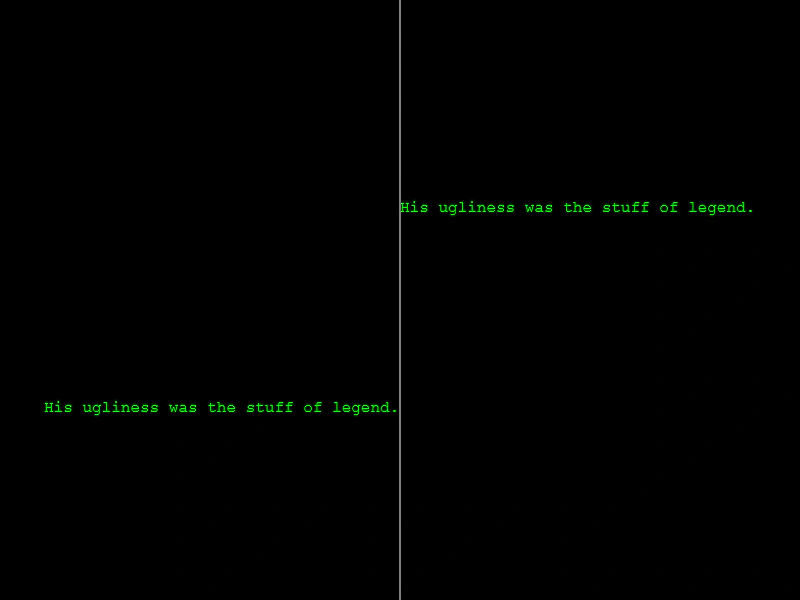 Right-Aligned Text OriginDemonstrates how to right-align a single line of text relative to its position by setting the horizontal origin to 1.
 Simple Text ButtonDemonstrates how to create an interactive UI button using a Text Game Object with background colors and hover state pointer events.
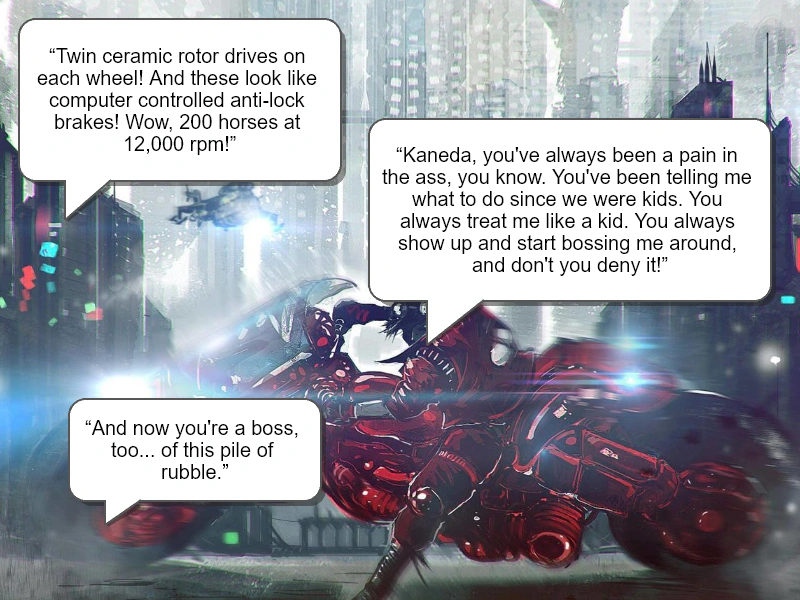 Speech BubbleDemonstrates how to create a stylized speech bubble using Graphics for the bubble shape and arrow, combined with a Text object featuring word wrapping and alignment.
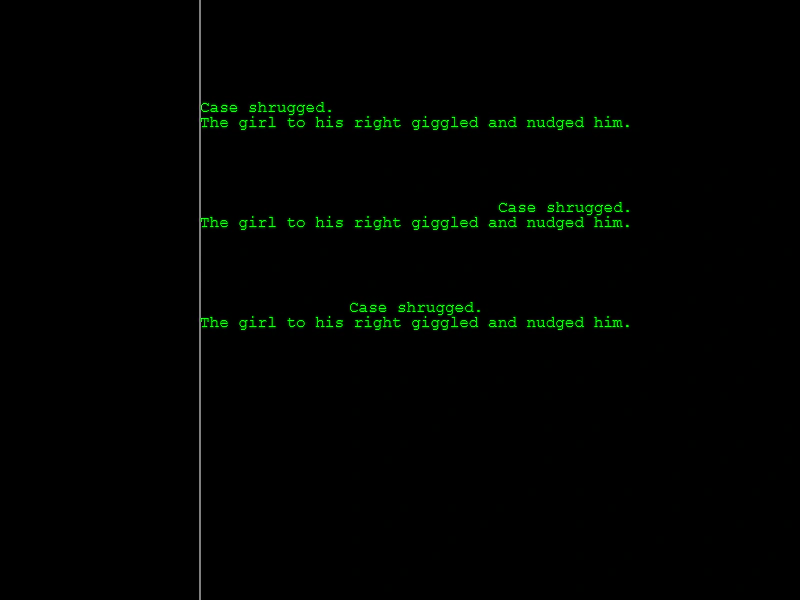 Text AlignmentDemonstrates how to align multiple lines of text within a Text Game Object using the left, center, and right alignment properties.