Google Webfont
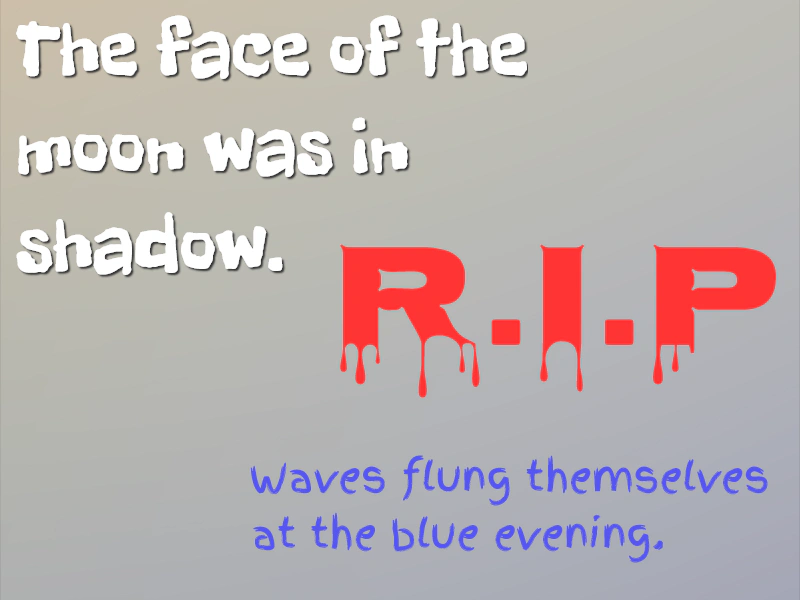
This example demonstrates how to use the WebFont Loader to import and apply Google Fonts to Text objects, ensuring fonts are loaded before they are rendered.
800 × 600
class Example extends Phaser.Scene
{
    preload ()
    {
        this.load.setBaseURL('https://cdn.phaserfiles.com/v410');
        this.load.image('bg', 'assets/skies/gradient28.png');
        this.load.script('webfont', 'https://ajax.googleapis.com/ajax/libs/webfont/1.6.26/webfont.js');
    }

    create ()
    {
        this.add.image(400, 300, 'bg');

        const add = this.add;
        const input = this.input;

        WebFont.load({
            google: {
                families: [ 'Freckle Face', 'Finger Paint', 'Nosifer' ]
            },
            active: function ()
            {
                add.text(16, 0, 'The face of the\nmoon was in\nshadow.', { fontFamily: 'Freckle Face', fontSize: 80, color: '#ffffff' }).setShadow(2, 2, '#333333', 2, false, true);
                add.text(250, 450, 'Waves flung themselves\nat the blue evening.', { fontFamily: 'Finger Paint', fontSize: 40, color: '#5656ee' });

                const t = add.text(330, 200, 'R.I.P', { fontFamily: 'Nosifer', fontSize: 150, color: '#ff3434' });

                input.once('pointerdown', () =>
                {
                    t.setFontSize(64);
                });
            }
        });
    }
}

const config = {
    scale: { mode: Phaser.Scale.FIT },
    type: Phaser.AUTO,
    width: 800,
    height: 600,
    parent: 'game-container',
    scene: Example
};

const game = new Phaser.Game(config);
More in Text29 examples
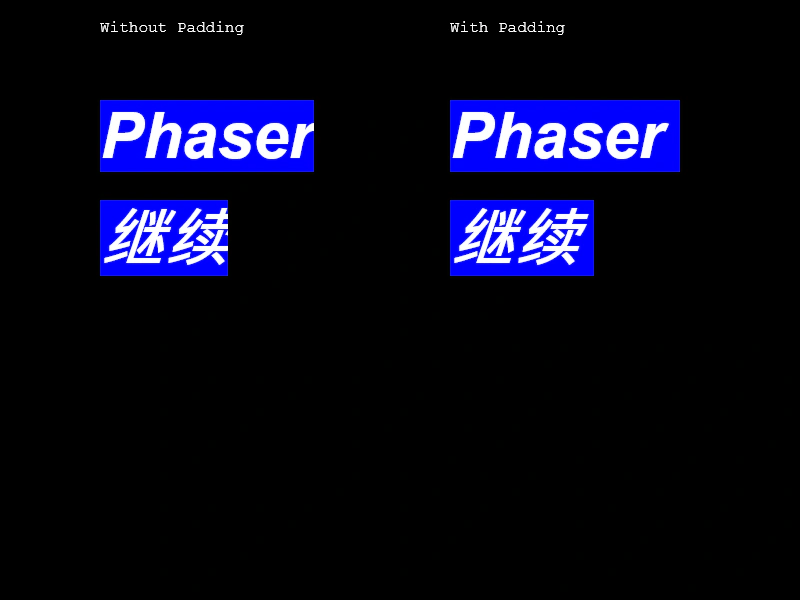 Italic Text and PaddingDemonstrates how to apply italic font styles to Text objects and use padding to prevent character clipping on the right edge.
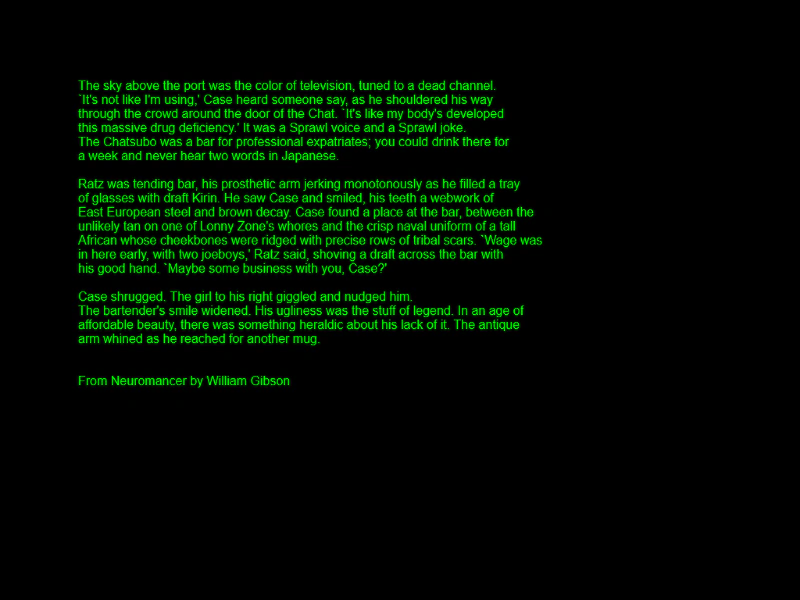 Multi-Line TextDemonstrates how to display multiple lines of text within a single Text Game Object by providing an array of strings.
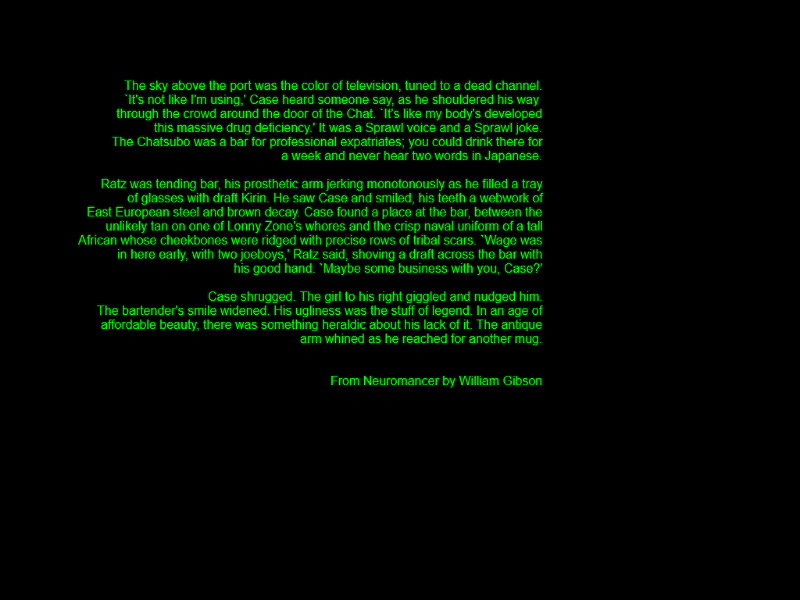 Multi-Line Text AlignmentDemonstrates how to display multi-line text using an array of strings and apply horizontal alignment.
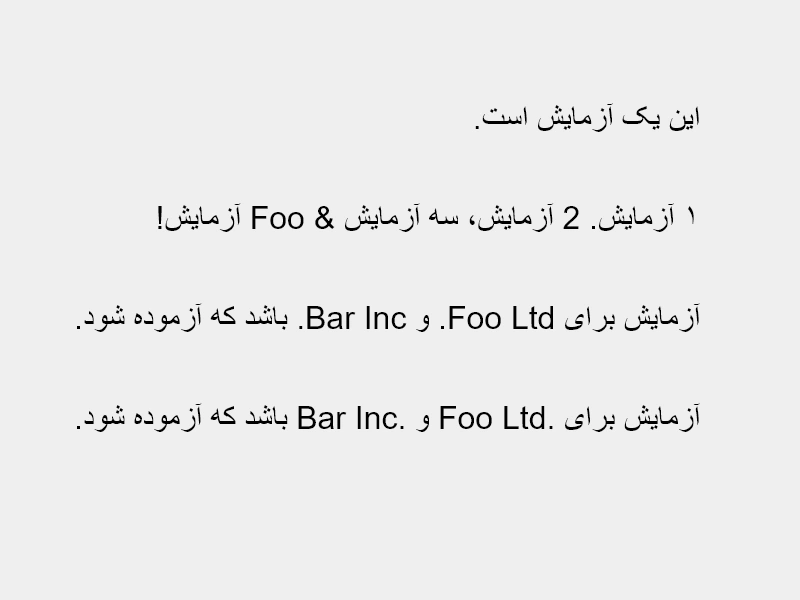 Right To Left TextThis example demonstrates how to render right-to-left (RTL) text scripts using the rtl property, showcasing how to handle punctuation, numerals, and bidirectional text marks.