Text Shadow and Stroke Styles
Demonstrates how to control drop shadows on Text objects, specifically applying them to the fill, the stroke, or both.
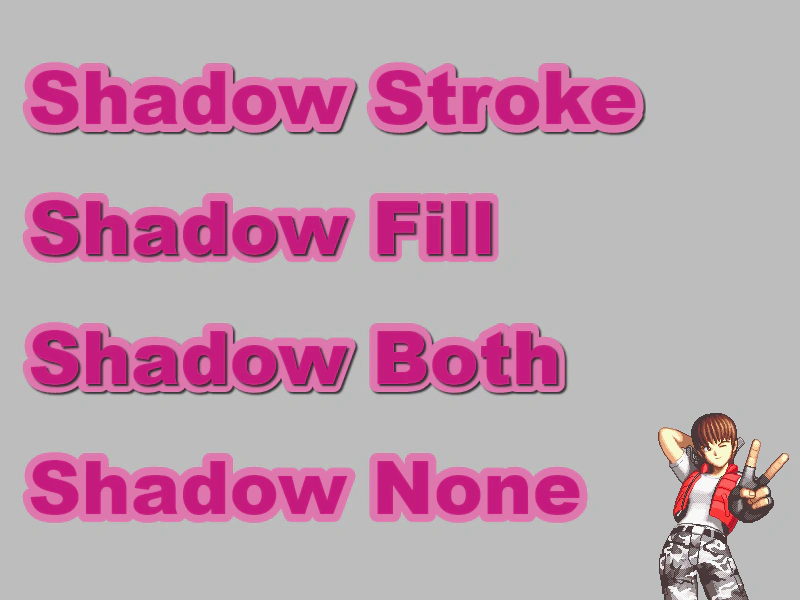
800 × 600
class Example extends Phaser.Scene
{
    preload ()
    {
        this.load.setBaseURL('https://cdn.phaserfiles.com/v410');
        this.load.image('lulu', 'assets/pics/shocktroopers-lulu2.png');
    }

    create ()
    {
        this.add.image(790, 600, 'lulu').setOrigin(1);

        const text1 = this.add.text(20, 50, 'Shadow Stroke', { fontFamily: 'Arial Black', fontSize: 74, color: '#c51b7d' });
        text1.setStroke('#de77ae', 16);

        //  Apply the shadow to the Stroke only
        text1.setShadow(2, 2, '#333333', 2, true, false);

        const text2 = this.add.text(20, 180, 'Shadow Fill', { fontFamily: 'Arial Black', fontSize: 74, color: '#c51b7d' });
        text2.setStroke('#de77ae', 16);

        //  Apply the shadow to the Fill only
        text2.setShadow(2, 2, '#333333', 2, false, true);

        const text3 = this.add.text(20, 310, 'Shadow Both', { fontFamily: 'Arial Black', fontSize: 74, color: '#c51b7d' });
        text3.setStroke('#de77ae', 16);

        //  Apply the shadow to the Stroke and the Fill (this is the default)
        text3.setShadow(2, 2, '#333333', 2, true, true);

        const text4 = this.add.text(20, 440, 'Shadow None', { fontFamily: 'Arial Black', fontSize: 74, color: '#c51b7d' });
        text4.setStroke('#de77ae', 16);

        //  Apply the shadow to neither stroke nor fill, if you don't need a shadow then don't call setShadow at all :)
        text4.setShadow(2, 2, '#333333', 2, false, false);
    }
}

const config = {
    scale: { mode: Phaser.Scale.FIT },
    type: Phaser.CANVAS,
    width: 800,
    height: 600,
    parent: 'game-container',
    backgroundColor: 0xbdbdbd,
    scene: Example
};

const game = new Phaser.Game(config);
More in Text29 examples
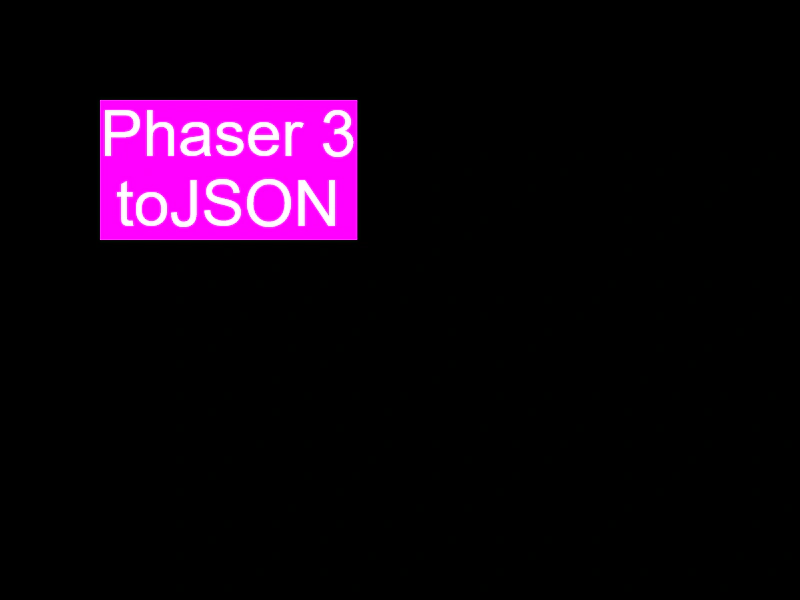 Text to JSONDemonstrates how to export a Text game object's properties and style configuration into a JSON-compatible object using the toJSON method.
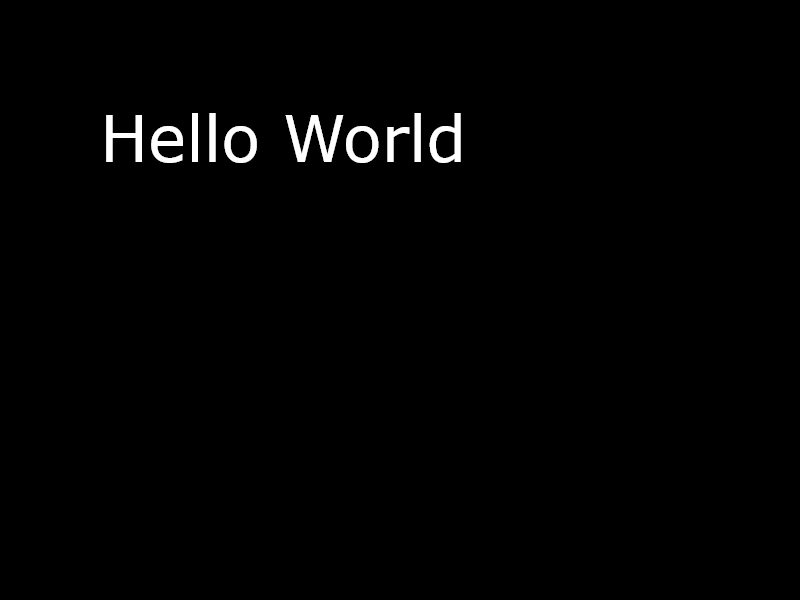 Text with Fallback FontThis example demonstrates how to specify a comma-separated list of fallback fonts for a Text object to ensure it renders correctly if the primary font is missing.
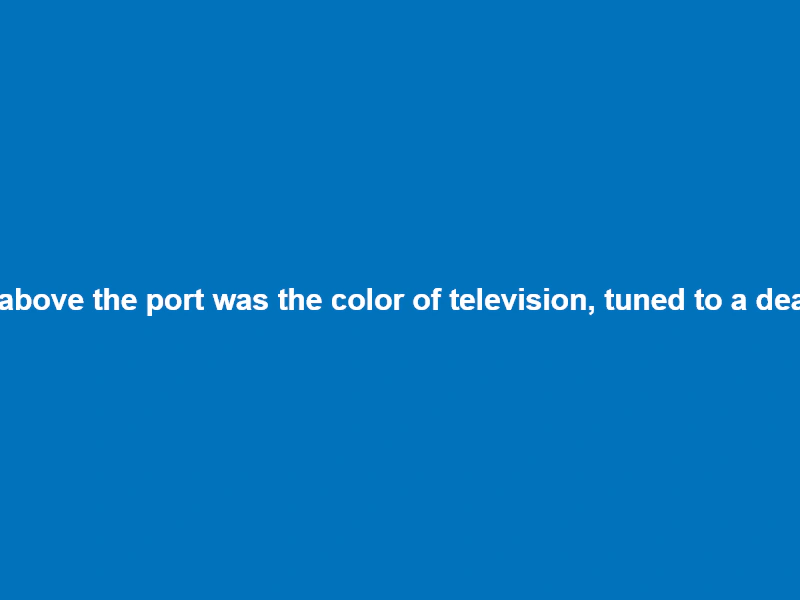 Word WrapDemonstrates various word wrapping techniques for Text objects, including basic width-based wrapping, advanced wrapping with whitespace trimming, and custom wrapping callbacks for manual control.
 Word Wrap by CallbackDemonstrates how to use a custom callback function to define your own logic for word-wrapping text.