Phaser 4 examples
Actions
- 49 examples
Examples 49
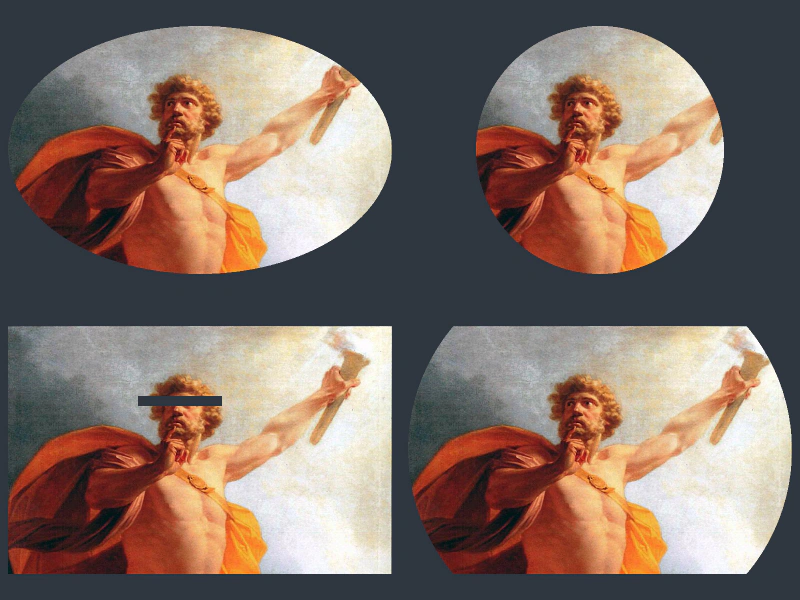 Add Mask Shape ActionDemonstrates applying and configuring geometric masks on images using the AddMaskShape action, featuring options for inversion, specific regions, and scale modes.
 Add Shine EffectDemonstrates how to apply a default shine animation effect to an image using Phaser Actions.
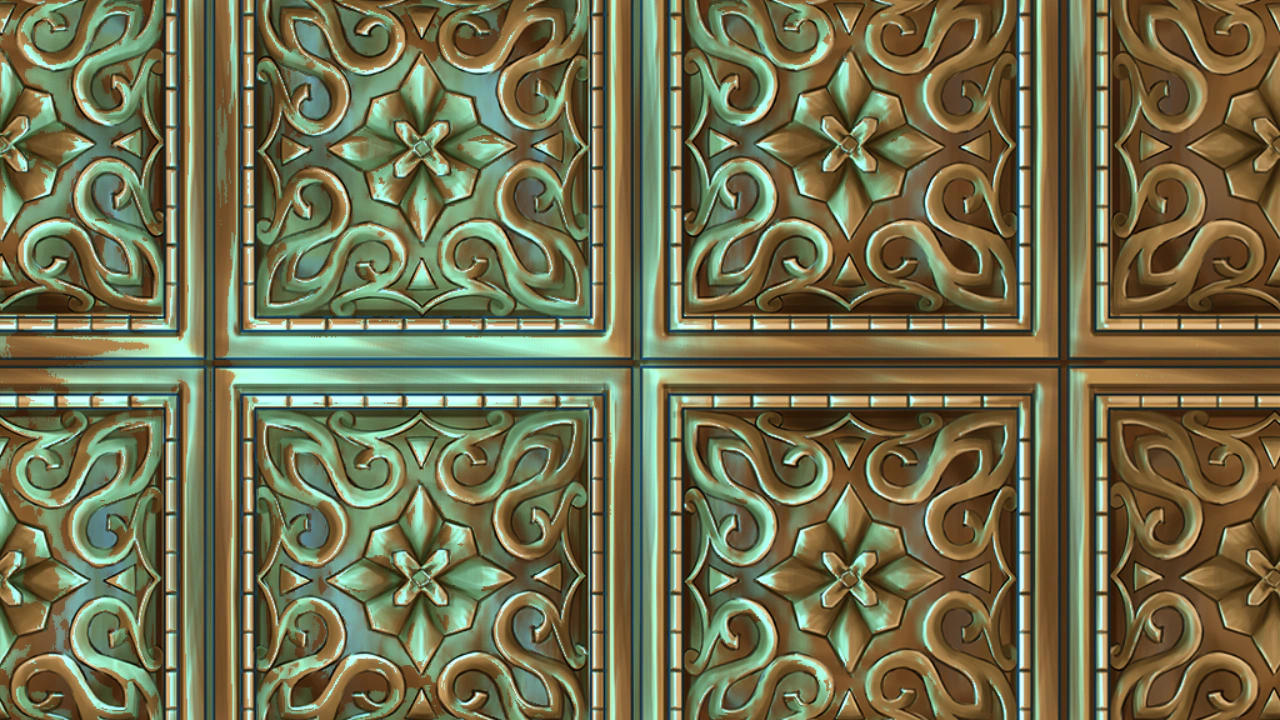 Add Shine Effect with Displacement MapDemonstrates how to apply an animated shine effect to an image using a displacement map to create distorted light reflections.
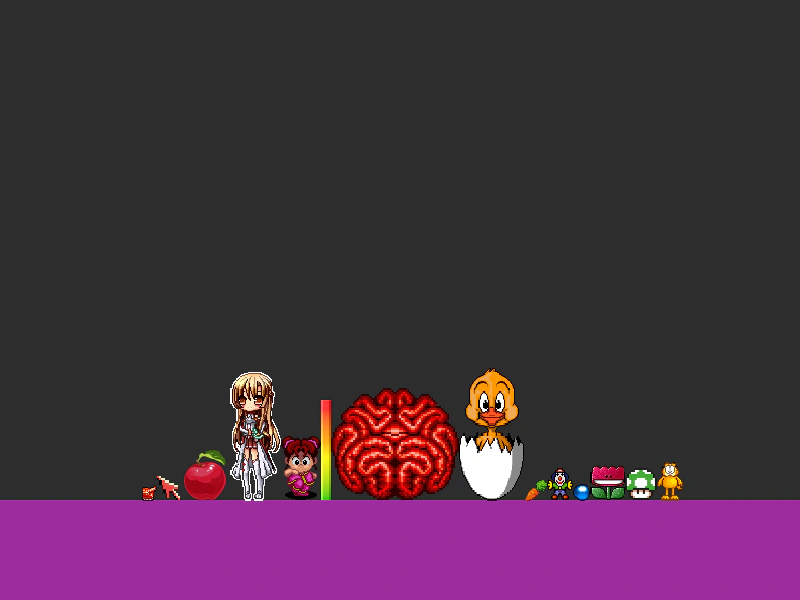 Align Objects SequenceUses the AlignTo action to position an array of Game Objects sequentially relative to one another based on a specified alignment point.
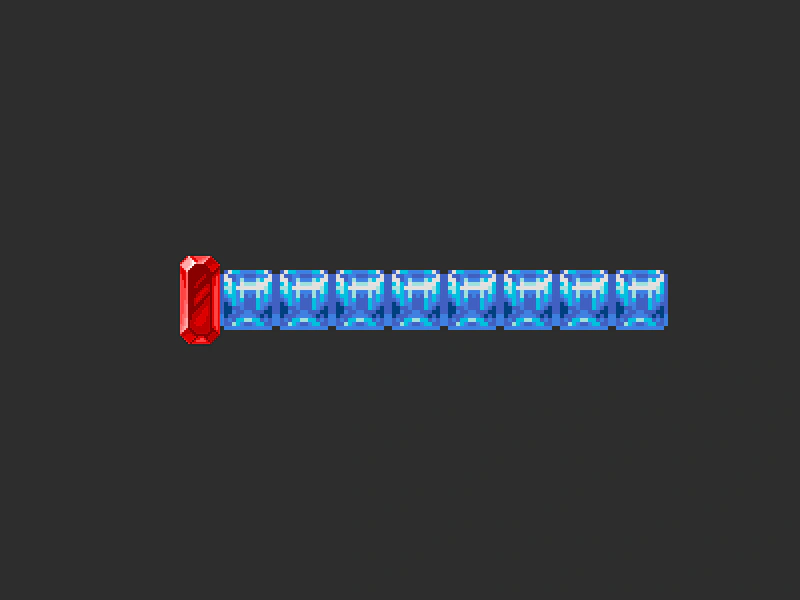 Align To ActionDemonstrates how to use the AlignTo action to position an array of Game Objects sequentially relative to each other, using the first object as the anchor.
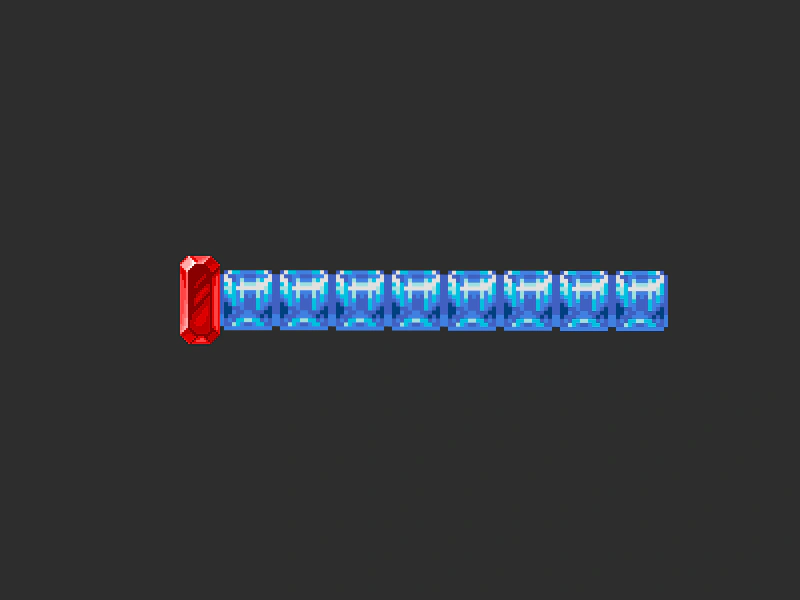 Align To OffsetDemonstrates using Phaser.Actions.AlignTo to position a sequence of sprites relative to each other with a dynamic vertical offset.
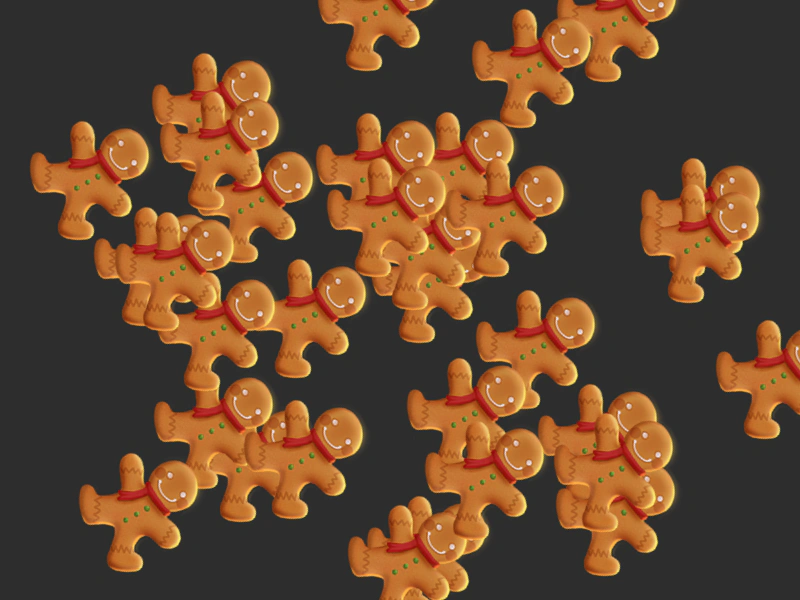 Angle ActionDemonstrates how to use the Angle action to rotate an array of Game Objects by a fixed amount every frame.
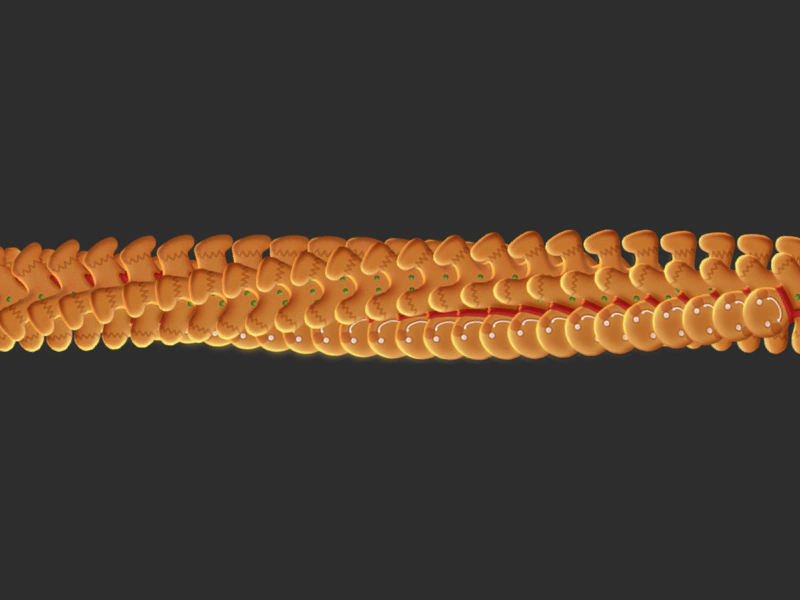 Angle With StepUses Phaser.Actions.Angle to apply a continuous, incremental rotation across an array of Game Objects every frame.
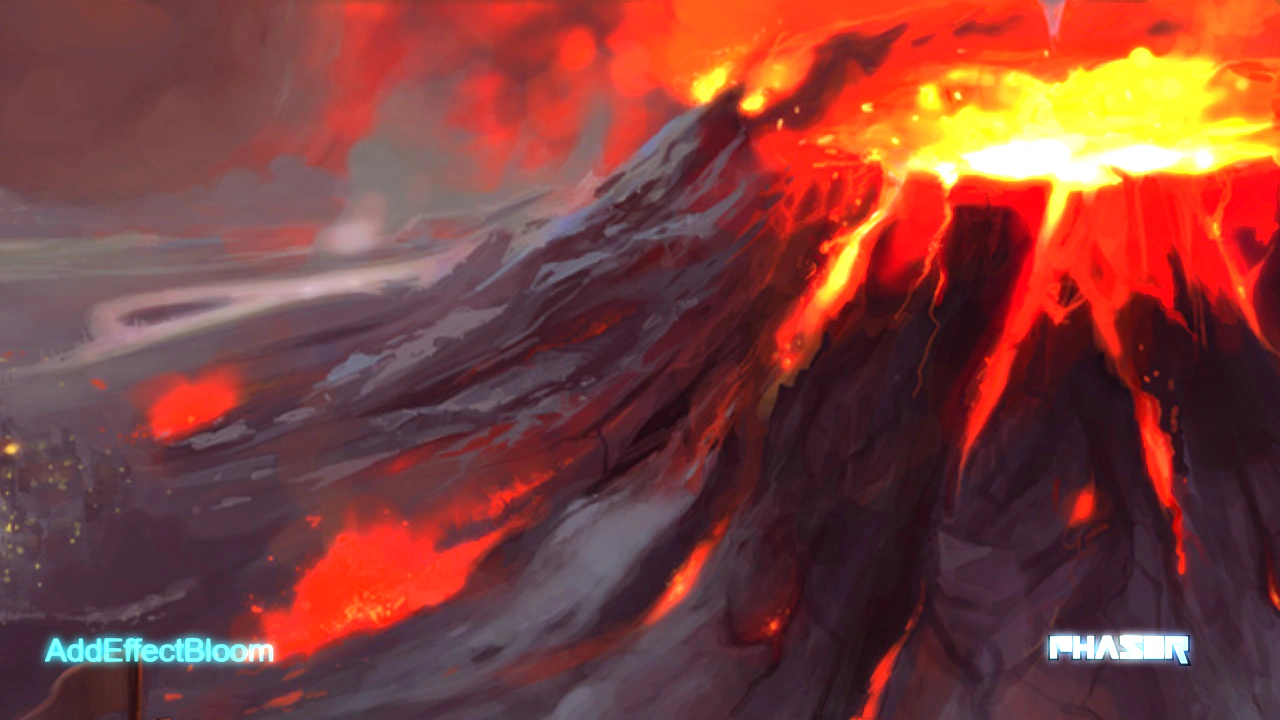 Bloom Camera EffectDemonstrates how to apply a bloom shader effect to a camera using the AddEffectBloom action and animate the effect intensity with a tween.
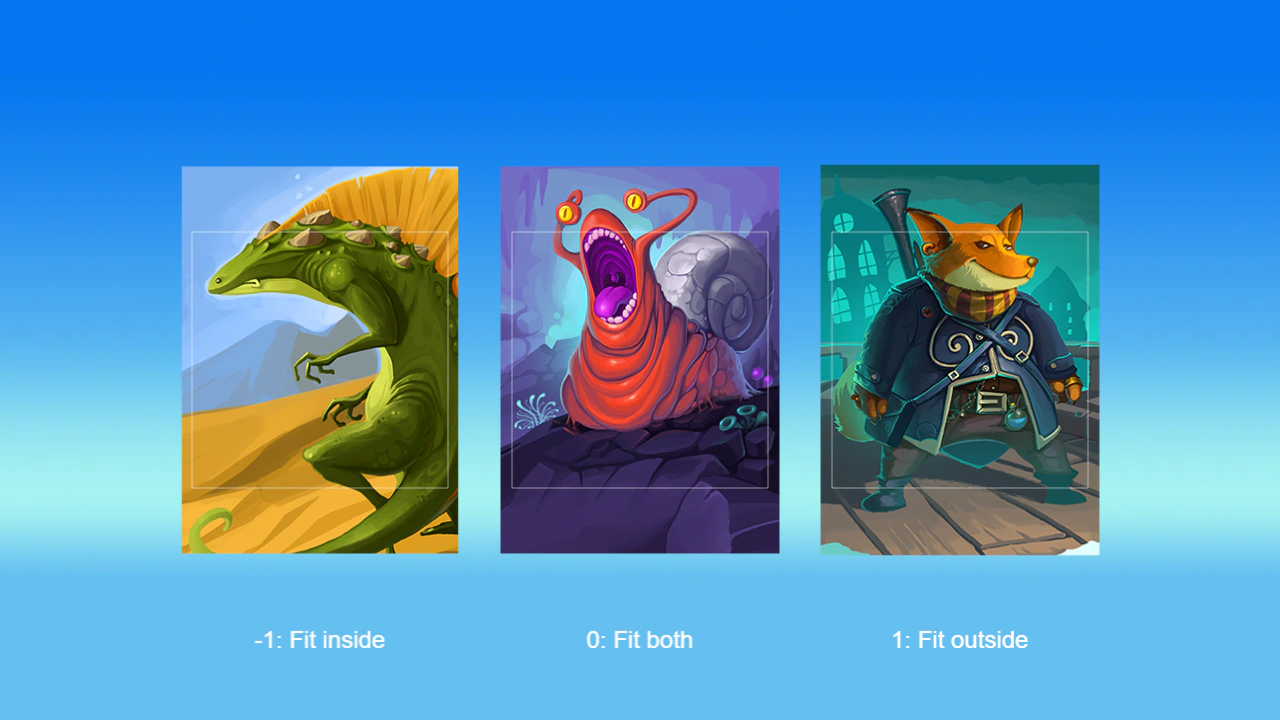 Fit To RegionDemonstrates how to use the FitToRegion action to scale game objects into a target area using different fit modes including fit inside, stretch to fill, or fit outside.
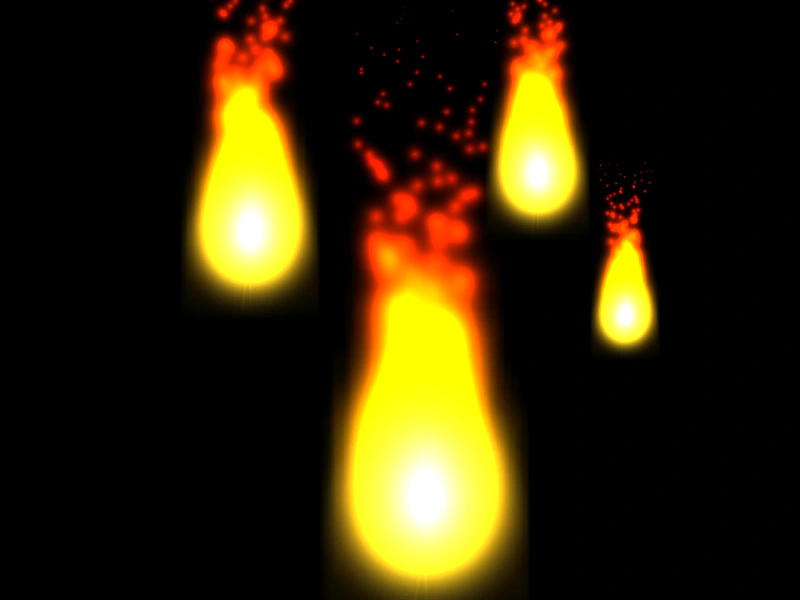 Fit to Region with Manual SizeDemonstrates how to use Phaser.Actions.FitToRegion on Game Objects that lack intrinsic dimensions, such as Particle Emitters, by providing explicit source width and height.
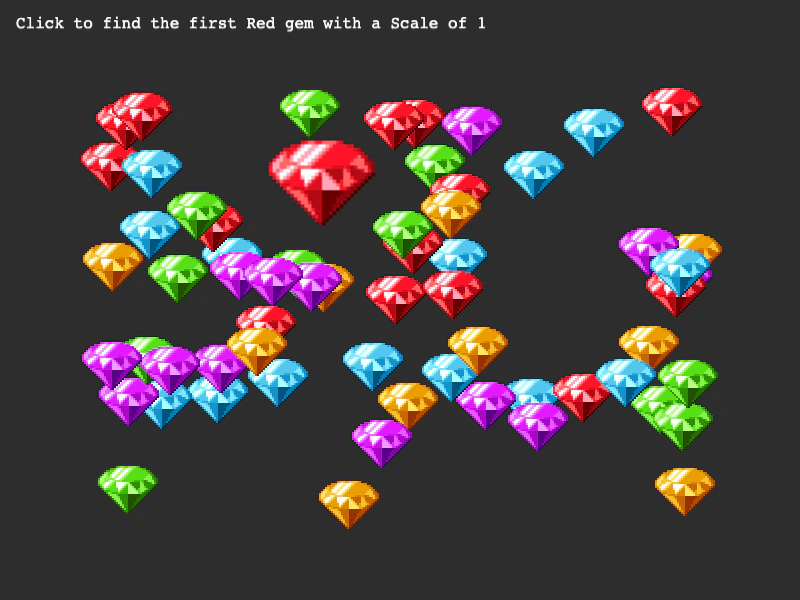 Get First ActionDemonstrates how to use the GetFirst action to find the first game object in an array that matches specific property values, such as scale and frame.
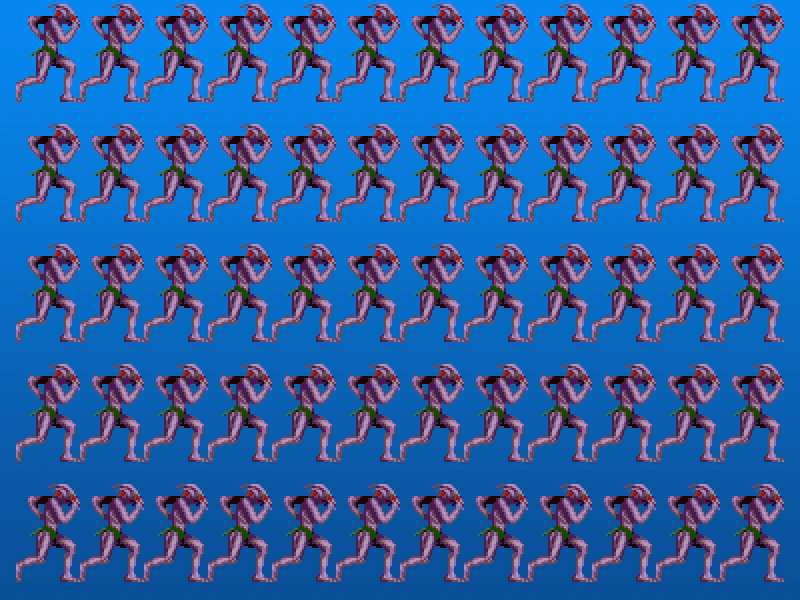 Grid Align AnimationsDemonstrates how to use the GridAlign action to arrange a collection of animated sprites into a structured grid layout.
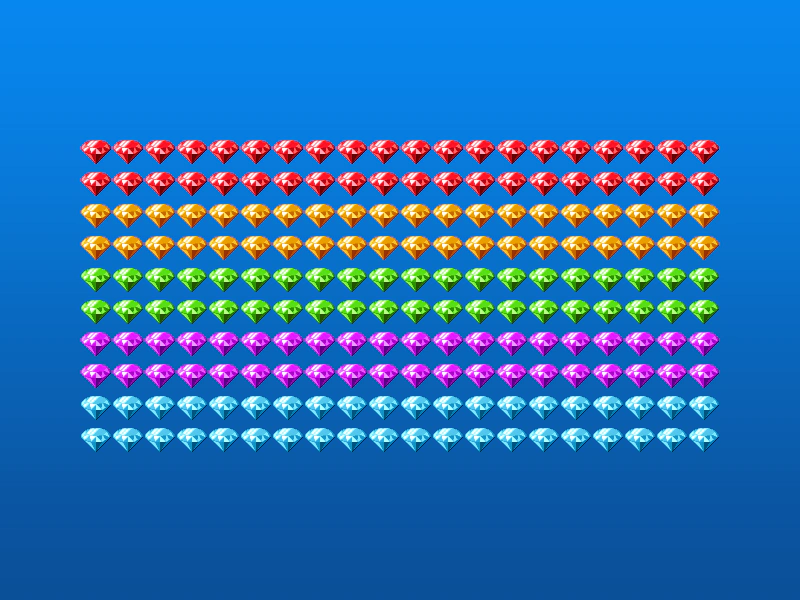 Grid Align GroupDemonstrates how to use the GridAlign action to automatically arrange Game Objects from a Group into a grid formation with defined cell dimensions and positioning.
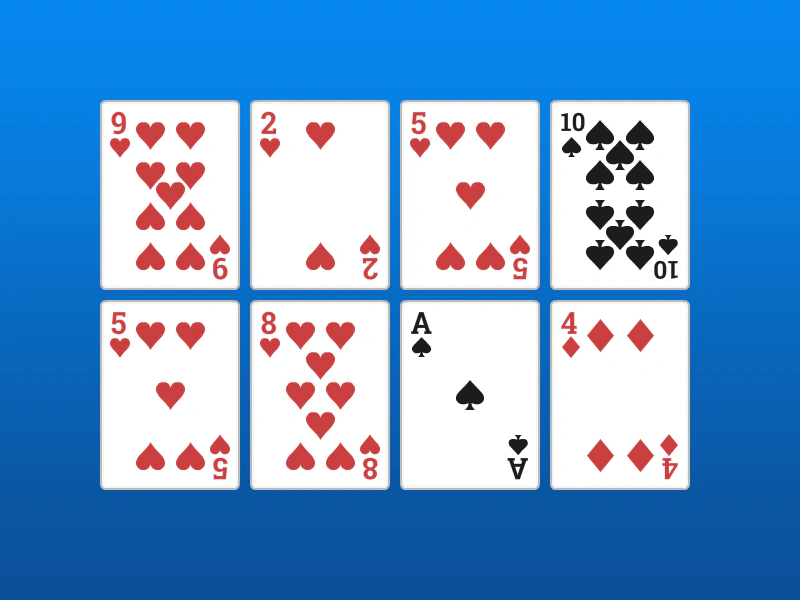 Grid Align SpritesDemonstrates how to arrange an array of sprites into a 4x2 grid using the GridAlign action, specifying cell dimensions and starting coordinates.
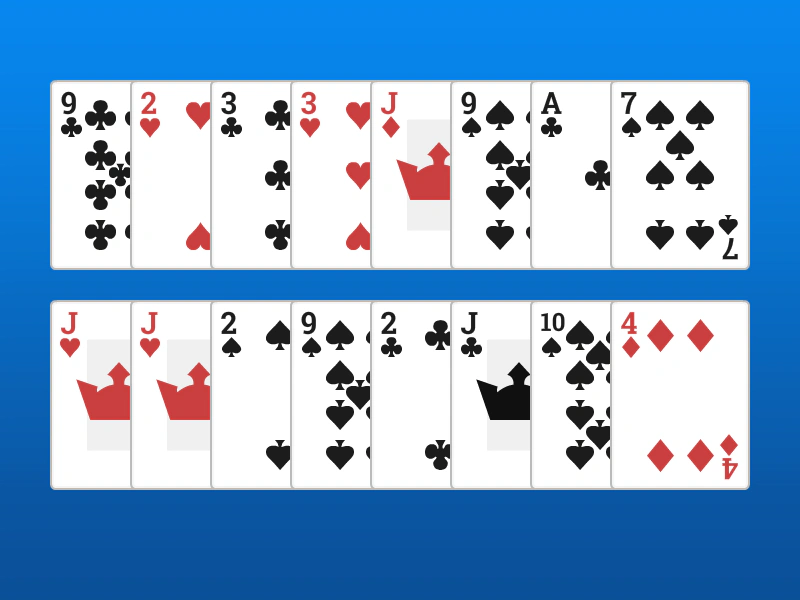 Grid Align with OverlapDemonstrates how to arrange a group of sprites into a grid where the items overlap horizontally by setting cell dimensions smaller than the actual sprite size.
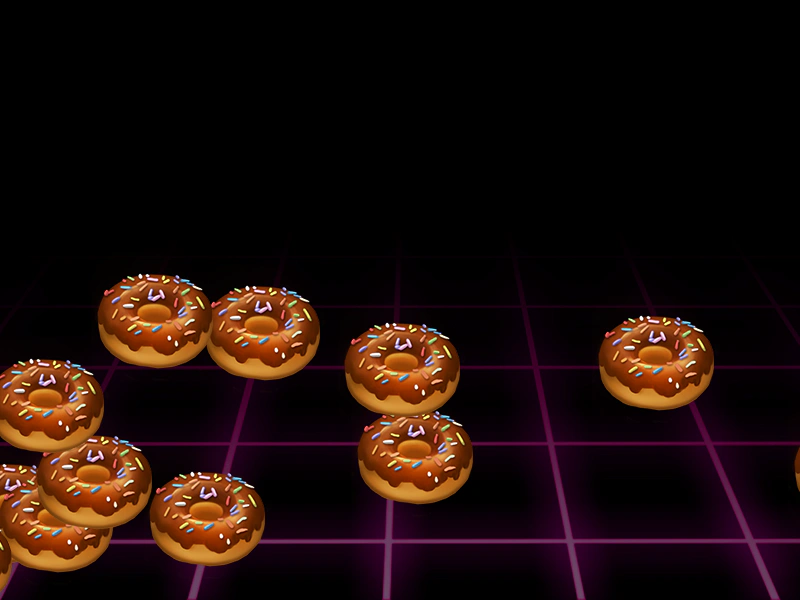 Increment X ActionUse the IncX action to move an array of Game Objects horizontally, applying both a base increment and an optional step value for varied speeds.
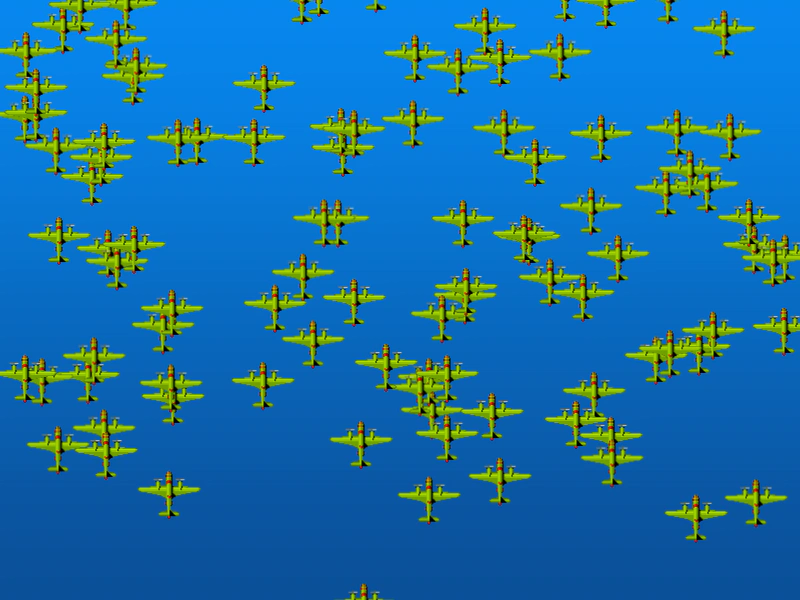 Increment Y ActionDemonstrates using the IncY action to shift the vertical position of multiple Game Objects simultaneously, including the use of a step value for graduated movement.
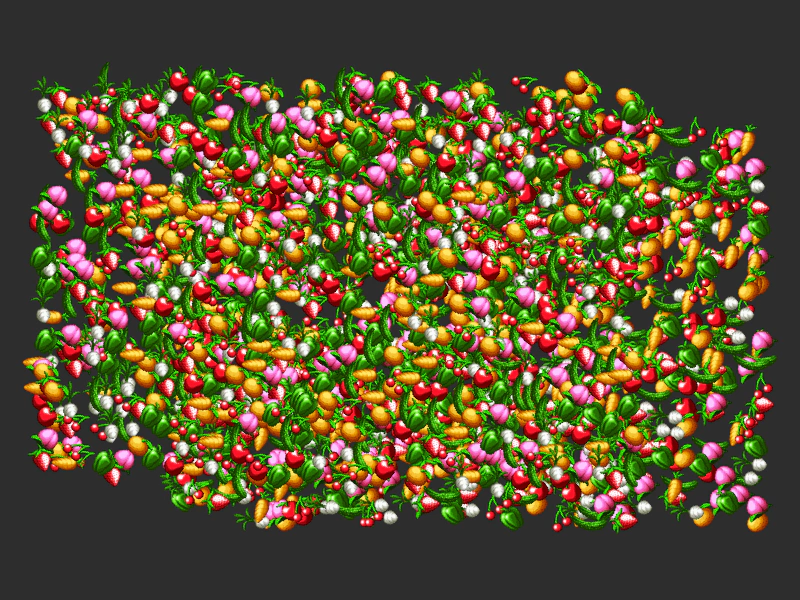 IncXY ActionDemonstrates how to use the IncXY Action to apply relative X and Y movement to an entire array of Game Objects simultaneously.
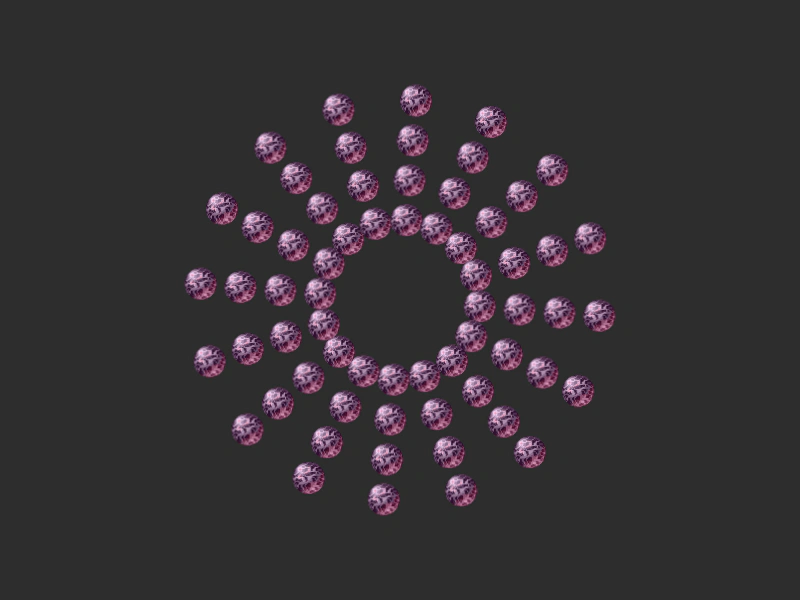 Place and Rotate Around a CircleDemonstrates how to arrange multiple groups of sprites into concentric circles and animate them rotating around a central point.
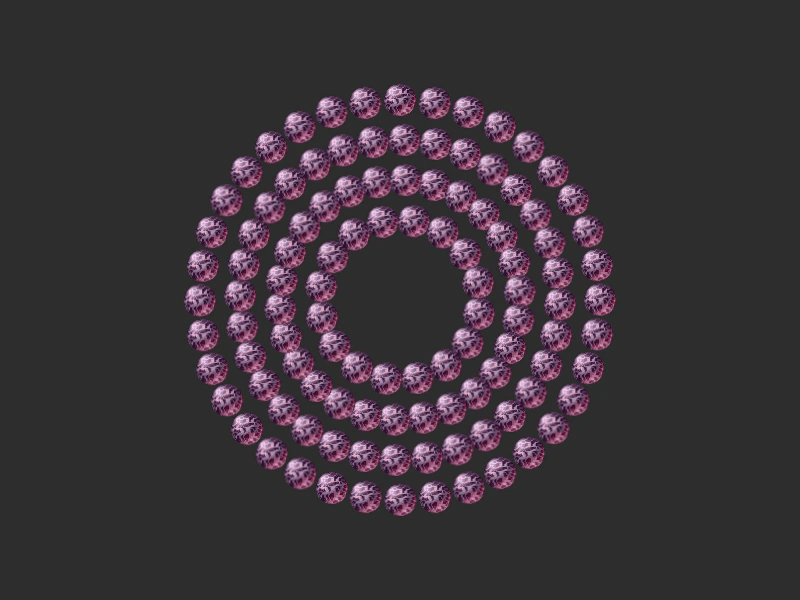 Place On A Circle ReversedArrange multiple groups of sprites onto concentric circles and animate them by rotating each ring in alternating directions.
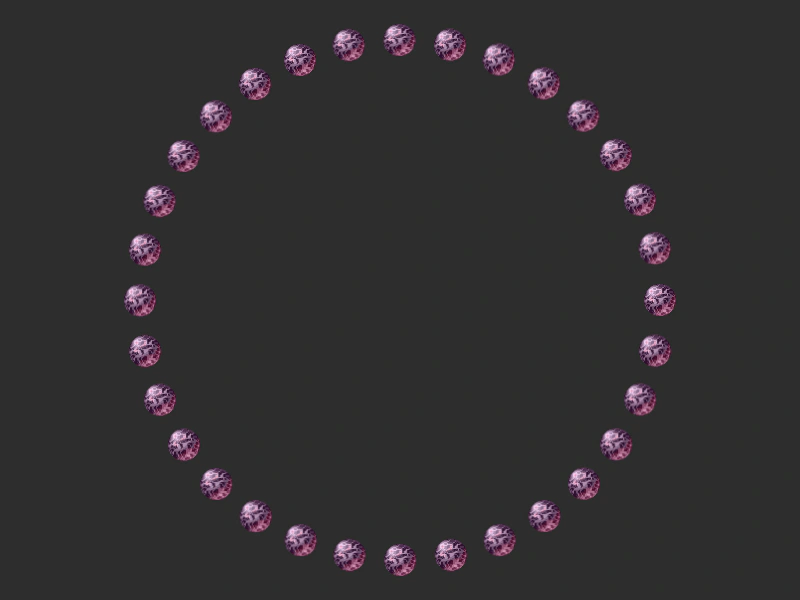 Place On CircleArrange a group of sprites along the perimeter of a circular geometry and animate their rotation and radius using Action functions.
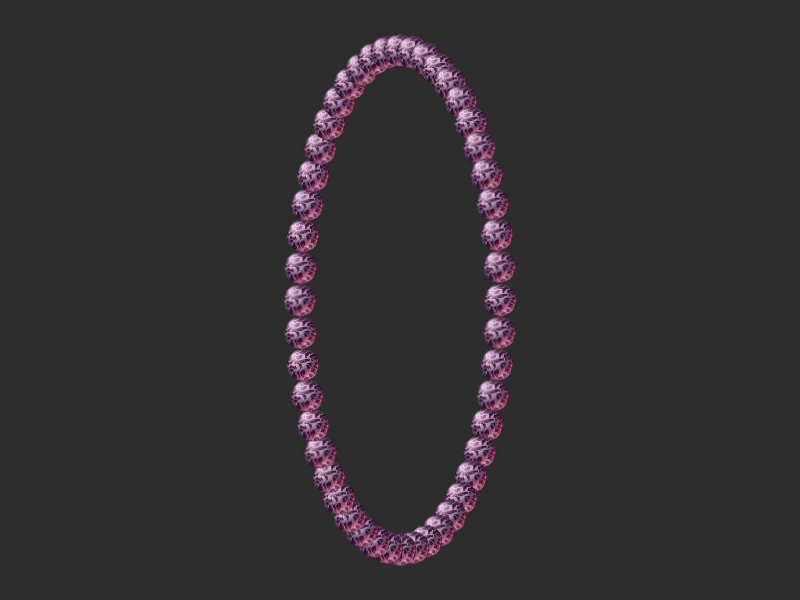 Place On EllipsePosition a group of Game Objects evenly around the perimeter of an ellipse and update their positions dynamically as the ellipse changes size.
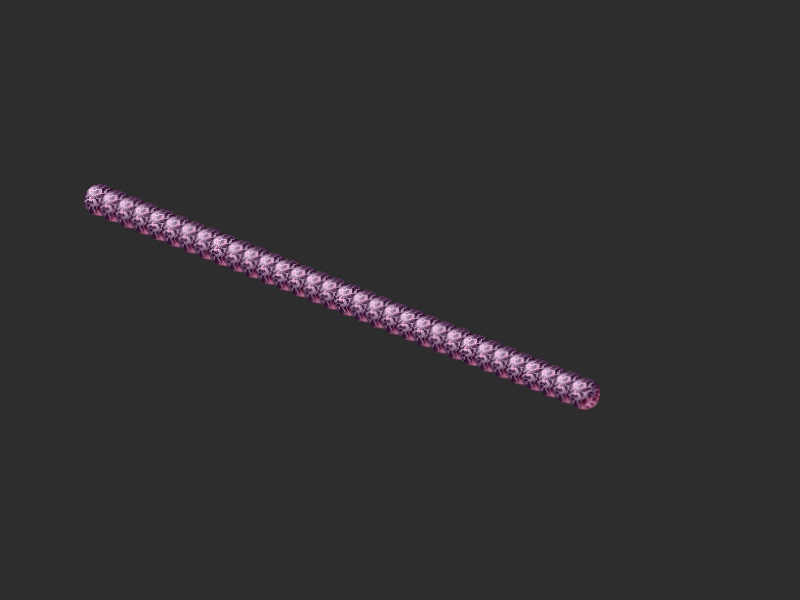 Place On LineDemonstrates how to use the PlaceOnLine action to distribute a group of game objects evenly along a geometric line segment.
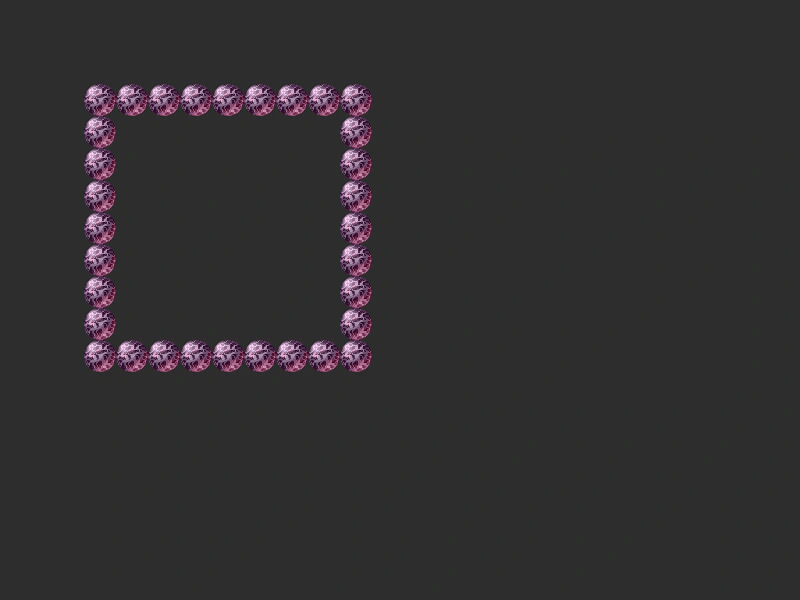 Place On RectangleDistributes a group of game objects evenly along the perimeter of a rectangle shape using the PlaceOnRectangle action.
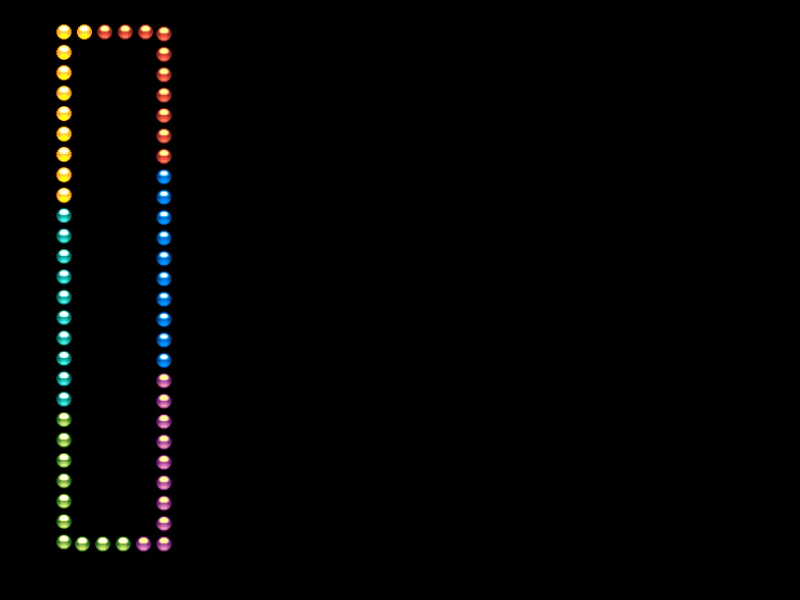 Place On Rectangle ShiftDemonstrates how to arrange a group of sprites along the perimeter of a rectangle and shift their positions each frame to create a rotation effect while the rectangle's dimensions are animated with a tween.
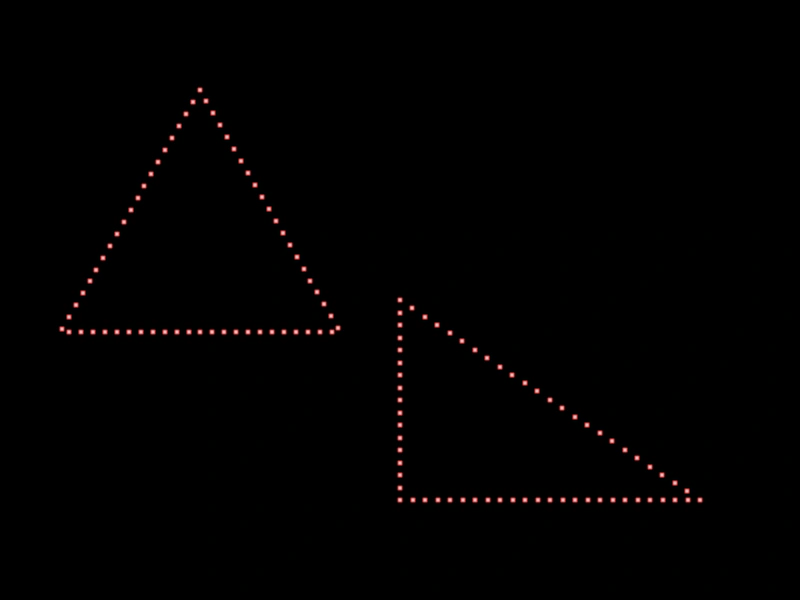 Place on TriangleLearn how to distribute a group of sprites along the perimeter of equilateral and right-angled triangles using the PlaceOnTriangle action.
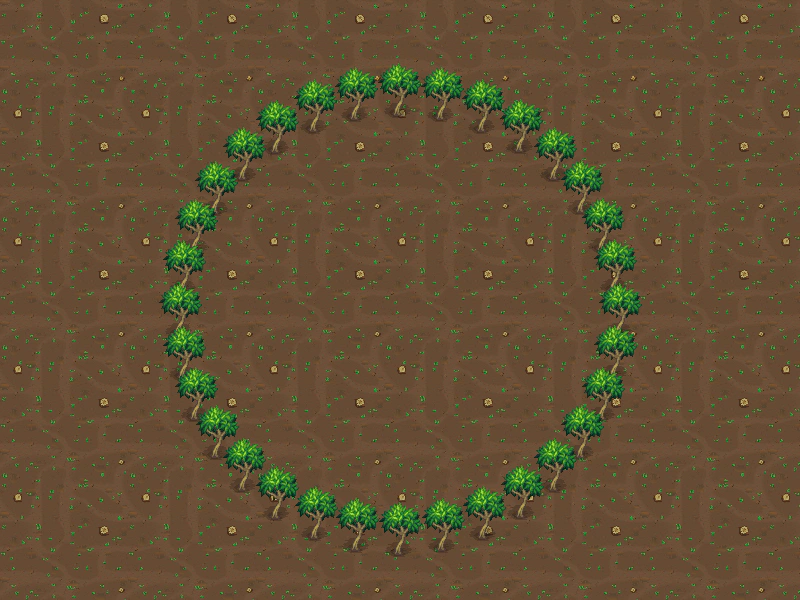 Place Sprites on a CircleDemonstrates using the PlaceOnCircle action to arrange an array of sprites along the perimeter of a geometric circle, including depth sorting based on their y-coordinates.
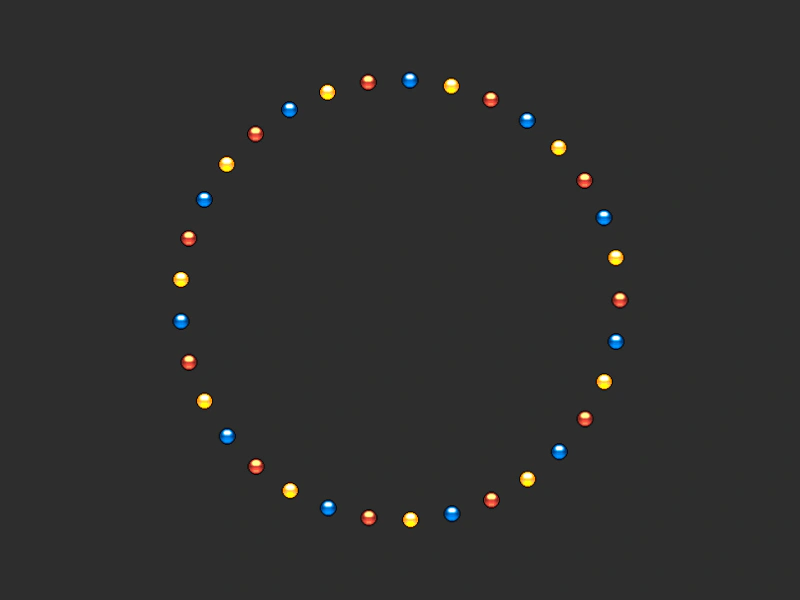 Place Sprites on a Circle and RotateArrange a group of sprites in a circle and animate their rotation and distance from the center using Phaser Actions and a tweened counter.
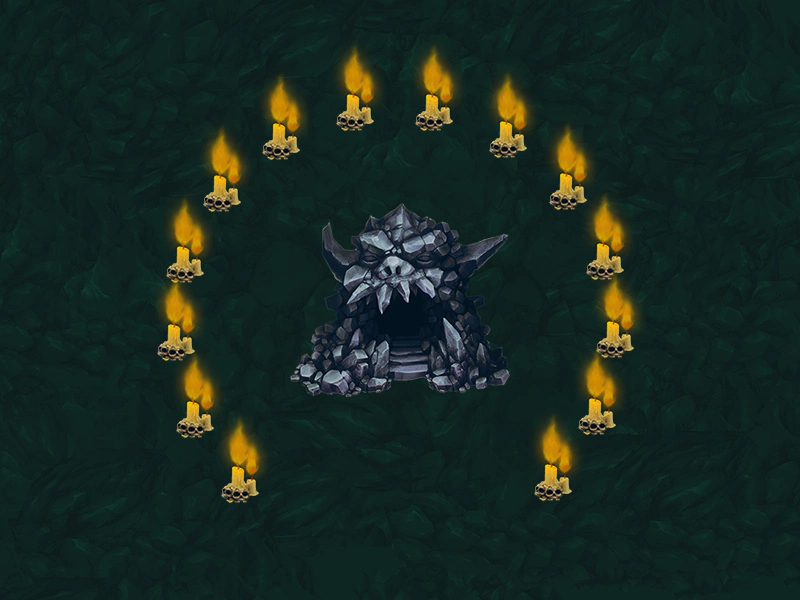 Place Sprites on a Circular ArcDistribute a collection of sprites along a specific segment of a circle using start and end angles with the PlaceOnCircle action.
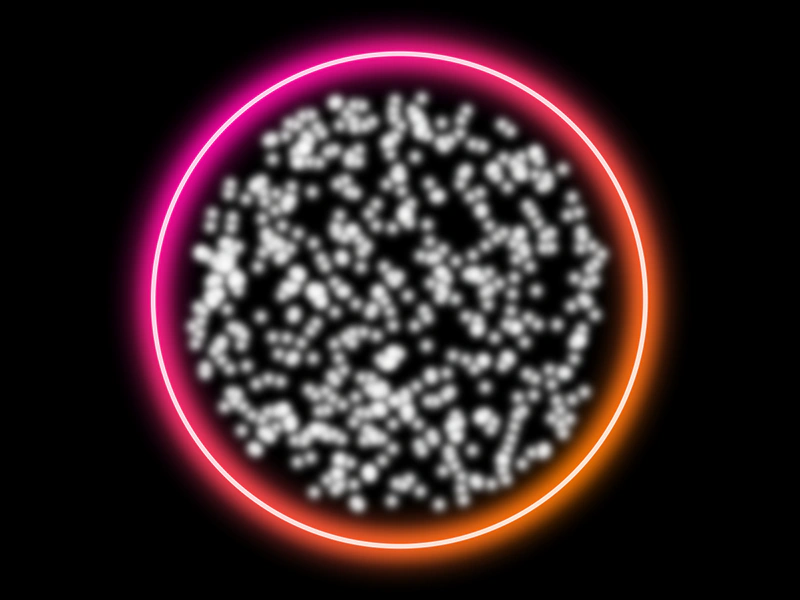 Random Circle ActionDistribute a collection of game objects randomly within the area of a circle geometry object using the RandomCircle action.
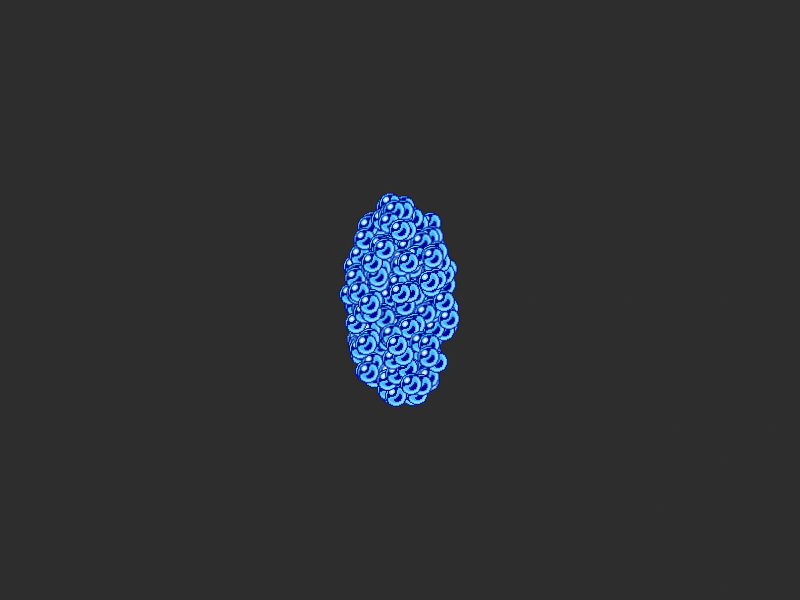 Random EllipseDistributes a group of sprites randomly within the area of an ellipse geometry object using the RandomEllipse action.
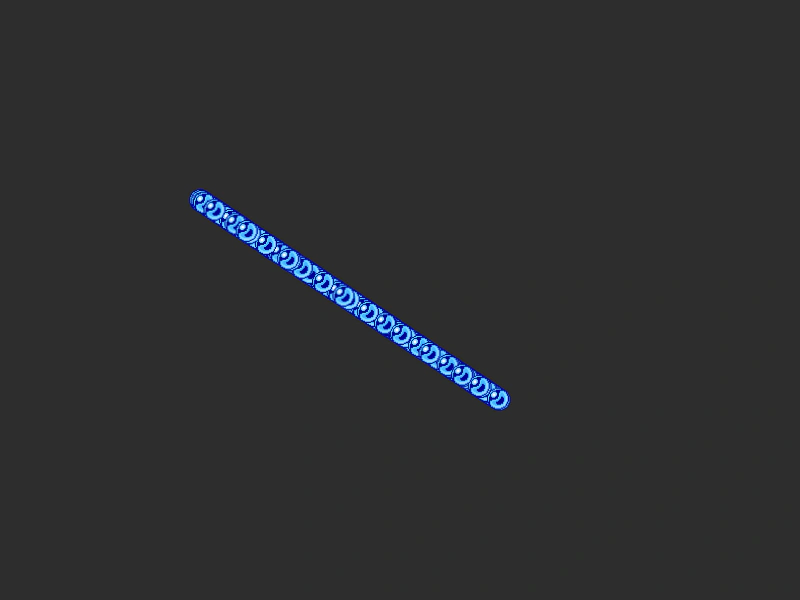 Random LinePositions a group of sprites at random points along a specific geometric line.
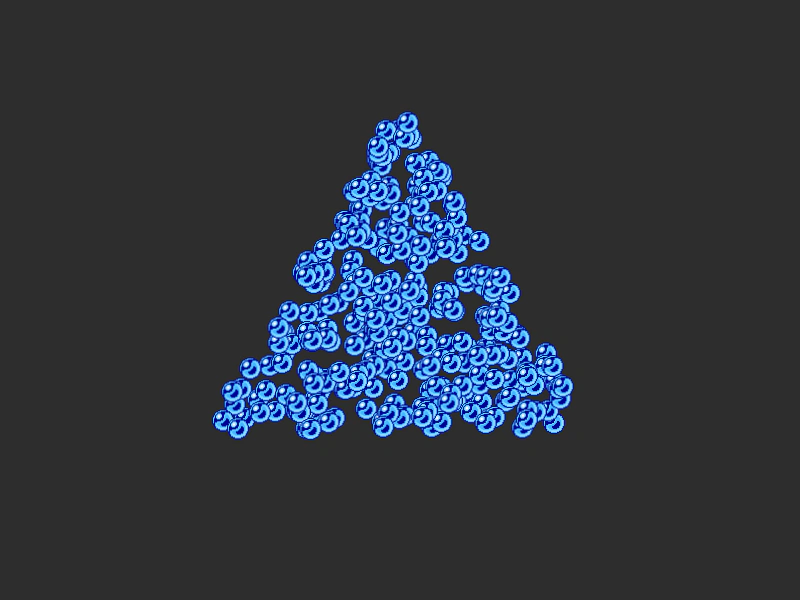 Random Position in TriangleDemonstrates how to use the RandomTriangle action to randomly distribute a group of sprites within the boundaries of a triangle geometry object.
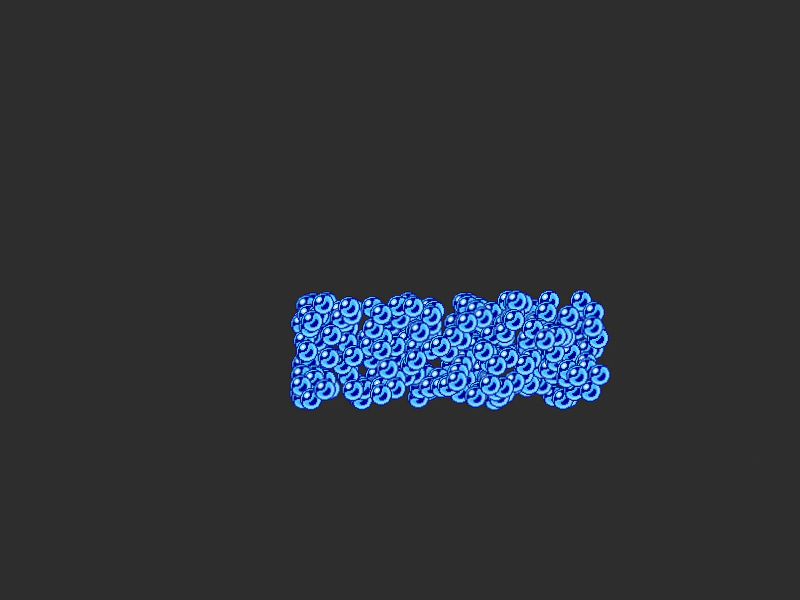 Random Rectangle ActionDemonstrates how to randomly distribute a group of sprites within the boundaries of a geometric rectangle using the RandomRectangle action.
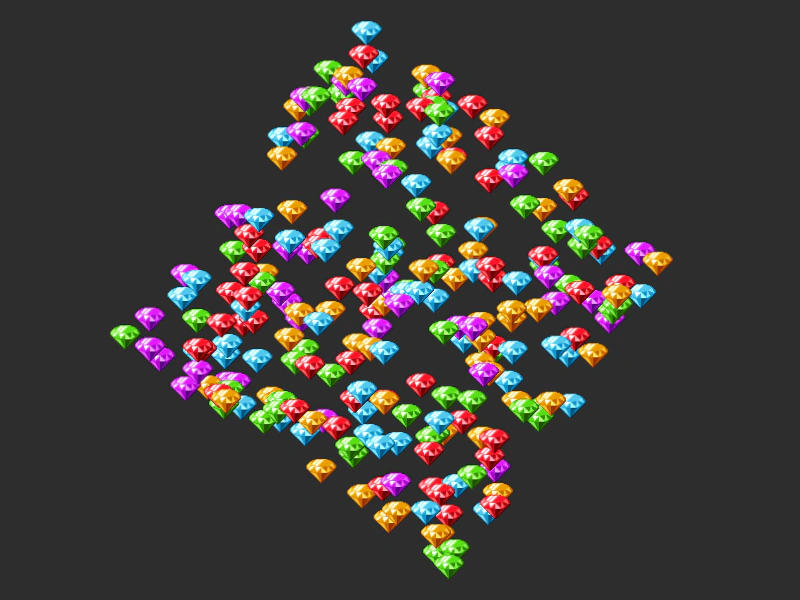 Rotate AroundDemonstrates how to rotate a group of Game Objects around a fixed point in space using the RotateAround action.
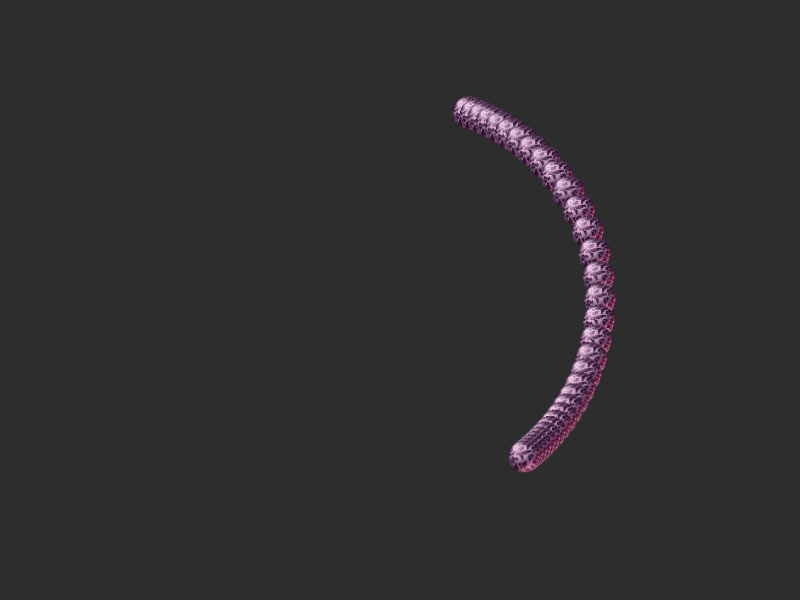 Rotate Around DistanceDemonstrates how to use the RotateAroundDistance action to rotate a group of game objects around a specific point while maintaining a fixed radius.
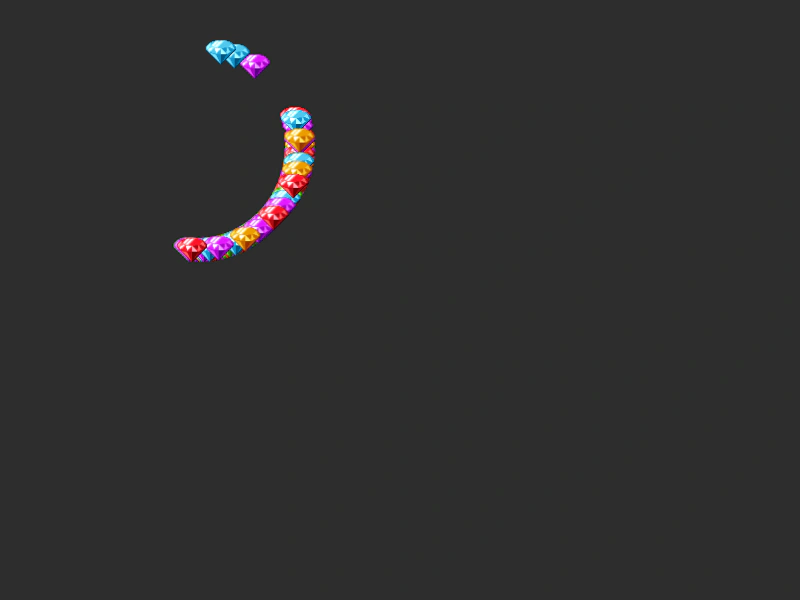 Rotate Around Point with DistanceDemonstrates using the RotateAroundDistance action to orbit a group of sprites around a specific point at a fixed radius, with the rotation center following the pointer.
 Rotate Container Facing PointDemonstrates how to orbit a Container around a specific point using RotateAroundDistance and update its rotation so that it always faces the center of the orbit.
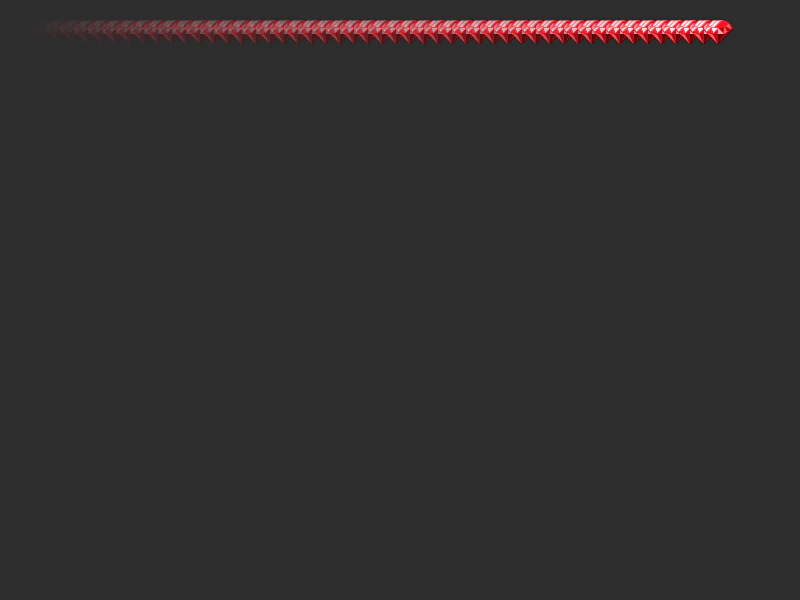 Set Alpha ActionDemonstrates using the Set Alpha action to apply a linear gradient of transparency across a group of sprites.
 Set X Y ActionDemonstrates how to use the SetXY action to set the coordinates for all members of a group at once.
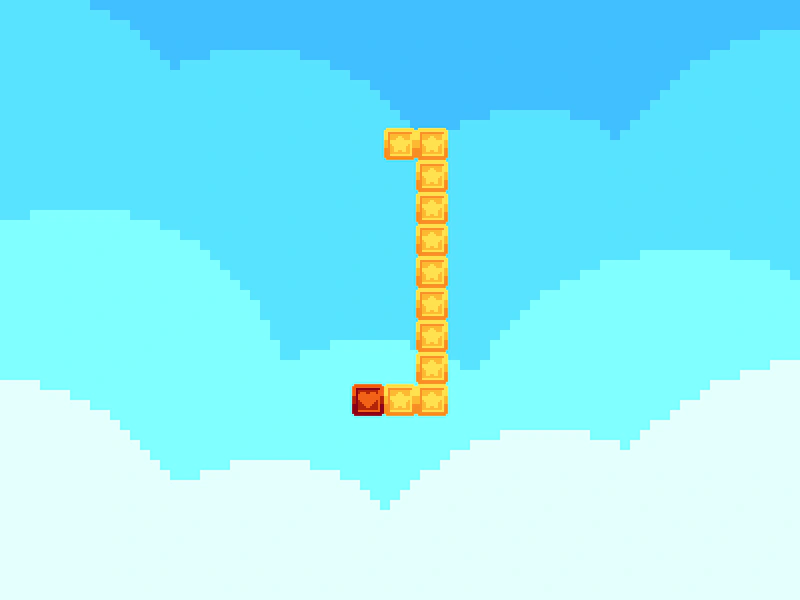 Shift Position SnakeDemonstrates using the ShiftPosition action to create a snake-like movement effect where each item in an array follows the previous coordinates of the leader.
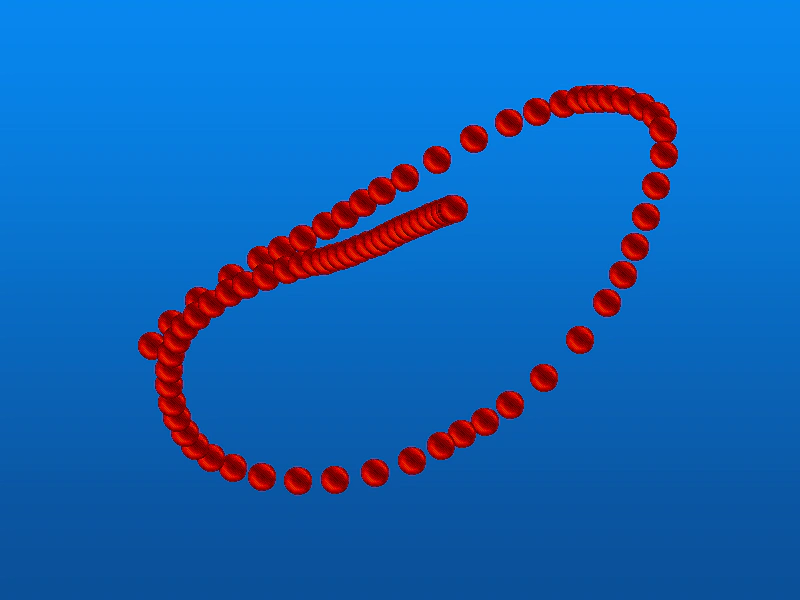 Shift Position TrailCreate a smooth trailing effect by using the ShiftPosition action to move a group of objects sequentially toward the mouse pointer.
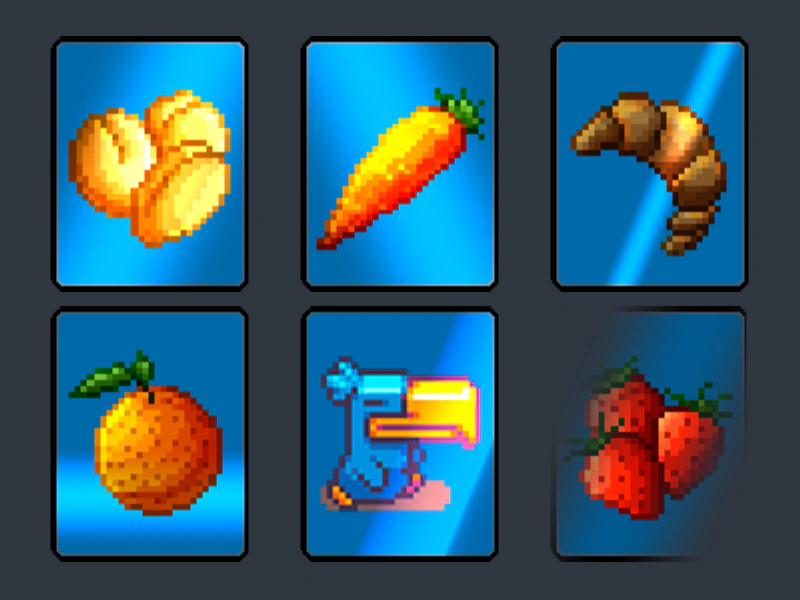 Shine Effect OptionsDemonstrates how to apply and customize the shine effect using Phaser.Actions.AddEffectShine, including adjustments for direction, radius, custom color bands, animation easing, and reveal modes.
 Soft Mask Shape ActionDemonstrates how to apply a mask with soft, blurred edges to a Game Object using the AddMaskShape action with blur radius and padding.
 Spread ActionDemonstrates how to use the Spread action to evenly distribute a property value, such as alpha, across a collection of Game Objects.
 Wrap in Camera BoundsDemonstrates how to use the WrapInRectangle action to wrap a collection of objects around the screen when they exit the camera's viewport.
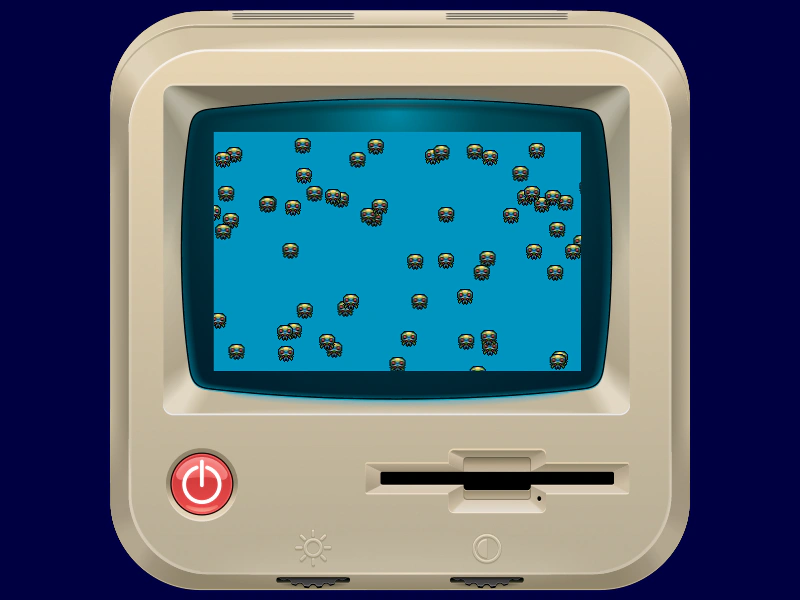 Wrap In RectangleDemonstrates how to keep a group of moving sprites within a specific rectangular area using the WrapInRectangle action.
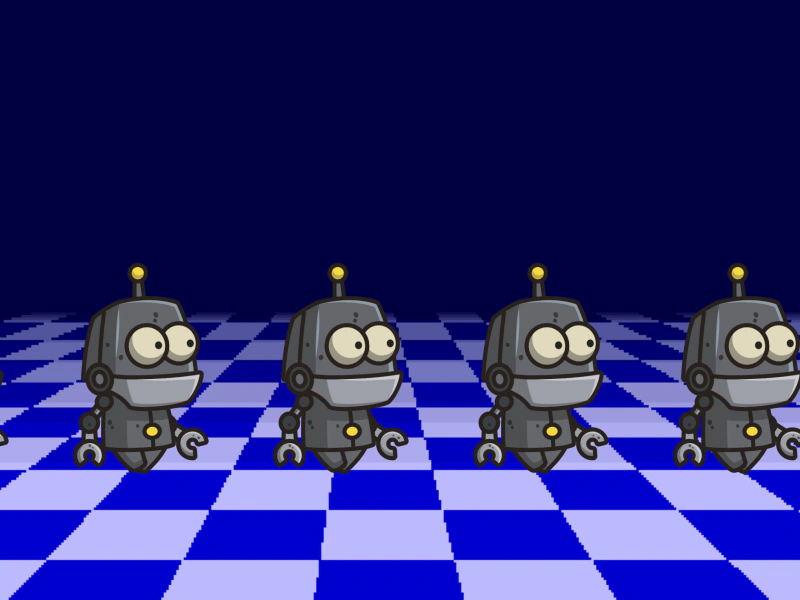 Wrap In Rectangle With PaddingDemonstrates using the WrapInRectangle action to keep sprites within a defined boundary, using a padding value to ensure they fully exit the area before wrapping to the opposite side.