Align To Action
Demonstrates how to use the AlignTo action to position an array of Game Objects sequentially relative to each other, using the first object as the anchor.
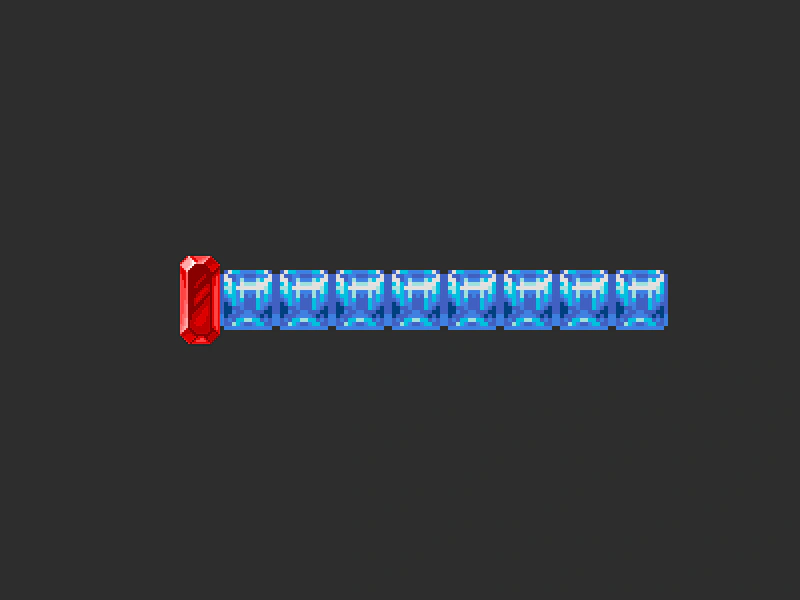
800 × 600
class Example extends Phaser.Scene
{
    constructor ()
    {
        super();
    }

    preload ()
    {
        this.load.setBaseURL('https://cdn.phaserfiles.com/v410');
        this.load.image('red', 'assets/sprites/gem.png');
        this.load.image('blue', 'assets/sprites/columns-blue.png');
    }

    create ()
    {
        const gems = [];

        //  This is our 'lead' Sprite, the first one in the array

        gems.push(this.add.sprite(200, 300, 'red'));

        for (let i = 0; i < 8; i++)
        {
            //  All of the blue gems will be aligned to the right of the red gem
            gems.push(this.add.sprite(0, 0, 'blue'));
        }

        Phaser.Actions.AlignTo(gems, Phaser.Display.Align.RIGHT_CENTER);
    }
}

const config = {
    scale: { mode: Phaser.Scale.FIT },
    type: Phaser.AUTO,
    width: 800,
    height: 600,
    backgroundColor: '#2d2d2d',
    parent: 'game-container',
    scene: Example
};

const game = new Phaser.Game(config);
More in Actions49 examples
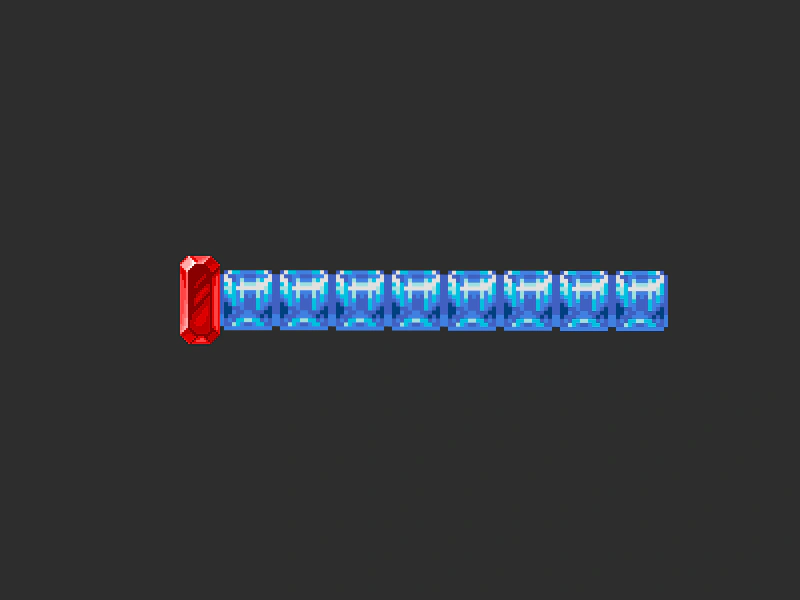 Align To OffsetDemonstrates using Phaser.Actions.AlignTo to position a sequence of sprites relative to each other with a dynamic vertical offset.
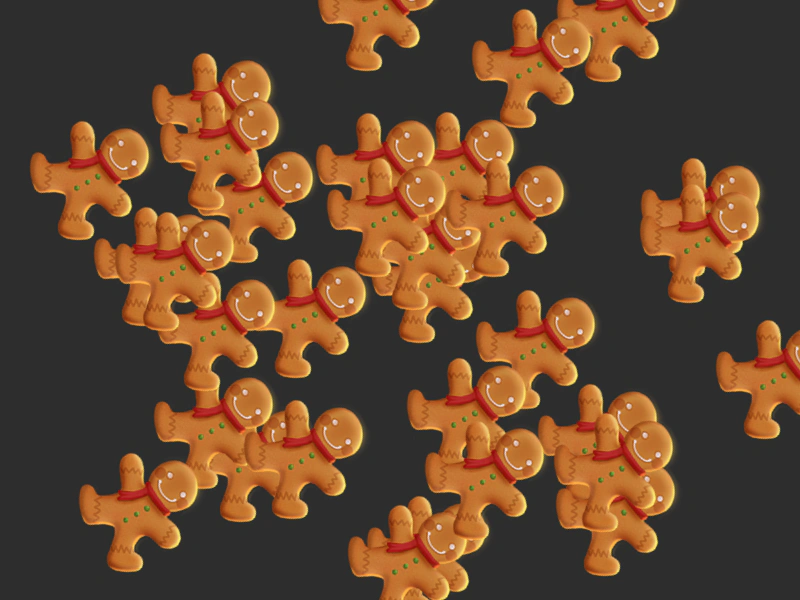 Angle ActionDemonstrates how to use the Angle action to rotate an array of Game Objects by a fixed amount every frame.
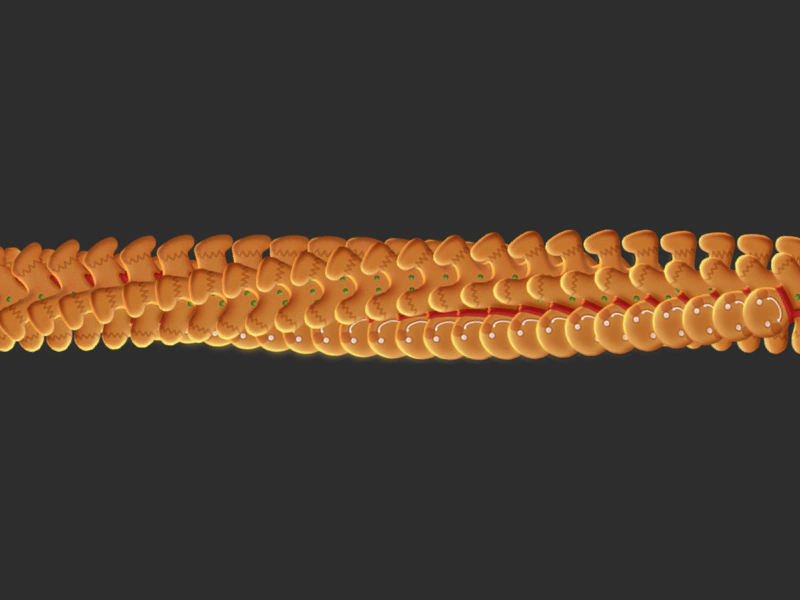 Angle With StepUses Phaser.Actions.Angle to apply a continuous, incremental rotation across an array of Game Objects every frame.
 Bloom Camera EffectDemonstrates how to apply a bloom shader effect to a camera using the AddEffectBloom action and animate the effect intensity with a tween.