Grid Align Animations
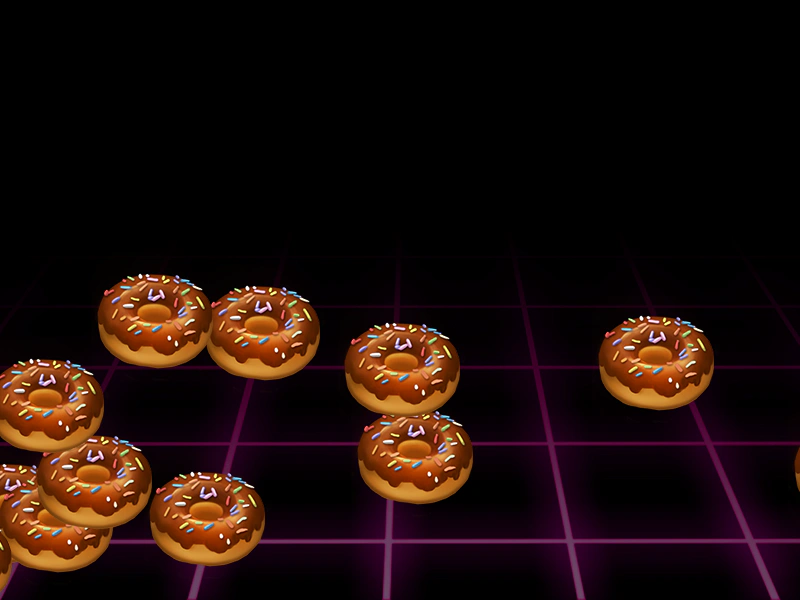
Demonstrates how to use the GridAlign action to arrange a collection of animated sprites into a structured grid layout.
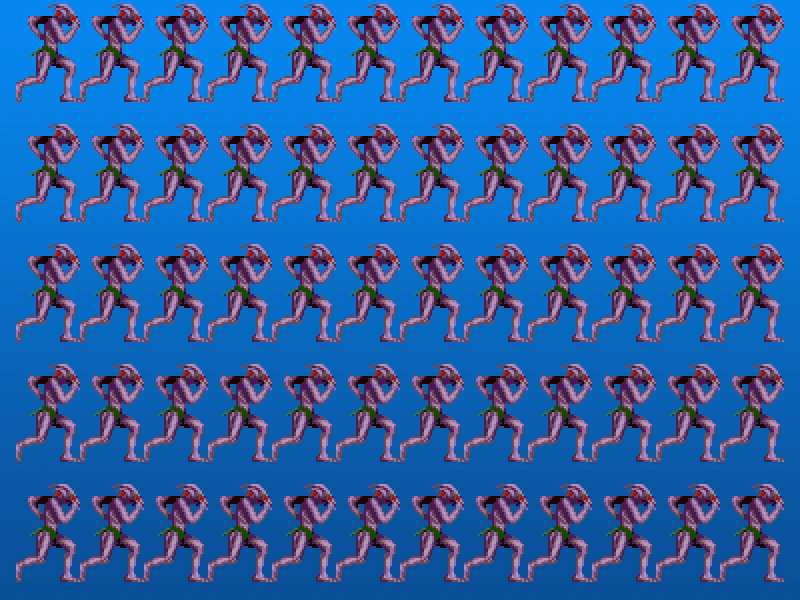
800 × 600
class Example extends Phaser.Scene
{
    constructor ()
    {
        super();
    }

    preload ()
    {
        this.load.setBaseURL('https://cdn.phaserfiles.com/v410');
        this.load.image('bg', 'assets/skies/deepblue.png');
        this.load.spritesheet('sotb', 'assets/animations/sotb-64x112x11.png', { frameWidth: 64, frameHeight: 112 });
    }

    create ()
    {
        this.add.image(400, 300, 'bg');

        this.anims.create({
            key: 'walk',
            frames: this.anims.generateFrameNumbers('sotb'),
            frameRate: 16,
            repeat: -1
        });

        const sprites = [];

        for (var i = 0; i < 60; i++)
        {
            sprites.push(this.add.sprite(0, 0, 'sotb').play('walk'));
        }

        //  The sprites are 64x112 in size

        //  Let's lay them out in a grid 12 sprites wide, by as many tall as we have sprites in the array for

        Phaser.Actions.GridAlign(sprites, {
            width: 12,
            cellWidth: 64,
            cellHeight: 120,
            x: 16,
            y: 4
        });
    }
}

const config = {
    scale: { mode: Phaser.Scale.FIT },
    type: Phaser.AUTO,
    width: 800,
    height: 600,
    backgroundColor: '#2d2d2d',
    parent: 'game-container',
    scene: Example
};

const game = new Phaser.Game(config);
More in Actions49 examples
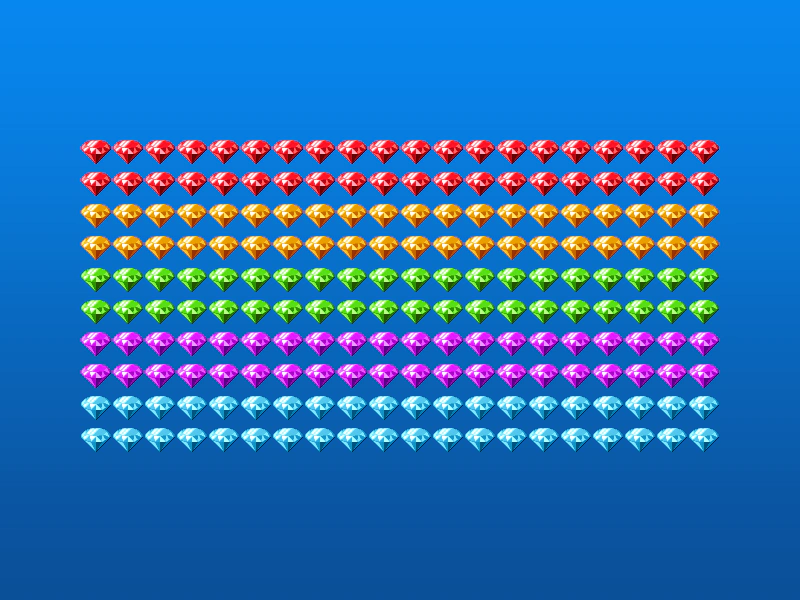 Grid Align GroupDemonstrates how to use the GridAlign action to automatically arrange Game Objects from a Group into a grid formation with defined cell dimensions and positioning.
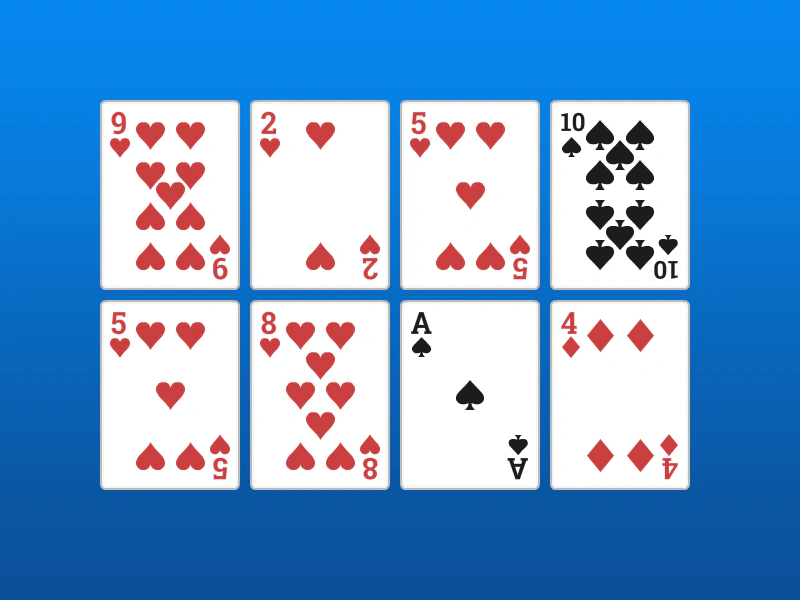 Grid Align SpritesDemonstrates how to arrange an array of sprites into a 4x2 grid using the GridAlign action, specifying cell dimensions and starting coordinates.
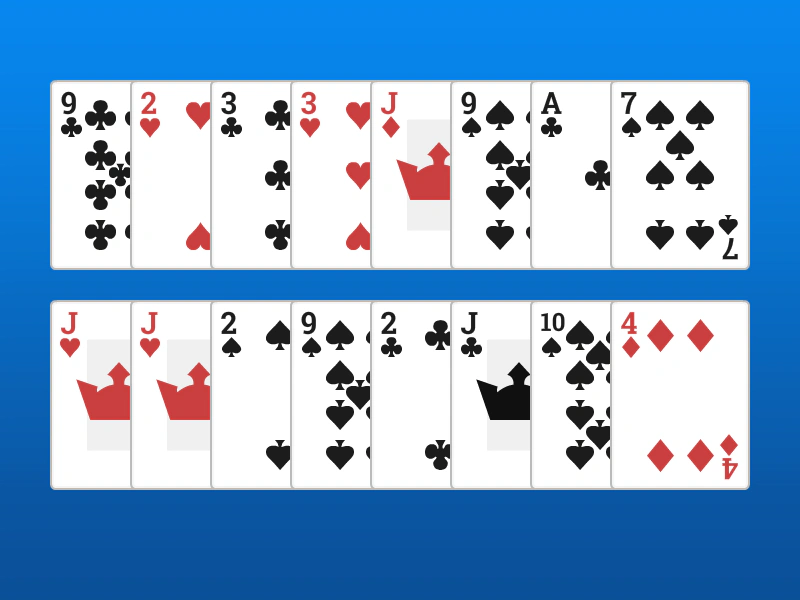 Grid Align with OverlapDemonstrates how to arrange a group of sprites into a grid where the items overlap horizontally by setting cell dimensions smaller than the actual sprite size.
 Increment X ActionUse the IncX action to move an array of Game Objects horizontally, applying both a base increment and an optional step value for varied speeds.