Soft Mask Shape Action
Demonstrates how to apply a mask with soft, blurred edges to a Game Object using the AddMaskShape action with blur radius and padding.

800 × 600
class Example extends Phaser.Scene
{
    cougar;

    preload ()
    {
        this.load.setBaseURL('https://cdn.phaserfiles.com/v410');
        this.load.image('cougar', 'assets/pics/cougar-ihsf.png');
    }

    create ()
    {
        const cougar = this.add.image(400, 300, 'cougar');
        this.cougar = cougar;

        Phaser.Actions.AddMaskShape(cougar, {
            useInternal: true,
            blurRadius: 8,
            padding: 64
        });
    }

    update (time)
    {
        this.cougar.setPosition(
            400 + 16 * Math.cos(time / 100),
            300 + 8 * Math.sin(time / 78.7)
        )
        .setScale(1 + 0.02 * Math.sin(time / 45.9))
        .setRotation(0.1 * Math.cos(time / 89));
    }
}

const config = {
    scale: { mode: Phaser.Scale.FIT },
    type: Phaser.AUTO,
    width: 800,
    height: 600,
    parent: 'game-container',
    scene: Example
};

const game = new Phaser.Game(config);
More in Actions49 examples
 Spread ActionDemonstrates how to use the Spread action to evenly distribute a property value, such as alpha, across a collection of Game Objects.
 Wrap in Camera BoundsDemonstrates how to use the WrapInRectangle action to wrap a collection of objects around the screen when they exit the camera's viewport.
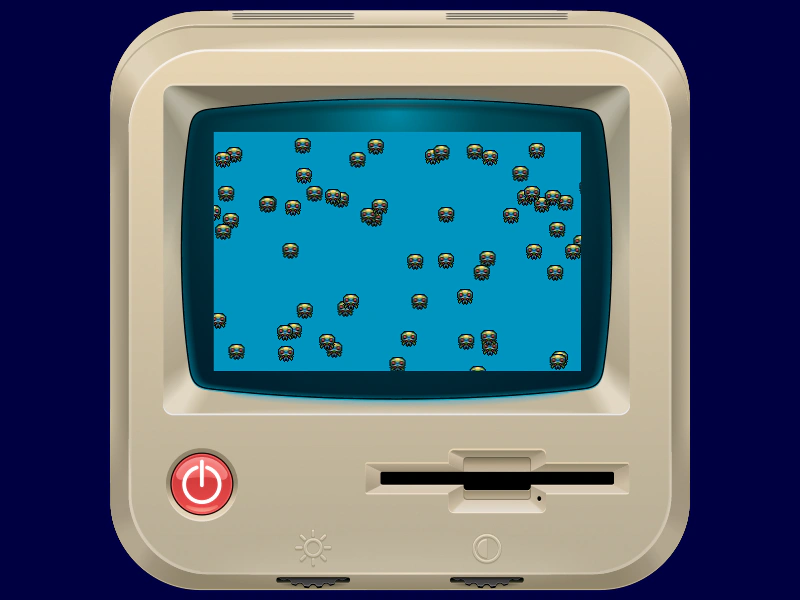 Wrap In RectangleDemonstrates how to keep a group of moving sprites within a specific rectangular area using the WrapInRectangle action.
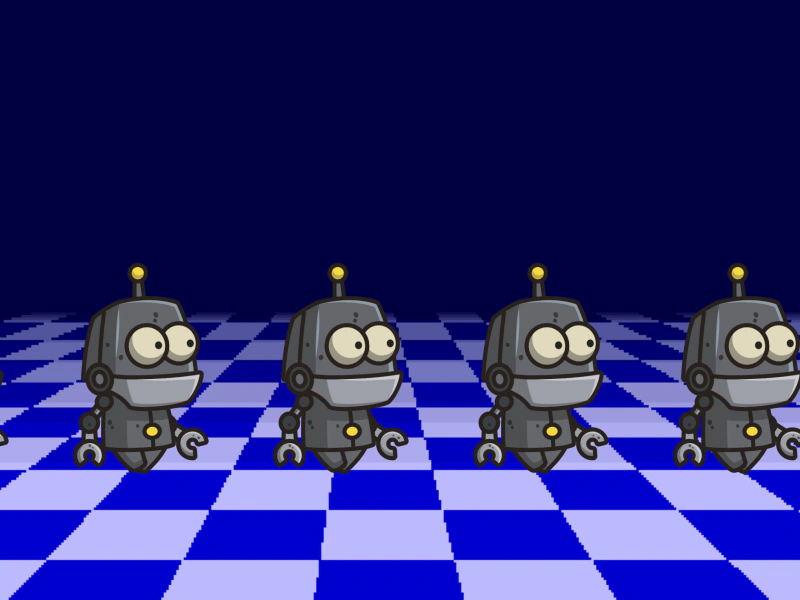 Wrap In Rectangle With PaddingDemonstrates using the WrapInRectangle action to keep sprites within a defined boundary, using a padding value to ensure they fully exit the area before wrapping to the opposite side.