Get First Action
Demonstrates how to use the GetFirst action to find the first game object in an array that matches specific property values, such as scale and frame.
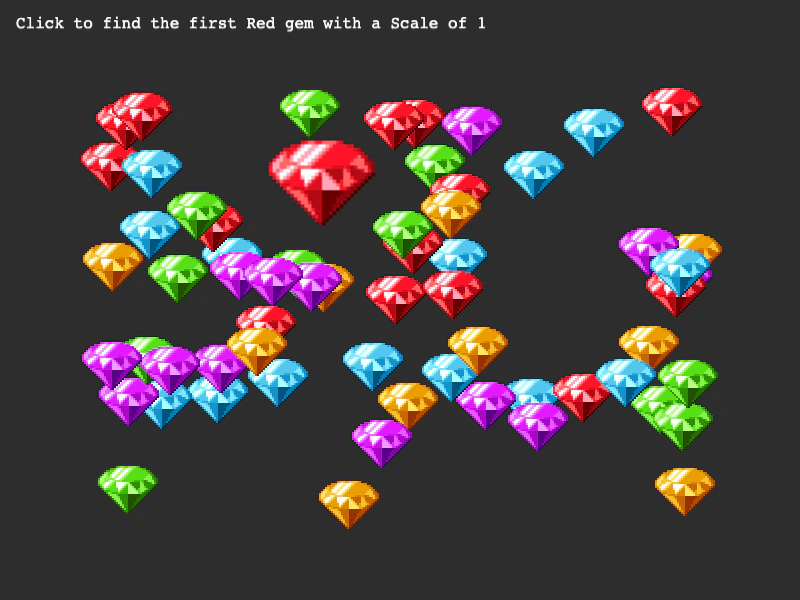
800 × 600
class Example extends Phaser.Scene
{
    constructor ()
    {
        super();
    }

    preload ()
    {
        this.load.setBaseURL('https://cdn.phaserfiles.com/v410');
        this.load.spritesheet('diamonds', 'assets/sprites/diamonds32x5.png', { frameWidth: 64, frameHeight: 64 });
    }

    create ()
    {
        const gems = [];

        for (let i = 1; i < 64; i++)
        {
            const x = Phaser.Math.Between(100, 700);
            const y = Phaser.Math.Between(100, 500);
            const frame = Phaser.Math.Between(0, 4);

            gems.push(this.add.sprite(x, y, 'diamonds', frame));
        }

        this.add.text(16, 16, 'Click to find the first Red gem with a Scale of 1');

        const redFrame = this.textures.getFrame('diamonds', 0);

        this.input.on('pointerdown', () => {

            //  Get the first sprite with a scale of 1 that is using the Red frame
            const red = Phaser.Actions.GetFirst(gems, { scaleX: 1, frame: redFrame });

            if (red)
            {
                this.children.bringToTop(red);

                this.tweens.chain({
                    targets: red,
                    tweens: [
                        {
                            scale: 2,
                            duration: 400,
                            ease: 'Bounce.easeOut'
                        },
                        {
                            delay: 500,
                            scale: 0,
                            duration: 1000
                        }
                    ]
                });
            }

        });
    }
}

const config = {
    scale: { mode: Phaser.Scale.FIT },
    type: Phaser.AUTO,
    width: 800,
    height: 600,
    backgroundColor: '#2d2d2d',
    parent: 'game-container',
    scene: Example
};

const game = new Phaser.Game(config);
More in Actions49 examples
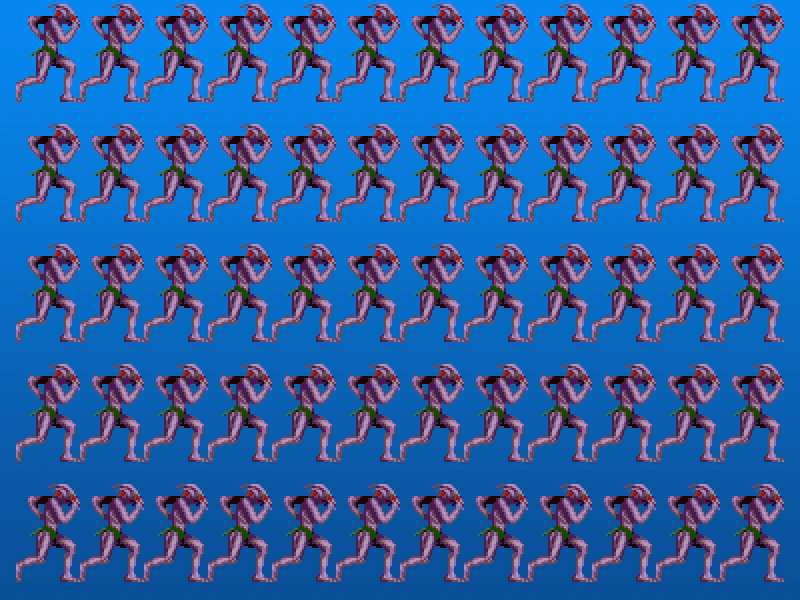 Grid Align AnimationsDemonstrates how to use the GridAlign action to arrange a collection of animated sprites into a structured grid layout.
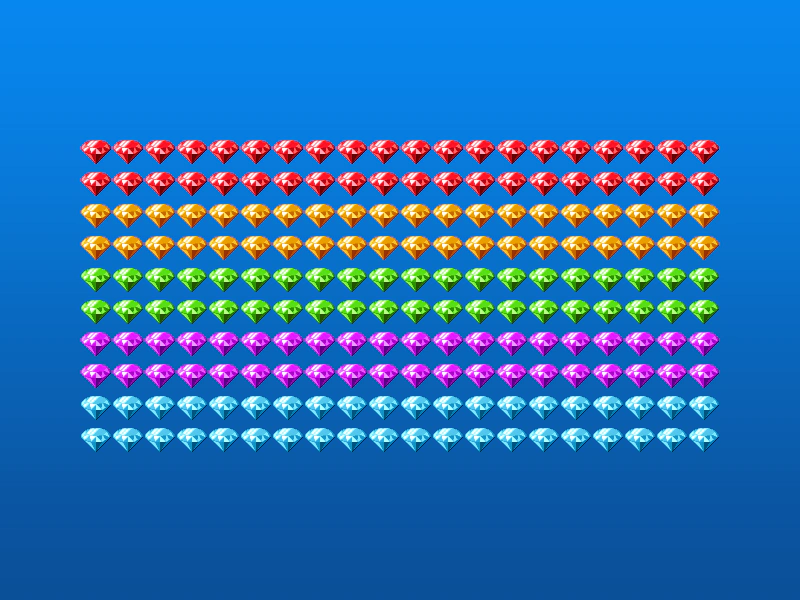 Grid Align GroupDemonstrates how to use the GridAlign action to automatically arrange Game Objects from a Group into a grid formation with defined cell dimensions and positioning.
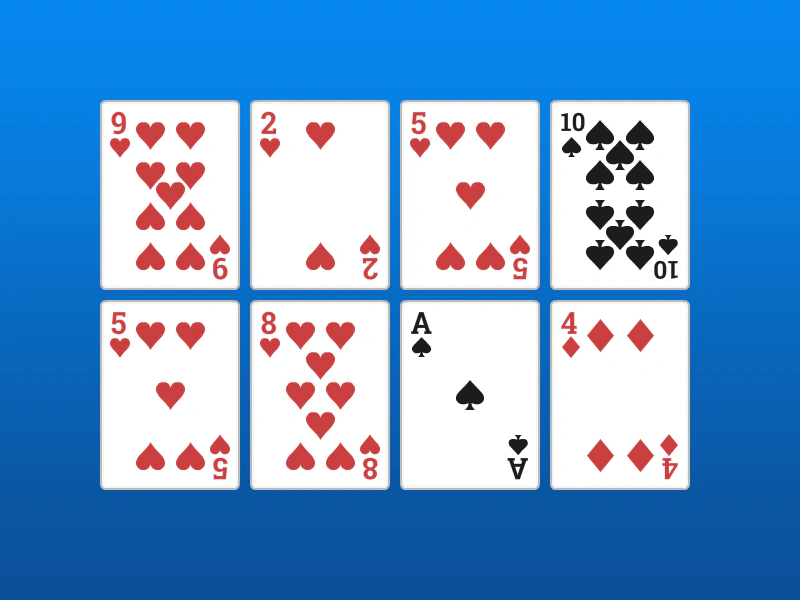 Grid Align SpritesDemonstrates how to arrange an array of sprites into a 4x2 grid using the GridAlign action, specifying cell dimensions and starting coordinates.
 Grid Align with OverlapDemonstrates how to arrange a group of sprites into a grid where the items overlap horizontally by setting cell dimensions smaller than the actual sprite size.