Fit To Region
Demonstrates how to use the FitToRegion action to scale game objects into a target area using different fit modes including fit inside, stretch to fill, or fit outside.
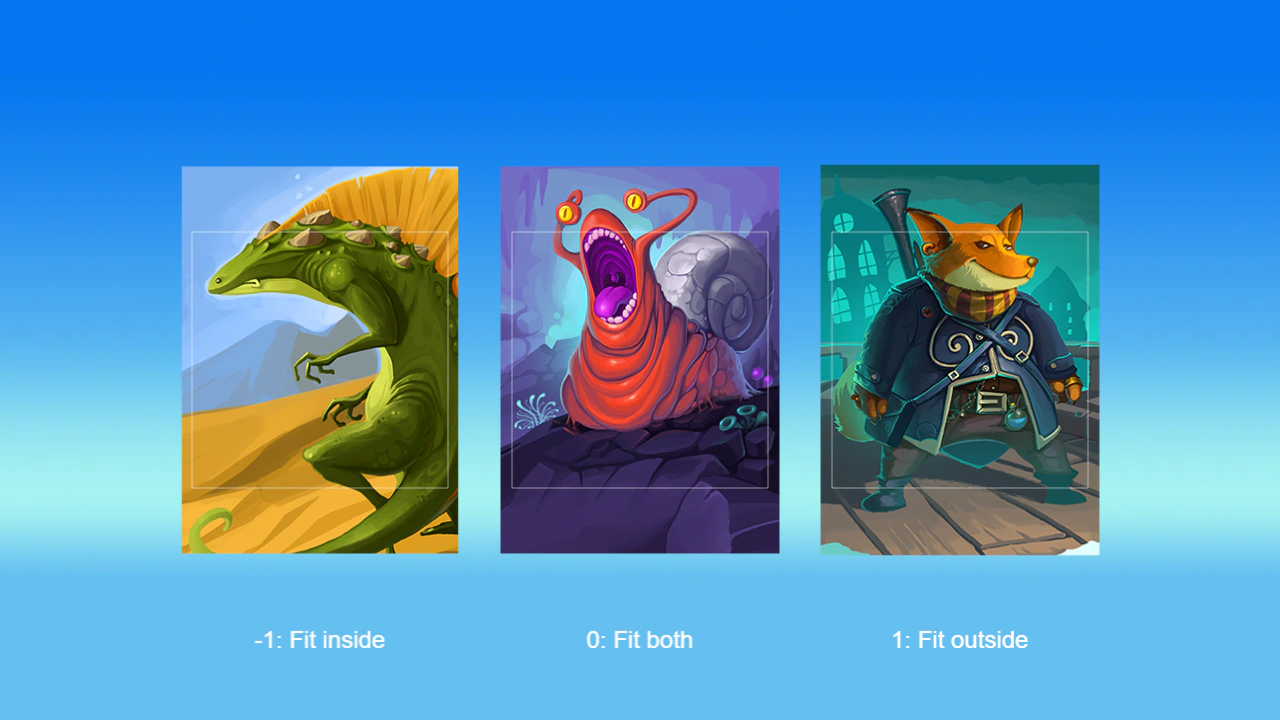
1280 × 720
class Example extends Phaser.Scene
{
    preload ()
    {
        this.load.setBaseURL('https://cdn.phaserfiles.com/v410');
        this.load.image('bg', 'assets/skies/bigsky.png');
        this.load.image('card1', 'assets/pics/card1.png');
        this.load.image('card2', 'assets/pics/card2.png');
        this.load.image('card3', 'assets/pics/card3.png');
    }

    create ()
    {
        const bg = this.add.image(640, 360, 'bg');

        // By default, the region is the screen.
        Phaser.Actions.FitToRegion(bg);

        // Create some non-square cards...
        const card1 = this.add.image(320, 360, 'card2');
        const card2 = this.add.image(640, 360, 'card1');
        const card3 = this.add.image(960, 360, 'card3');

        // ... and some square regions.
        // We could use anything with x, y, width, height values, e.g. Geom.Rectangle.
        const fitRect1 = this.add.rectangle(320, 360, 256, 256).setStrokeStyle(1, 0xffffff, 0.5);
        const fitRect2 = this.add.rectangle(640, 360, 256, 256).setStrokeStyle(1, 0xffffff, 0.5);
        const fitRect3 = this.add.rectangle(960, 360, 256, 256).setStrokeStyle(1, 0xffffff, 0.5);

        // Fit cards to regions.
        // Note we override the origin so it will align properly.
        Phaser.Actions.FitToRegion(card1, -1, fitRect1, { originX: 0, originY: 0 });
        Phaser.Actions.FitToRegion(card2, 0, fitRect2, { originX: 0, originY: 0 });
        Phaser.Actions.FitToRegion(card3, 1, fitRect3, { originX: 0, originY: 0 });

        this.add.text(320, 640, '-1: Fit inside', { fontFamily: 'sans-serif', fontColor: '#ffffff', fontSize: 24 }).setOrigin(0.5);
        this.add.text(640, 640, '0: Fit both', { fontFamily: 'sans-serif', fontColor: '#ffffff', fontSize: 24 }).setOrigin(0.5);
        this.add.text(960, 640, '1: Fit outside', { fontFamily: 'sans-serif', fontColor: '#ffffff', fontSize: 24 }).setOrigin(0.5);

        // Animate between fitted and original state.
        this.tweens.add({
            targets: [card1, card2, card3],
            scaleX: 1,
            scaleY: 1,
            duration: 1000,
            repeat: -1,
            repeatDelay: 1000,
            yoyo: true,
            ease: 'Quad.inout'
        });
    }
}

const config = {
    scale: { mode: Phaser.Scale.FIT },
    type: Phaser.AUTO,
    width: 1280,
    height: 720,
    backgroundColor: '#2f3640',
    parent: 'game-container',
    scene: Example
};

const game = new Phaser.Game(config);
More in Actions49 examples
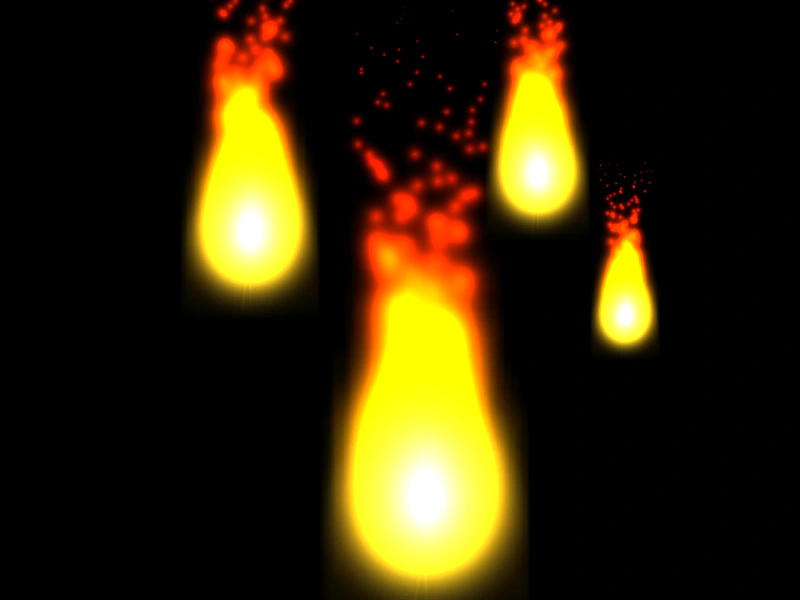 Fit to Region with Manual SizeDemonstrates how to use Phaser.Actions.FitToRegion on Game Objects that lack intrinsic dimensions, such as Particle Emitters, by providing explicit source width and height.
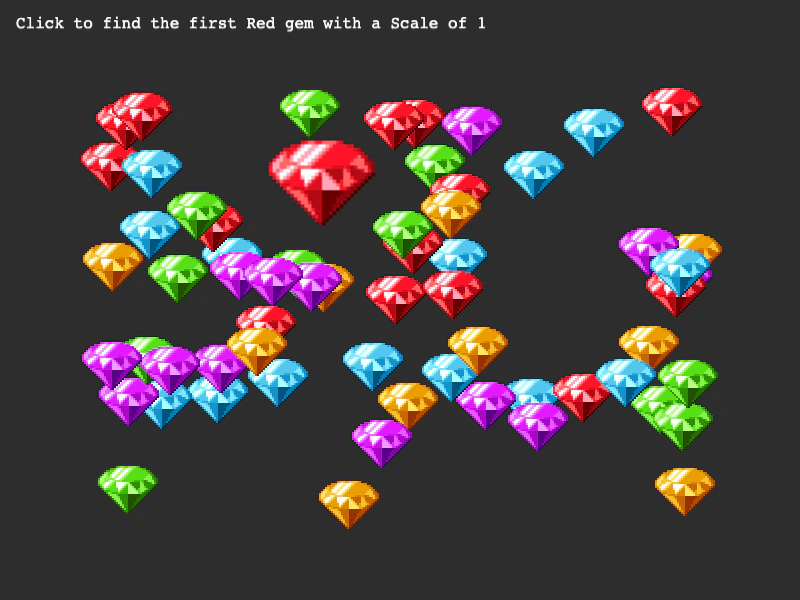 Get First ActionDemonstrates how to use the GetFirst action to find the first game object in an array that matches specific property values, such as scale and frame.
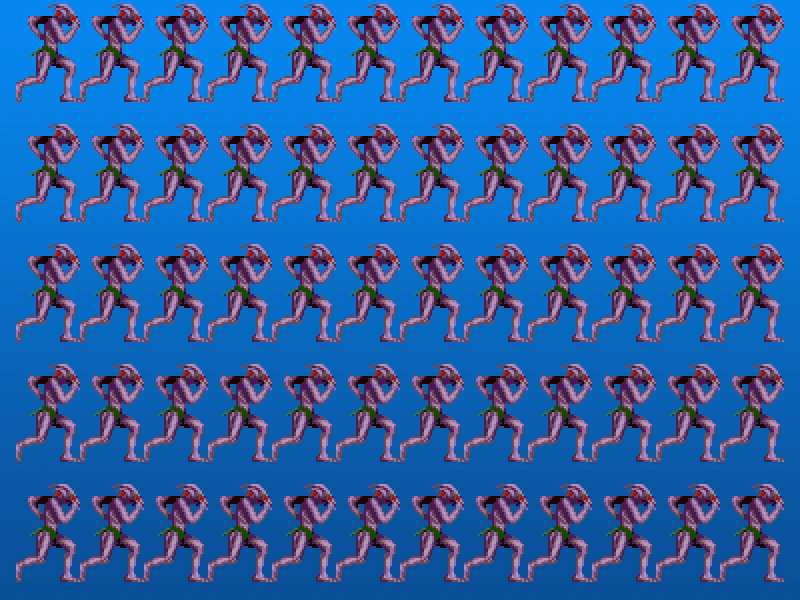 Grid Align AnimationsDemonstrates how to use the GridAlign action to arrange a collection of animated sprites into a structured grid layout.
 Grid Align GroupDemonstrates how to use the GridAlign action to automatically arrange Game Objects from a Group into a grid formation with defined cell dimensions and positioning.