Phaser 4 examples
Mouse
- 25 examples
Examples 25
 Check Button ReleasedDetect which specific mouse button (left, right, middle, back, or forward) was released using pointer helper methods like leftButtonReleased and rightButtonReleased.
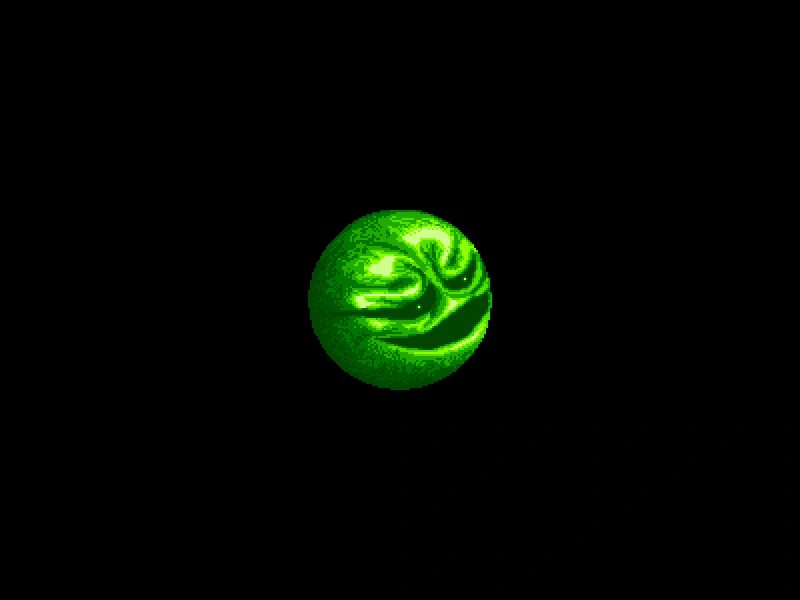 Circle Hit AreaLearn how to define a circular interactive hit area for a Sprite using a Geometric Circle shape and custom input callbacks.
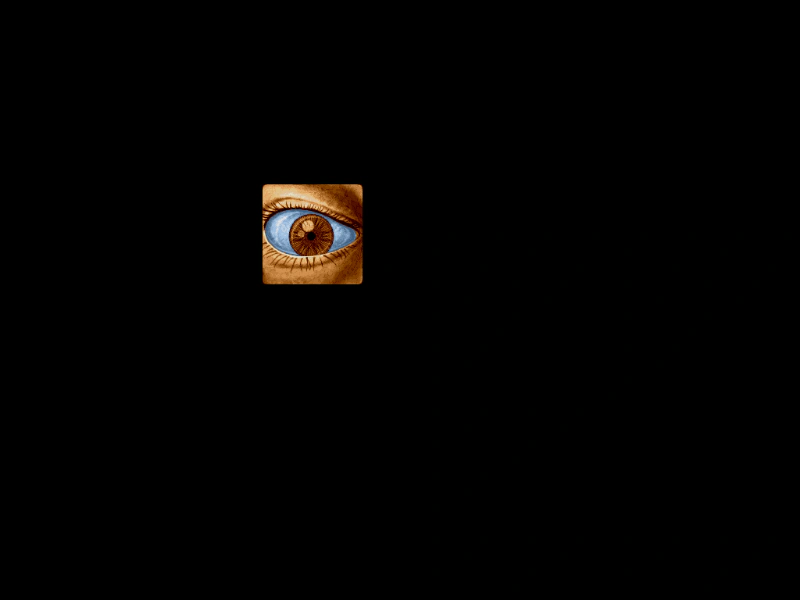 Click SpriteEnable input on a sprite to detect pointer events and change its visual state using tints during interactions.
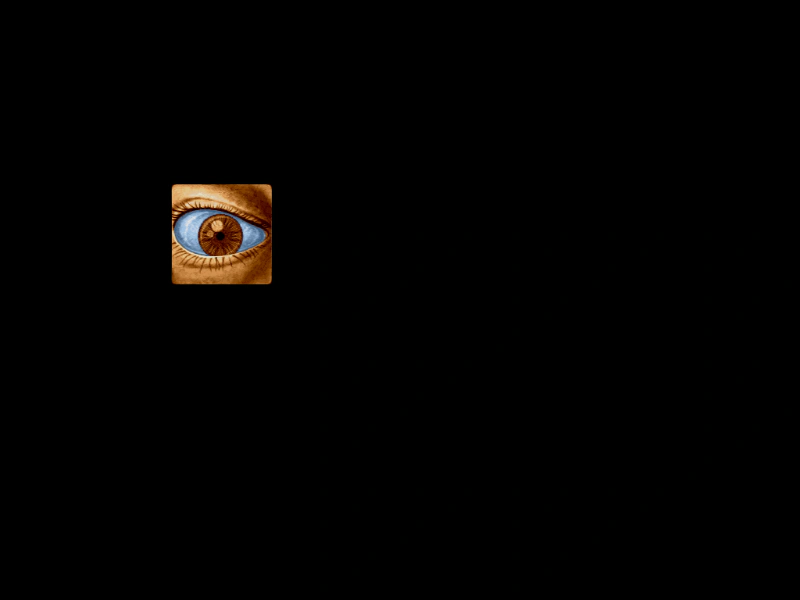 Continuous Input PollingDemonstrates how to use setPollAlways to trigger interaction events, like pointer over and out, even when the mouse is stationary but the object is moving.
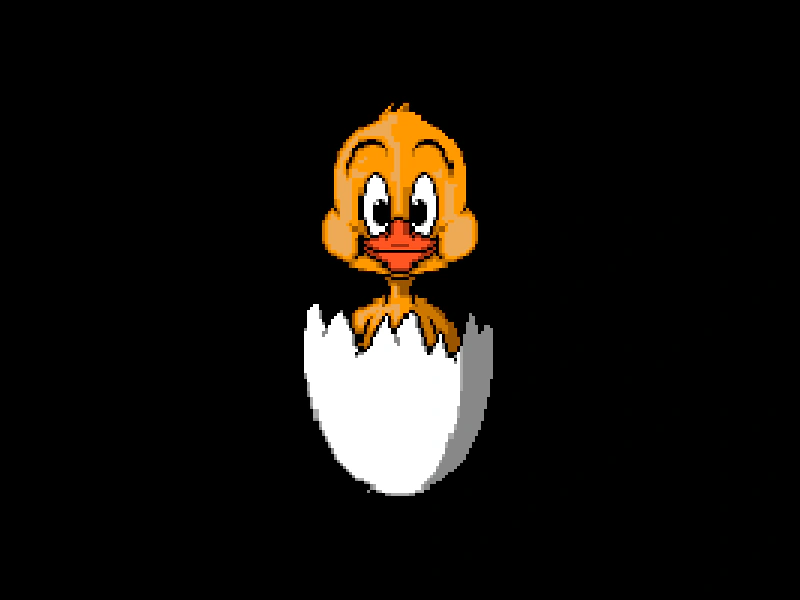 Ellipse Hit AreaDemonstrates how to define a custom elliptical hit area for a sprite using a geometric shape and a contains check for pointer interaction.
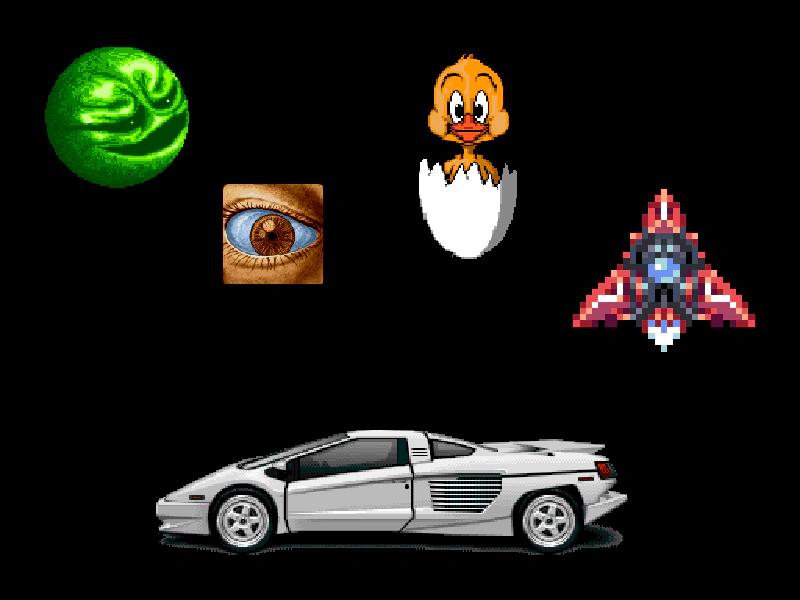 Geometric Shape Hit AreasDemonstrates how to define custom interactive hit areas for sprites using geometric shapes including Polygons, Circles, Ellipses, Rectangles, and Triangles.
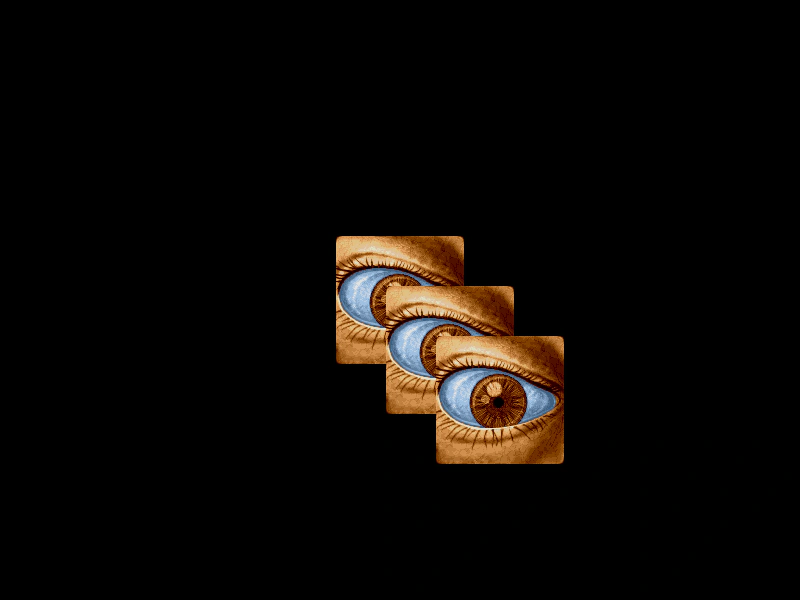 Handle Multiple Overlapping Input EventsDemonstrates how to disable 'topOnly' input processing, allowing pointer events to trigger on all overlapping interactive objects simultaneously instead of just the top-most one.
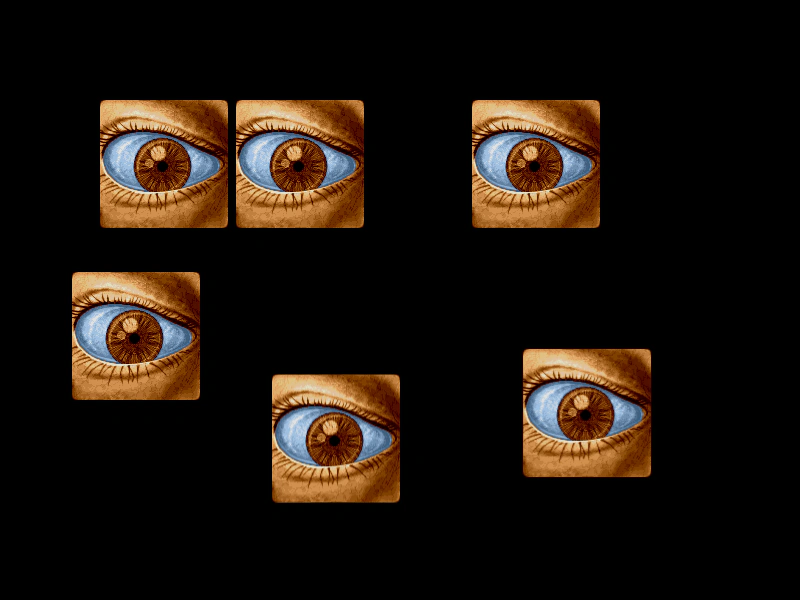 Input Interactivity with Sprite OriginsDemonstrates how setting different origin points on interactive Sprites affects their hit detection and mouse hover areas.
 Input Top OnlyDemonstrates how to use the input topOnly property to ensure that only the top-most interactive GameObject receives input events when multiple objects overlap.
 Interactive Text Hover EffectsDemonstrates how to enable input on Text Game Objects and use the gameobjectover and gameobjectout events to apply visual tint effects when hovering.
 Mass Interactive Sprite GridA performance test featuring 10,000 interactive sprites in a grid. Demonstrates using shared hit areas for input, smoothed camera controls for navigation, and pointer events to highlight or hide objects.
 Mass Scrolling Interactive SpritesA stress test demonstrating input events and performance across 10,000 interactive sprites in a large grid, featuring camera controls and disabled camera culling.
 Mass Sprite Input DetectionDemonstrates efficient pointer event handling for a large number of sprites arranged in a grid using groups and hit area callbacks.
 Mouse Down EventDetect a pointer down event and spawn a sprite at the pointer coordinates.
 Mouse Wheel InputCapture mouse wheel scroll events and use the delta values to scroll a TileSprite texture.
 Mouse Wheel Over Game ObjectHow to detect and handle mouse wheel scroll events specifically when the cursor is positioned over an interactive Game Object.
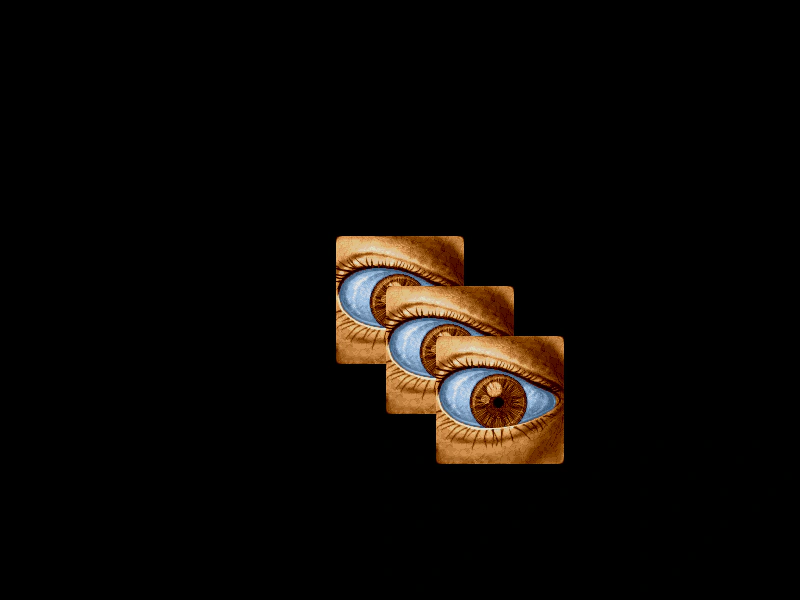 Move Over EventDemonstrates listening for the 'gameobjectmove' event on interactive sprites and using the 'topOnly' property to handle events for multiple overlapping objects.
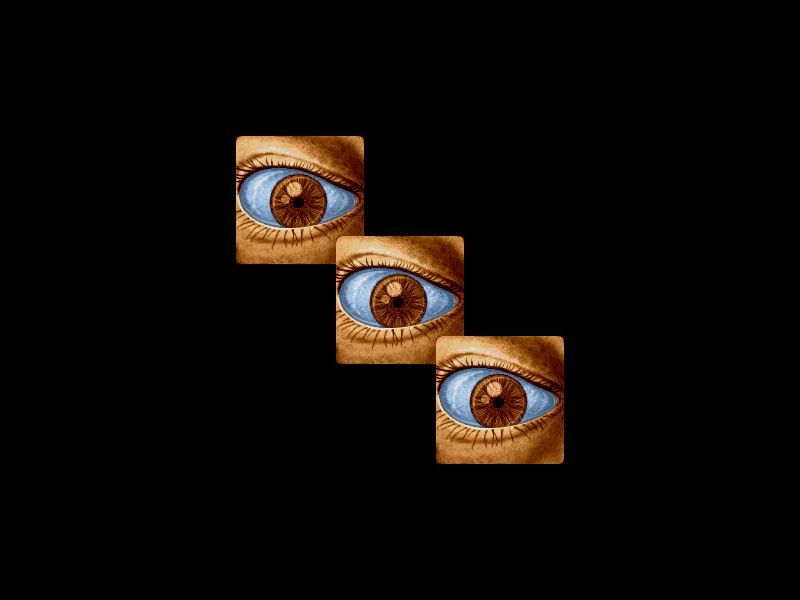 Over and Out EventsDemonstrates using pointerover and pointerout events to detect when the mouse enters or leaves interactive Game Objects.
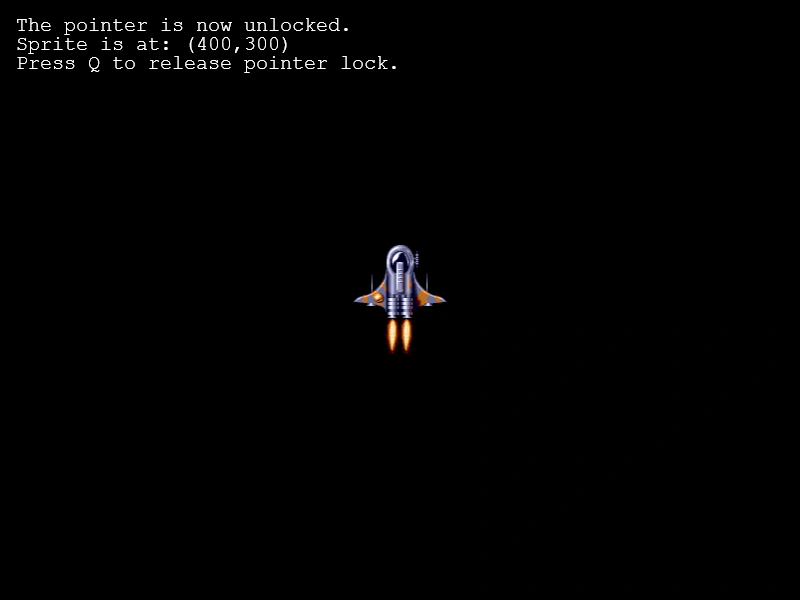 Pointer LockDemonstrates how to use the Pointer Lock API to capture the mouse cursor, utilizing relative mouse movement properties (movementX and movementY) to control a sprite.
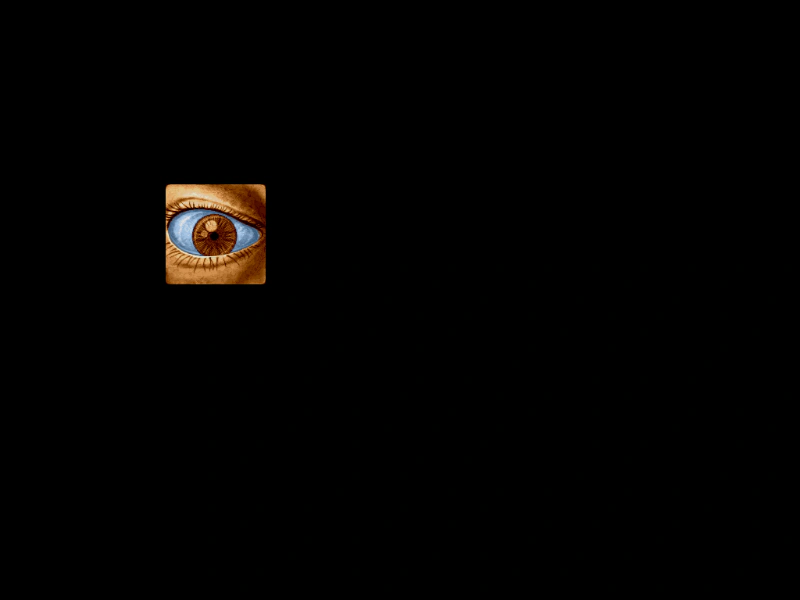 Poll Only On MoveConfigures input hit detection to only occur when the mouse moves. This prevents hover events from triggering automatically as moving sprites pass under a stationary cursor.
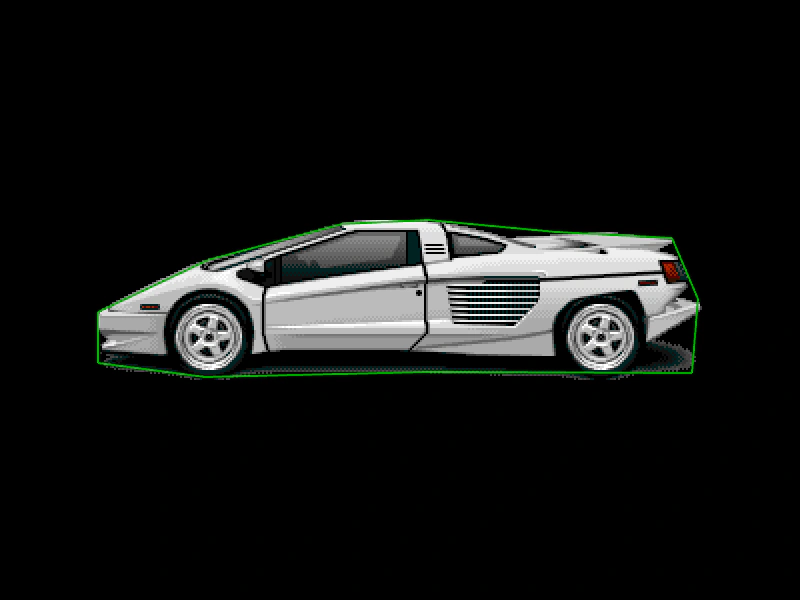 Polygon Hit AreaDefine a custom interactive hit area for a Sprite using a Polygon geometry shape and the Polygon.Contains callback for precise pointer detection.
 Right Mouse Button InteractionDemonstrates how to detect right mouse button clicks, disable the default browser context menu, and use pointer duration to handle both short and long press events.
 Sprite Pointer EventsMake a single sprite interactive and handle pointer down and up events to change its tint.
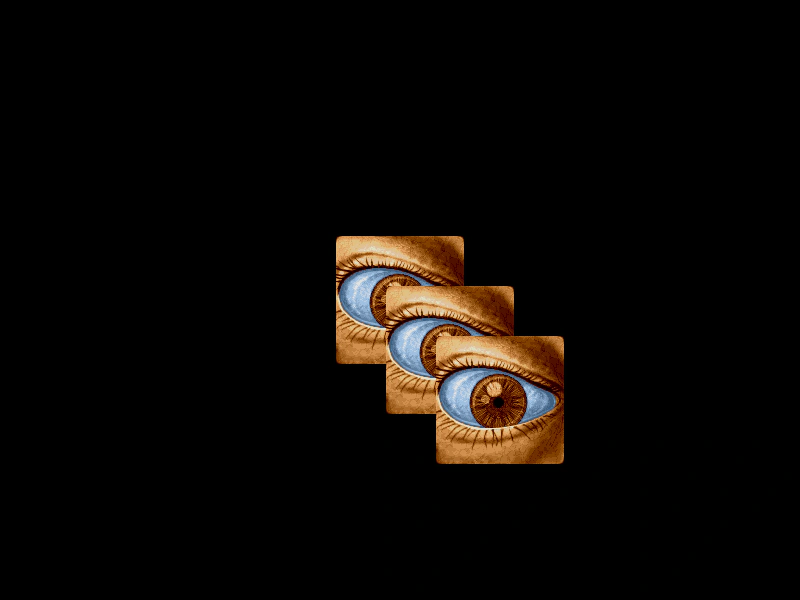 Top Only Input Over and Out EventsDemonstrates how to use the topOnly property to enable input events for all overlapping Game Objects simultaneously, rather than just the one on the top layer.
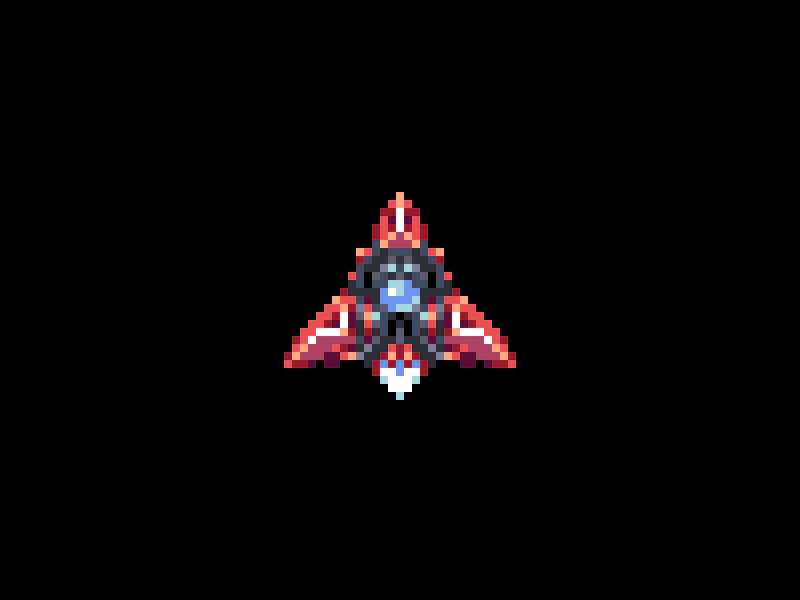 Triangle Hit AreaDemonstrates how to define a custom triangular hit area for a sprite using a geometric shape and a custom callback.