Handle Multiple Overlapping Input Events
Demonstrates how to disable 'topOnly' input processing, allowing pointer events to trigger on all overlapping interactive objects simultaneously instead of just the top-most one.
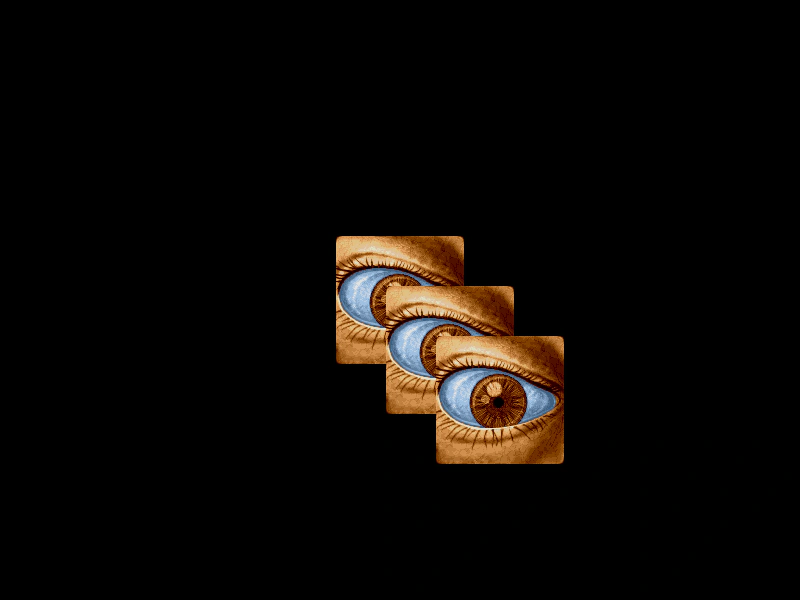
800 × 600
class Example extends Phaser.Scene
{
    preload ()
    {
        this.load.setBaseURL('https://cdn.phaserfiles.com/v410');
        this.load.image('eye', 'assets/pics/lance-overdose-loader-eye.png');
    }

    create ()
    {
        const sprite1 = this.add.sprite(400, 300, 'eye').setInteractive();
        const sprite2 = this.add.sprite(450, 350, 'eye').setInteractive();
        const sprite3 = this.add.sprite(500, 400, 'eye').setInteractive();

        //  If you disable topOnly it will fire events for all objects the pointer is over, regardless of place on the display list
        this.input.setTopOnly(false);

        //  Events

        this.input.on('gameobjectdown', (pointer, gameObject) =>
        {
            gameObject.setTint(0xff0000);
        });

        this.input.on('gameobjectup', (pointer, gameObject) =>
        {
            gameObject.clearTint();
        });
    }
}

const config = {
    scale: { mode: Phaser.Scale.FIT },
    type: Phaser.AUTO,
    parent: 'game-container',
    width: 800,
    height: 600,
    scene: Example
};

const game = new Phaser.Game(config);
More in Mouse25 examples
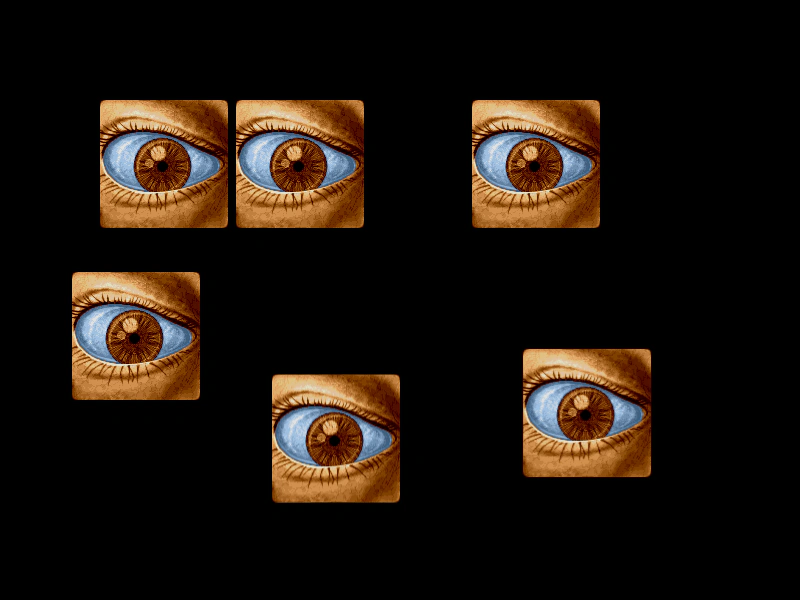 Input Interactivity with Sprite OriginsDemonstrates how setting different origin points on interactive Sprites affects their hit detection and mouse hover areas.
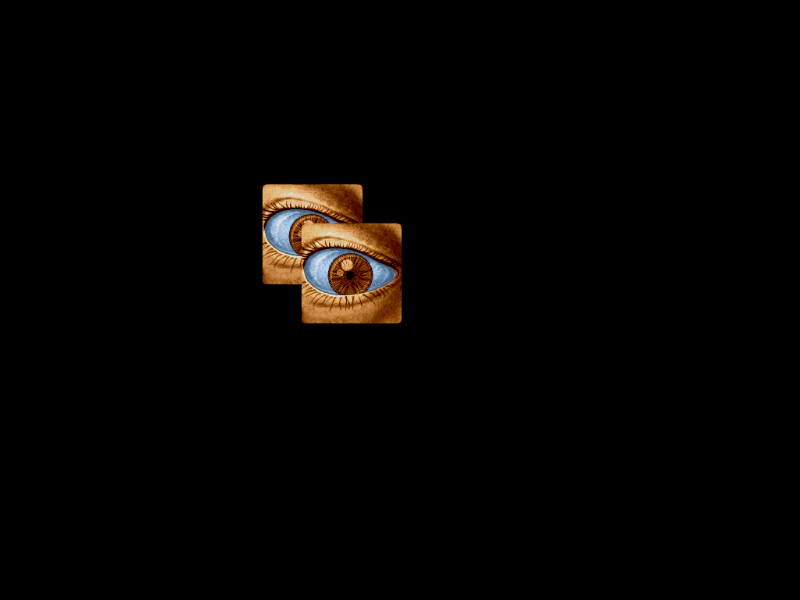 Input Top OnlyDemonstrates how to use the input topOnly property to ensure that only the top-most interactive GameObject receives input events when multiple objects overlap.
 Interactive Text Hover EffectsDemonstrates how to enable input on Text Game Objects and use the gameobjectover and gameobjectout events to apply visual tint effects when hovering.
 Mass Interactive Sprite GridA performance test featuring 10,000 interactive sprites in a grid. Demonstrates using shared hit areas for input, smoothed camera controls for navigation, and pointer events to highlight or hide objects.