Continuous Input Polling
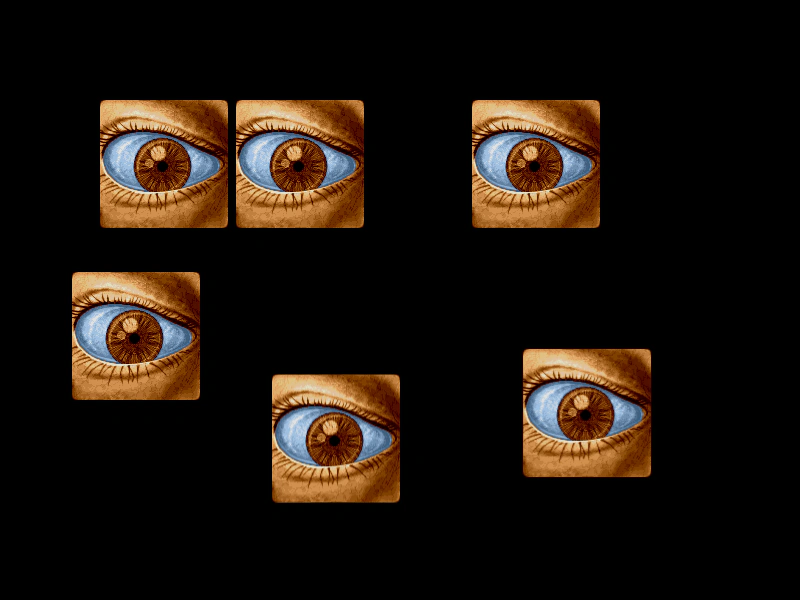
Demonstrates how to use setPollAlways to trigger interaction events, like pointer over and out, even when the mouse is stationary but the object is moving.
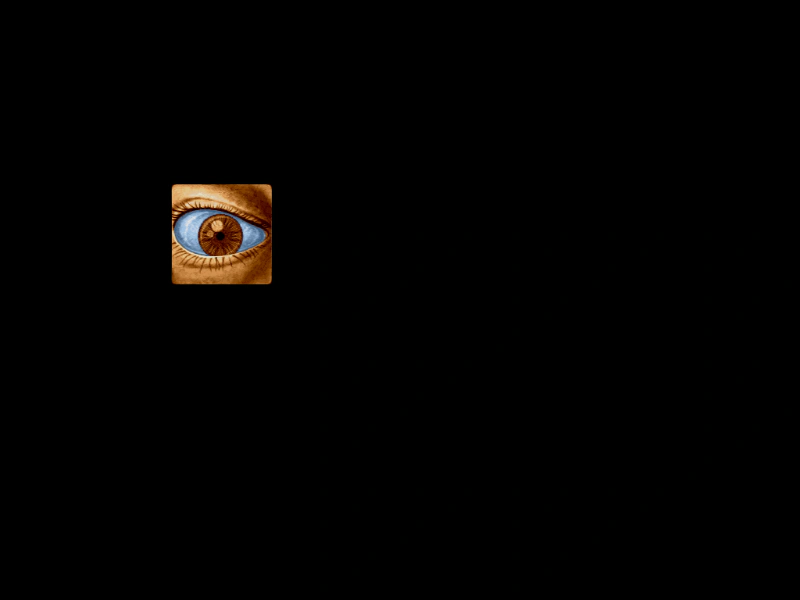
1024 × 768
class Example extends Phaser.Scene
{
    preload ()
    {
        this.load.setBaseURL('https://cdn.phaserfiles.com/v410');
        this.load.image('eye', 'assets/pics/lance-overdose-loader-eye.png');
    }

    create ()
    {
        const sprite = this.add.sprite(100, 300, 'eye').setInteractive();

        //  Enable continuous polling

        //  This will check the interactive objects even if you don't move the mouse
        //  So you can leave it in the path of the sprite and it will still fire
        //  over and out events while tweening across the screen, even if you don't
        //  move the mouse.

        this.input.setPollAlways();

        //  Events

        this.input.on('gameobjectover', (pointer, gameObject) =>
        {

            gameObject.setTint(0xff0000);

        });

        this.input.on('gameobjectout', (pointer, gameObject) =>
        {

            gameObject.clearTint();

        });

        this.input.on('pointerdown', () =>
        {
            console.log('down');
        });

        this.tweens.add({

            targets: sprite,
            x: 800,
            yoyo: true,
            repeat: -1,
            duration: 5000

        });
    }
}

const config = {
    scale: { mode: Phaser.Scale.FIT },
    type: Phaser.WEBGL,
    parent: 'game-container',
    scene: Example
};

const game = new Phaser.Game(config);
More in Mouse25 examples
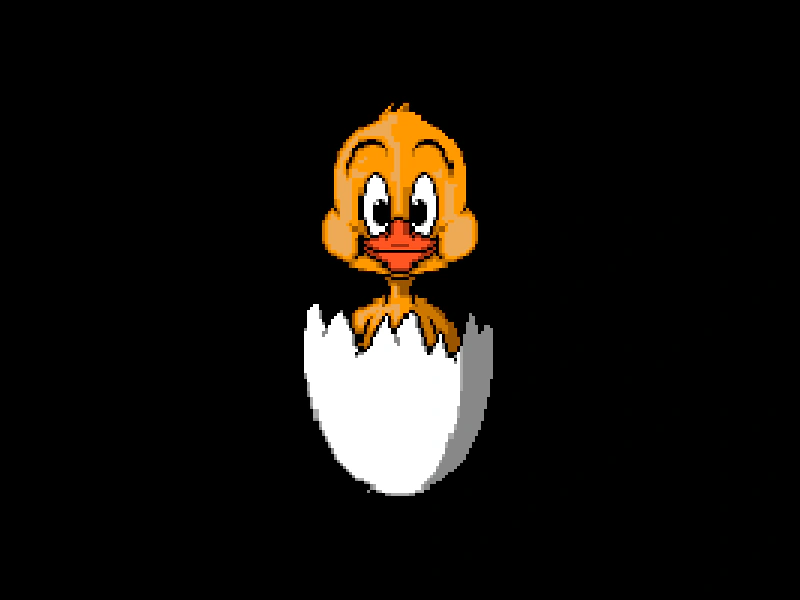 Ellipse Hit AreaDemonstrates how to define a custom elliptical hit area for a sprite using a geometric shape and a contains check for pointer interaction.
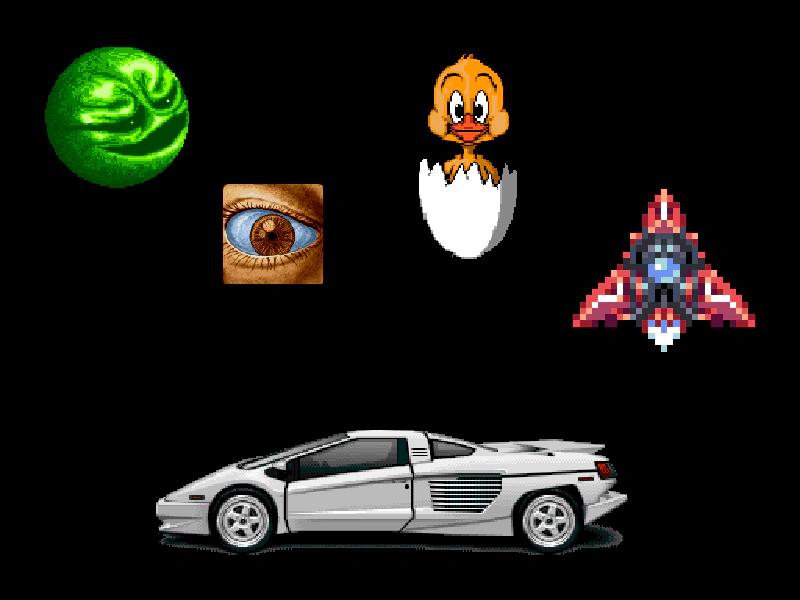 Geometric Shape Hit AreasDemonstrates how to define custom interactive hit areas for sprites using geometric shapes including Polygons, Circles, Ellipses, Rectangles, and Triangles.
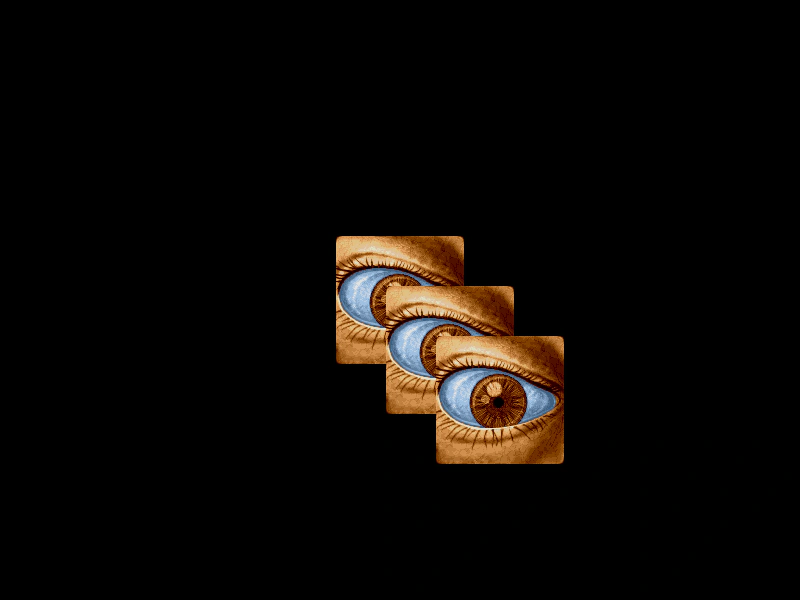 Handle Multiple Overlapping Input EventsDemonstrates how to disable 'topOnly' input processing, allowing pointer events to trigger on all overlapping interactive objects simultaneously instead of just the top-most one.
 Input Interactivity with Sprite OriginsDemonstrates how setting different origin points on interactive Sprites affects their hit detection and mouse hover areas.