Phaser 4 examples
Lights
- 20 examples
Examples 20
 Animated Sprite Sheet with LightingDemonstrates how to apply 2D lighting to animated spritesheets by loading and using normal maps for sprite frames.
 Bitmap Text with LightingDemonstrates how to apply dynamic 2D lighting to Bitmap Text using normal maps, allowing text to react to moving light sources and color changes.
 Blitter LightingDemonstrates how to apply the 2D lighting system to a Blitter object using normal maps and a dynamic point light that follows the cursor.
 Changing Maximum LightsLearn how to configure the maximum number of concurrent lights available in a scene using the maxLights property in the Game Config object.
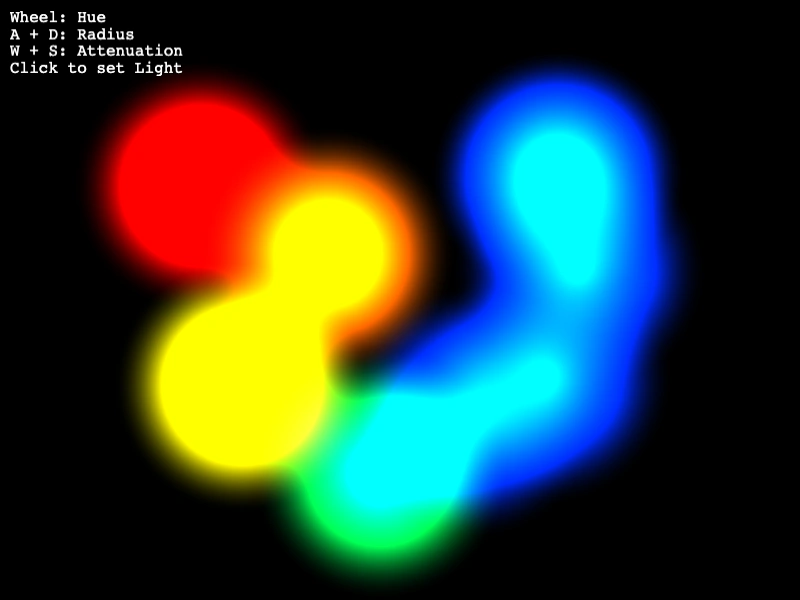 Create Point LightDemonstrates how to add and interactively modify 2D point lights by adjusting properties such as color, radius, and attenuation.
 Drawing with Point LightsDemonstrates how to add and manipulate point lights dynamically. Move the pointer to reposition a light, and click to spawn new lights with colors pulled from a spectrum.
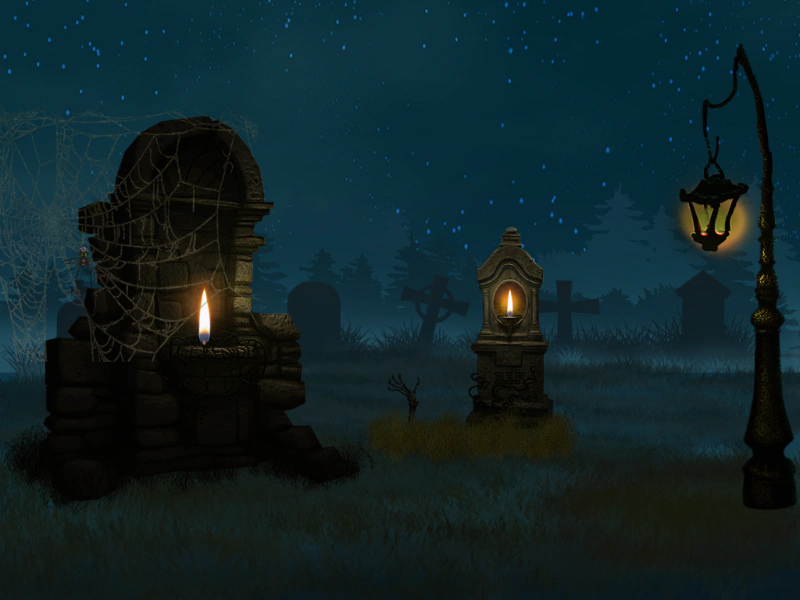 Graveyard Lighting with Normal MapsDemonstrates the 2D lighting system using normal maps for depth effects. It features multiple point lights, moving lights via tweens, and a flickering candle effect achieved by randomizing light positions within an ellipse.
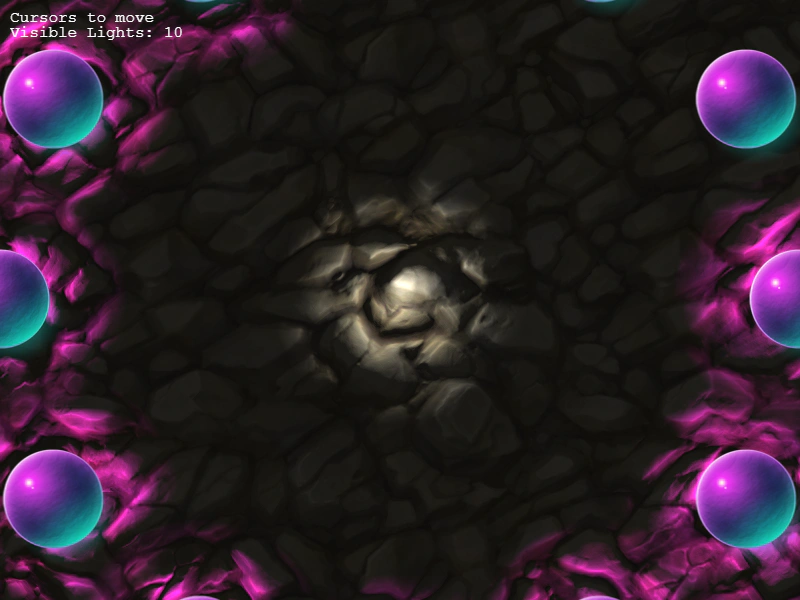 Light CullingDemonstrates how the light system automatically culls lights that fall outside the camera's viewport to optimize performance.
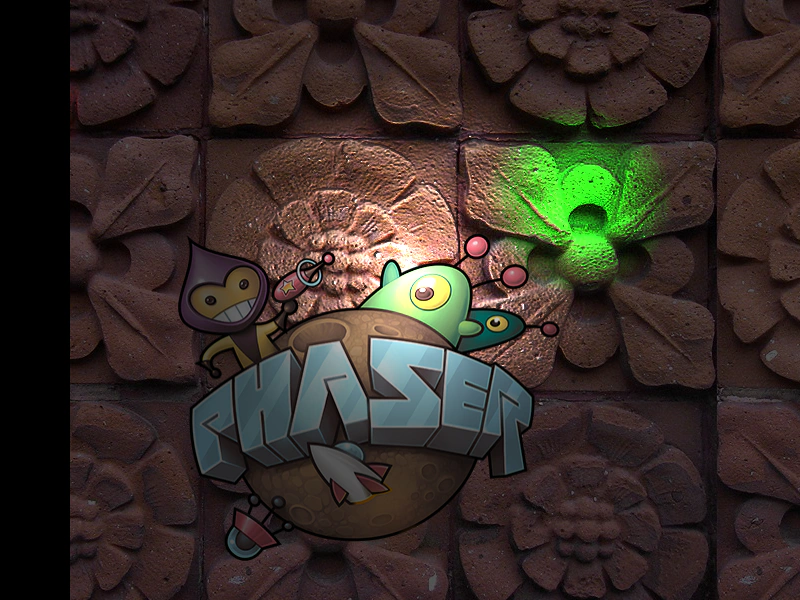 Light Follow PointerAn example of Phaser's 2D lighting system using normal maps. It features a light source that follows the mouse pointer, multiple moving colored lights, and a toggle to enable or disable lighting effects.
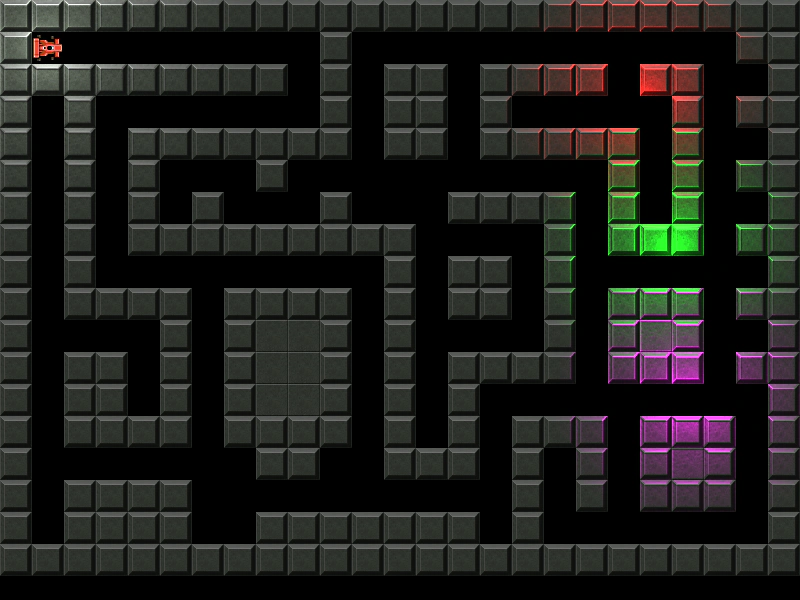 Lighting on Tilemap LayerDemonstrates how to apply dynamic 2D lighting and normal maps to a tilemap layer, including a player-attached light source and moving colored lights.
 Lights and Scene SwitchingDemonstrates switching between different scenes while using the 2D lighting system, showing how light sources and lighting states are specific to each scene.
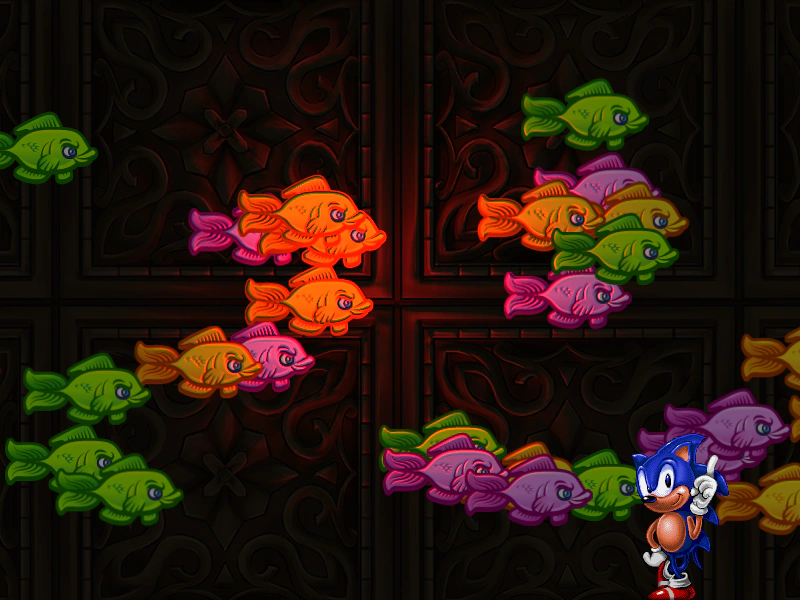 Particle Emitter LightingDemonstrates how to apply 2D lighting and normal maps to a Particle Emitter, allowing emitted particles to react to dynamic light sources.
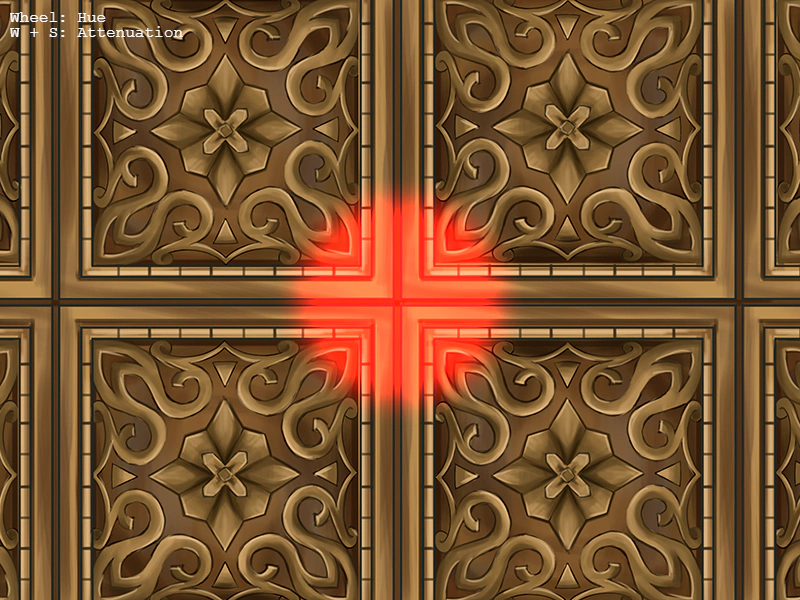 Point Light with Camera ZoomDemonstrates how to maintain a consistent Point Light visual size during camera zooming and movement, featuring interactive color cycling, attenuation controls, and pointer tracking.
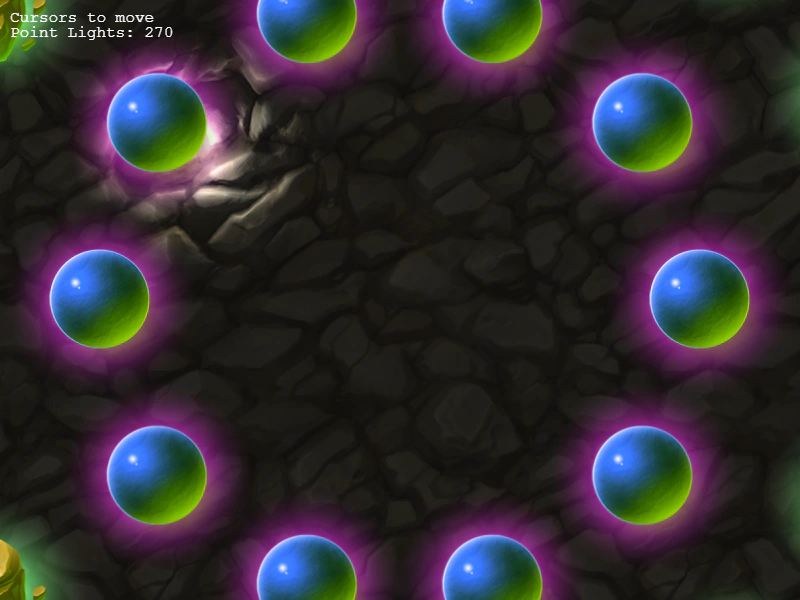 Point Lights and Normal MapsDemonstrates the dynamic lighting system using normal-mapped textures, interactive spotlights, camera zooming, and multiple Point Light game objects.
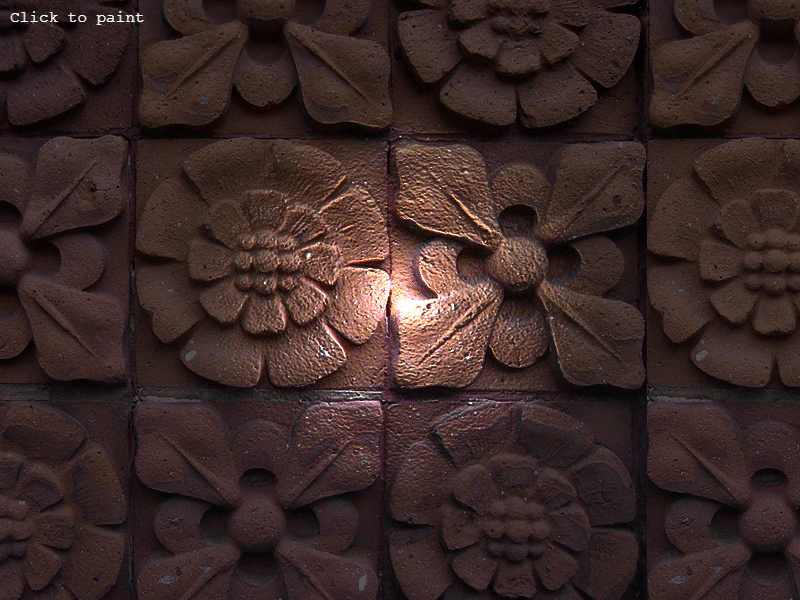 Render Texture LightingDemonstrates how to enable the 2D lighting system on a RenderTexture, allowing drawn textures to react to scene lights using normal maps.
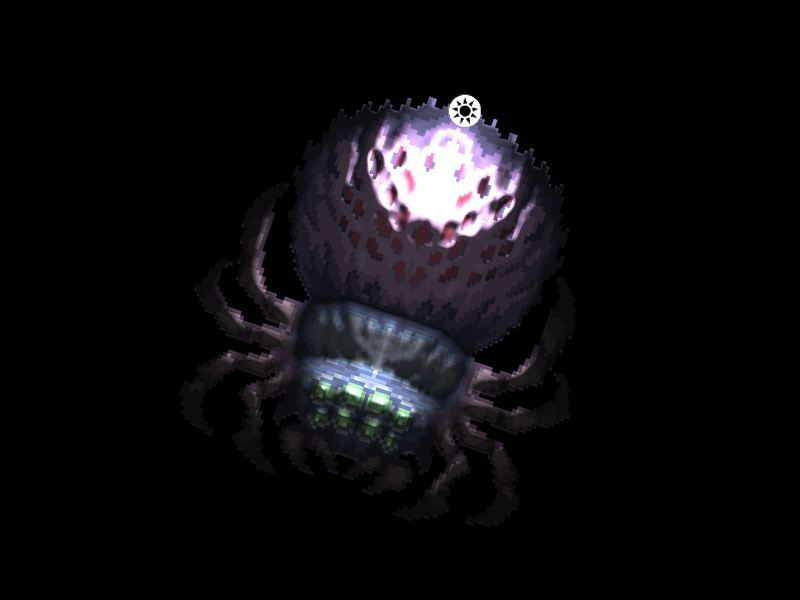 Rotated Sprite with 2D LightingDemonstrates how a sprite using a normal map correctly reacts to 2D lights while it is rotating.
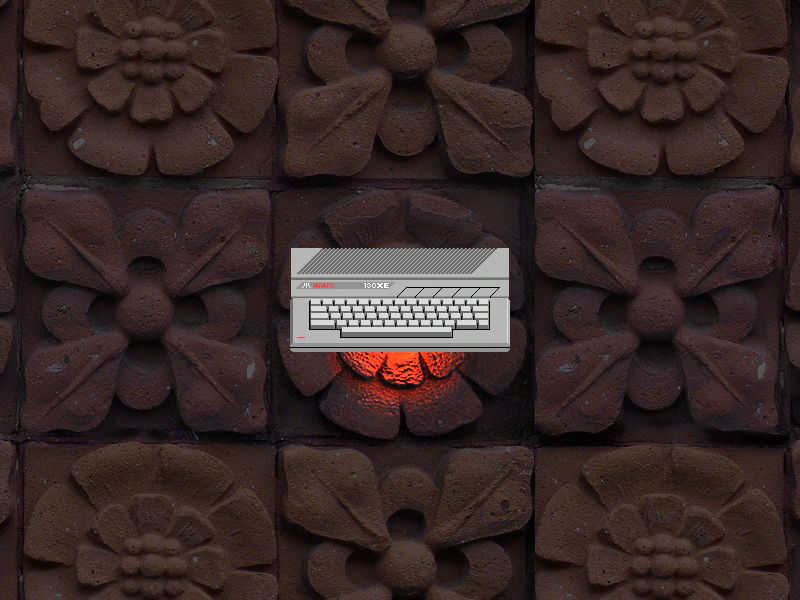 Single Point LightDemonstrates how to enable the 2D lighting system, use a normal-mapped texture, and add an animated point light to a scene.
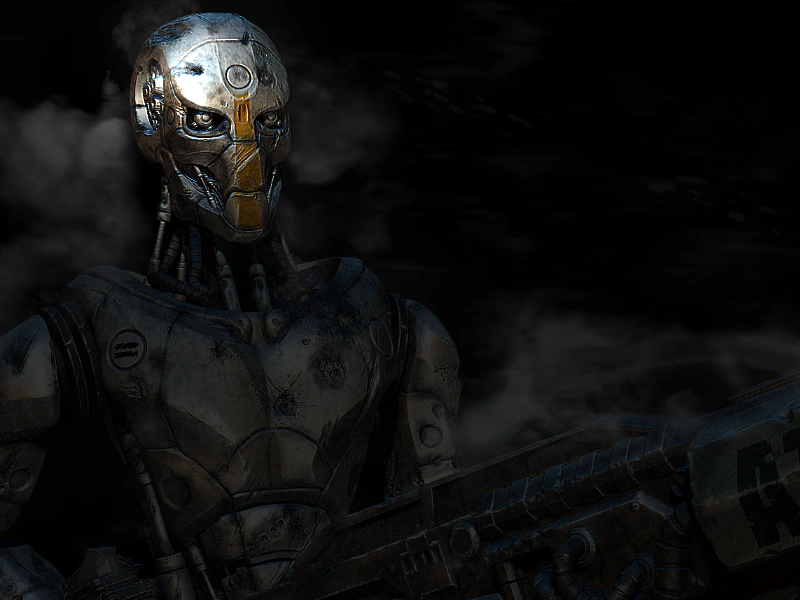 SpotlightLearn how to use Phaser's 2D lighting system to create a spotlight effect that follows the pointer. This example demonstrates setting ambient light levels and applying dynamic lighting to a sprite using a normal map.
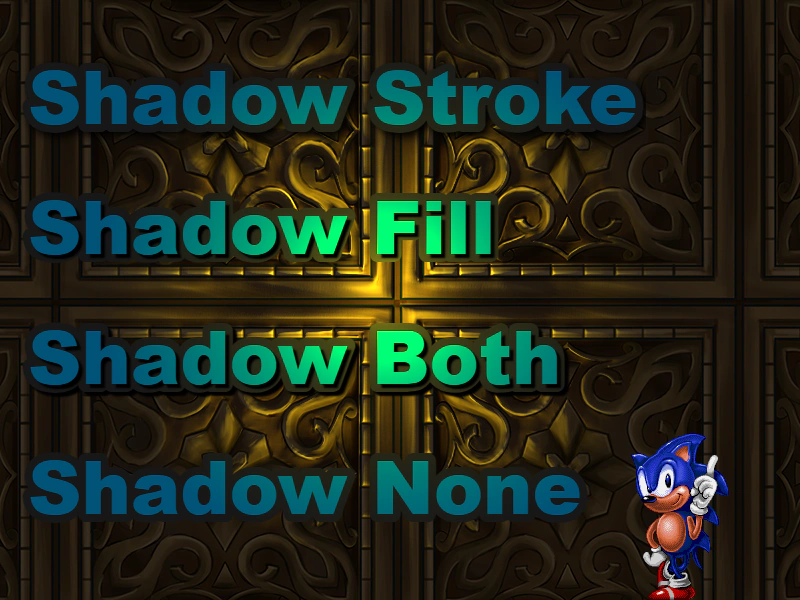 Text LightingApply the 2D light system to Text objects. This example demonstrates how lighting interacts with various text shadow and stroke configurations using a movable, color-changing light source.
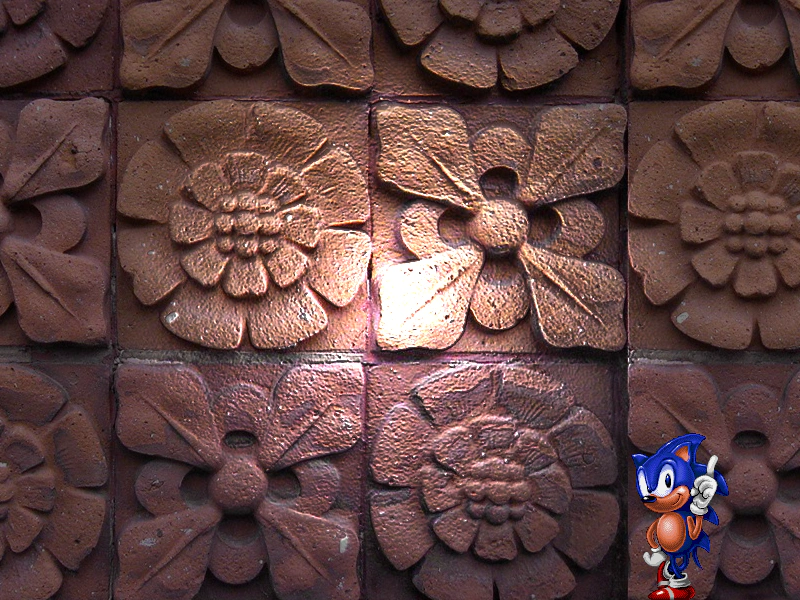 TileSprite with 2D LightingDemonstrates how to apply the 2D lighting system to a scrolling TileSprite using normal maps. Includes a mouse-controlled light source with adjustable colors.