Bitmap Text with Lighting
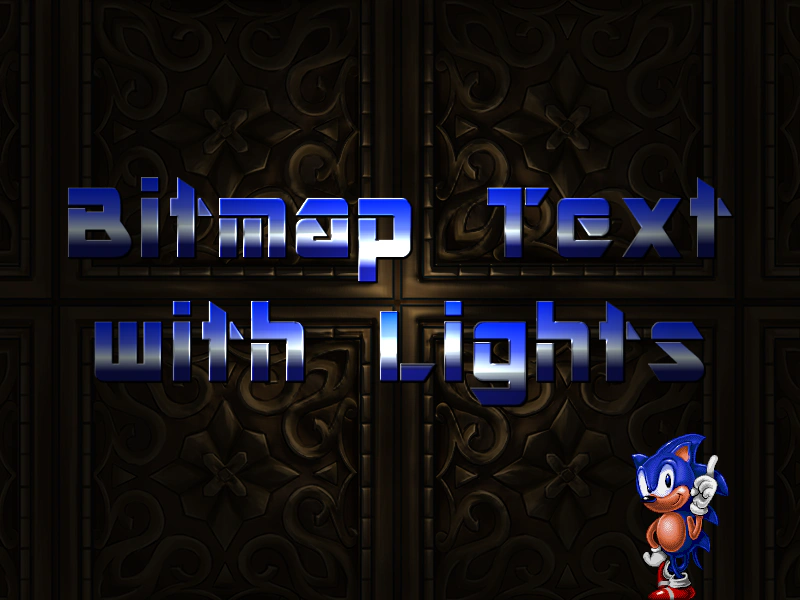
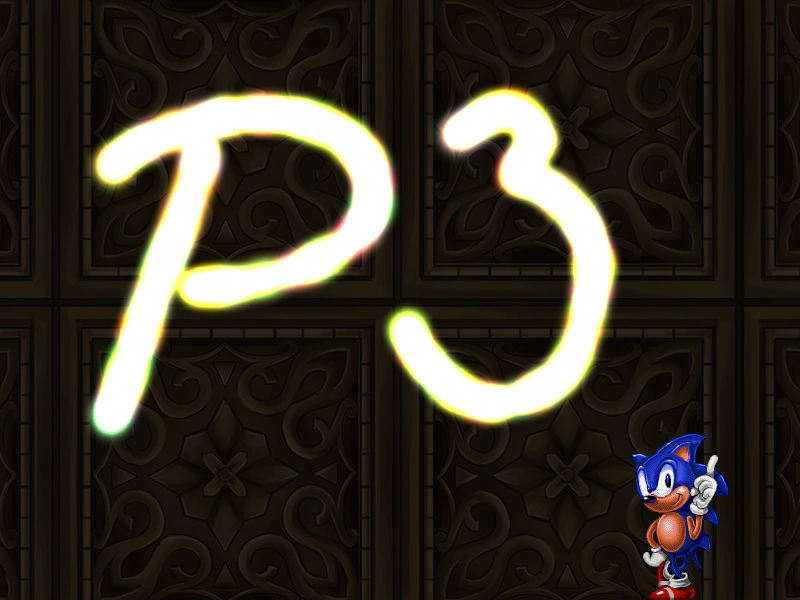
Demonstrates how to apply dynamic 2D lighting to Bitmap Text using normal maps, allowing text to react to moving light sources and color changes.
800 × 600
class Example extends Phaser.Scene
{
    preload ()
    {
        this.load.setBaseURL('https://cdn.phaserfiles.com/v410');
        this.load.image('sonic', 'assets/sprites/sonic_havok_sanity.png');
        this.load.image('bg', [ 'assets/textures/gold.png', 'assets/textures/gold-n.png' ]);
        this.load.bitmapFont('ice', [ 'assets/fonts/bitmap/iceicebaby.png', 'assets/fonts/bitmap/iceicebaby_n.png' ], 'assets/fonts/bitmap/iceicebaby.xml');
    }

    create ()
    {
        this.add.sprite(400, 300, 'bg')
        .setLighting(true)
        .setAlpha(0.2);

        this.add.sprite(680, 600, 'sonic').setOrigin(0.5, 1);

        this.add.bitmapText(400, 300, 'ice', 'Bitmap Text\nwith Lights', 110)
        .setCenterAlign()
        .setOrigin(0.5)
        .setLighting(true);

        this.lights.enable();
        this.lights.setAmbientColor(0x808080);

        const spotlight = this.lights.addLight(400, 300, 280).setIntensity(3);

        this.input.on('pointermove', pointer =>
        {

            spotlight.x = pointer.x;
            spotlight.y = pointer.y;

        });

        const colors = [
            0xffffff, 0xff0000, 0x00ff00, 0x00ffff, 0xff00ff, 0xffff00
        ];

        let currentColor = 0;

        this.input.on('pointerdown', pointer =>
        {

            currentColor++;

            if (currentColor === colors.length)
            {
                currentColor = 0;
            }

            spotlight.setColor(colors[currentColor]);

        });
    }
}

const config = {
    scale: { mode: Phaser.Scale.FIT },
    type: Phaser.WEBGL,
    parent: 'game-container',
    width: 800,
    height: 600,
    scene: Example
};


const game = new Phaser.Game(config);
More in Lights20 examples
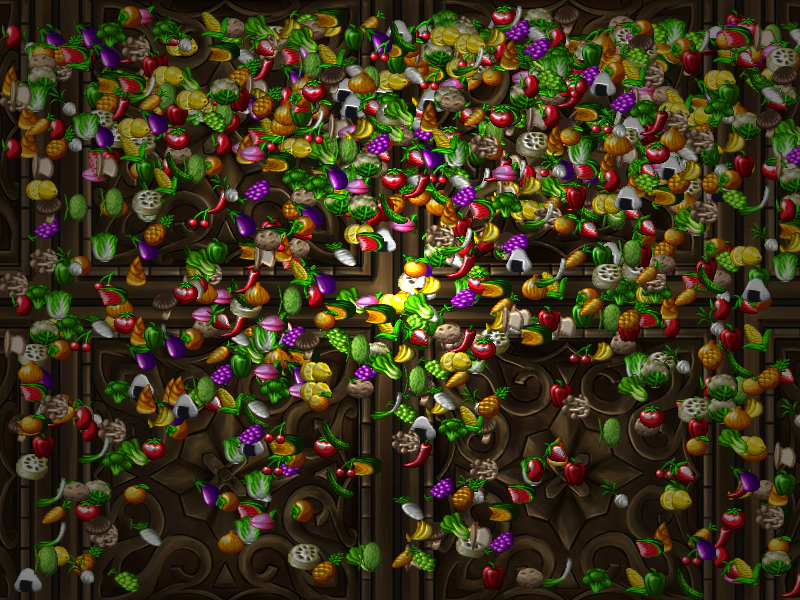 Blitter LightingDemonstrates how to apply the 2D lighting system to a Blitter object using normal maps and a dynamic point light that follows the cursor.
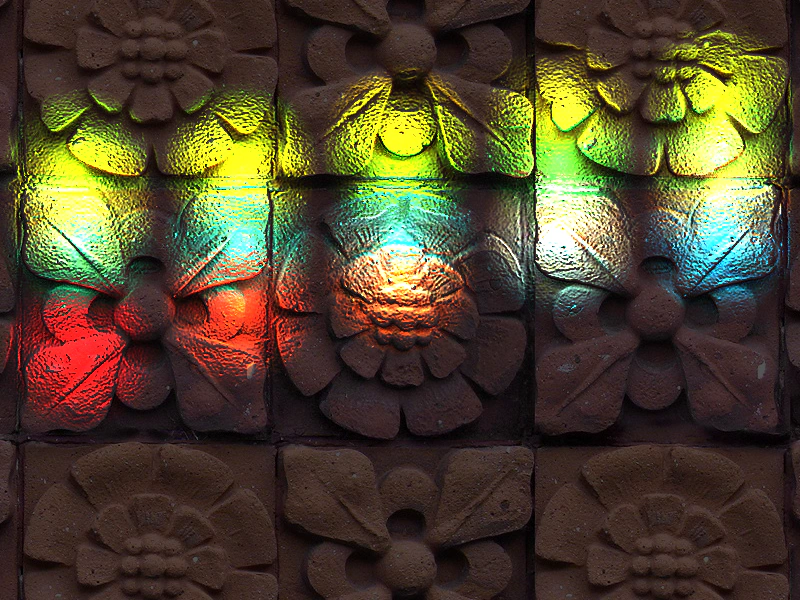 Changing Maximum LightsLearn how to configure the maximum number of concurrent lights available in a scene using the maxLights property in the Game Config object.
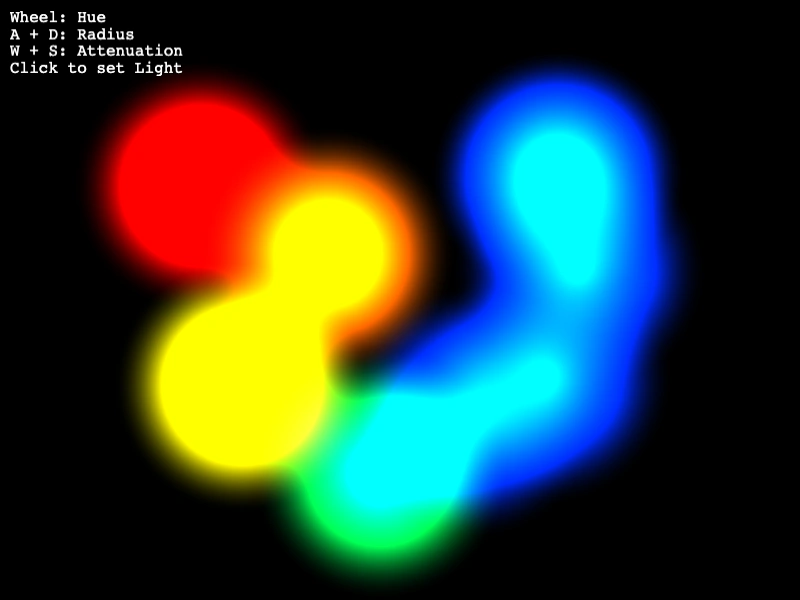 Create Point LightDemonstrates how to add and interactively modify 2D point lights by adjusting properties such as color, radius, and attenuation.
 Drawing with Point LightsDemonstrates how to add and manipulate point lights dynamically. Move the pointer to reposition a light, and click to spawn new lights with colors pulled from a spectrum.