Spotlight
Learn how to use Phaser's 2D lighting system to create a spotlight effect that follows the pointer. This example demonstrates setting ambient light levels and applying dynamic lighting to a sprite using a normal map.
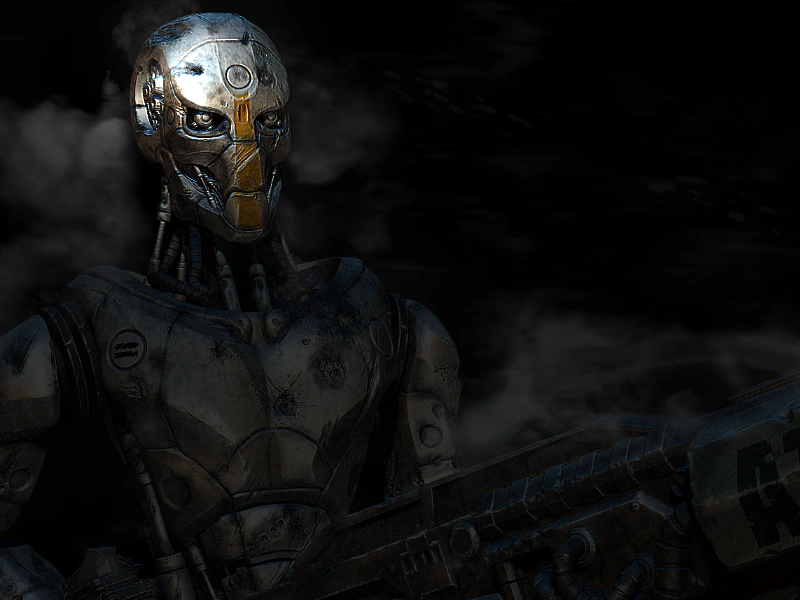
800 × 600
class Example extends Phaser.Scene
{
    preload ()
    {
        this.load.setBaseURL('https://cdn.phaserfiles.com/v410');
        this.load.image('robot', [ 'assets/pics/equality-by-ragnarok.png', 'assets/normal-maps/equality-by-ragnarok_n.png' ]);
        this.load.image('atari', 'assets/sprites/atari400.png');
    }

    create ()
    {
        //  Enable lights and set a dark ambient color
        this.lights.enable().setAmbientColor(0x333333);

        //  Add an image and set it to use Lights2D
        const robot = this.add.image(-100, 0, 'robot').setOrigin(0).setScale(0.7);

        robot.setLighting(true);

        //  Our spotlight. 100px radius and white in color.
        const light = this.lights.addLight(180, 80, 200).setColor(0xffffff).setIntensity(2);

        //  Track the pointer
        this.input.on('pointermove', pointer =>
        {

            light.x = pointer.x;
            light.y = pointer.y;

        });
    }
}

const config = {
    scale: { mode: Phaser.Scale.FIT },
    type: Phaser.WEBGL,
    width: 800,
    height: 600,
    parent: 'game-container',
    scene: Example
};

const game = new Phaser.Game(config);
More in Lights20 examples
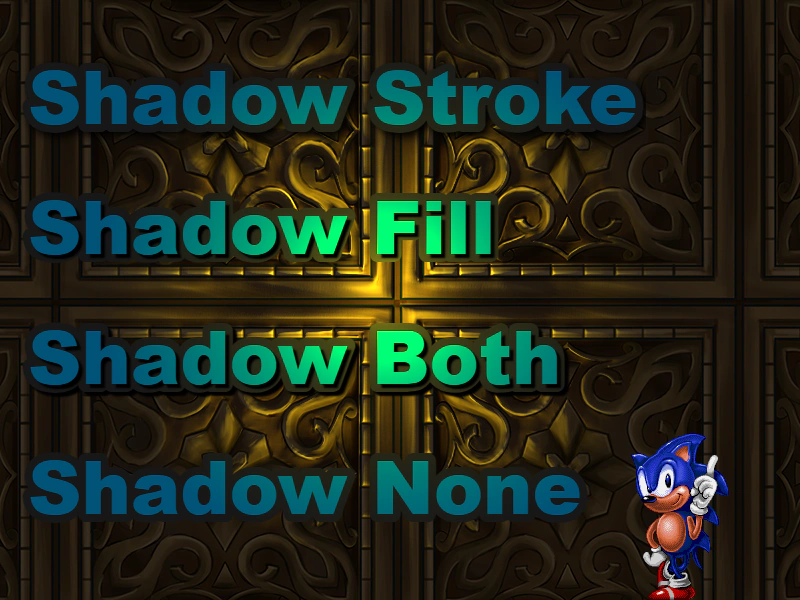 Text LightingApply the 2D light system to Text objects. This example demonstrates how lighting interacts with various text shadow and stroke configurations using a movable, color-changing light source.
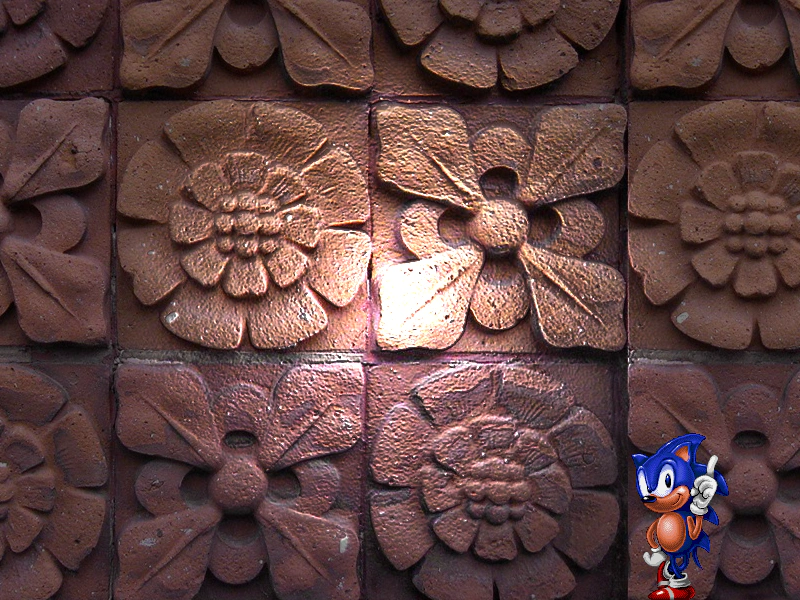 TileSprite with 2D LightingDemonstrates how to apply the 2D lighting system to a scrolling TileSprite using normal maps. Includes a mouse-controlled light source with adjustable colors.
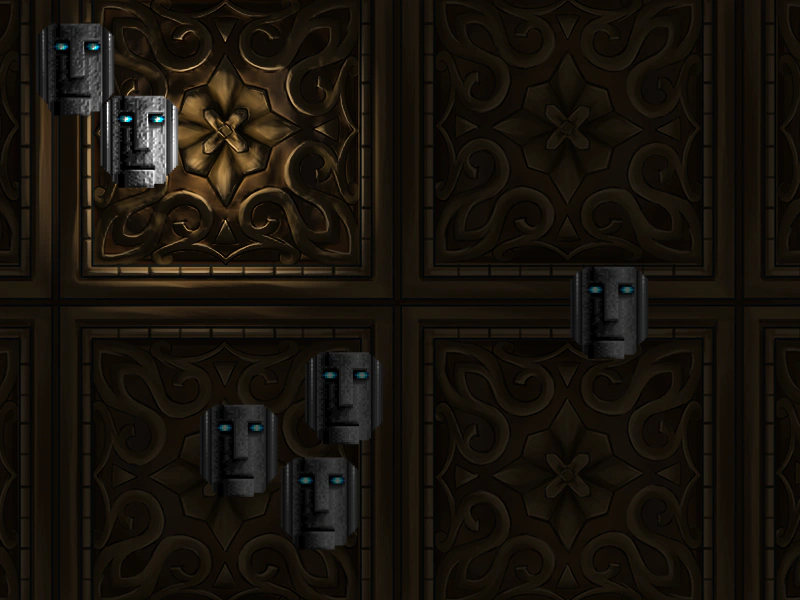 Animated Sprite Sheet with LightingDemonstrates how to apply 2D lighting to animated spritesheets by loading and using normal maps for sprite frames.
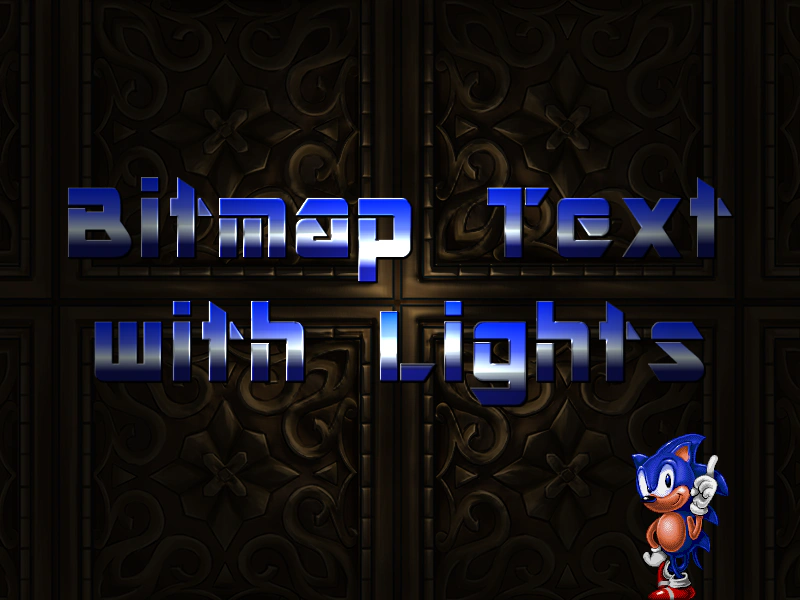 Bitmap Text with LightingDemonstrates how to apply dynamic 2D lighting to Bitmap Text using normal maps, allowing text to react to moving light sources and color changes.