Render Texture Lighting
Demonstrates how to enable the 2D lighting system on a RenderTexture, allowing drawn textures to react to scene lights using normal maps.
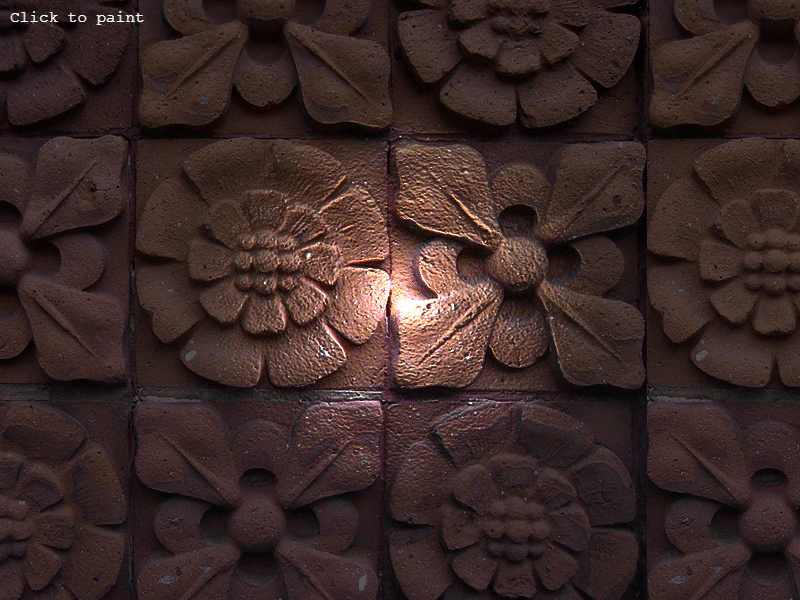
800 × 600
class Example extends Phaser.Scene
{
    preload ()
    {
        this.load.setBaseURL('https://cdn.phaserfiles.com/v410');
        this.load.image('brick', [ 'assets/normal-maps/brick.jpg', 'assets/normal-maps/brick_n.png' ]);
        this.load.image('brush', [ 'assets/tests/lights/skull.png', 'assets/tests/lights/skull-n.png' ]);
    }

    create ()
    {
        const brick = this.add.sprite(0, 0, 'brick');
        brick.setOrigin(0.0);
        brick.setLighting(true);

        const rt = this.add.renderTexture(0, 0, 800, 600).setLighting(true).setOrigin(0, 0);

        const brush = this.textures.getFrame('brush');

        const light = this.lights.addLight(400, 300, 200).setIntensity(2);

        this.lights.enable().setAmbientColor(0x555555);

        this.input.on('pointermove', pointer =>
        {

            light.x = pointer.x;
            light.y = pointer.y;

        });

        this.input.on('pointerdown', pointer =>
        {

            rt.draw(brush, pointer.x - 60, pointer.y - 80).render();

        });

        this.add.text(10, 10, 'Click to paint');
    }
}

const config = {
    scale: { mode: Phaser.Scale.FIT },
    type: Phaser.WEBGL,
    parent: 'game-container',
    width: 800,
    height: 600,
    scene: Example
};


const game = new Phaser.Game(config);
More in Lights20 examples
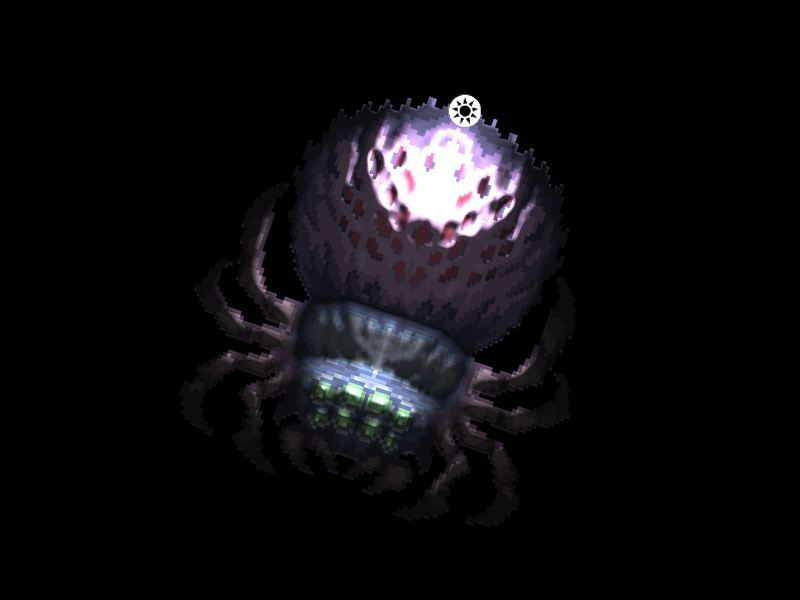 Rotated Sprite with 2D LightingDemonstrates how a sprite using a normal map correctly reacts to 2D lights while it is rotating.
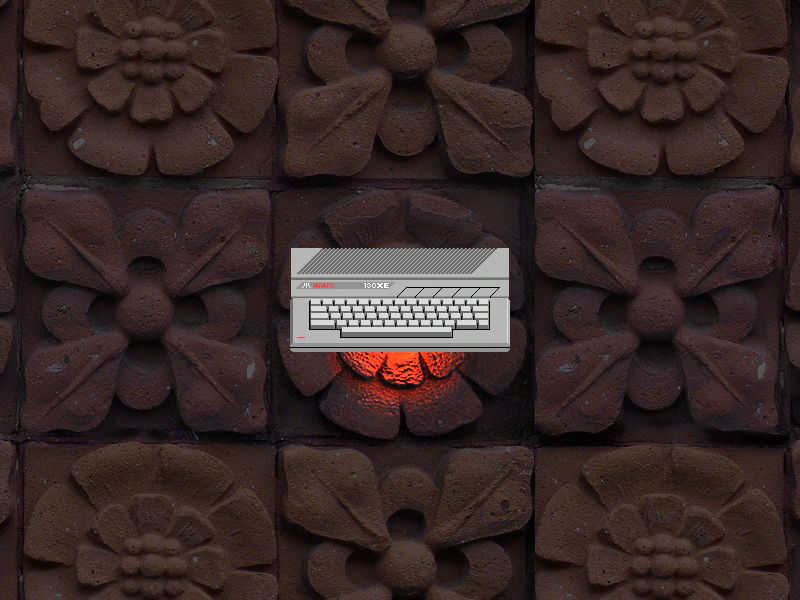 Single Point LightDemonstrates how to enable the 2D lighting system, use a normal-mapped texture, and add an animated point light to a scene.
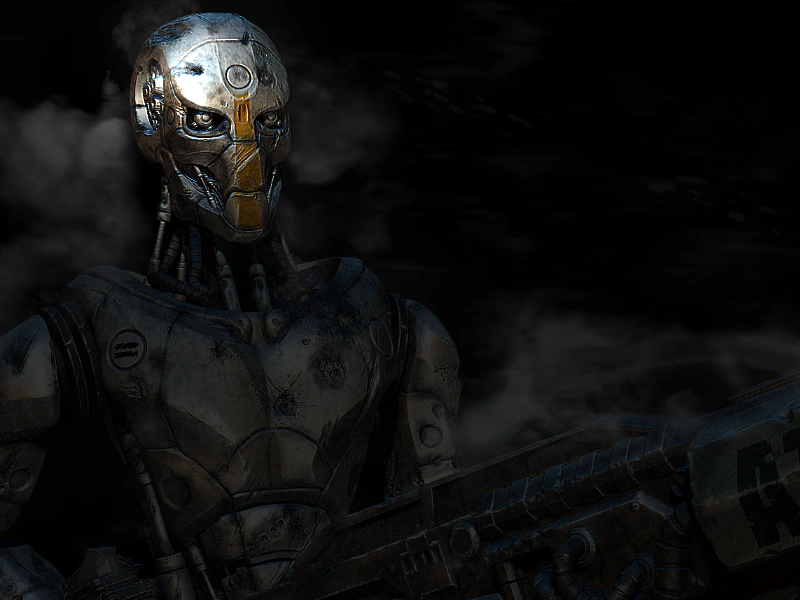 SpotlightLearn how to use Phaser's 2D lighting system to create a spotlight effect that follows the pointer. This example demonstrates setting ambient light levels and applying dynamic lighting to a sprite using a normal map.
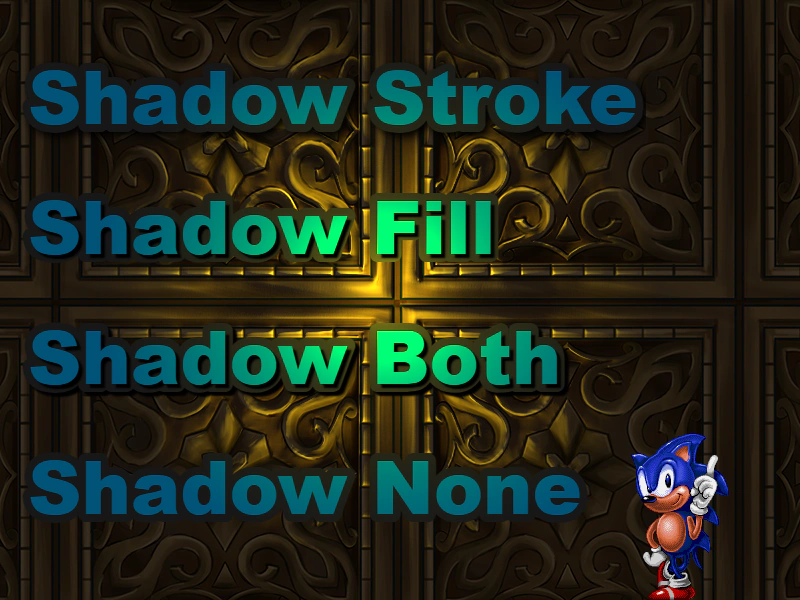 Text LightingApply the 2D light system to Text objects. This example demonstrates how lighting interacts with various text shadow and stroke configurations using a movable, color-changing light source.