Phaser 4 examples
Size
- 9 examples
Examples 9
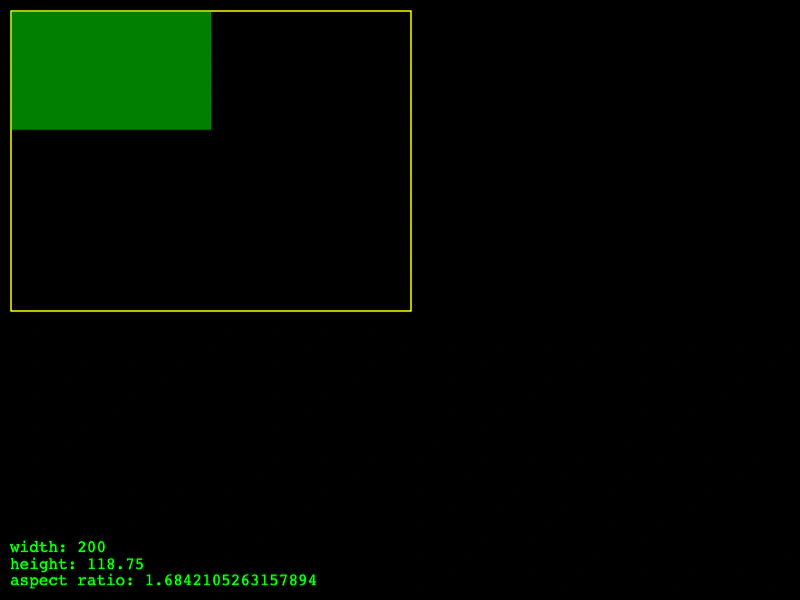 Aspect Mode FitDemonstrates using the FIT aspect mode in the Size component to scale a rectangle within a parent's bounds while preserving its aspect ratio.
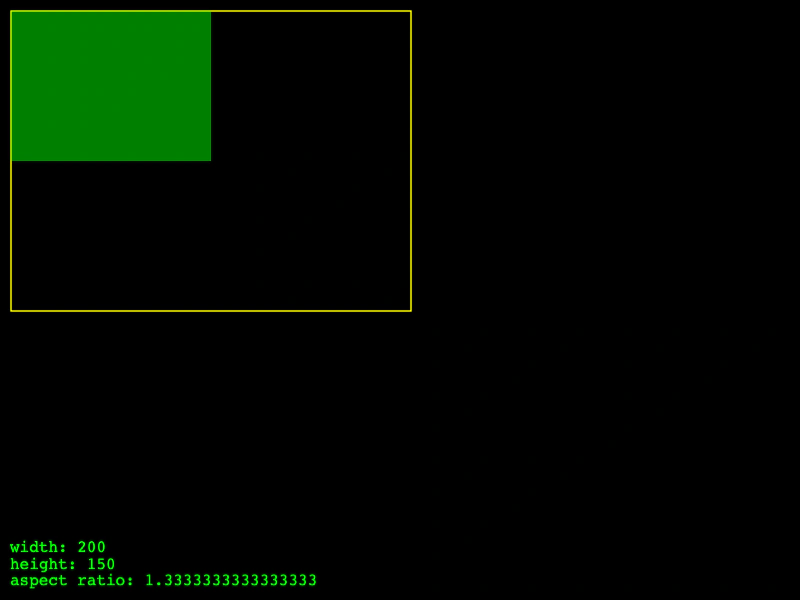 Aspect Mode NoneDemonstrates using Phaser.Structs.Size with the NONE aspect mode, allowing dimensions to be set independently without preserving an aspect ratio.
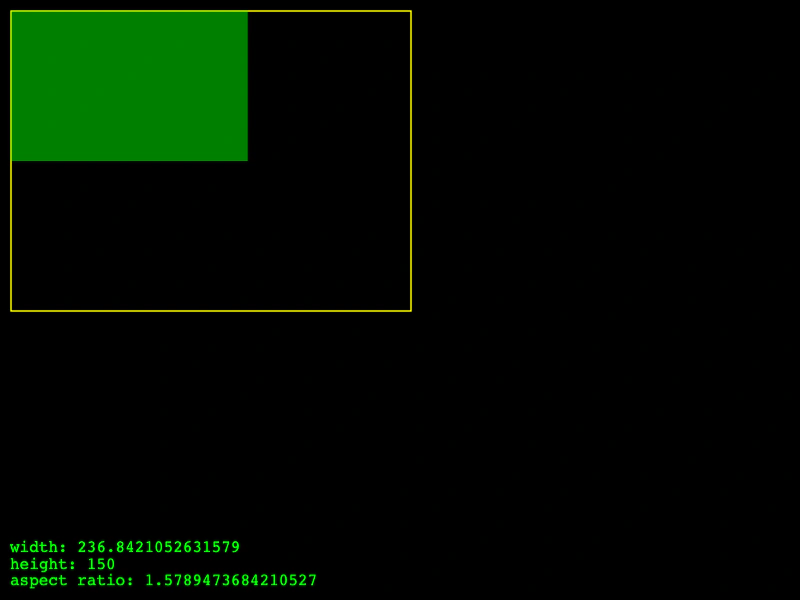 Aspect Mode: EnvelopDemonstrates the Envelop aspect mode in Phaser.Structs.Size, which scales a size to be as small as possible while still fully covering a parent area and maintaining its aspect ratio.
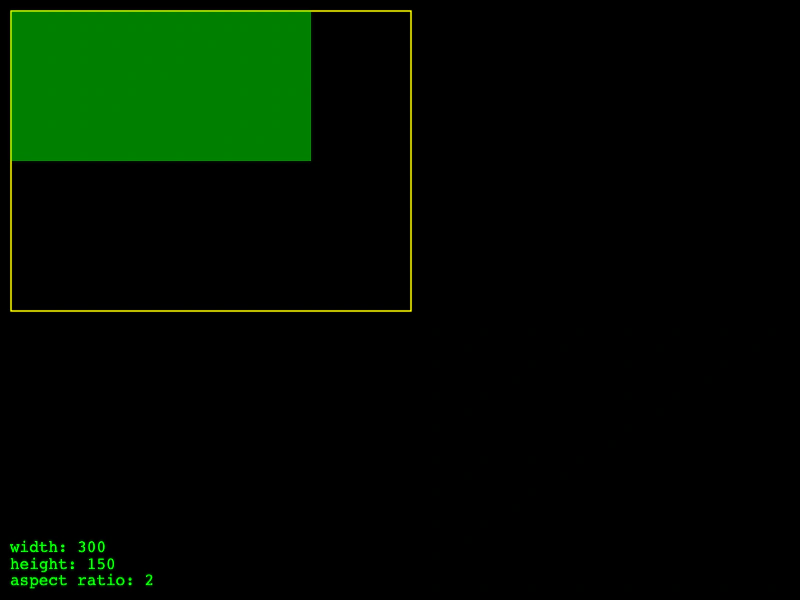 Aspect Mode: Height Controls WidthDemonstrates the Size component using the HEIGHT_CONTROLS_WIDTH aspect mode, where the width is automatically adjusted to maintain aspect ratio based on changes to the height.
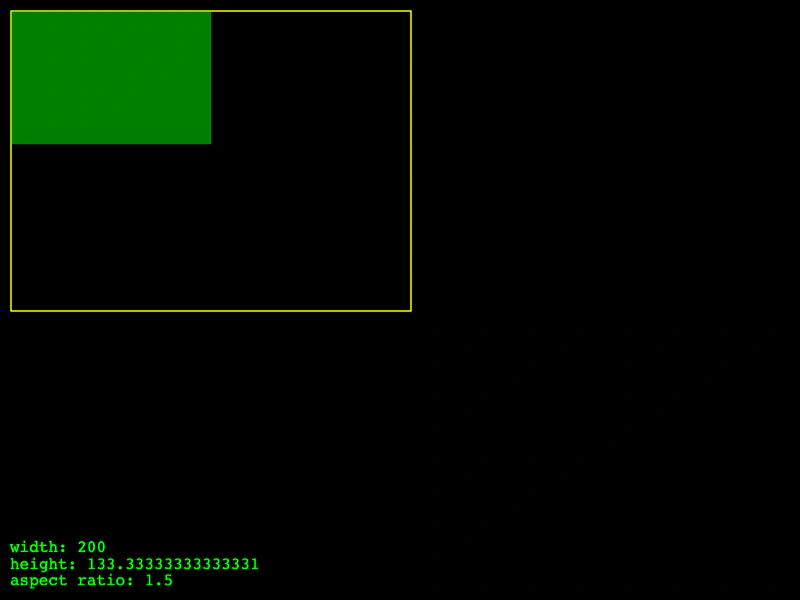 Aspect Mode: Width Controls HeightDemonstrates using the Size structure aspect mode where the height is automatically calculated based on the width to maintain the aspect ratio.
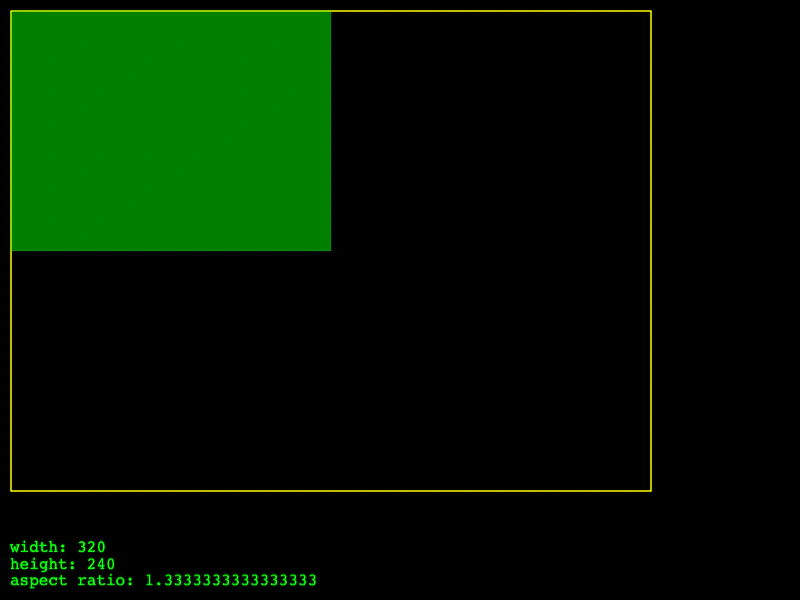 Min SizeDemonstrates how to use setMin on a Size object to enforce a minimum width and height when resizing.
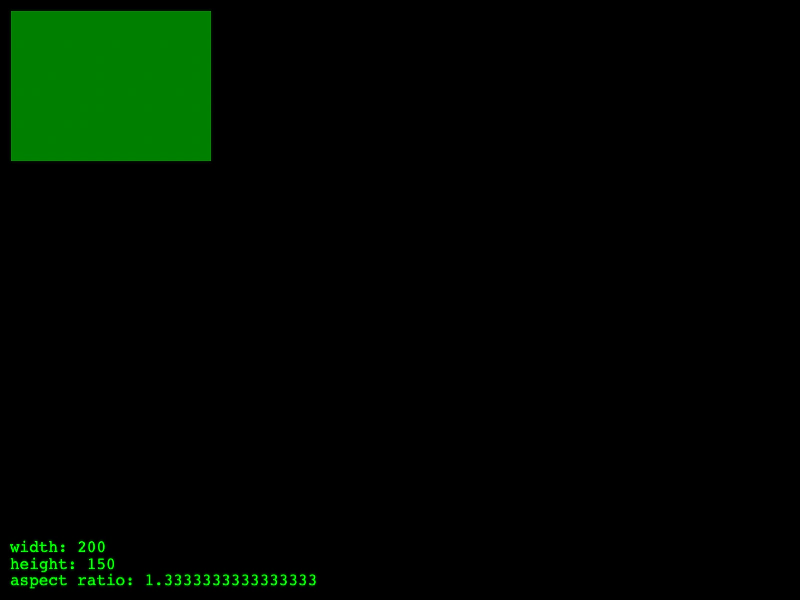 Size Object Maximum ConstraintsThis example demonstrates how to use the setMax method on a Size object to enforce maximum width and height limits.
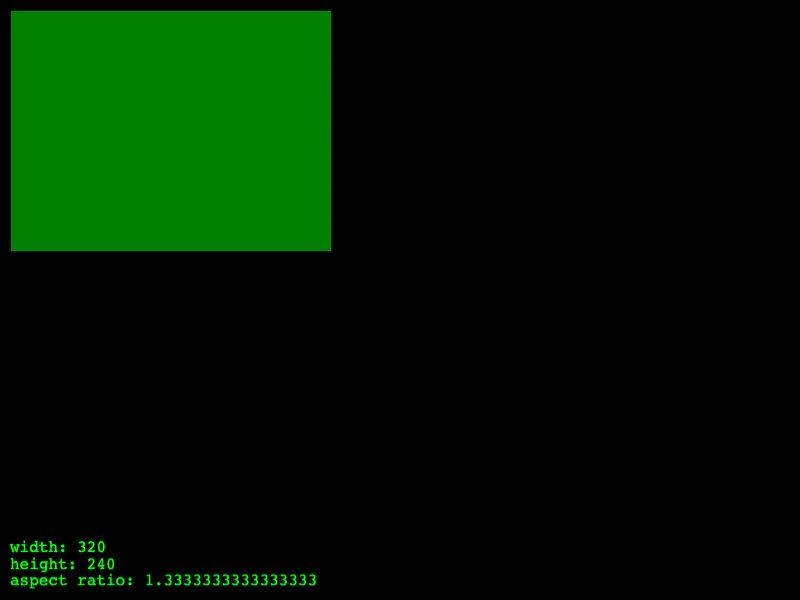 Size Object Min and Max ConstraintsDemonstrates how to use the Size structure to manage dimensions while enforcing minimum and maximum width and height limits.
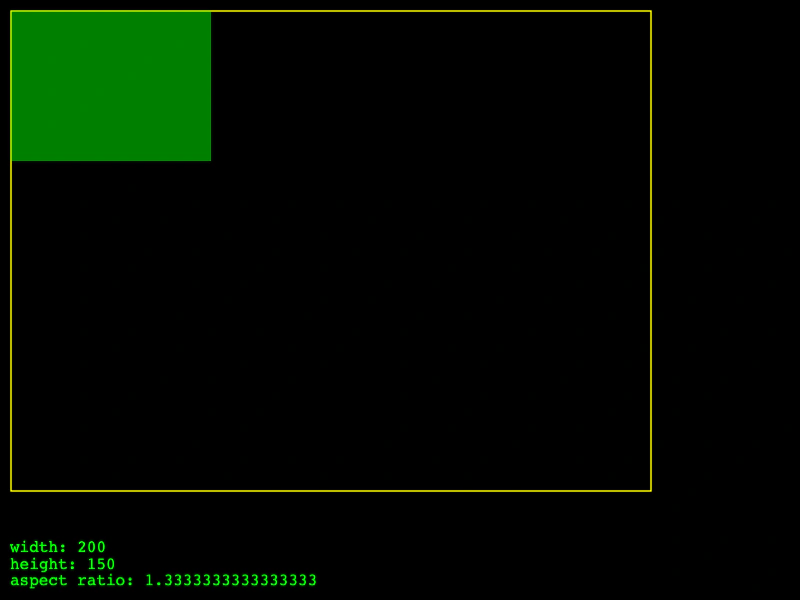 Snap Child SizeDemonstrates how to use the snap property on a Size object to force dimensions to align with a specific grid increment during resizing.